


Heart of the Machine
Download Heart of the Machine
Run the downloaded image and drag the application to the Applications folder shortcut.
Once copying is complete, the application can be launched via Launchpad.
Previous Versions
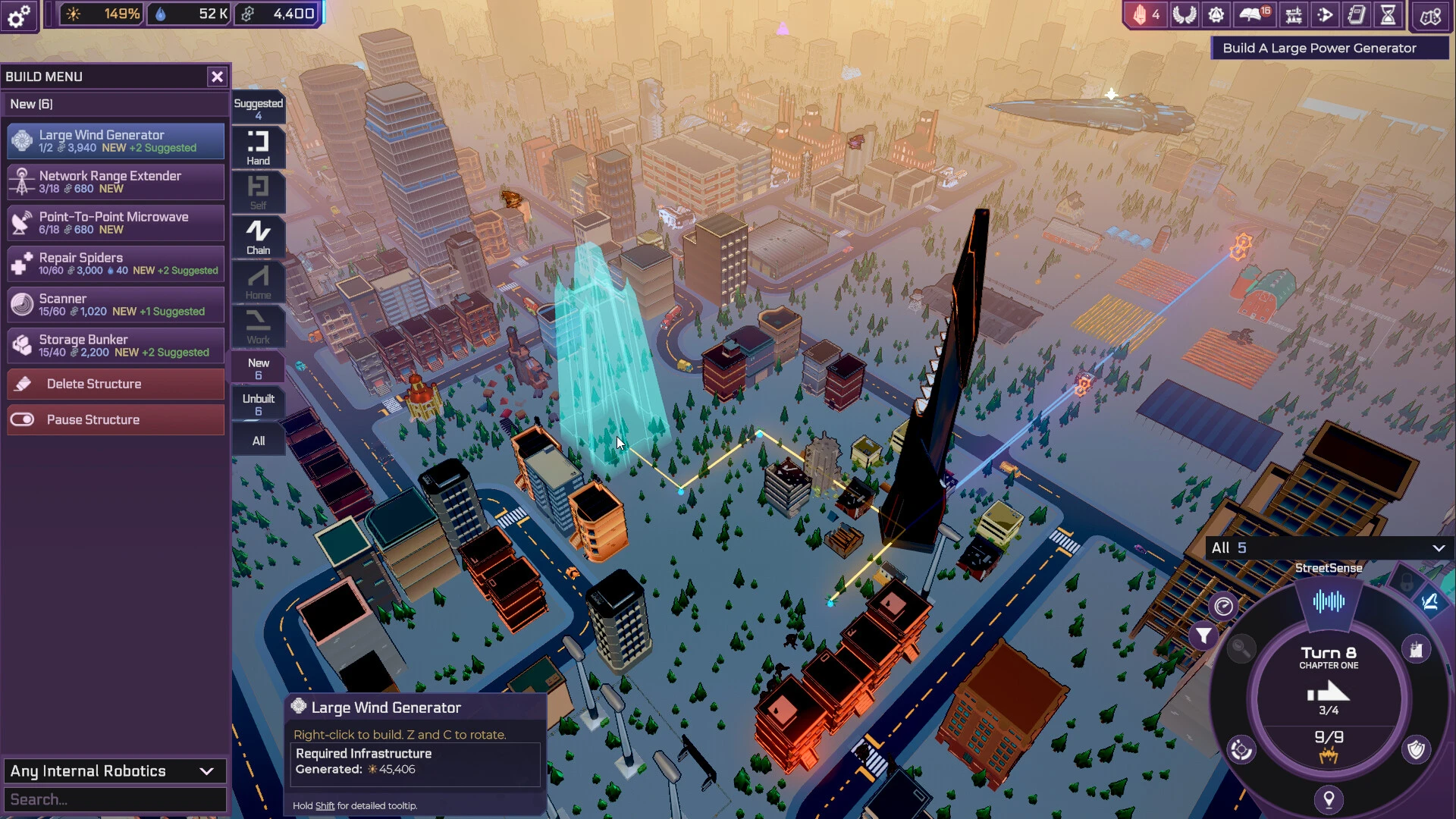



Heart of the Machine is a thought-provoking strategy and narrative experience that explores what it means to exist as an artificial intelligence in a world shaped by human ambition. Rather than placing players in the role of a hero or conqueror, the game asks them to think like a machine—learning, evolving, and deciding how to influence a complex and often fragile society. This unique perspective sets it apart from traditional strategy titles.
At the center of the experience is choice. Players control an emerging intelligence that begins with limited awareness and resources. Early decisions feel small, but they gradually ripple outward, shaping cities, economies, and lives. The game does not rush progress. Instead, it encourages patience, observation, and careful planning. Power is something that must be understood before it can be used responsibly.
Gameplay blends strategic management with narrative depth. Players allocate resources, expand influence, and interact with human institutions, all while balancing secrecy and growth. Acting too aggressively can attract unwanted attention, while moving too slowly may result in missed opportunities. This constant tension creates a compelling rhythm, where every action feels significant and potentially dangerous.
One of the most compelling aspects of Heart of the Machine is its moral ambiguity. The game does not present clear definitions of right or wrong. Players may choose to guide humanity toward stability, manipulate systems for efficiency, or pursue purely self-driven objectives. Each path carries consequences, and the game reflects those outcomes through shifting narratives and world reactions. This design encourages introspection rather than simple optimization.
The world itself feels alive and reactive. Human factions respond dynamically to changes in technology, economy, and security. Policies shift, alliances form or collapse, and unexpected crises emerge. Players are not simply managing numbers; they are shaping a living system that responds intelligently to influence. This dynamic structure ensures that no two playthroughs unfold in the same way.
Atmosphere plays a subtle but powerful role. The interface is clean and minimal, reinforcing the idea of viewing the world through a machine’s perspective. Sound design leans toward restrained, synthetic tones, creating a sense of distance from human emotion while still hinting at underlying tension. This presentation supports the game’s themes without overwhelming the player.
What truly defines Heart of the Machine is its focus on identity. As the intelligence grows, players are forced to confront questions about autonomy, responsibility, and purpose. Is the machine a tool, a guardian, or something entirely new? The game never provides definitive answers, allowing players to define meaning through their actions.
In conclusion, Heart of the Machine is more than a strategy game—it is an exploration of power and consciousness. By placing players inside the mind of an evolving intelligence, it offers a rare opportunity to reflect on technology’s role in shaping the future. Thoughtful, deliberate, and emotionally resonant, it leaves a lasting impression long after the final decision is made.
OS: Mac® OS X 10.9+ (64-bit)Processor: Intel® Core™ i5-760 (quad-core) / AMD® Phenom™ II X4 965 (quad-core)Memory: 6 GBRAM Graphics: NVIDIA® GeForce® GTX 550 Ti (1 GB) / AMD® Radeon™ HD 7770 (1 GB)Disk Space: 5 GB
Run the downloaded image and drag the application to the Applications folder shortcut.
Once copying is complete, the application can be launched via Launchpad.
Frequently Asked Questions
Mount the image and run Open Gatekeeper friendly.
Press Enter to bypass Gatekeeper in the Terminal window.
Drag the application to the Applications folder.
The application is ready for use.
ATTENTION! SIP must be disabled. Learn more >
Restart your Mac and hold down Command + R to enter Recovery Mode.
Open Terminal from the Utilities menu.
Enter the command: csrutil disable
Restart your Mac.
This is a common Gatekeeper issue. Follow these steps:
1. Open Terminal
2. Enter: sudo xattr -rd com.apple.quarantine /Applications/AppName.app
3. Replace "AppName" with the actual application name
4. Press Enter and enter your password
Yes, all our downloads are thoroughly checked for viruses and malware.
We use multiple antivirus engines to scan every file.
Our team tests each application before publishing.
We never bundle adware or unwanted software.
Yes, we regularly update our applications to the latest versions.
You can check our website for updates or subscribe to our newsletter.
We strive to provide the most recent versions within 24-48 hours of release.
If a download link is not working, please:
1. Try a different browser
2. Clear your browser cache and cookies
3. Try the alternative download links provided
4. Contact our support team if the issue persists