


Hollow Knight
Download Hollow Knight
Previous Versions
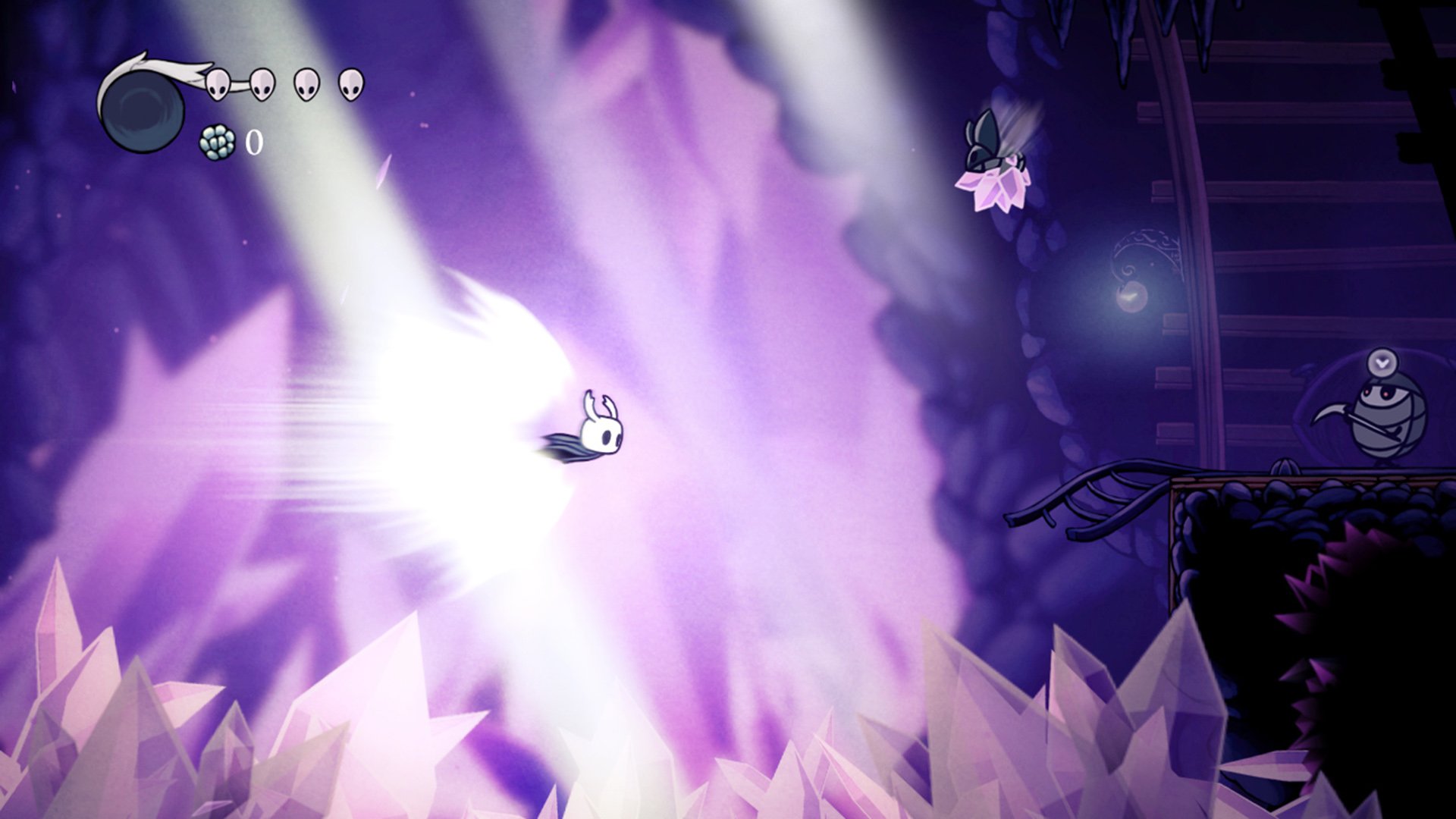
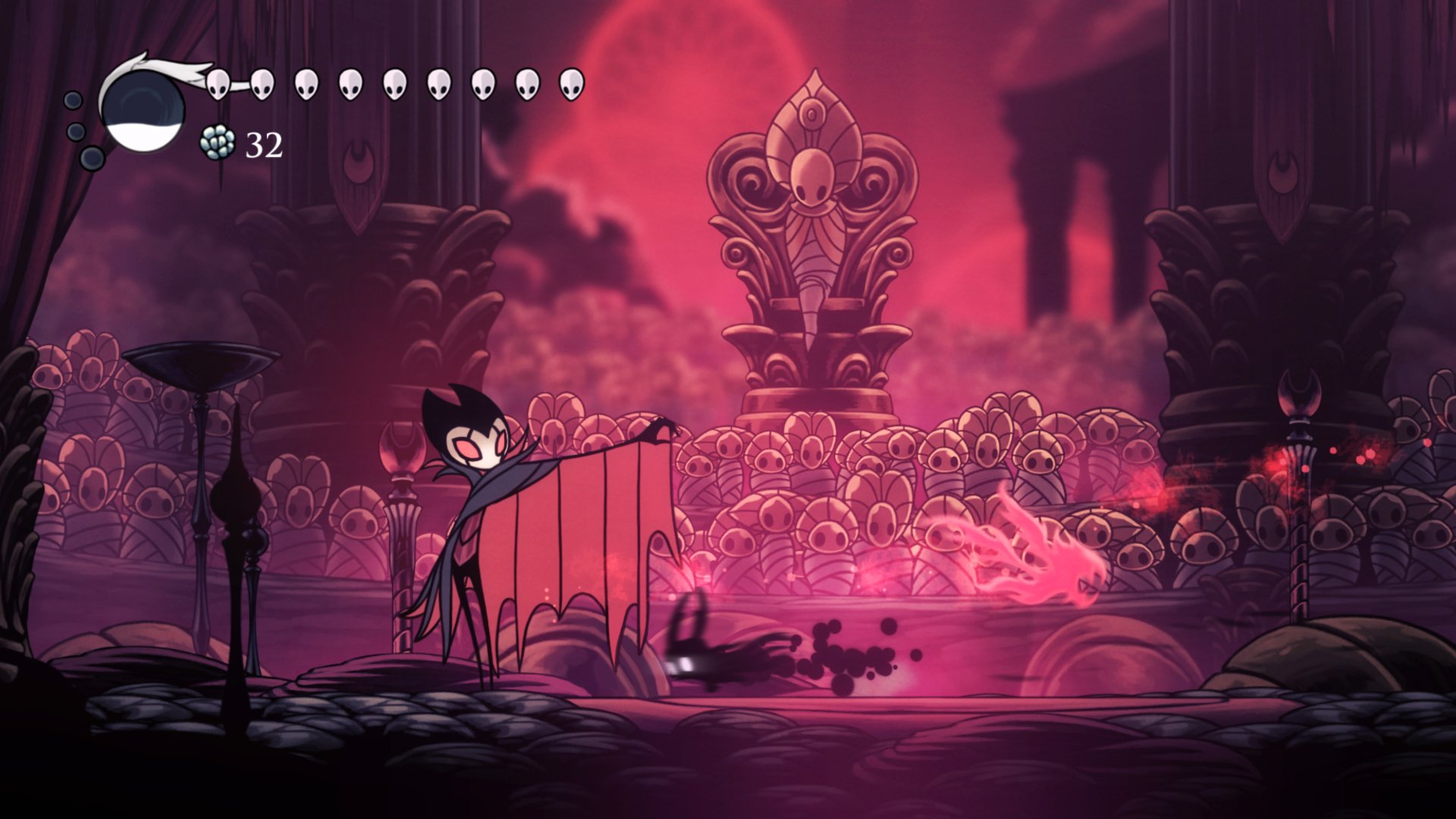
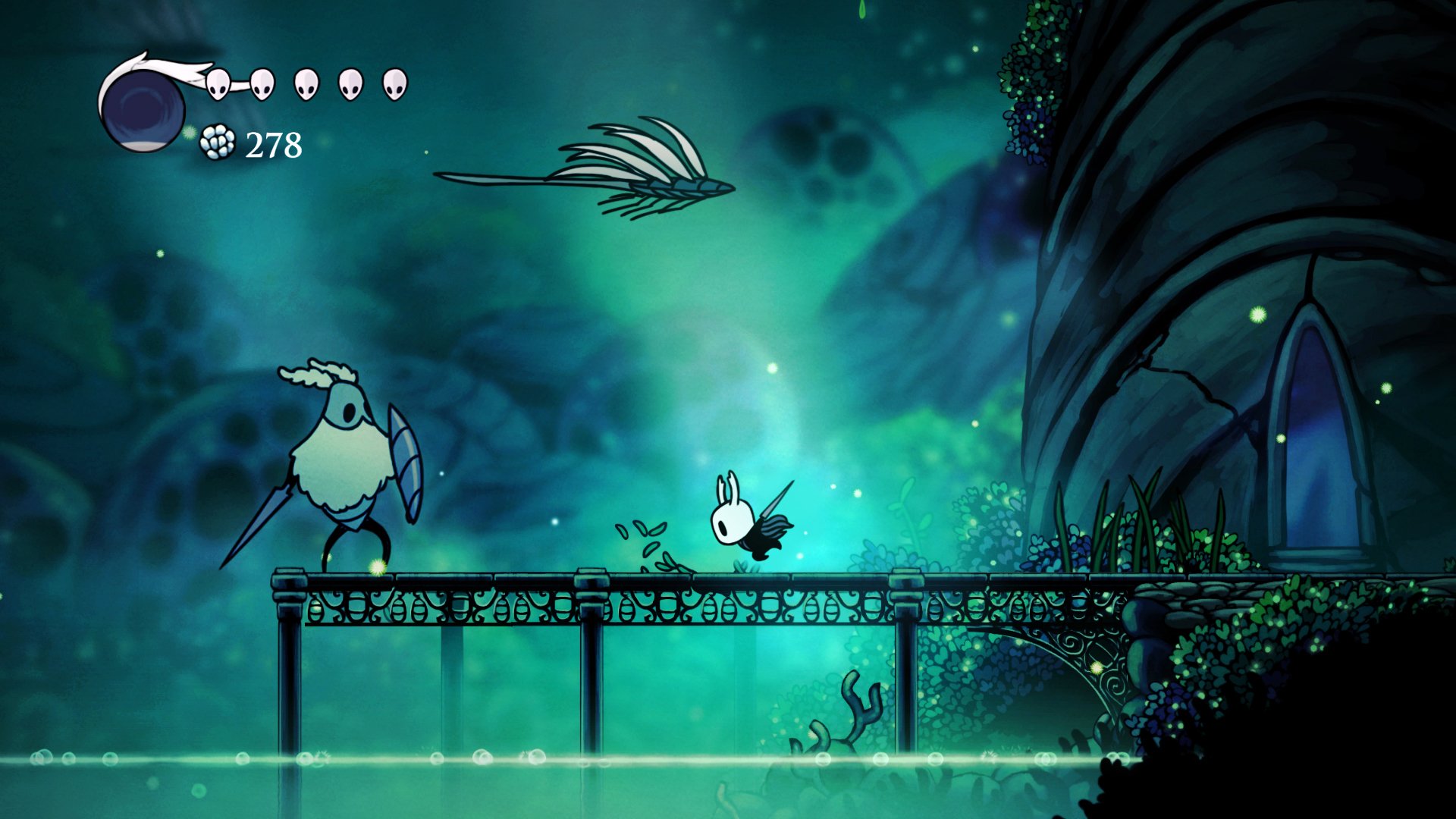
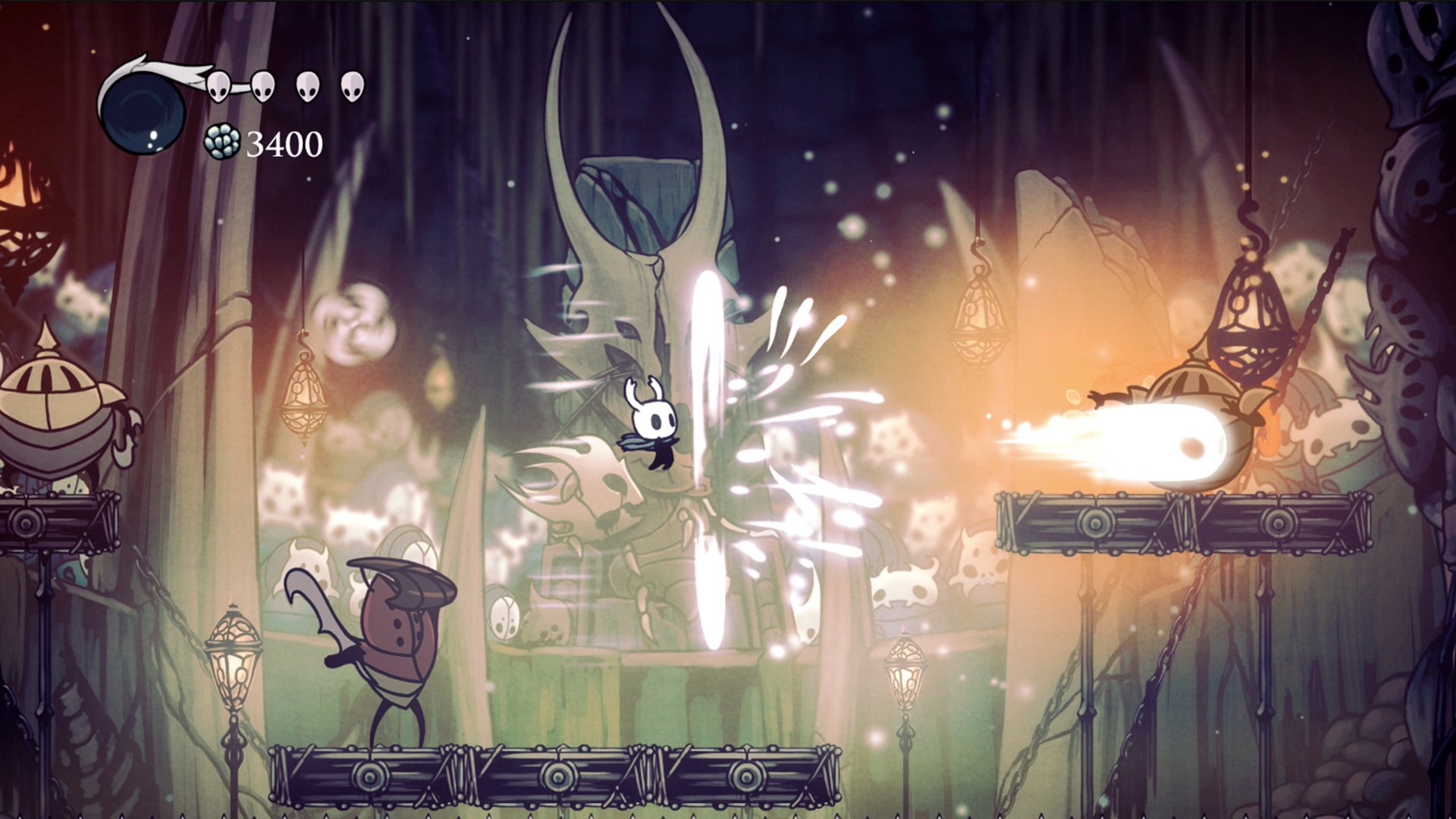
Hollow Knight stands as one of the most celebrated independent video games of recent years, combining masterful 2D gameplay with an atmospheric gothic world. The game is a classically styled action adventure across a vast interconnected world, offering Mac users an accessible entry point into the beloved Metroidvania genre.
The game delivers engaging exploration, challenging combat, and stunning hand-drawn visuals that run beautifully on macOS systems. Whether you're a seasoned gamer or new to indie titles, Hollow Knight provides dozens of hours of captivating gameplay.
Gameplay Overview
Game Length and Content
Most players complete their first Hollow Knight playthrough in 30-40 hours, though completionists pursuing 100% achievement may invest 50+ hours. Multiple difficulty modes and secret areas extend longevity.
Boss Battles and Difficulty
Hollow Knight features memorable boss encounters ranging from moderately challenging to extremely difficult. The Godmaster DLC adds additional boss fights for players seeking ultimate challenges.
Content Updates and DLC
The game includes free major content updates and paid DLC options, providing ongoing value and extended playtime after completing the main story.
Community and Reception
Hollow Knight maintains an "Overwhelmingly Positive" Steam rating with 97% positive reviews from over 160,000 user reviews. The passionate gaming community shares strategies, fan art, and speedrun content across social media platforms.
Mac gaming communities specifically celebrate Hollow Knight as one of the best indie titles available on Apple's platform, frequently recommending it as essential gaming software.
Tips for Mac Gamers Starting Hollow Knight
Controller Support
Use a MFi-certified game controller for optimal control responsiveness and ergonomics during extended play sessions.
Display Settings
Adjust your Mac's display resolution to at least 1080p for the best visual experience, though the game scales to various resolutions.
Storage Management
Ensure at least 15 GB total free storage to accommodate the game plus potential future updates and optional DLC content.
Performance Optimization
Close background applications before playing for smoother performance, especially on Mac systems with 4 GB RAM.
System: 10.12+ Processor: Intel Core i3 Memory: 4 GB RAM Graphics: GeForce GTX 470
Frequently Asked Questions
Mount the image and run Open Gatekeeper friendly.
Press Enter to bypass Gatekeeper in the Terminal window.
Drag the application to the Applications folder.
The application is ready for use.
ATTENTION! SIP must be disabled. Learn more >
Restart your Mac and hold down Command + R to enter Recovery Mode.
Open Terminal from the Utilities menu.
Enter the command: csrutil disable
Restart your Mac.
This is a common Gatekeeper issue. Follow these steps:
1. Open Terminal
2. Enter: sudo xattr -rd com.apple.quarantine /Applications/AppName.app
3. Replace "AppName" with the actual application name
4. Press Enter and enter your password
Yes, all our downloads are thoroughly checked for viruses and malware.
We use multiple antivirus engines to scan every file.
Our team tests each application before publishing.
We never bundle adware or unwanted software.
Yes, we regularly update our applications to the latest versions.
You can check our website for updates or subscribe to our newsletter.
We strive to provide the most recent versions within 24-48 hours of release.
If a download link is not working, please:
1. Try a different browser
2. Clear your browser cache and cookies
3. Try the alternative download links provided
4. Contact our support team if the issue persists