


Hytale
Download Hytale
Run the downloaded image and drag the application to the Applications folder shortcut.
Once copying is complete, the application can be launched via Launchpad.
Previous Versions
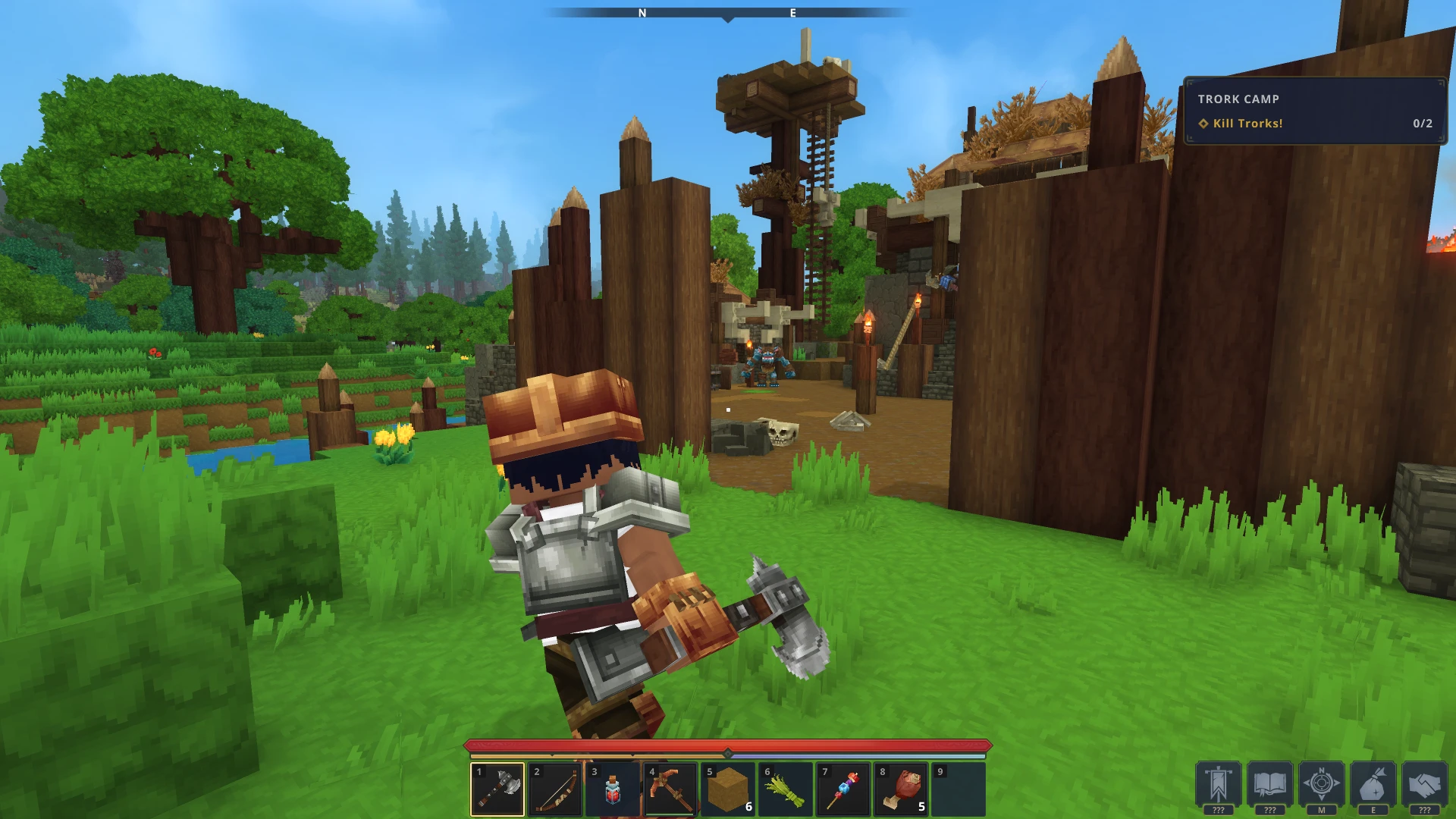
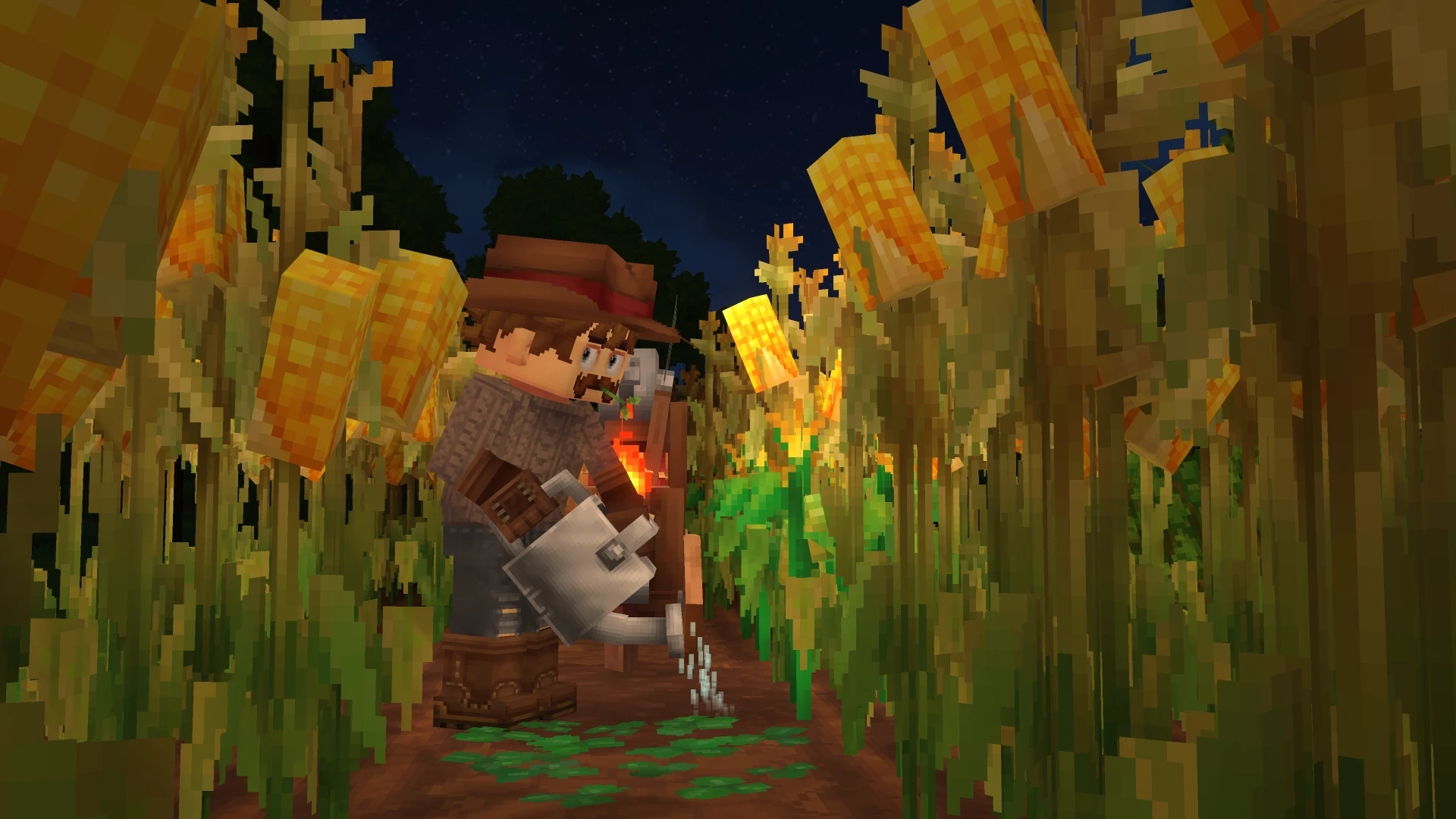
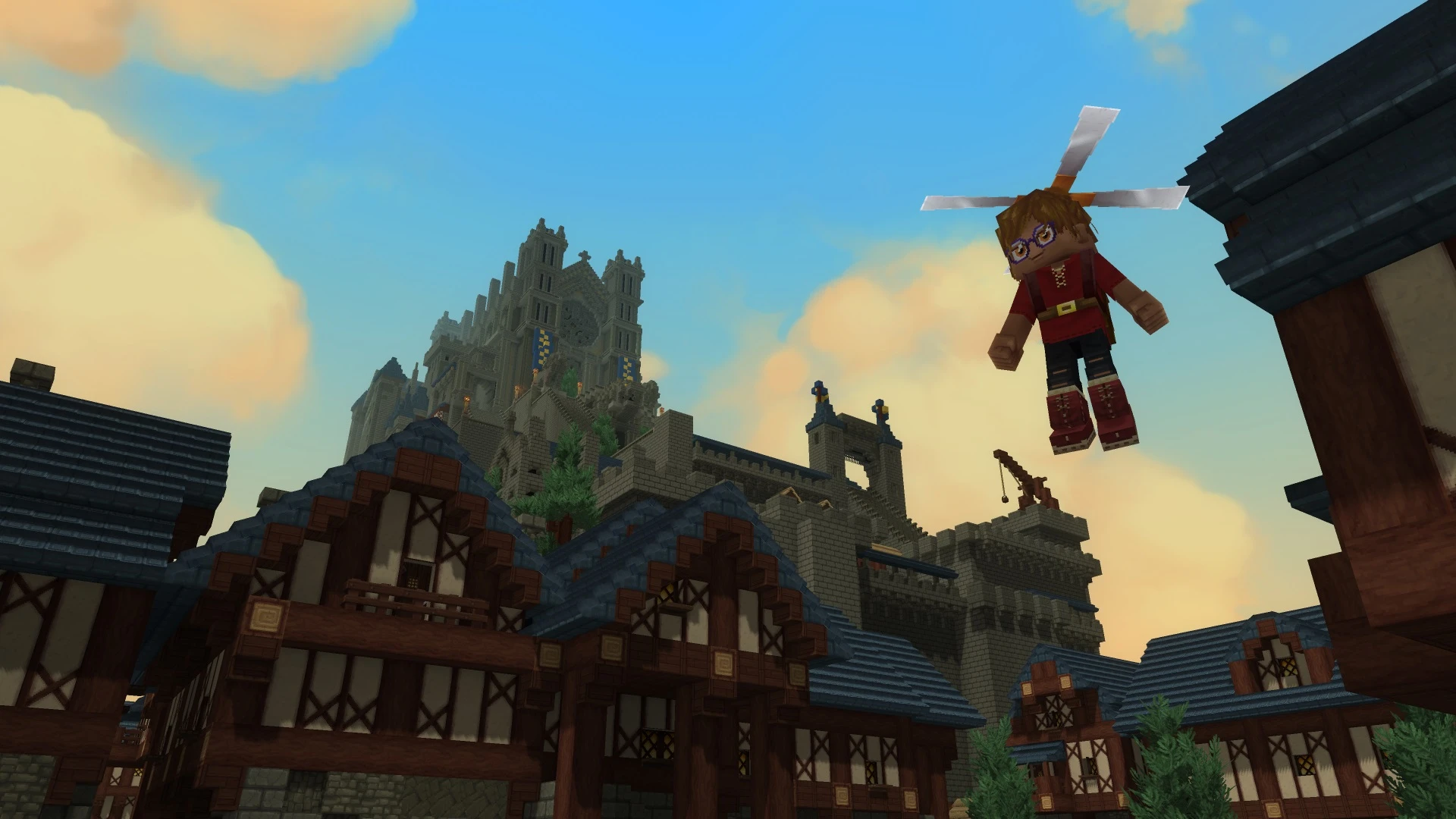
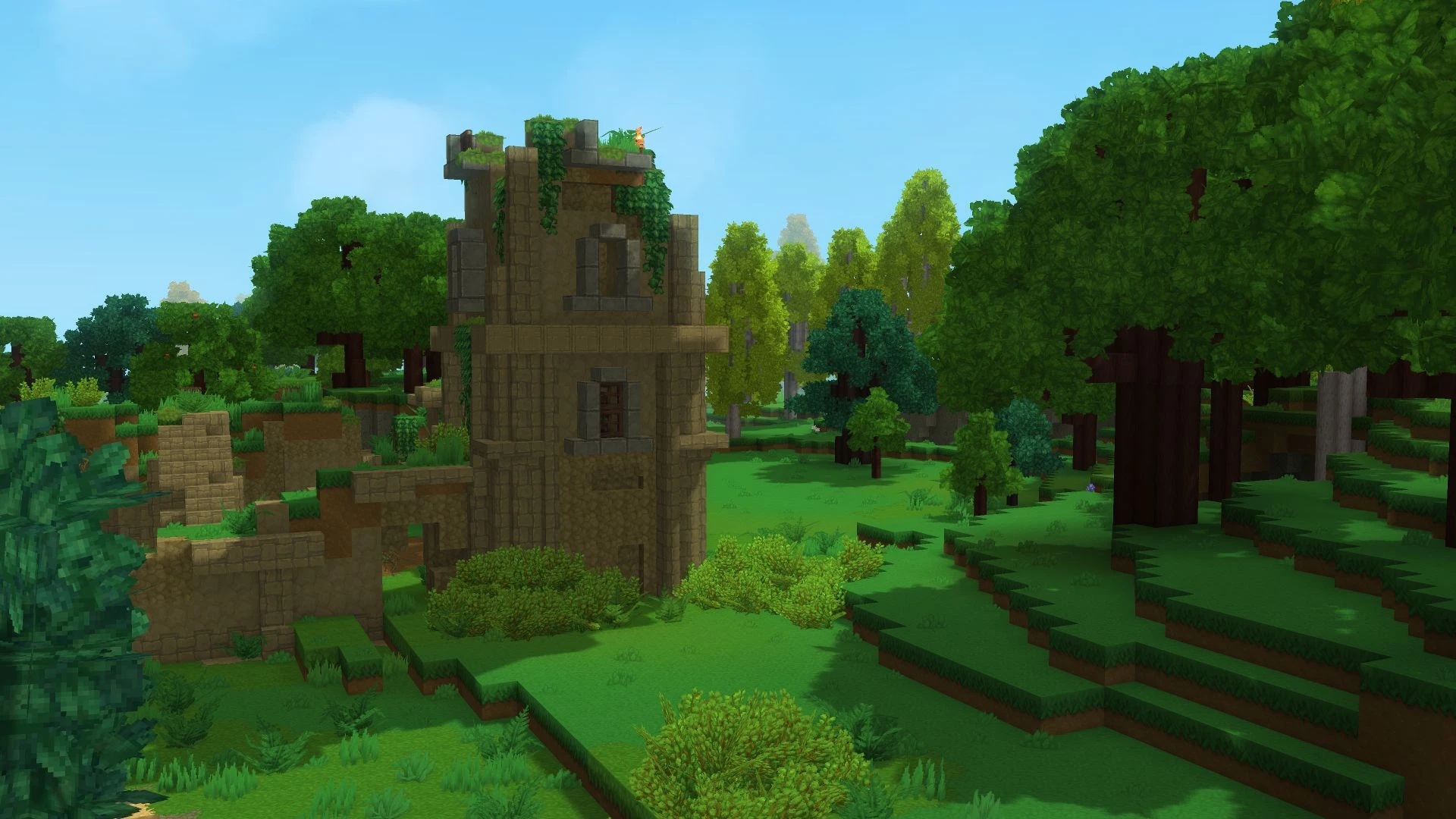
Hytale: The Highly Anticipated Sandbox Adventure Game
Hytale is one of the most anticipated sandbox adventure games of recent years. Developed by Hypixel Studios, it combines exploration, creativity, survival mechanics, and role-playing elements into a massive multiplayer experience. Since its announcement, Hytale has generated considerable excitement among players who enjoy open-world adventures, building systems, and community-driven gameplay.
It is often compared to popular sandbox titles due to its block-based world and creative freedom. However, Hytale introduces unique features, advanced customization tools, and deeper narrative systems that set it apart from other games in the genre.
A Vast Fantasy World Full of Adventure
One of Hytale's most exciting features is its expansive, procedurally generated world. Players can explore diverse regions filled with forests, mountains, caves, deserts, and mysterious dungeons. Each area boasts unique creatures, enemies, and environmental challenges that encourage exploration.
The world of Hytale is designed to be alive and dynamic. Wildlife moves naturally, enemy factions interact with each other, and weather systems modify the environment. This attention to detail creates an immersive experience that keeps exploration fresh and rewarding.
Players can also discover hidden treasures, complete quests, and uncover secrets scattered throughout the world. Whether playing alone or with friends, there's always something new to explore.
Creative Building and Customization Tools
Hytale focuses on player creativity and freedom. The building system allows you to construct houses, castles, villages, and entire cities using a wide variety of blocks and materials. The game's advanced editing tools make building more detailed and flexible compared to many traditional sandbox games.
In addition to world-building, players can customize characters, weapons, and gameplay experiences. Mod support is one of the game's most talked-about features, allowing the community to create custom maps, minigames, animations, and unique game modes.
This creative freedom is expected to make Hytale a lasting platform for both players and content creators.
Combat and RPG Elements
Unlike some open-world games that focus primarily on building, Hytale also features action-packed combat and RPG mechanics. Players can use swords, bows, magic, and special abilities to fight dangerous enemies and powerful bosses.
Combat is designed to be fast-paced, strategic, and rewarding. Each enemy requires different tactics, encouraging players to experiment with weapons and combat styles. Character progression systems also allow players to improve skills and unlock new abilities over time.
These RPG-inspired features add depth to the gameplay and make exploring adventures even more exciting.
Multiplayer and Community Features
Hytale is being developed with multiplayer in mind. Players can join servers, create custom experiences, and participate in community events. The game's online features are expected to support everything from casual survival matches to competitive minigames.
Given the powerful modding tools offered by the developers, the community is likely to play a pivotal role in shaping the game's future content. This could help Hytale remain popular for many years after its release.
Final Thoughts
Hytale has the potential to become one of the most important open-world adventure games in the industry. Its combination of exploration, creativity, combat, and multiplayer offers an exciting experience for both casual and hardcore gamers. With its beautiful blocky graphics, advanced customization tools, and immersive fantasy world, Hytale continues to generate considerable excitement among players worldwide.
▎Apple Silicon (ARM)Minimum system requirements:- macOS Tahoe 26.0 and later. - Apple Silicon processors (M1 and higher).- ±8 GB of shared memory.- ±4 GB of free disk space.
Run the downloaded image and drag the application to the Applications folder shortcut.
Once copying is complete, the application can be launched via Launchpad.
Frequently Asked Questions
Mount the image and run Open Gatekeeper friendly.
Press Enter to bypass Gatekeeper in the Terminal window.
Drag the application to the Applications folder.
The application is ready for use.
ATTENTION! SIP must be disabled. Learn more >
Restart your Mac and hold down Command + R to enter Recovery Mode.
Open Terminal from the Utilities menu.
Enter the command: csrutil disable
Restart your Mac.
This is a common Gatekeeper issue. Follow these steps:
1. Open Terminal
2. Enter: sudo xattr -rd com.apple.quarantine /Applications/AppName.app
3. Replace "AppName" with the actual application name
4. Press Enter and enter your password
Yes, all our downloads are thoroughly checked for viruses and malware.
We use multiple antivirus engines to scan every file.
Our team tests each application before publishing.
We never bundle adware or unwanted software.
Yes, we regularly update our applications to the latest versions.
You can check our website for updates or subscribe to our newsletter.
We strive to provide the most recent versions within 24-48 hours of release.
If a download link is not working, please:
1. Try a different browser
2. Clear your browser cache and cookies
3. Try the alternative download links provided
4. Contact our support team if the issue persists