


Inferno – Beyond the 7th Circle
Download Inferno – Beyond the 7th Circle
Mount the downloaded image and follow the standard installation procedure.
The installation is completed by choosing a location to place the game.
It is recommended to specify the Applications folder.
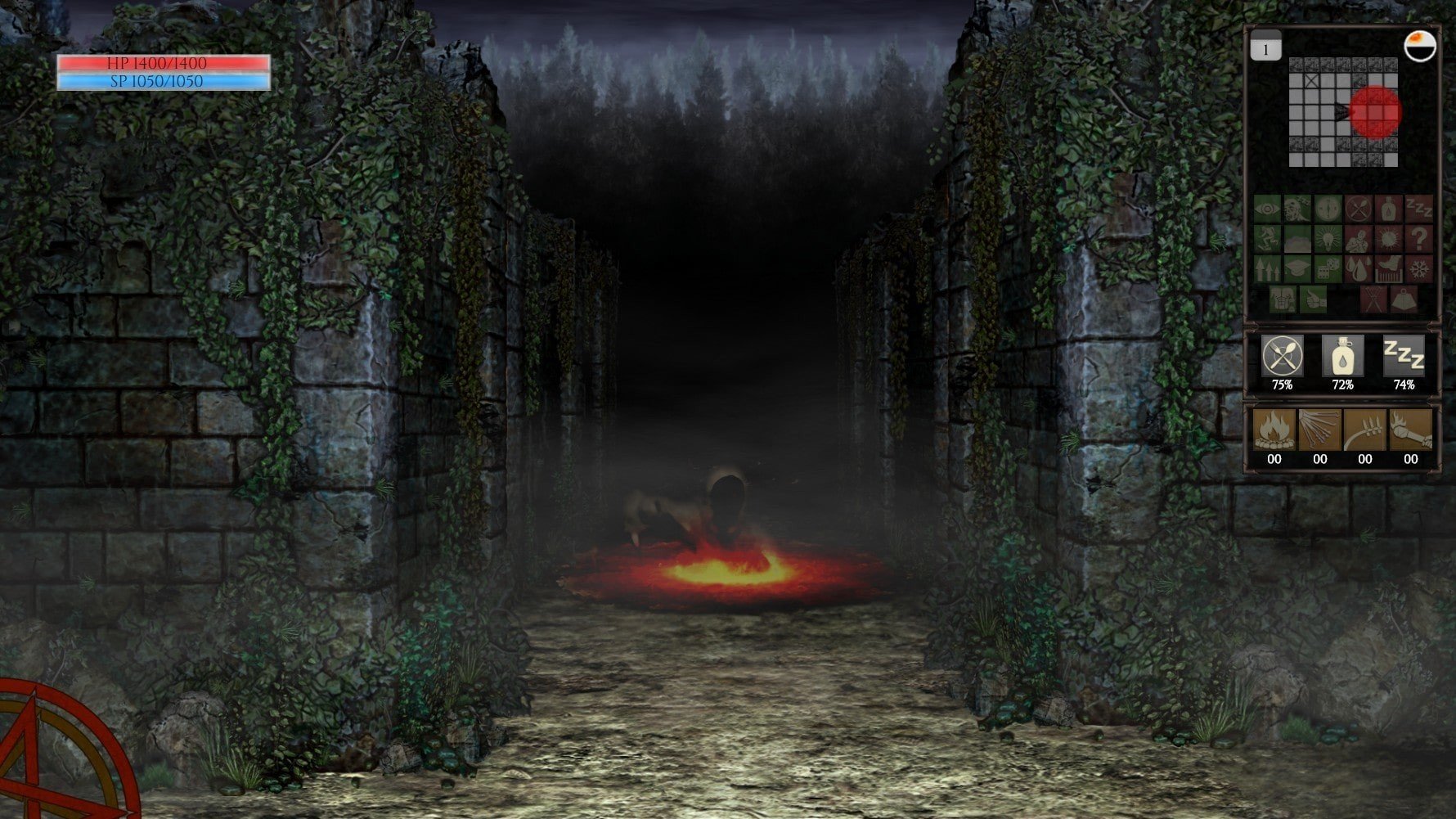
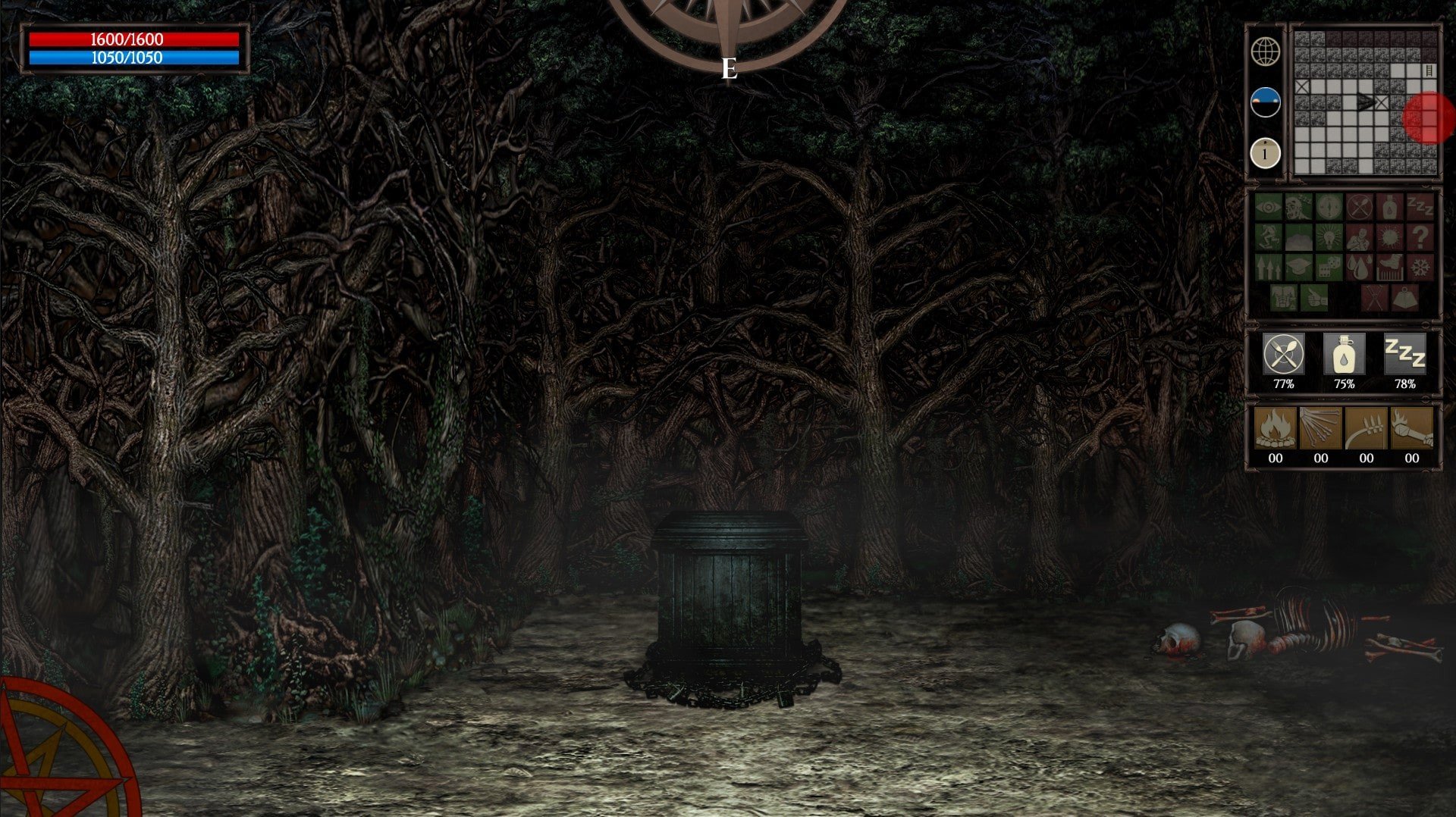
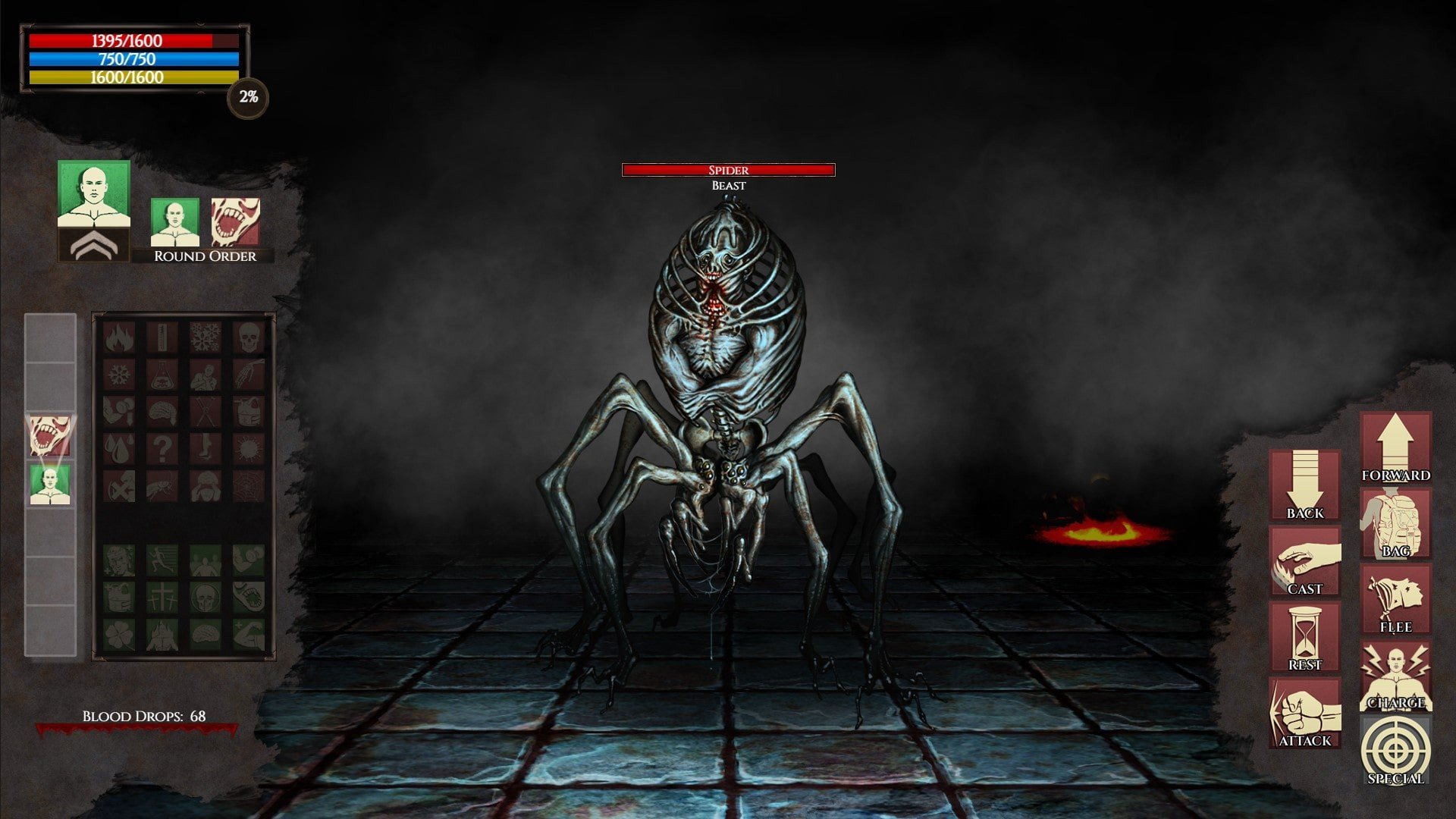
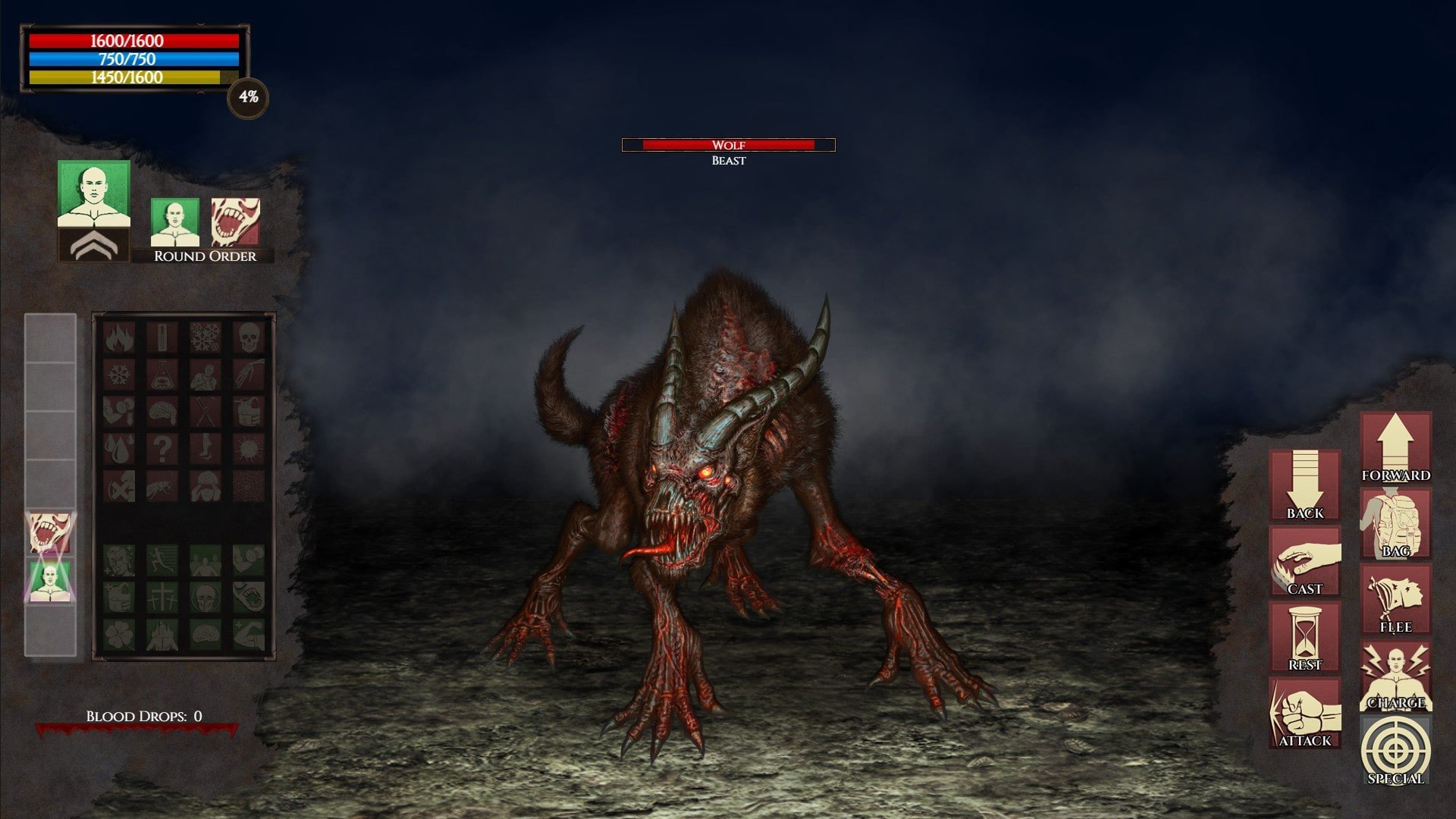
Inferno: Beyond the 7th Circle is a gripping point-and-click adventure that plunges players into a chilling, infernal world inspired by classic tales of hell and human depravity. Developed by Iceberg Interactive, the game combines atmospheric storytelling with intricate puzzles, crafting a narrative experience that is both intense and thought-provoking. Its dark, foreboding setting and immersive gameplay make it a standout title for fans of horror and mystery alike.
Set in a nightmarish version of the afterlife, Inferno: Beyond the 7th Circle follows a protagonist trapped in a twisted realm where every corner hides danger and every choice carries weight. The narrative draws heavily from Dante’s “Inferno,” particularly the descent through the circles of hell, but it reimagines these ideas in a modern, interactive context. Players must navigate through visually striking environments, from fiery pits to shadowed corridors, each designed to evoke tension and unease while challenging the player’s perception and problem-solving skills.
The game excels in creating an atmosphere of dread and suspense. Detailed artwork, moody lighting, and carefully crafted sound design combine to immerse players fully in its dark universe. Every room, every object, and even the smallest environmental details contribute to a sense of realism within the fantastical setting. This meticulous attention to ambiance ensures that players feel a constant sense of urgency, mirroring the protagonist’s own struggle to survive and understand the mysteries surrounding them.
Gameplay in Inferno: Beyond the 7th Circle centers around exploration, puzzle-solving, and narrative choice. Players must interact with a variety of objects, decipher cryptic clues, and solve intricate puzzles to progress deeper into the infernal world. These challenges are designed to test both logic and creativity, encouraging careful observation and critical thinking. Unlike many horror games that rely solely on jump scares, Inferno focuses on psychological tension, rewarding players who take their time to understand the environment and its hidden secrets.
Character interactions also play a crucial role in the experience. Along the way, players encounter a range of enigmatic figures, each with their own motivations and hidden agendas. Dialogue choices impact relationships and story outcomes, adding layers of complexity to the narrative. This emphasis on player agency ensures that the story is not just experienced passively but actively shaped by decisions, making each playthrough unique.
Inferno: Beyond the 7th Circle is more than just a horror game; it is an exploration of morality, consequence, and human nature. Its themes of sin, redemption, and the struggle between good and evil are woven seamlessly into gameplay and narrative. By merging intense atmosphere with intellectually engaging puzzles and meaningful choices, the game creates a rich and memorable experience that resonates with players long after they have completed it.
In conclusion, Inferno: Beyond the 7th Circle is a masterful blend of dark storytelling, atmospheric design, and challenging gameplay. It offers an unforgettable journey into a hellish world where danger, mystery, and moral dilemmas await at every turn. For fans of narrative-driven adventures and psychological horror, this game provides a compelling and immersive experience, proving that descent into darkness can be as intellectually rewarding as it is thrilling.
OS: 10.15Processor: 3.2 GHz 4-coreRAM: 4 GBVideo card: Nvidia GeForce GT 750M or betterDisk space: 750 MB
Mount the downloaded image and follow the standard installation procedure.
The installation is completed by choosing a location to place the game.
It is recommended to specify the Applications folder.
Frequently Asked Questions
Mount the image and run Open Gatekeeper friendly.
Press Enter to bypass Gatekeeper in the Terminal window.
Drag the application to the Applications folder.
The application is ready for use.
ATTENTION! SIP must be disabled. Learn more >
Restart your Mac and hold down Command + R to enter Recovery Mode.
Open Terminal from the Utilities menu.
Enter the command: csrutil disable
Restart your Mac.
This is a common Gatekeeper issue. Follow these steps:
1. Open Terminal
2. Enter: sudo xattr -rd com.apple.quarantine /Applications/AppName.app
3. Replace "AppName" with the actual application name
4. Press Enter and enter your password
Yes, all our downloads are thoroughly checked for viruses and malware.
We use multiple antivirus engines to scan every file.
Our team tests each application before publishing.
We never bundle adware or unwanted software.
Yes, we regularly update our applications to the latest versions.
You can check our website for updates or subscribe to our newsletter.
We strive to provide the most recent versions within 24-48 hours of release.
If a download link is not working, please:
1. Try a different browser
2. Clear your browser cache and cookies
3. Try the alternative download links provided
4. Contact our support team if the issue persists