


Is This Seat Taken?
Download Is This Seat Taken?
Run the downloaded image and drag the application to the Applications folder shortcut.
Once copying is complete, the application can be launched via Launchpad.
Previous Versions
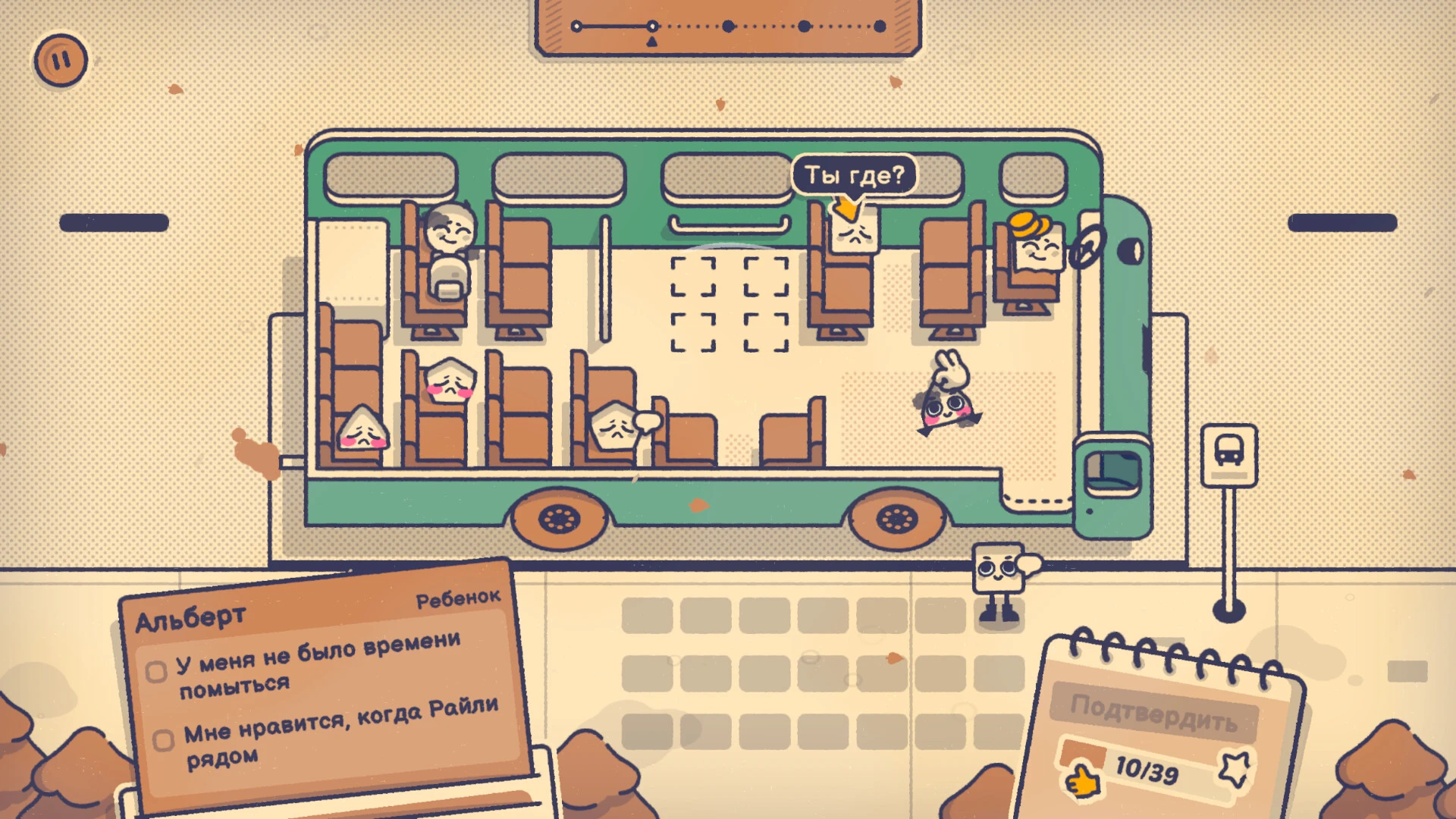
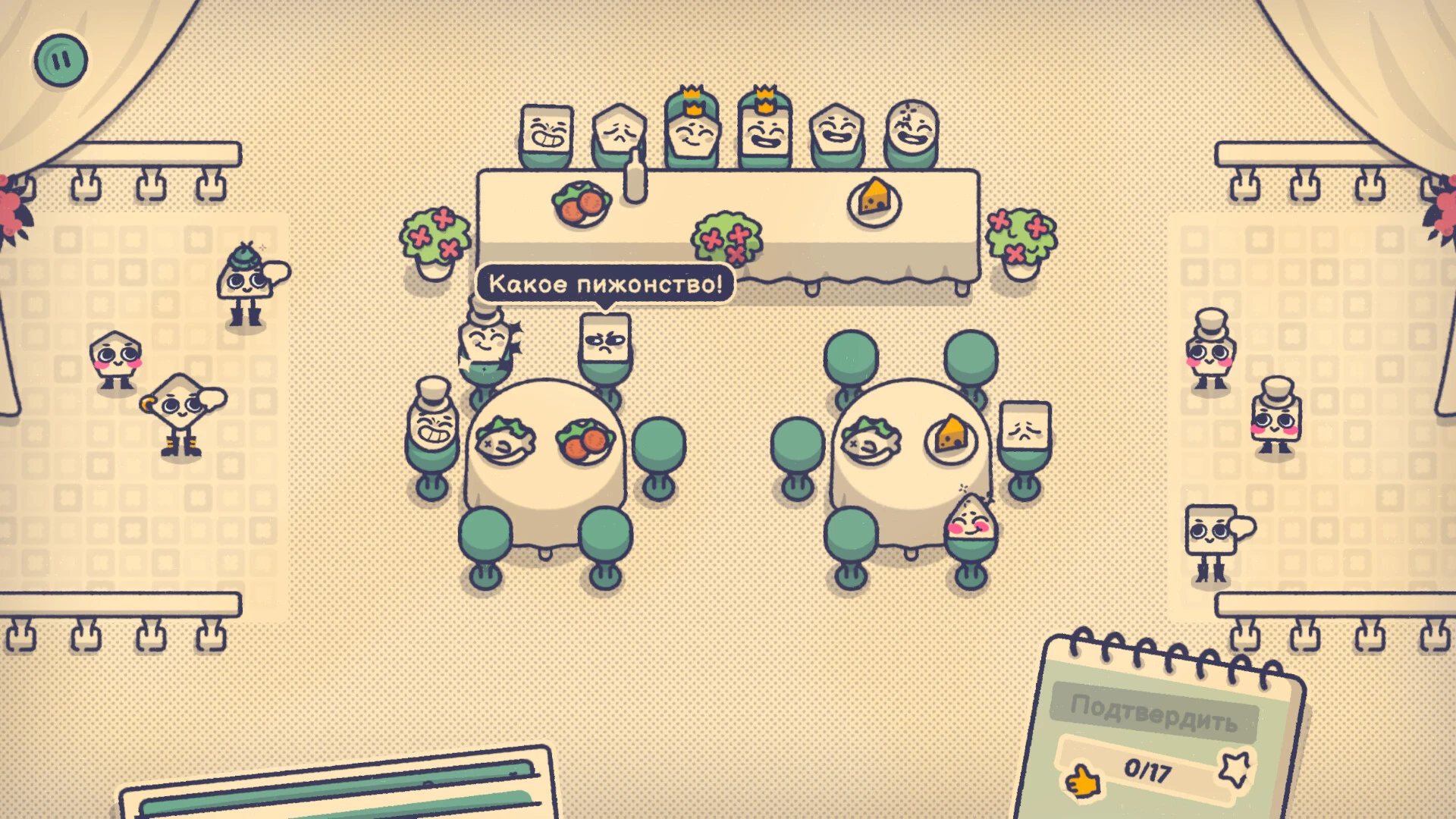
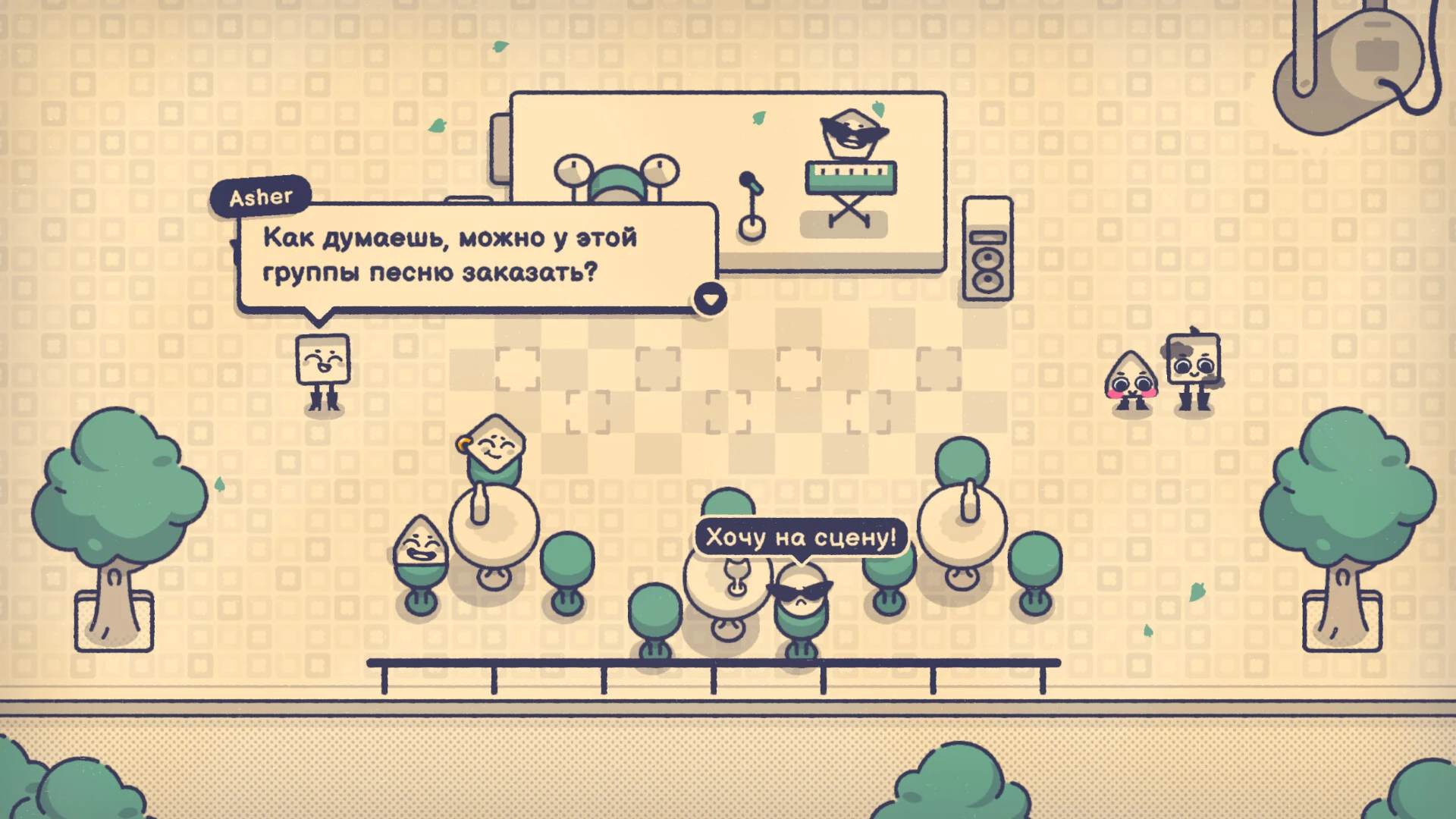
Is This Seat Taken? is a unique simulation game that challenges players to navigate social environments with strategy, timing, and careful observation. At first glance, the concept seems simple—finding a seat in a crowded room—but the game adds layers of complexity by combining spatial reasoning, social awareness, and decision-making. Players must balance speed, patience, and foresight as they maneuver through a variety of scenarios.
The core gameplay revolves around seating arrangements in different settings, from cafes and classrooms to public transportation and events. Players are tasked with selecting seats while considering the movements and behaviors of non-player characters (NPCs). Choosing the wrong seat or moving at the wrong moment can create conflict, miss opportunities, or block access to key areas. Every decision carries consequences, making the game both challenging and engaging.
What sets Is This Seat Taken? apart is its focus on social dynamics. Players are not only interacting with a physical environment but also navigating relationships and etiquette. Sitting near a group might foster helpful interactions, while sitting in a sensitive spot could annoy others. The game encourages players to think strategically about human behavior, teaching observation skills and patience in a playful, low-pressure environment.
Visually, the game adopts a minimalist yet functional style. Clear, clean graphics allow players to focus on strategy rather than distractions. NPCs are easily distinguishable, and subtle animations and audio cues provide feedback on player actions. The design creates an immersive environment where timing and positioning feel natural, enhancing the overall experience without overwhelming the player.
Progression in Is This Seat Taken? is gradual and satisfying. Early levels introduce basic seating challenges, allowing players to understand core mechanics. As players advance, environments become more complex, NPC behavior grows more unpredictable, and seating scenarios require greater foresight and planning. Unlockable tools and abilities, such as temporary speed boosts or distractions, add strategic depth and reward careful play.
Beyond gameplay, the simulation offers insights into human behavior. Players learn to anticipate social cues, respect personal space, and consider the consequences of their actions. While lighthearted and sometimes humorous, the game subtly teaches lessons about observation, patience, and social intelligence, making it both entertaining and educational.
The appeal of Is This Seat Taken? lies in its accessibility and replayability. Anyone can understand the concept quickly, but mastering each level requires attention to detail, critical thinking, and adaptability. The combination of simple mechanics with deep strategy ensures the game engages both casual players and those who enjoy thoughtful problem-solving.
In conclusion, Is This Seat Taken? transforms an everyday scenario into an engaging strategic challenge. By blending social dynamics with spatial reasoning, it creates a unique simulation experience that is both fun and mentally stimulating. Players are encouraged to think ahead, observe carefully, and make smart decisions, proving that even ordinary situations can become extraordinary when approached strategically. With its thoughtful design, progression, and subtle lessons in social awareness, Is This Seat Taken? stands out as a memorable and innovative game in the simulation genre.
OS: Sequoia 15.1Processor: Apple M3RAM: 16 GB
Run the downloaded image and drag the application to the Applications folder shortcut.
Once copying is complete, the application can be launched via Launchpad.
Frequently Asked Questions
Mount the image and run Open Gatekeeper friendly.
Press Enter to bypass Gatekeeper in the Terminal window.
Drag the application to the Applications folder.
The application is ready for use.
ATTENTION! SIP must be disabled. Learn more >
Restart your Mac and hold down Command + R to enter Recovery Mode.
Open Terminal from the Utilities menu.
Enter the command: csrutil disable
Restart your Mac.
This is a common Gatekeeper issue. Follow these steps:
1. Open Terminal
2. Enter: sudo xattr -rd com.apple.quarantine /Applications/AppName.app
3. Replace "AppName" with the actual application name
4. Press Enter and enter your password
Yes, all our downloads are thoroughly checked for viruses and malware.
We use multiple antivirus engines to scan every file.
Our team tests each application before publishing.
We never bundle adware or unwanted software.
Yes, we regularly update our applications to the latest versions.
You can check our website for updates or subscribe to our newsletter.
We strive to provide the most recent versions within 24-48 hours of release.
If a download link is not working, please:
1. Try a different browser
2. Clear your browser cache and cookies
3. Try the alternative download links provided
4. Contact our support team if the issue persists