


Legend of Grimrock 2
Download Legend of Grimrock 2
Unzip the archive and follow the standard installation procedure.
The installation is completed by choosing a location to place the game.
It is recommended to specify the Applications folder.
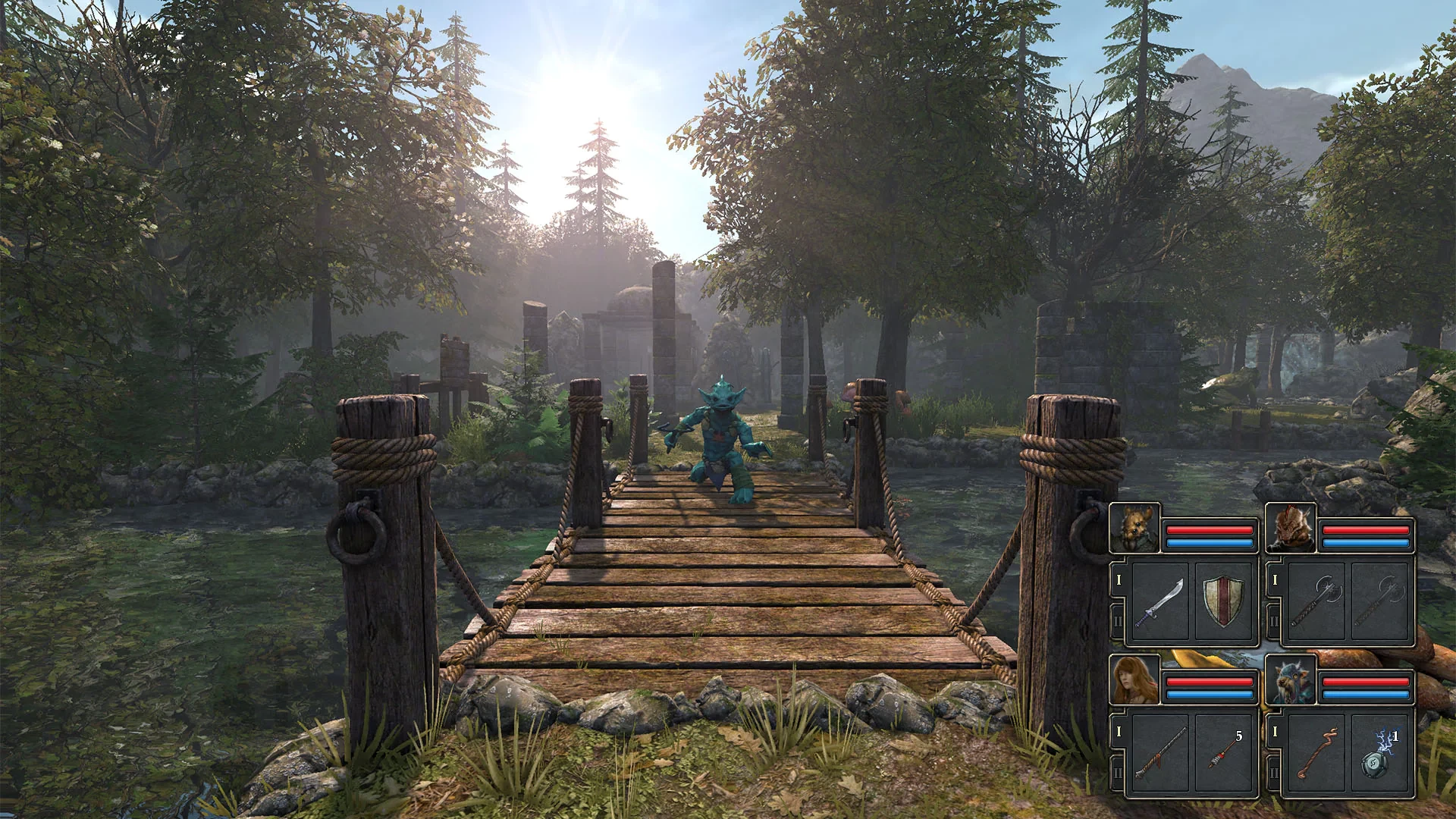
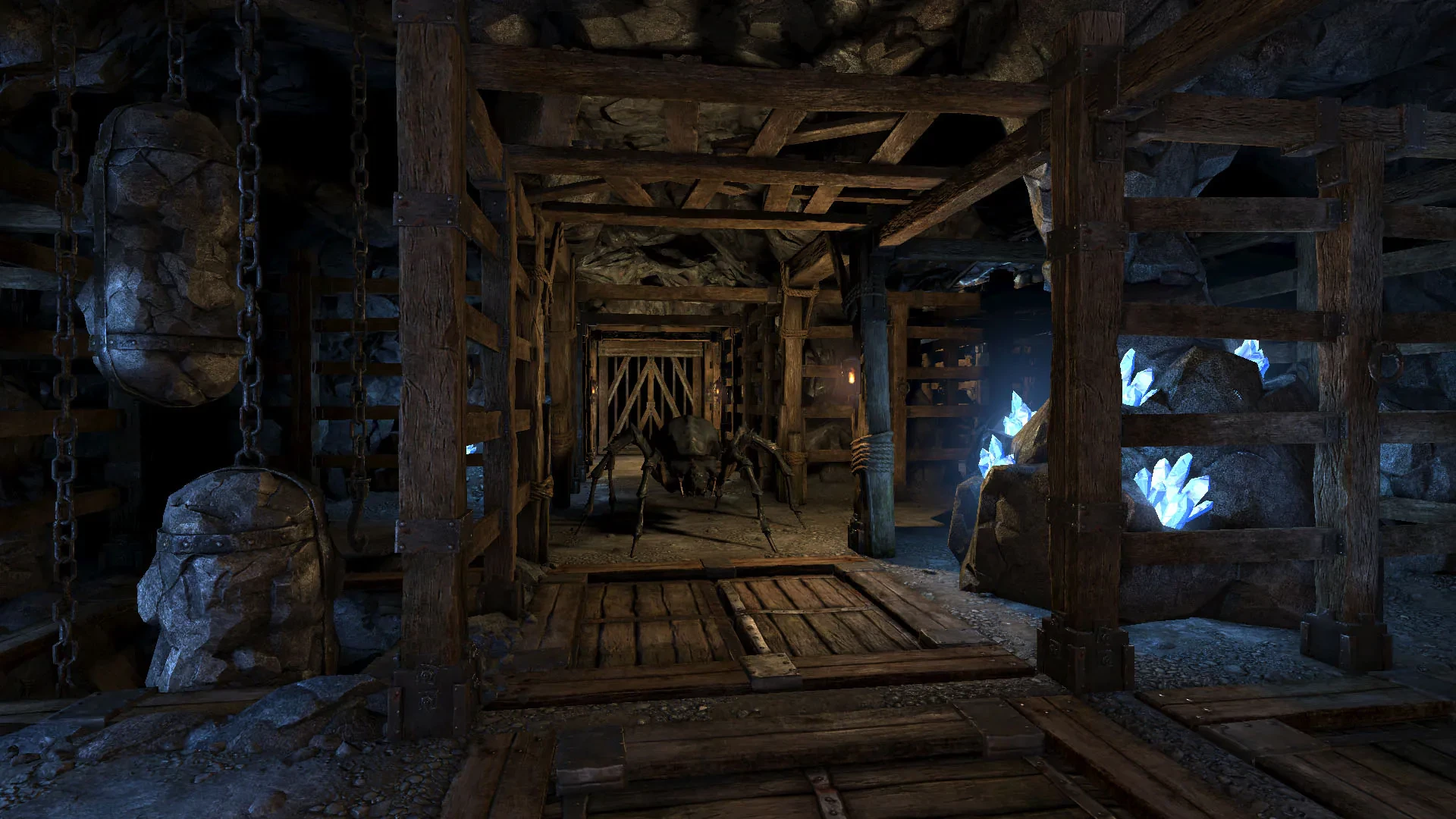
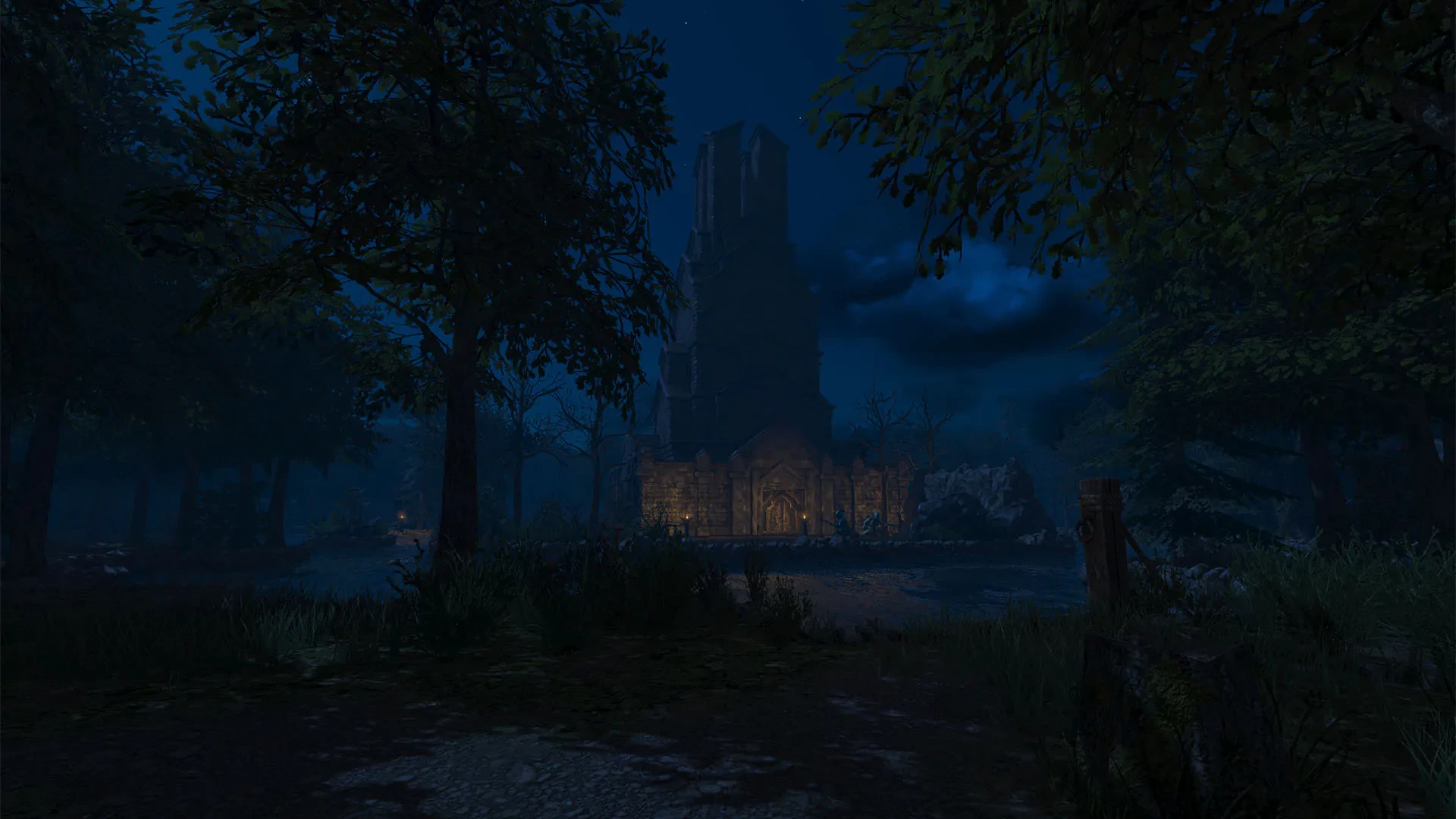
In the realm of modern dungeon crawlers, Legend of Grimrock 2 stands out as a captivating blend of classic gameplay and modern design sensibilities. Developed by Almost Human, this sequel builds upon the success of the original Legend of Grimrock, offering players a richly detailed world filled with challenging puzzles, intricate combat, and atmospheric exploration. Its combination of strategy, adventure, and nostalgia makes it a must-play for fans of old-school RPGs and dungeon crawlers alike.
At the core of Legend of Grimrock 2 is its immersive first-person dungeon-crawling experience. Players guide a party of adventurers through the treacherous landscapes of the island of Nex, navigating labyrinthine dungeons, overgrown ruins, and mysterious caverns. Unlike traditional RPGs that rely heavily on dialogue and story-driven quests, Legend of Grimrock 2 emphasizes exploration, observation, and problem-solving. Every corridor and chamber is filled with secrets, traps, and puzzles that demand both intelligence and attention to detail.
The combat system in Legend of Grimrock 2 is real-time and highly tactical. Players must manage a party of up to four characters, each with unique skills and abilities. Combat requires careful positioning, strategic use of spells, and clever utilization of weapons and equipment. Enemies are diverse, ranging from simple creatures to formidable bosses, each presenting unique challenges that require adaptive strategies. The game rewards preparation and tactical thinking, making every encounter tense and satisfying.
Puzzles are a central feature of the game and are designed to challenge the mind as much as the player’s reflexes. From riddles and mechanical traps to environmental manipulations and hidden switches, the puzzles in Legend of Grimrock 2 are inventive and rewarding. Solving them often requires observing patterns, experimenting with the environment, and sometimes thinking outside the box. The satisfaction of overcoming these challenges contributes significantly to the game’s sense of accomplishment and immersion.
Visually, Legend of Grimrock 2 creates a dark and atmospheric world that is both beautiful and foreboding. The game combines detailed textures, realistic lighting, and dynamic shadows to bring the island of Nex to life. Each dungeon and outdoor environment is meticulously crafted, with a focus on atmosphere and storytelling through design rather than exposition. Complementing the visuals is a haunting soundtrack and ambient sounds that enhance the sense of danger and discovery throughout the game.
Character customization and progression add another layer of depth to the game. Players can choose from a variety of races and classes, each with distinct attributes, skills, and combat styles. As adventurers gain experience, they can improve their abilities, acquire powerful equipment, and tailor their party to suit different challenges. This flexibility ensures that each playthrough can be unique, encouraging experimentation and strategic planning.
In conclusion, Legend of Grimrock 2 is a masterful dungeon-crawling adventure that blends challenging combat, inventive puzzles, and atmospheric exploration. Its focus on strategy, observation, and party management provides a deeply engaging experience for both veteran and new players. With its rich environments, tactical depth, and rewarding gameplay, Legend of Grimrock 2 exemplifies how modern games can honor classic RPG mechanics while delivering a fresh and immersive experience for today’s gamers.
OS: Mac OS X 10.7.5 or laterProcessor: 1.4 GHz dual-core Intel Core i5 processorRAM: 2 GBVideo card: OpenGL 3.2 capable graphics card, Intel HD Graphics 5000 minimumDisk space: 2 GB
Unzip the archive and follow the standard installation procedure.
The installation is completed by choosing a location to place the game.
It is recommended to specify the Applications folder.
Frequently Asked Questions
Mount the image and run Open Gatekeeper friendly.
Press Enter to bypass Gatekeeper in the Terminal window.
Drag the application to the Applications folder.
The application is ready for use.
ATTENTION! SIP must be disabled. Learn more >
Restart your Mac and hold down Command + R to enter Recovery Mode.
Open Terminal from the Utilities menu.
Enter the command: csrutil disable
Restart your Mac.
This is a common Gatekeeper issue. Follow these steps:
1. Open Terminal
2. Enter: sudo xattr -rd com.apple.quarantine /Applications/AppName.app
3. Replace "AppName" with the actual application name
4. Press Enter and enter your password
Yes, all our downloads are thoroughly checked for viruses and malware.
We use multiple antivirus engines to scan every file.
Our team tests each application before publishing.
We never bundle adware or unwanted software.
Yes, we regularly update our applications to the latest versions.
You can check our website for updates or subscribe to our newsletter.
We strive to provide the most recent versions within 24-48 hours of release.
If a download link is not working, please:
1. Try a different browser
2. Clear your browser cache and cookies
3. Try the alternative download links provided
4. Contact our support team if the issue persists