


Little Orpheus
Download Little Orpheus
Run the downloaded image and drag the application to the Applications folder shortcut.
Once copying is complete, the application can be launched via Launchpad.
Previous Versions

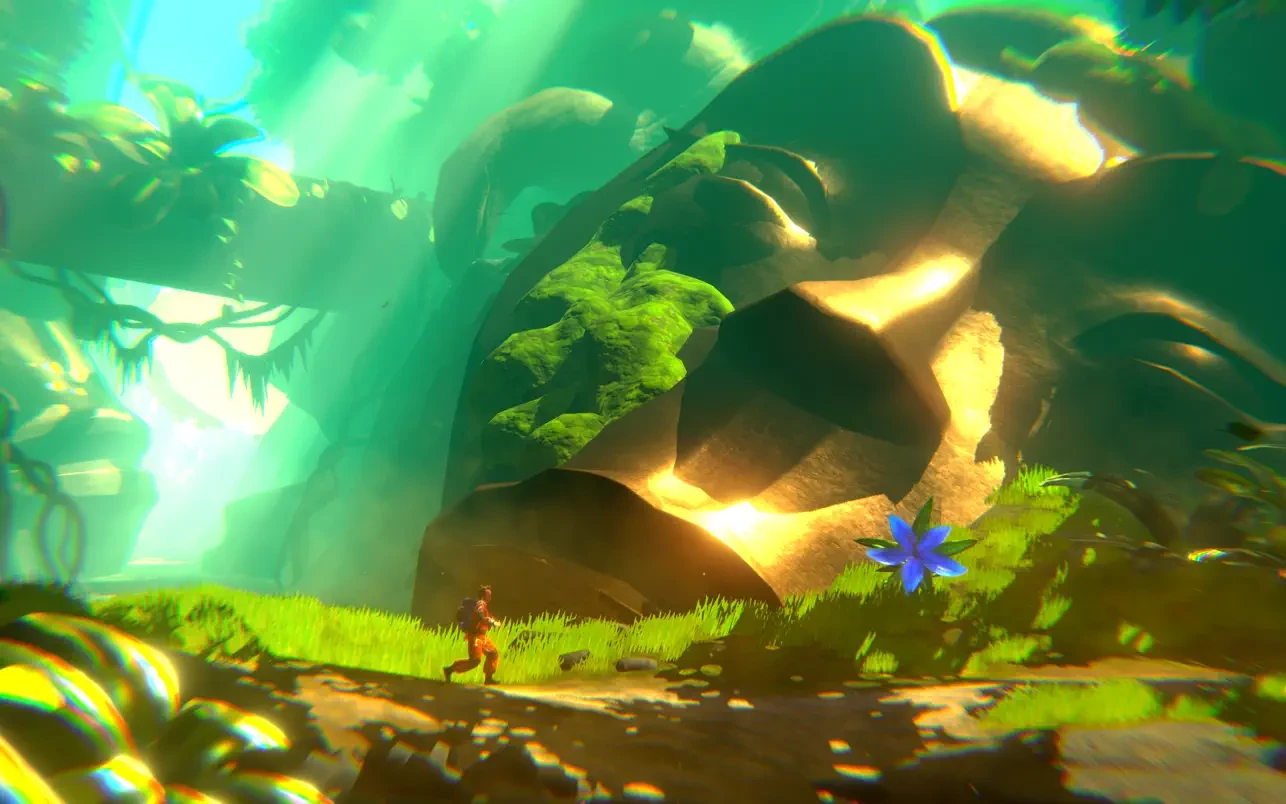
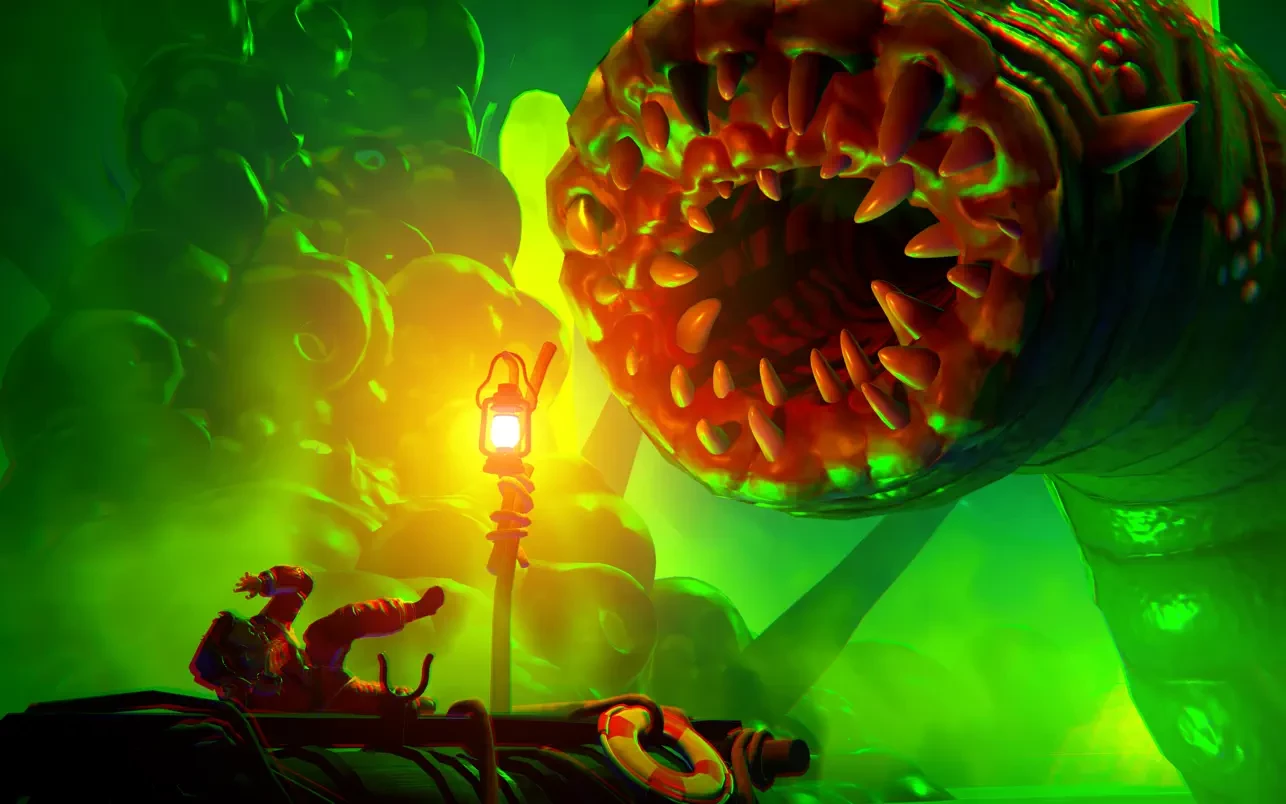

Little Orpheus is a cinematic platforming adventure that feels like stepping into a playful science-fiction fairy tale. Inspired by classic pulp stories and vintage exploration fantasies, the game invites players on an imaginative journey beneath the Earth’s surface. Rather than relying on complex mechanics or punishing difficulty, Little Orpheus focuses on storytelling, atmosphere, and visual charm to create a memorable experience.
The story follows Ivan Ivanovich, a somewhat unreliable yet endearing cosmonaut who claims to have traveled to the center of the planet. As he recounts his tale, players experience his adventures firsthand, exploring strange worlds filled with prehistoric creatures, lost civilizations, and surreal landscapes. The framing of the narrative adds humor and personality, as Ivan’s exaggerated storytelling leaves players wondering how much of what they see is truth and how much is imagination.
Gameplay in Little Orpheus is intentionally simple, emphasizing smooth movement and exploration over technical challenge. Players run, jump, climb, and interact with the environment in ways that feel intuitive and relaxed. This design choice keeps the focus on discovery rather than frustration, making the game accessible to a wide range of players. The pacing is gentle, allowing moments to breathe and environments to be appreciated without pressure.
Visually, Little Orpheus is one of the game’s strongest achievements. Each chapter introduces a new underground world with its own color palette, mood, and visual identity. From glowing crystal caverns to frozen prehistoric wastelands, the environments feel handcrafted and full of personality. The art direction balances whimsy and wonder, creating scenes that feel alive and storybook-like.
Sound design plays an equally important role in shaping the experience. The orchestral soundtrack enhances the sense of adventure, swelling during dramatic moments and softening during quieter scenes. Subtle sound effects add depth to the environments, making the underground world feel immersive and believable. The voice narration adds another layer of charm, delivering humor and emotion in a way that feels natural and engaging.
What sets Little Orpheus apart is its tone. The game does not take itself too seriously, yet it treats its story with care. Humor is woven gently into the narrative, never overpowering the sense of wonder. This balance makes the journey enjoyable without feeling shallow. The game feels like a bedtime story told with warmth, imagination, and just enough mystery.
Little Orpheus may not offer deep mechanics or endless replayability, but that is part of its appeal. It knows exactly what it wants to be: a short, beautifully crafted adventure meant to be experienced rather than mastered. Its simplicity allows players to relax and become absorbed in the journey without distraction.
In conclusion, Little Orpheus is a charming and visually striking adventure that celebrates storytelling and imagination. Through its playful narrative, stunning environments, and approachable gameplay, it delivers an experience that feels lighthearted yet meaningful. For players seeking a story-driven journey filled with wonder and creativity, Little Orpheus offers a delightful trip into the unknown.
macOS 10.15+
Run the downloaded image and drag the application to the Applications folder shortcut.
Once copying is complete, the application can be launched via Launchpad.
Frequently Asked Questions
Mount the image and run Open Gatekeeper friendly.
Press Enter to bypass Gatekeeper in the Terminal window.
Drag the application to the Applications folder.
The application is ready for use.
ATTENTION! SIP must be disabled. Learn more >
Restart your Mac and hold down Command + R to enter Recovery Mode.
Open Terminal from the Utilities menu.
Enter the command: csrutil disable
Restart your Mac.
This is a common Gatekeeper issue. Follow these steps:
1. Open Terminal
2. Enter: sudo xattr -rd com.apple.quarantine /Applications/AppName.app
3. Replace "AppName" with the actual application name
4. Press Enter and enter your password
Yes, all our downloads are thoroughly checked for viruses and malware.
We use multiple antivirus engines to scan every file.
Our team tests each application before publishing.
We never bundle adware or unwanted software.
Yes, we regularly update our applications to the latest versions.
You can check our website for updates or subscribe to our newsletter.
We strive to provide the most recent versions within 24-48 hours of release.
If a download link is not working, please:
1. Try a different browser
2. Clear your browser cache and cookies
3. Try the alternative download links provided
4. Contact our support team if the issue persists