


McPixel 3
Download McPixel 3
Follow the standard installation procedure.
Installation concludes with selecting a location for the game.
It is recommended to select the Applications folder.

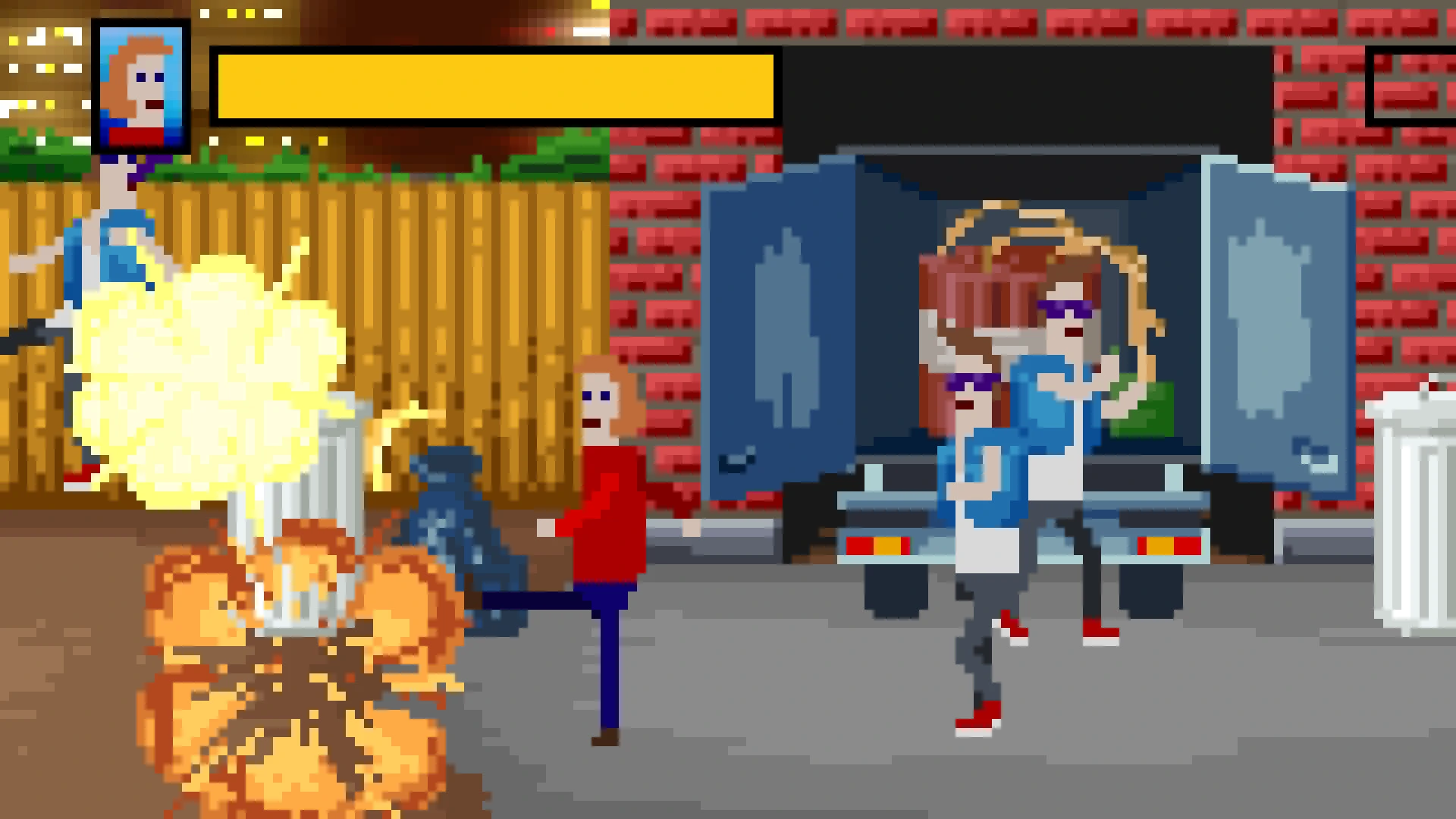

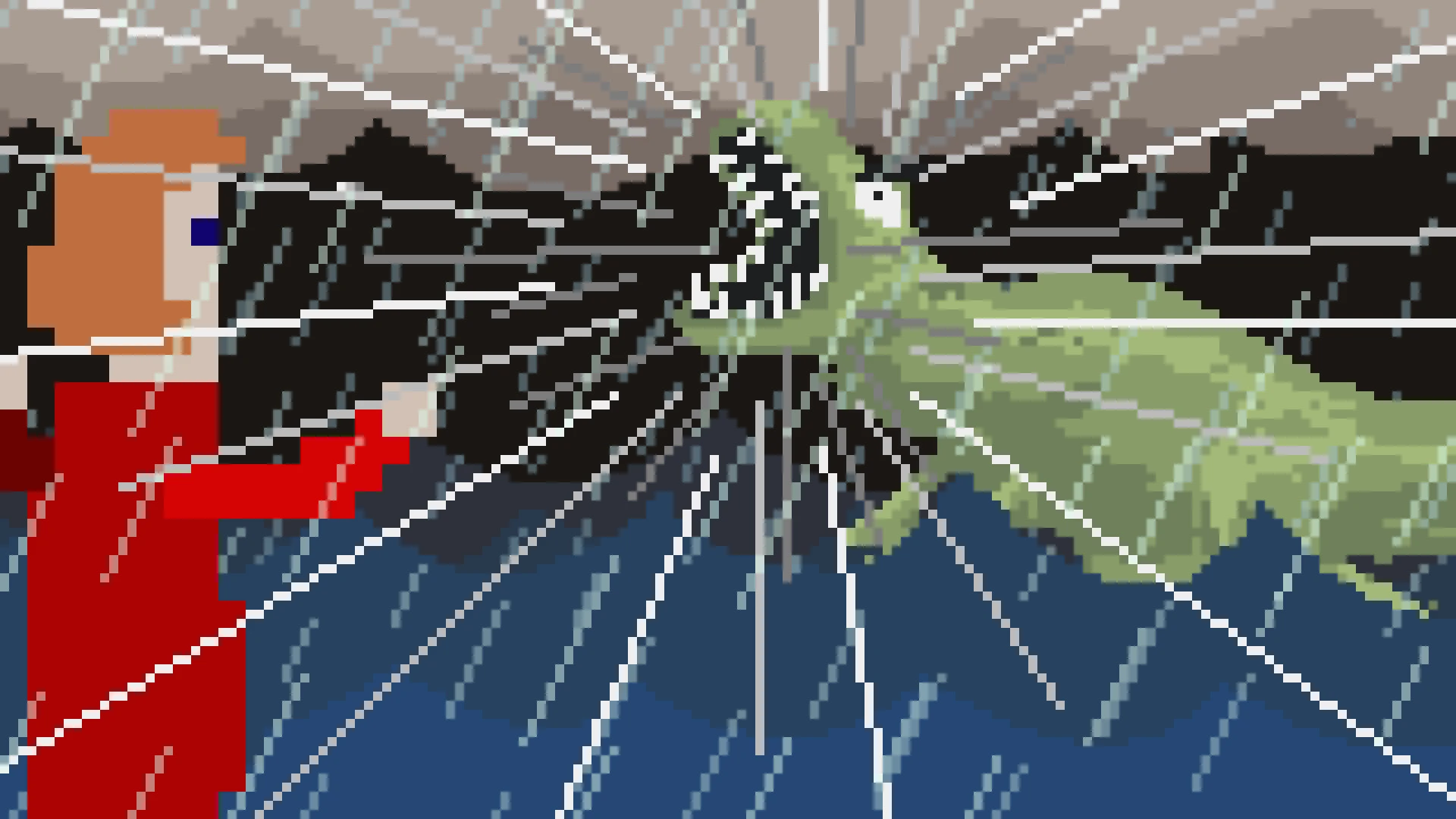
In the ever-expanding world of puzzle games, few titles manage to balance humor, speed, and absurdity as effectively as McPixel 3. Developed by Sos Sosowski, this third installment in the McPixel series continues the tradition of delivering frantic, unpredictable, and downright hilarious gameplay, proving that puzzle-solving doesn’t always need to be serious to be satisfying.
McPixel 3 puts players in control of the eponymous McPixel, a quirky hero whose primary mission is to save the day from disasters that are as bizarre as they are dangerous. The gameplay revolves around short, self-contained levels where players must solve problems in just ten seconds. From stopping a runaway shopping cart to diffusing an explosive sandwich, the scenarios are unpredictable and delightfully absurd. Each level demands quick thinking and a willingness to experiment, often punishing players who play it safe and rewarding those who embrace the chaos.
What sets McPixel 3 apart is its unique approach to failure. Unlike traditional puzzle games that treat mistakes as setbacks, here, failure is part of the comedy. Wrong actions often trigger ridiculous animations, unexpected outcomes, or laugh-out-loud consequences. The game encourages experimentation, letting players try wild solutions just to see what happens. This emphasis on trial-and-error, combined with the ultra-short levels, creates a sense of constant momentum and entertainment, making it hard to put down.
Visually, McPixel 3 retains the series’ signature pixel art style, which is charming in its simplicity yet expressive enough to convey the game’s wild humor. Characters, objects, and environments are designed with exaggerated features, enhancing the comedic impact of each scenario. The animations are fast, exaggerated, and often absurd, perfectly matching the game’s frenetic pace. The sound design and quirky music further reinforce the whimsical tone, with every beep, crash, and explosion feeling comically satisfying.
One of the most notable aspects of McPixel 3 is its accessibility. With levels that are quick to complete and humor that appeals to all ages, it’s easy to pick up and enjoy in short bursts. Yet beneath the surface, the game challenges players’ problem-solving skills and encourages lateral thinking. Often, the solutions are non-intuitive, requiring creativity, experimentation, and a willingness to embrace failure. This combination of humor and challenge ensures that the game remains engaging, even after multiple playthroughs.
The narrative in McPixel 3 is intentionally minimalistic, with little exposition beyond McPixel’s mission to save the day. This allows the focus to remain on the absurdity of each scenario, creating a gameplay experience that feels like a series of comedic sketches. The lack of a heavy storyline doesn’t detract from the game; instead, it complements the fast-paced, joke-driven nature of the levels, letting players dive straight into the chaos without delay.
In conclusion, McPixel 3 is a masterclass in absurd, fast-paced puzzle design. Its combination of short, hilarious levels, inventive puzzles, and visual comedy makes it a standout title in the puzzle genre. For anyone seeking a game that challenges the mind while delivering constant laughter, McPixel’s latest adventure is an unforgettable ride—chaotic, unpredictable, and endlessly entertaining.
OS: macOS 10.9 MavericksProcessor: Core 2 Duo 1.8 GHzRAM: 2048 MBVideo Card: Intel GMA X3100Disk Space: 300 MB
Follow the standard installation procedure.
Installation concludes with selecting a location for the game.
It is recommended to select the Applications folder.
Frequently Asked Questions
Mount the image and run Open Gatekeeper friendly.
Press Enter to bypass Gatekeeper in the Terminal window.
Drag the application to the Applications folder.
The application is ready for use.
ATTENTION! SIP must be disabled. Learn more >
Restart your Mac and hold down Command + R to enter Recovery Mode.
Open Terminal from the Utilities menu.
Enter the command: csrutil disable
Restart your Mac.
This is a common Gatekeeper issue. Follow these steps:
1. Open Terminal
2. Enter: sudo xattr -rd com.apple.quarantine /Applications/AppName.app
3. Replace "AppName" with the actual application name
4. Press Enter and enter your password
Yes, all our downloads are thoroughly checked for viruses and malware.
We use multiple antivirus engines to scan every file.
Our team tests each application before publishing.
We never bundle adware or unwanted software.
Yes, we regularly update our applications to the latest versions.
You can check our website for updates or subscribe to our newsletter.
We strive to provide the most recent versions within 24-48 hours of release.
If a download link is not working, please:
1. Try a different browser
2. Clear your browser cache and cookies
3. Try the alternative download links provided
4. Contact our support team if the issue persists