


Megaquarium
Download Megaquarium
Unzip the archive and follow the standard installation procedure.
Installation concludes with selecting a location for the game.
It is recommended to select the Applications folder.
Previous Versions
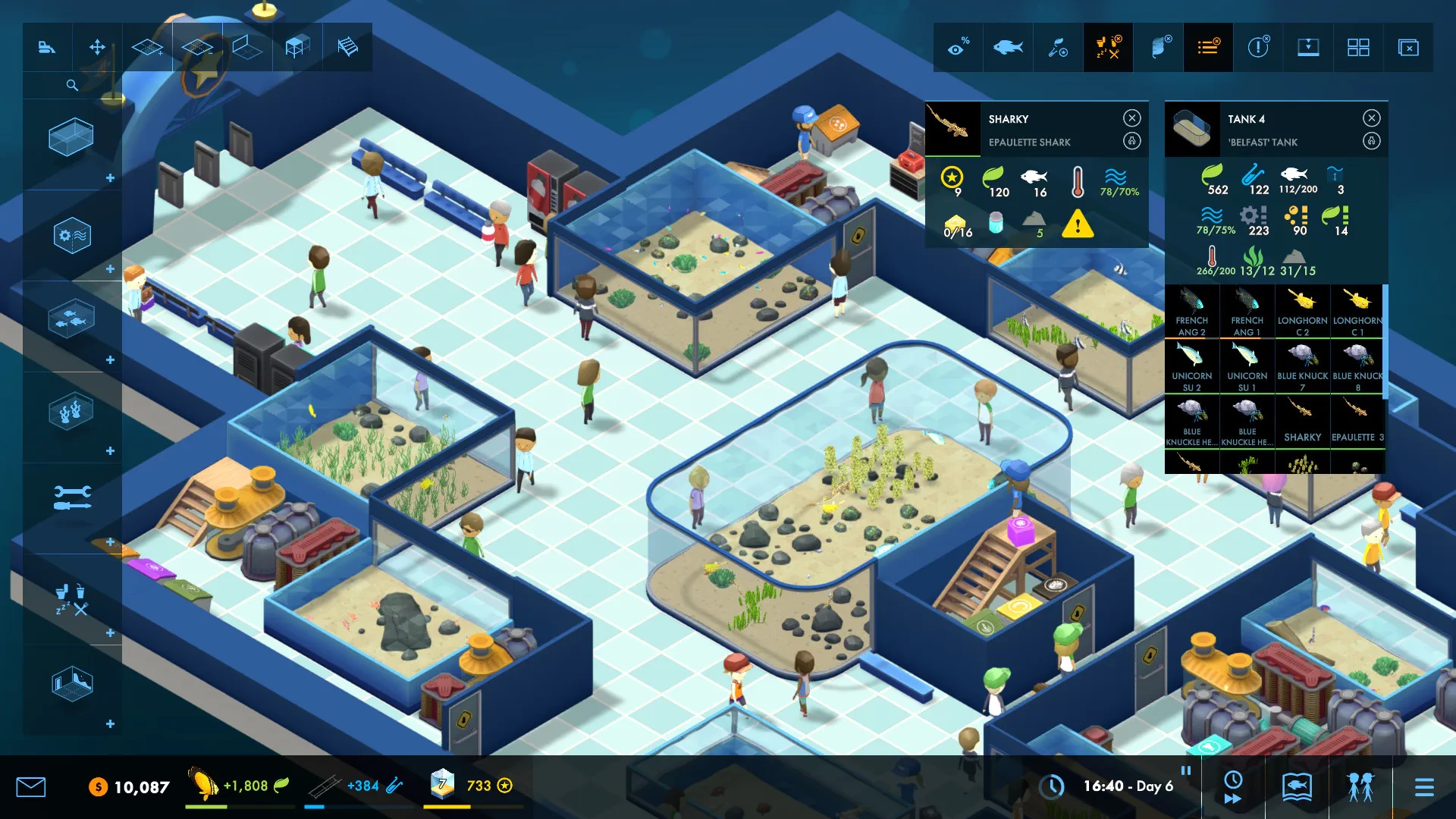
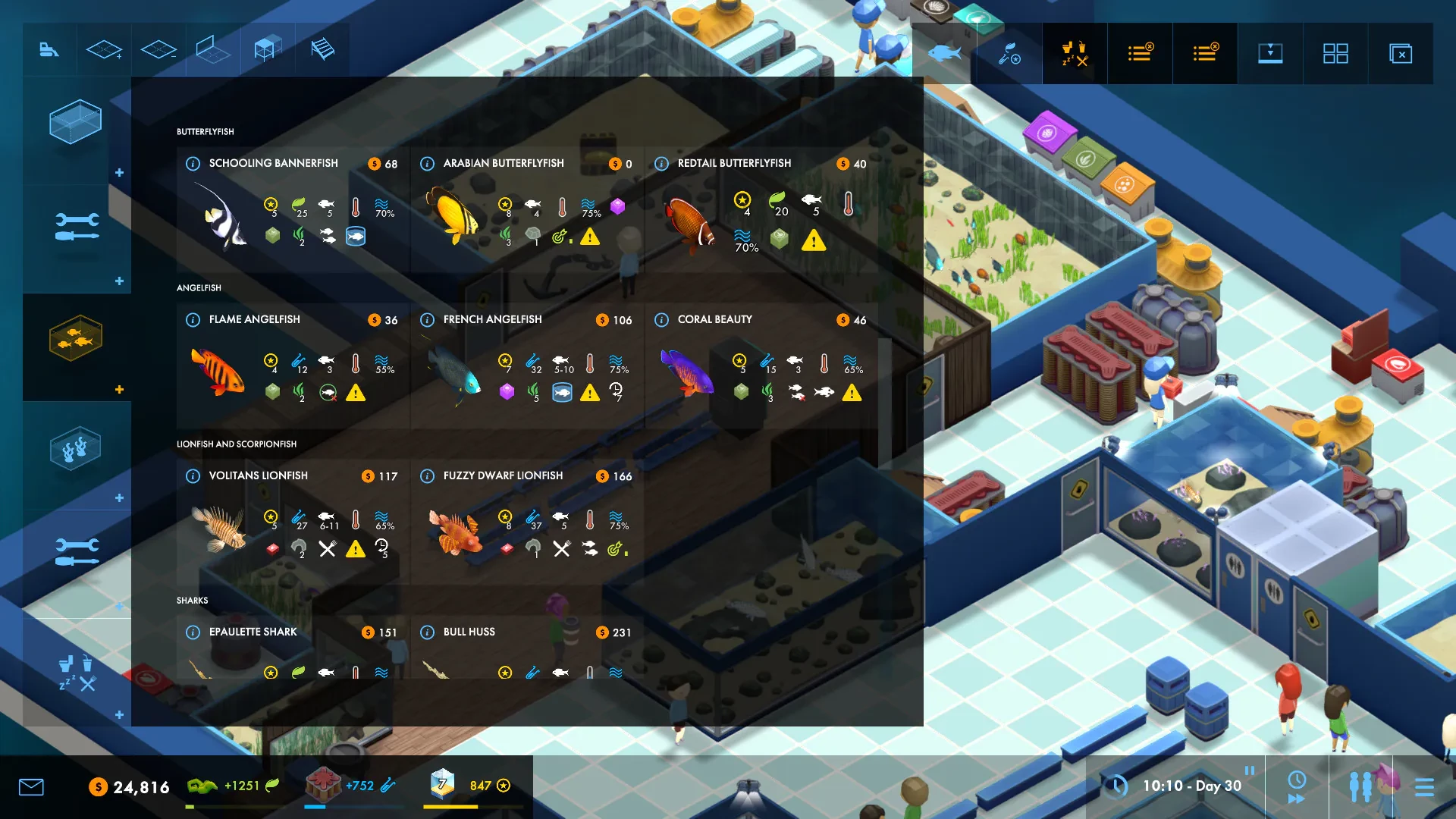
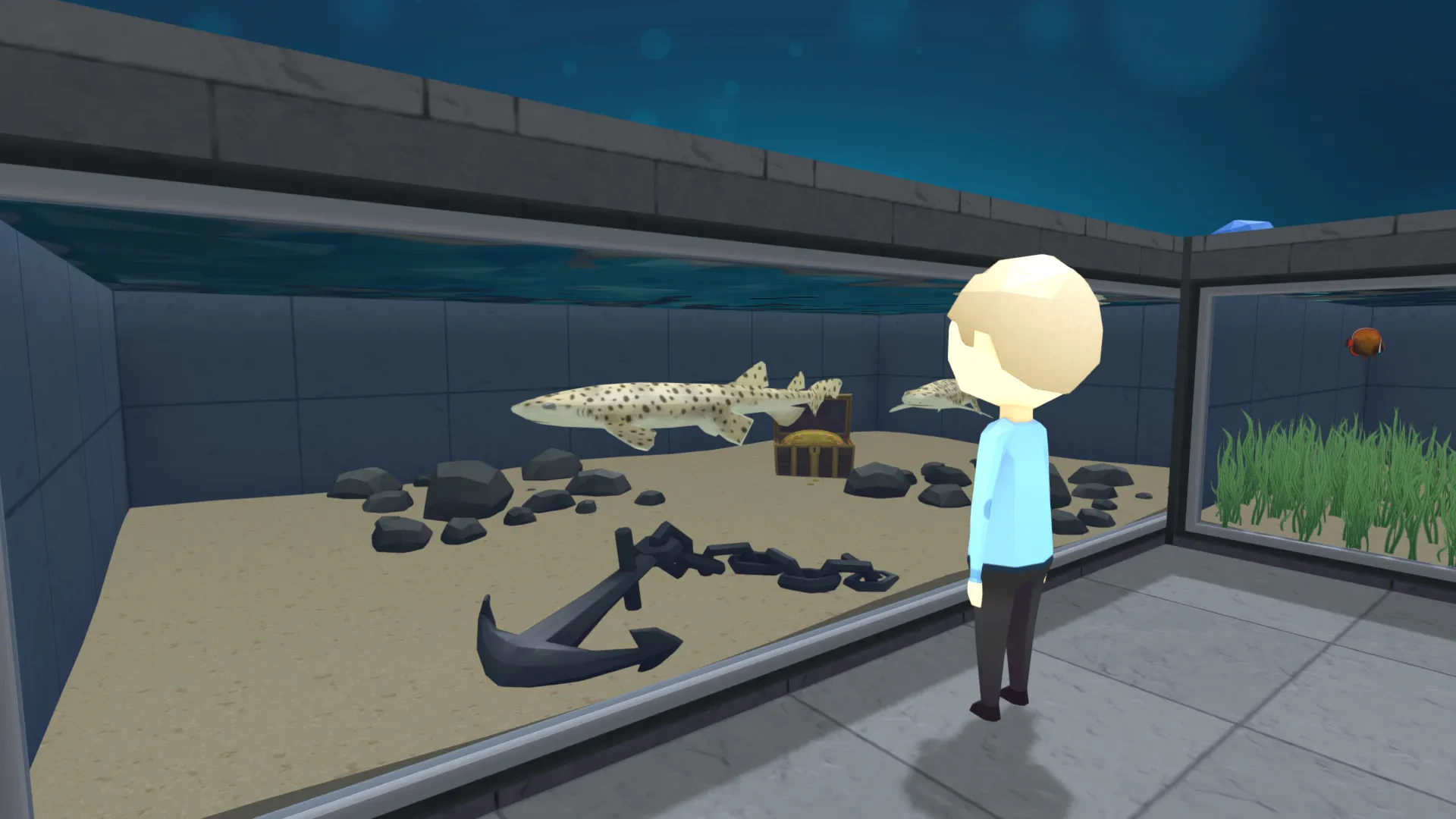

If you, like me, spent your childhood dreaming of a spiritual successor to Zoo Tycoon or Theme Hospital—but with a distinctly aquatic, deep-dive focus—then Megaquarium is the tycoon simulation you’ve been waiting for. It’s an incredibly deep management game that asks: Can you design a functioning, profitable, and prestigious aquarium from scratch?
Deep Dive: Why Megaquarium Stands Out
Megaquarium isn't just about placing tanks; it's a finely tuned logistical puzzle focused on two key loops: Logistics and Ecosystems.
The Logistics Loop
This is the heart of the game. Every tank requires a complex, hidden ecosystem of support equipment, and staff need access to all of it.
-
Filtration Networks: Unlike many tycoon games, you manage filtration loops. Do you centralize all your pumps and filters in one back-office room? Or do you spread them out to minimize pipe length? An inefficient loop leads to poor Water Quality, which kills your expensive fish.
-
Staff Zoning: You must efficiently manage your staff's Prestige and skills. Assigning maintenance workers to zones near their equipment, and ensuring feeding stations are close to large exhibits, is a constant optimization challenge.
Ecosystems and the DLC Value
The base game is phenomenal, but the two main expansions are must-haves for a fully optimized experience, as they introduce new layers of complexity that test your logistical skills.
The best part? Every DLC integrates seamlessly into the main sandbox mode, giving you virtually unlimited design possibilities.
Final Verdict: The Best Tycoon Game on Mac?
Megaquarium is an exceptional 64-bit title that has been consistently updated and maintained by the developers. It runs flawlessly on macOS, especially with the raw processing power of the M-series chips handling the intense simulation logic. If you enjoy micromanagement, a satisfying research loop, and the challenge of balancing visitor needs against the finicky demands of a Piranha, an Anglerfish, or a colony of Penguins, then Megaquarium is an essential Mac game purchase.
OS: OSX 10.10 or higher (64bit). Processor: 2x 6-Core Intel Xeon 2.66 GHz (Mac Book Pro circa 2016). RAM: 8 GB. Video card: AMD Radeon HD 7950. Disk space: 1 GB.
Unzip the archive and follow the standard installation procedure.
Installation concludes with selecting a location for the game.
It is recommended to select the Applications folder.
Frequently Asked Questions
Mount the image and run Open Gatekeeper friendly.
Press Enter to bypass Gatekeeper in the Terminal window.
Drag the application to the Applications folder.
The application is ready for use.
ATTENTION! SIP must be disabled. Learn more >
Restart your Mac and hold down Command + R to enter Recovery Mode.
Open Terminal from the Utilities menu.
Enter the command: csrutil disable
Restart your Mac.
This is a common Gatekeeper issue. Follow these steps:
1. Open Terminal
2. Enter: sudo xattr -rd com.apple.quarantine /Applications/AppName.app
3. Replace "AppName" with the actual application name
4. Press Enter and enter your password
Yes, all our downloads are thoroughly checked for viruses and malware.
We use multiple antivirus engines to scan every file.
Our team tests each application before publishing.
We never bundle adware or unwanted software.
Yes, we regularly update our applications to the latest versions.
You can check our website for updates or subscribe to our newsletter.
We strive to provide the most recent versions within 24-48 hours of release.
If a download link is not working, please:
1. Try a different browser
2. Clear your browser cache and cookies
3. Try the alternative download links provided
4. Contact our support team if the issue persists