


Midnight Girl
Download Midnight Girl
Run the downloaded image and drag the application to the Applications folder shortcut.
Once copying is complete, the application can be launched via Launchpad.
Previous Versions

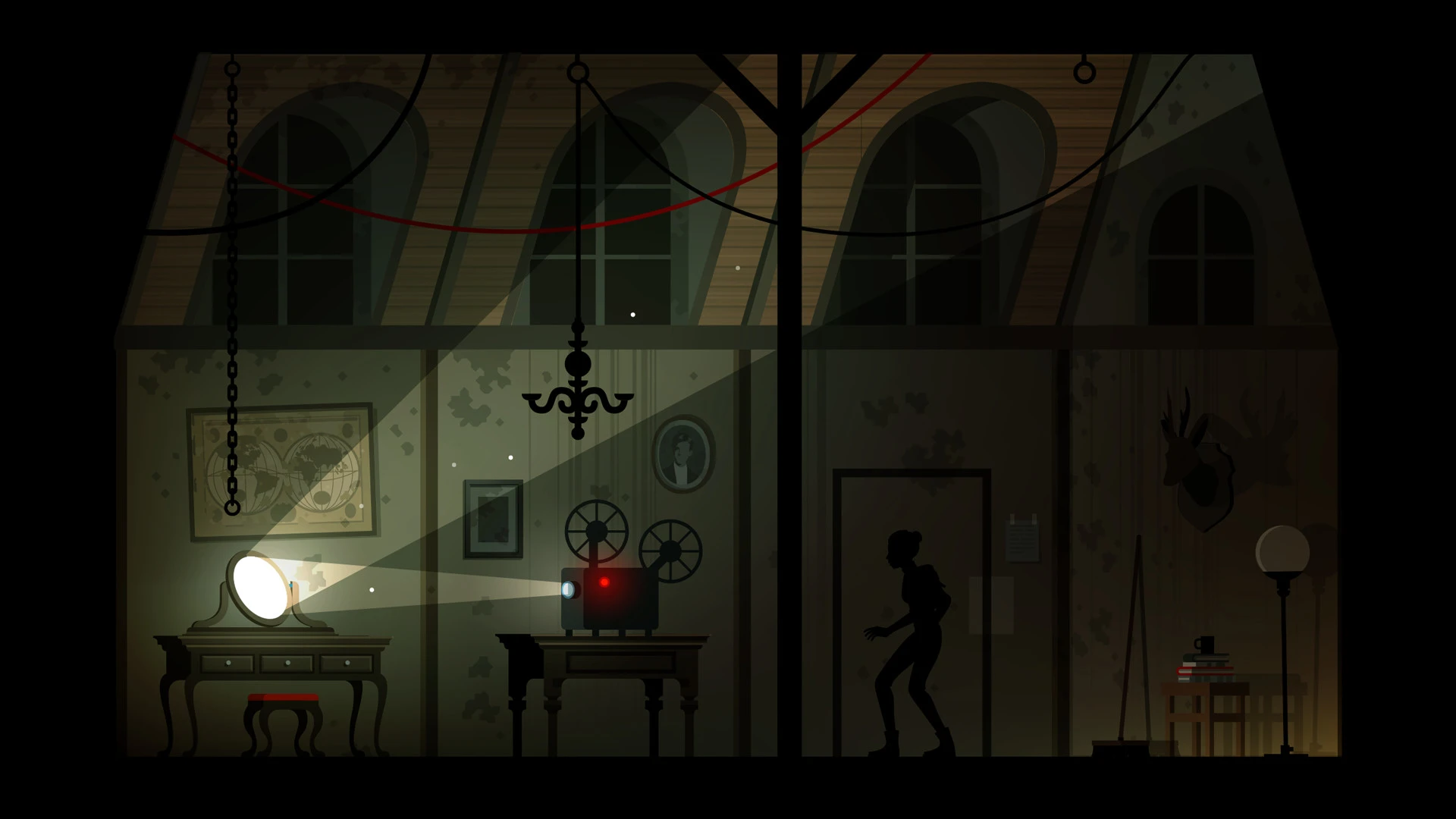
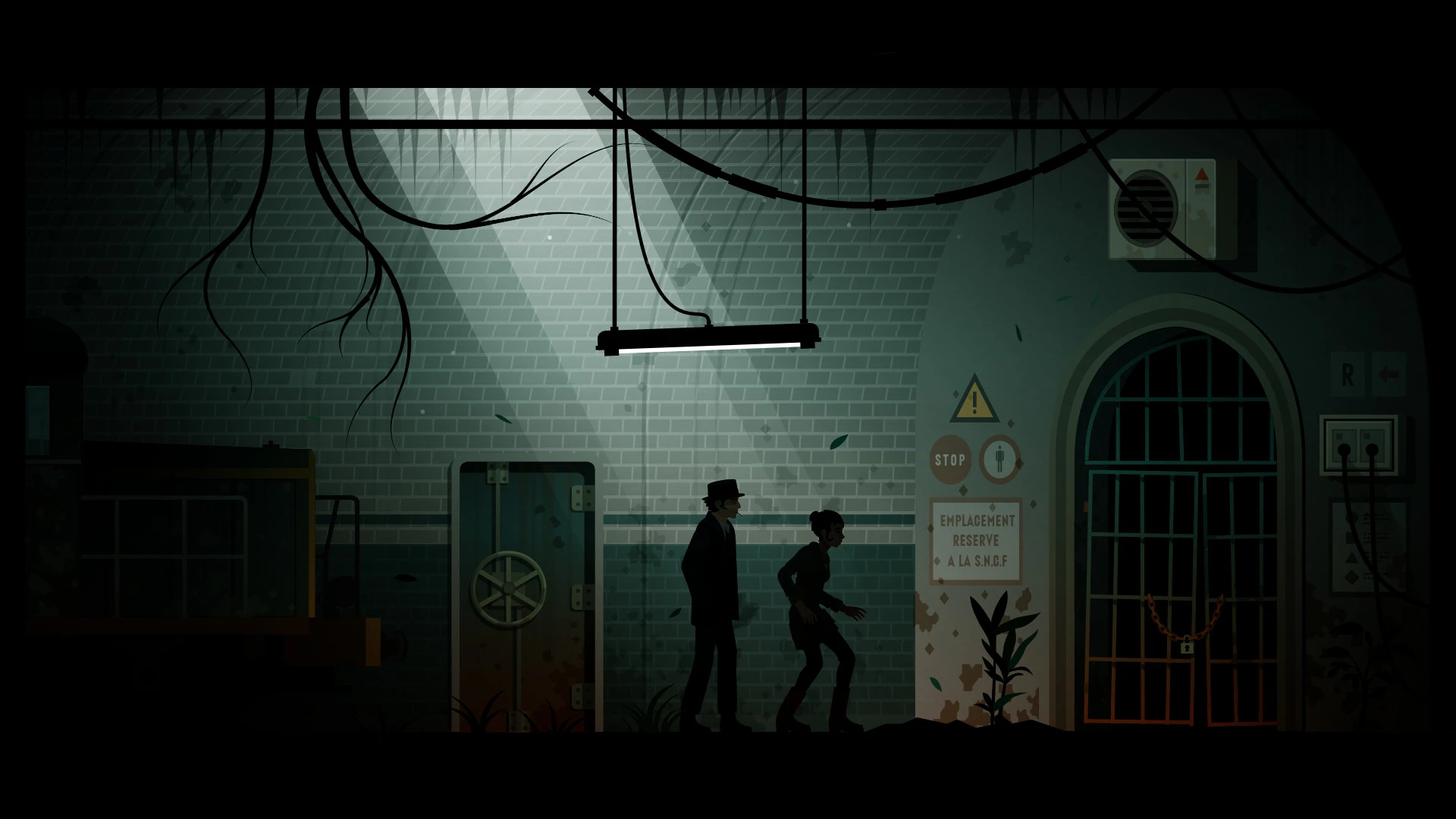
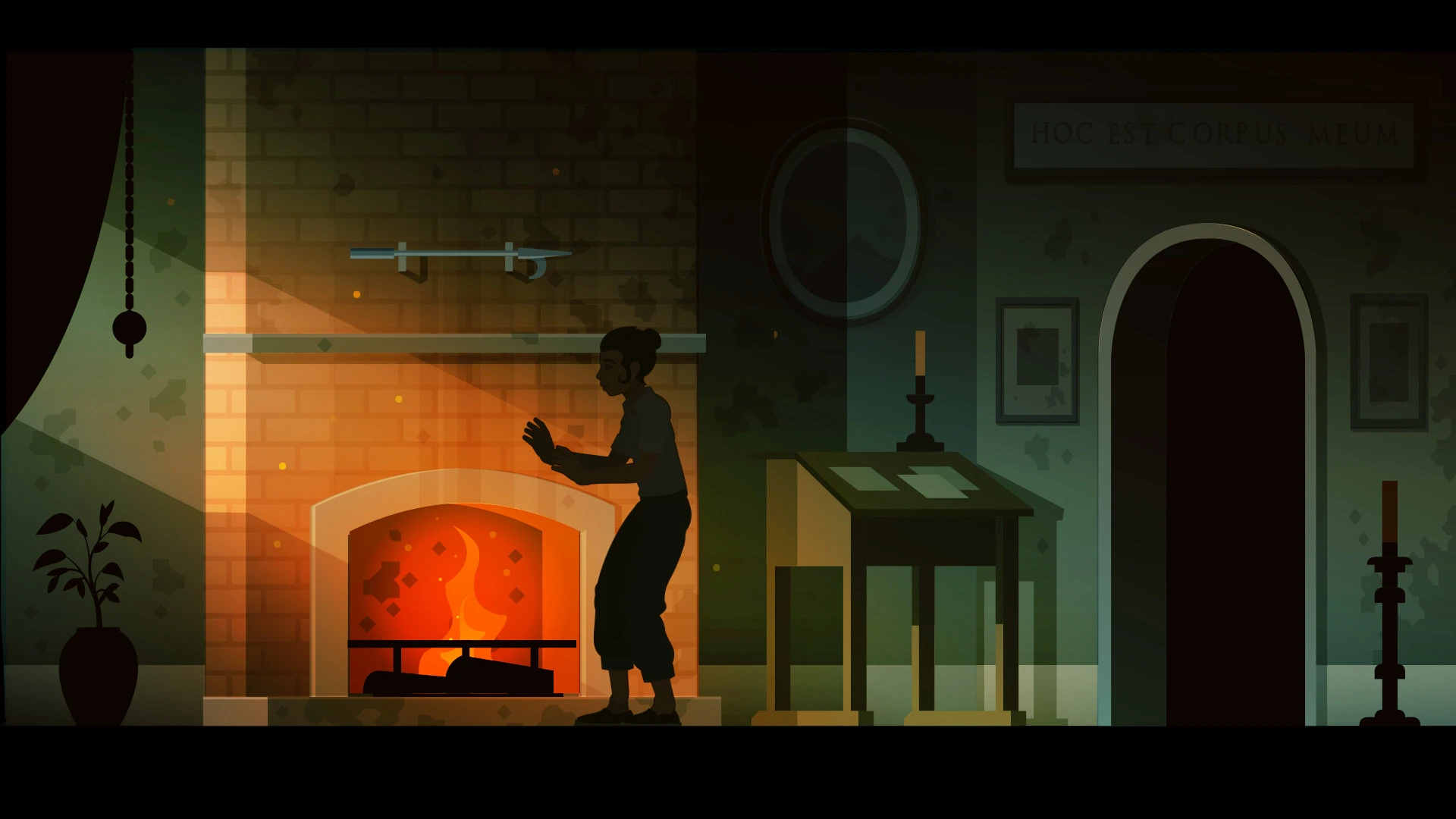
In the realm of interactive storytelling and immersive games, few experiences capture the imagination quite like Midnight Girl. This intriguing title transports players into a mysterious and atmospheric world where choices, secrets, and suspense define the journey. Unlike many conventional games, Midnight Girl emphasizes narrative depth and player agency, creating an experience that is both emotionally engaging and mentally stimulating.
At its core, Midnight Girl is a story-driven adventure where players assume the role of a young protagonist navigating a night filled with danger, discovery, and unexpected encounters. The game blends elements of mystery, suspense, and character-driven storytelling, challenging players to make decisions that have meaningful consequences. Every choice shapes the narrative, influencing relationships, unlocking secrets, and ultimately determining the protagonist’s fate.
The standout feature of Midnight Girl is its focus on character development. The protagonist is not simply a passive observer; she is a dynamic character whose personality evolves based on the player’s decisions. Alongside her, a cast of intriguing characters adds depth and complexity to the story. Interactions with these characters are crucial, as alliances, trust, and rivalries play a significant role in how events unfold. This emphasis on relationships makes Midnight Girl feel alive, with every conversation and encounter carrying weight.
Exploration and atmosphere are also central to the experience. The game’s world is shrouded in darkness, with city streets, alleyways, and hidden corners waiting to be discovered. The art and sound design work in tandem to create a tense and immersive environment. Dimly lit scenes, subtle sound cues, and moody visuals enhance the sense of mystery, keeping players alert and engaged. This careful attention to atmosphere allows players to feel fully immersed in the narrative, heightening the emotional impact of their choices.
Decision-making in Midnight Girl is layered and nuanced. Players must balance risk and reward, considering the potential consequences of their actions. The game challenges players to think critically, adapt to unexpected developments, and anticipate the reactions of other characters. This combination of strategy and narrative depth ensures that no two playthroughs are identical, encouraging replayability and exploration of alternative story paths.
The game’s pacing is another strength. Midnight Girl balances suspenseful moments with quieter, introspective scenes, allowing players to engage with the story on multiple levels. Action and tension are interspersed with exploration and dialogue, creating a rhythm that keeps the experience compelling without overwhelming the player.
In conclusion, Midnight Girl is a masterful blend of narrative, strategy, and atmospheric storytelling. By placing the player at the center of a dark, mysterious world filled with complex characters and meaningful choices, the game offers a truly immersive experience. It is a journey of discovery, suspense, and personal growth, where every decision shapes the story and every moment counts. For fans of story-driven adventures, mystery, and richly developed worlds, Midnight Girl offers an unforgettable experience that lingers long after the game is over.
OS: Mac OS X 10.13Processor: X64 architecture with SSE2 instruction set support. Apple M1 or above.RAM: 4 GBVideo card: Metal-capable Intel and AMD GPUsDisk space: 2 GB
Run the downloaded image and drag the application to the Applications folder shortcut.
Once copying is complete, the application can be launched via Launchpad.
Frequently Asked Questions
Mount the image and run Open Gatekeeper friendly.
Press Enter to bypass Gatekeeper in the Terminal window.
Drag the application to the Applications folder.
The application is ready for use.
ATTENTION! SIP must be disabled. Learn more >
Restart your Mac and hold down Command + R to enter Recovery Mode.
Open Terminal from the Utilities menu.
Enter the command: csrutil disable
Restart your Mac.
This is a common Gatekeeper issue. Follow these steps:
1. Open Terminal
2. Enter: sudo xattr -rd com.apple.quarantine /Applications/AppName.app
3. Replace "AppName" with the actual application name
4. Press Enter and enter your password
Yes, all our downloads are thoroughly checked for viruses and malware.
We use multiple antivirus engines to scan every file.
Our team tests each application before publishing.
We never bundle adware or unwanted software.
Yes, we regularly update our applications to the latest versions.
You can check our website for updates or subscribe to our newsletter.
We strive to provide the most recent versions within 24-48 hours of release.
If a download link is not working, please:
1. Try a different browser
2. Clear your browser cache and cookies
3. Try the alternative download links provided
4. Contact our support team if the issue persists