


Mind Symphony
Download Mind Symphony
Run the downloaded image and drag the application to the Applications folder shortcut.
Once the copy is complete, you can launch the application from Launchpad.
Previous Versions
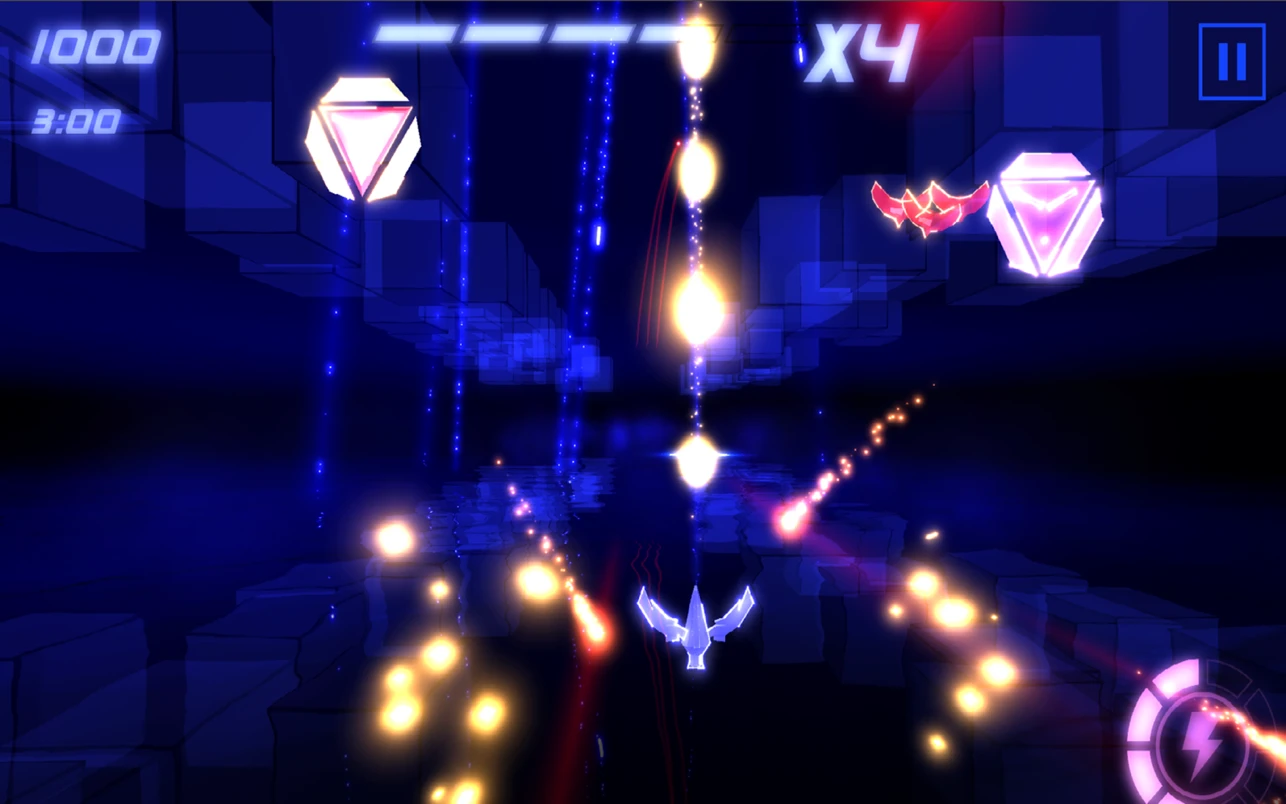


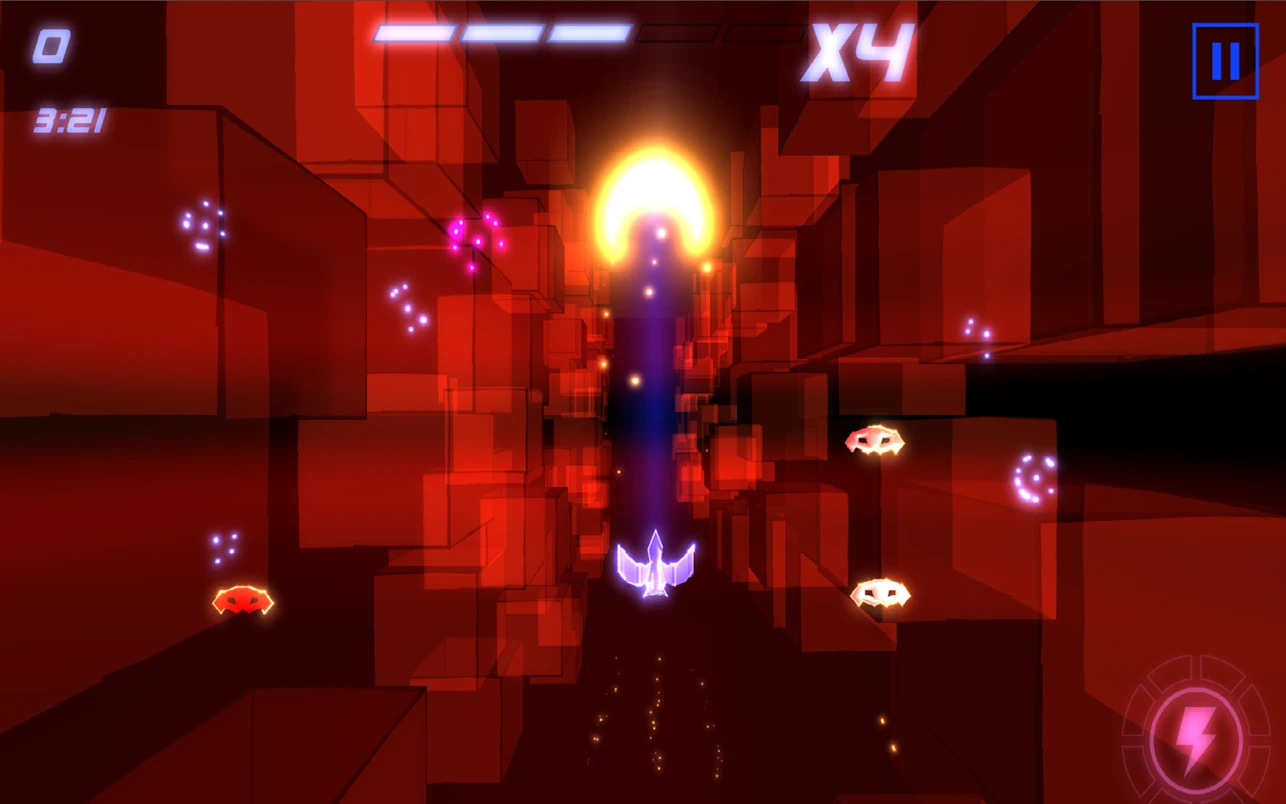
In the realm of modern indie games, few titles combine creativity, strategy, and music as effectively as Mind Symphony. Developed with a focus on immersive experiences, this game offers players an innovative blend of rhythm, puzzle-solving, and tactical gameplay. By merging auditory engagement with cerebral challenges, Mind Symphony delivers an experience that is both stimulating and relaxing, appealing to gamers seeking a unique combination of entertainment and mental exercise.
At its core, Mind Symphony revolves around crafting and managing sequences of musical notes that influence the game world. Players must solve intricate puzzles and complete challenges by synchronizing actions with rhythm-based mechanics. Unlike traditional rhythm games, where success depends solely on timing, Mind Symphony incorporates strategic thinking, requiring players to plan ahead, analyze patterns, and anticipate the consequences of their moves. This fusion of strategy and rhythm creates a dynamic gameplay loop that keeps players both mentally engaged and creatively inspired.
The game’s interface is designed to be intuitive yet flexible, allowing players to experiment with musical sequences and interactions in a sandbox-like environment. This freedom encourages creativity, as players can approach challenges in multiple ways, combining different sequences to achieve optimal results. The sense of discovery is heightened by the game’s gradual introduction of new mechanics, ensuring that players are constantly learning and adapting as they progress.
One of the standout features of Mind Symphony is its immersive audio design. The game’s soundtrack is not merely a backdrop but an integral part of gameplay. Each note and rhythm is carefully crafted to provide feedback and cues, guiding players through puzzles and challenges. The music evolves in response to player actions, creating a dynamic auditory experience that is both satisfying and motivating. This interactive musical element elevates the game beyond standard puzzle or rhythm titles, offering a truly multisensory experience.
Visually, Mind Symphony complements its musical focus with a clean, stylized aesthetic. Levels and interfaces are designed to be visually clear, emphasizing patterns, sequences, and timing cues. Minimalist backgrounds allow players to focus on the puzzle-solving and rhythm aspects without distraction, while subtle animations and visual effects enhance the sense of progression and achievement. The combination of clarity and artistic style ensures that the visual presentation aligns seamlessly with the auditory and strategic elements of the game.
Replayability is a key strength of Mind Symphony. Each puzzle or challenge can be approached in different ways, allowing players to experiment with alternate sequences and strategies. Additionally, the game includes modes that encourage continuous engagement, from timed challenges to creative sandbox environments. This emphasis on exploration and experimentation ensures that the game remains engaging over extended play sessions.
In conclusion, Mind Symphony is a remarkable fusion of music, strategy, and puzzle-solving. Its innovative mechanics, immersive sound design, and visually appealing interface create a unique and rewarding experience for players of all skill levels. By blending creativity with cognitive challenge, the game offers a truly memorable journey that stimulates both the mind and the senses. For those seeking a thoughtful and engaging gaming experience, Mind Symphony is an unforgettable adventure into the harmony of music and strategy.
Requires macOS 10.15 or later
Run the downloaded image and drag the application to the Applications folder shortcut.
Once the copy is complete, you can launch the application from Launchpad.
Frequently Asked Questions
Mount the image and run Open Gatekeeper friendly.
Press Enter to bypass Gatekeeper in the Terminal window.
Drag the application to the Applications folder.
The application is ready for use.
ATTENTION! SIP must be disabled. Learn more >
Restart your Mac and hold down Command + R to enter Recovery Mode.
Open Terminal from the Utilities menu.
Enter the command: csrutil disable
Restart your Mac.
This is a common Gatekeeper issue. Follow these steps:
1. Open Terminal
2. Enter: sudo xattr -rd com.apple.quarantine /Applications/AppName.app
3. Replace "AppName" with the actual application name
4. Press Enter and enter your password
Yes, all our downloads are thoroughly checked for viruses and malware.
We use multiple antivirus engines to scan every file.
Our team tests each application before publishing.
We never bundle adware or unwanted software.
Yes, we regularly update our applications to the latest versions.
You can check our website for updates or subscribe to our newsletter.
We strive to provide the most recent versions within 24-48 hours of release.
If a download link is not working, please:
1. Try a different browser
2. Clear your browser cache and cookies
3. Try the alternative download links provided
4. Contact our support team if the issue persists