


Ministry of Broadcast
Download Ministry of Broadcast
Mount the downloaded image and follow the standard installation procedure.
The installation is completed by choosing a location to place the game.
It is recommended to specify the Applications folder.
Previous Versions

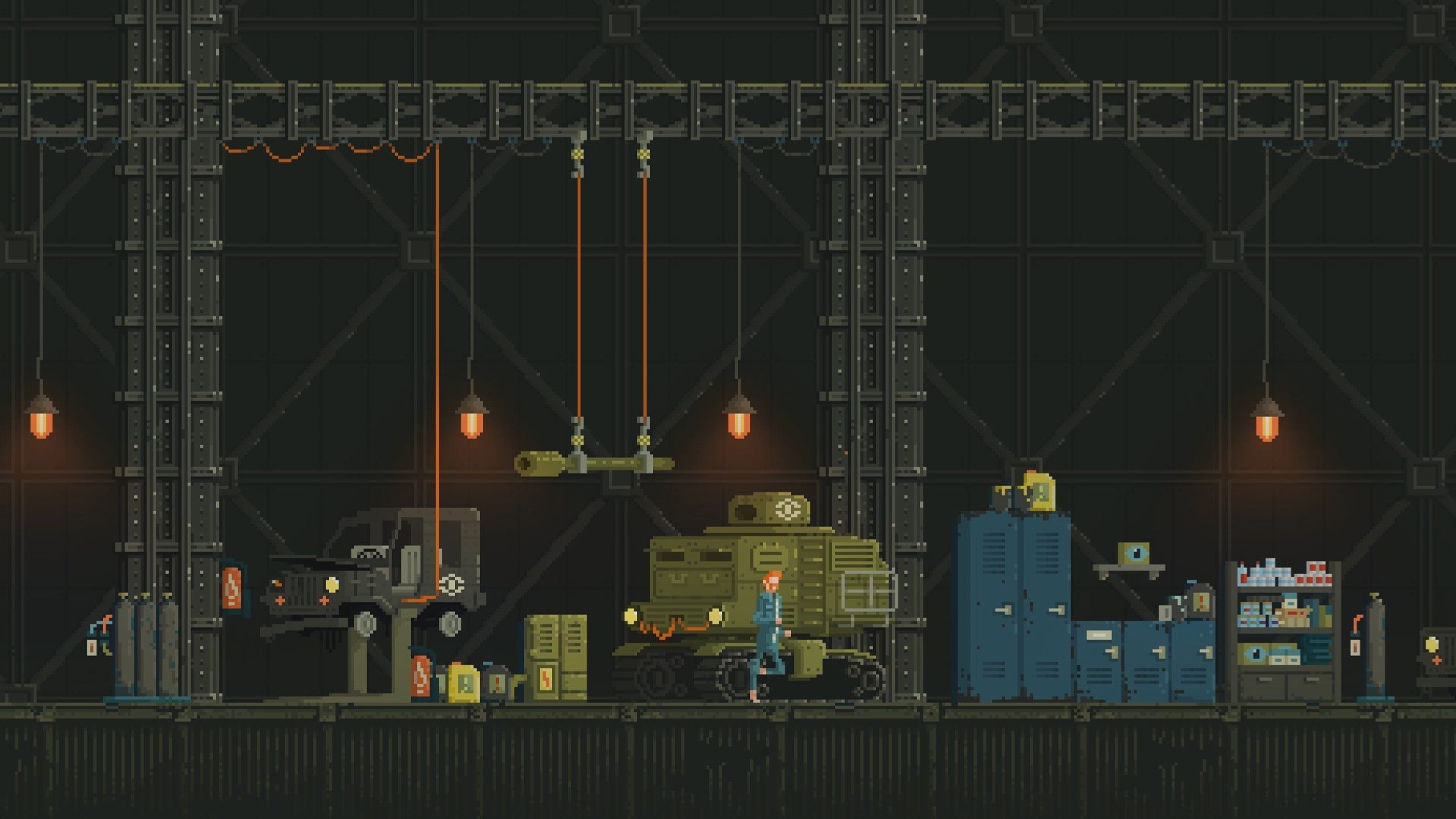
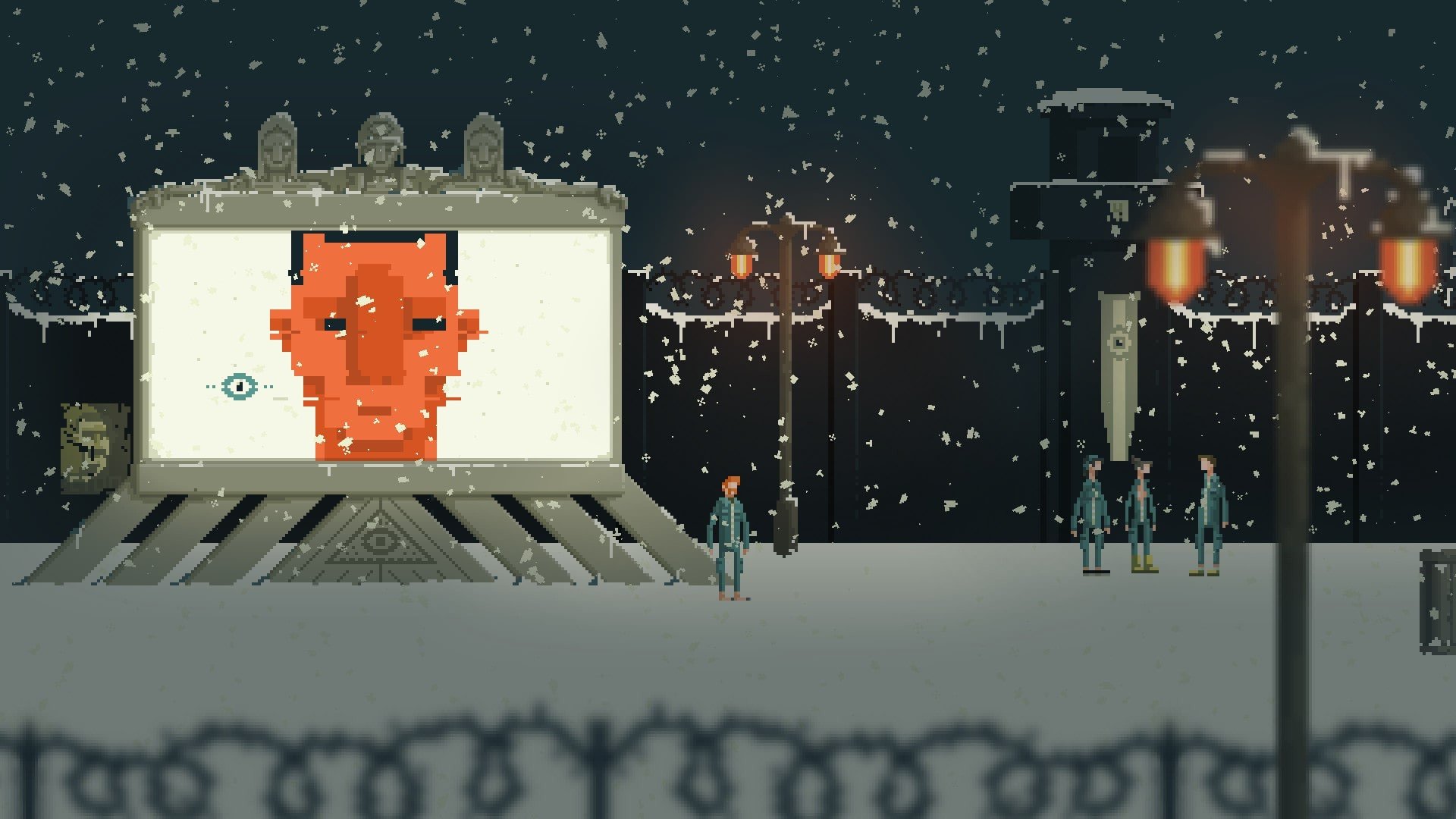
In a world saturated with narrative-driven games, few manage to combine humor, satire, and challenging gameplay as effectively as Ministry of Broadcast. Developed by Optillusion, this indie title stands out for its clever blend of platforming, puzzles, and social commentary. Set in a dystopian future, the game places players in a society dominated by a totalitarian regime obsessed with entertainment and control, creating a darkly comedic yet thought-provoking experience.
At the heart of Ministry of Broadcast is its unique gameplay mechanic: navigating deadly obstacle courses under the scrutiny of a tyrannical government. Players control a character who must participate in televised trials to save a loved one, often facing traps that require precise timing, strategic thinking, and a willingness to embrace failure as part of the learning process. This combination of platforming and puzzle-solving creates a tense, engaging rhythm where every misstep carries consequences, but every victory feels hard-earned and satisfying.
What makes Ministry of Broadcast particularly compelling is how it integrates storytelling directly into gameplay. Unlike traditional narrative-heavy games that rely on cutscenes or dialogue, this title communicates its themes through environmental design, level structure, and player experience. Each obstacle course is more than a challenge—it is a commentary on conformity, fear, and spectacle. The game's dystopian setting feels lived-in and consistent, with the oppressive presence of the Ministry of Broadcast looming over every jump, swing, and slide. Players don’t just witness a totalitarian world—they experience its absurdity and danger firsthand.
The art style of Ministry of Broadcast further reinforces its unique tone. Using a pixel-art aesthetic reminiscent of classic 2D platformers, the game manages to feel both retro and modern. Levels are intricately designed with hidden paths, clever traps, and subtle visual storytelling cues that reward observation and exploration. Coupled with an atmospheric soundtrack that balances tension and dark humor, the game creates an immersive experience that is as engaging to watch as it is to play.
Another key strength is its accessibility and challenge balance. While the game can be punishing, requiring careful timing and repeated attempts, it never feels unfair. Instead, each failure encourages players to rethink their strategy, experiment with timing, and appreciate the nuances of level design. This careful balance between difficulty and reward is one of the reasons Ministry of Broadcast stands out in the puzzle-platform genre, appealing to both casual players and hardcore puzzle enthusiasts.
Ultimately, Ministry of Broadcast is more than a platformer or a puzzle game—it is a satirical exploration of media, power, and human resilience. Its clever design, engaging mechanics, and rich thematic depth make it a standout title that entertains while provoking thought. Players leave the game not just with a sense of accomplishment from overcoming difficult challenges, but also with an appreciation for the narrative possibilities of gameplay itself.
In a gaming landscape often dominated by spectacle, Ministry of Broadcast proves that creativity, clever design, and meaningful commentary can combine to create an unforgettable experience. It is a game that challenges both reflexes and intellect, leaving a lasting impression long after the screen goes dark.
OS: OS 10.6+RAM: 4 GB
Mount the downloaded image and follow the standard installation procedure.
The installation is completed by choosing a location to place the game.
It is recommended to specify the Applications folder.
Frequently Asked Questions
Mount the image and run Open Gatekeeper friendly.
Press Enter to bypass Gatekeeper in the Terminal window.
Drag the application to the Applications folder.
The application is ready for use.
ATTENTION! SIP must be disabled. Learn more >
Restart your Mac and hold down Command + R to enter Recovery Mode.
Open Terminal from the Utilities menu.
Enter the command: csrutil disable
Restart your Mac.
This is a common Gatekeeper issue. Follow these steps:
1. Open Terminal
2. Enter: sudo xattr -rd com.apple.quarantine /Applications/AppName.app
3. Replace "AppName" with the actual application name
4. Press Enter and enter your password
Yes, all our downloads are thoroughly checked for viruses and malware.
We use multiple antivirus engines to scan every file.
Our team tests each application before publishing.
We never bundle adware or unwanted software.
Yes, we regularly update our applications to the latest versions.
You can check our website for updates or subscribe to our newsletter.
We strive to provide the most recent versions within 24-48 hours of release.
If a download link is not working, please:
1. Try a different browser
2. Clear your browser cache and cookies
3. Try the alternative download links provided
4. Contact our support team if the issue persists