


MMO98
Download MMO98
Run the downloaded image and drag the application to the Applications folder shortcut.
Once copying is complete, the application can be launched via Launchpad.
Previous Versions
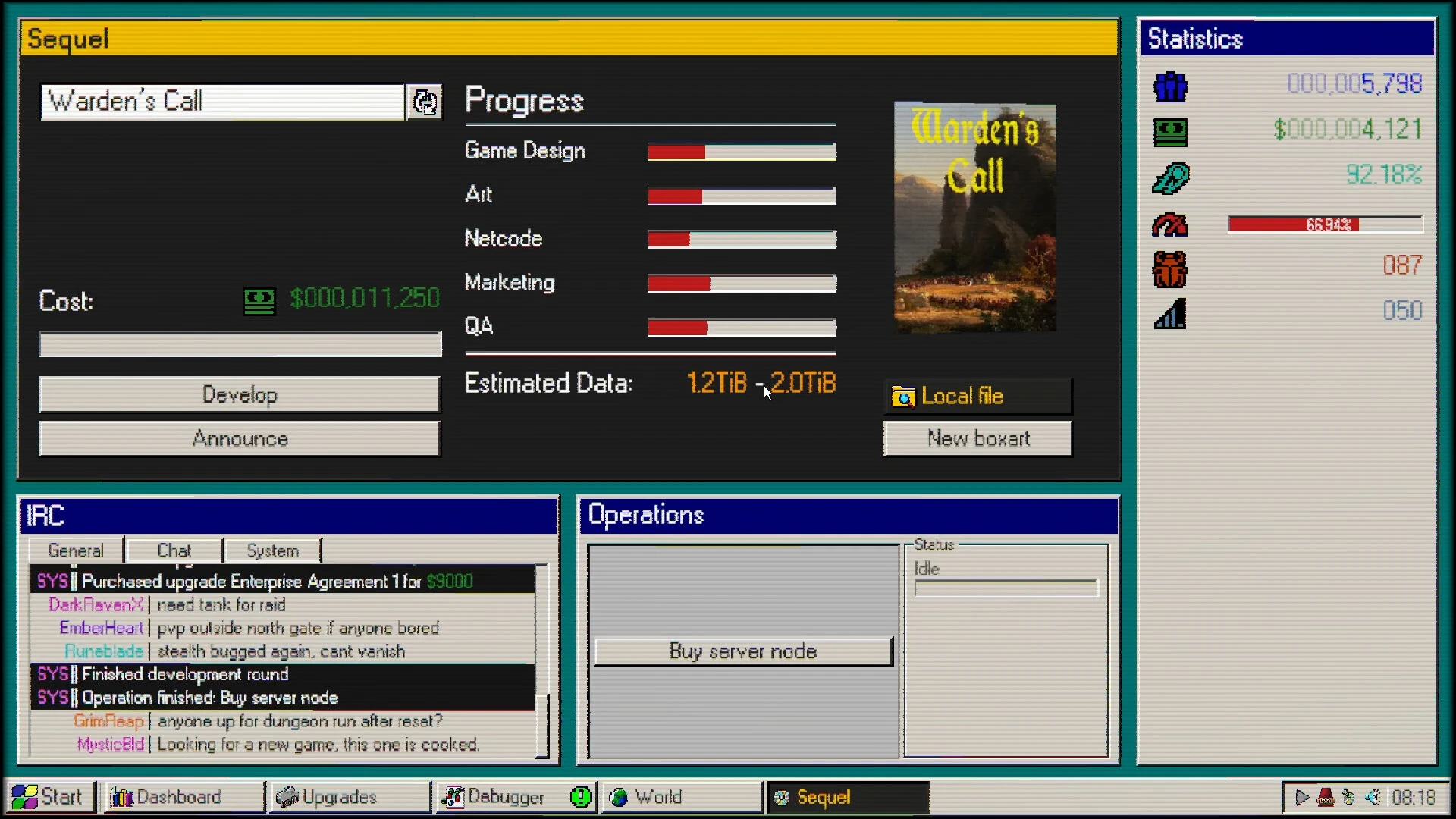
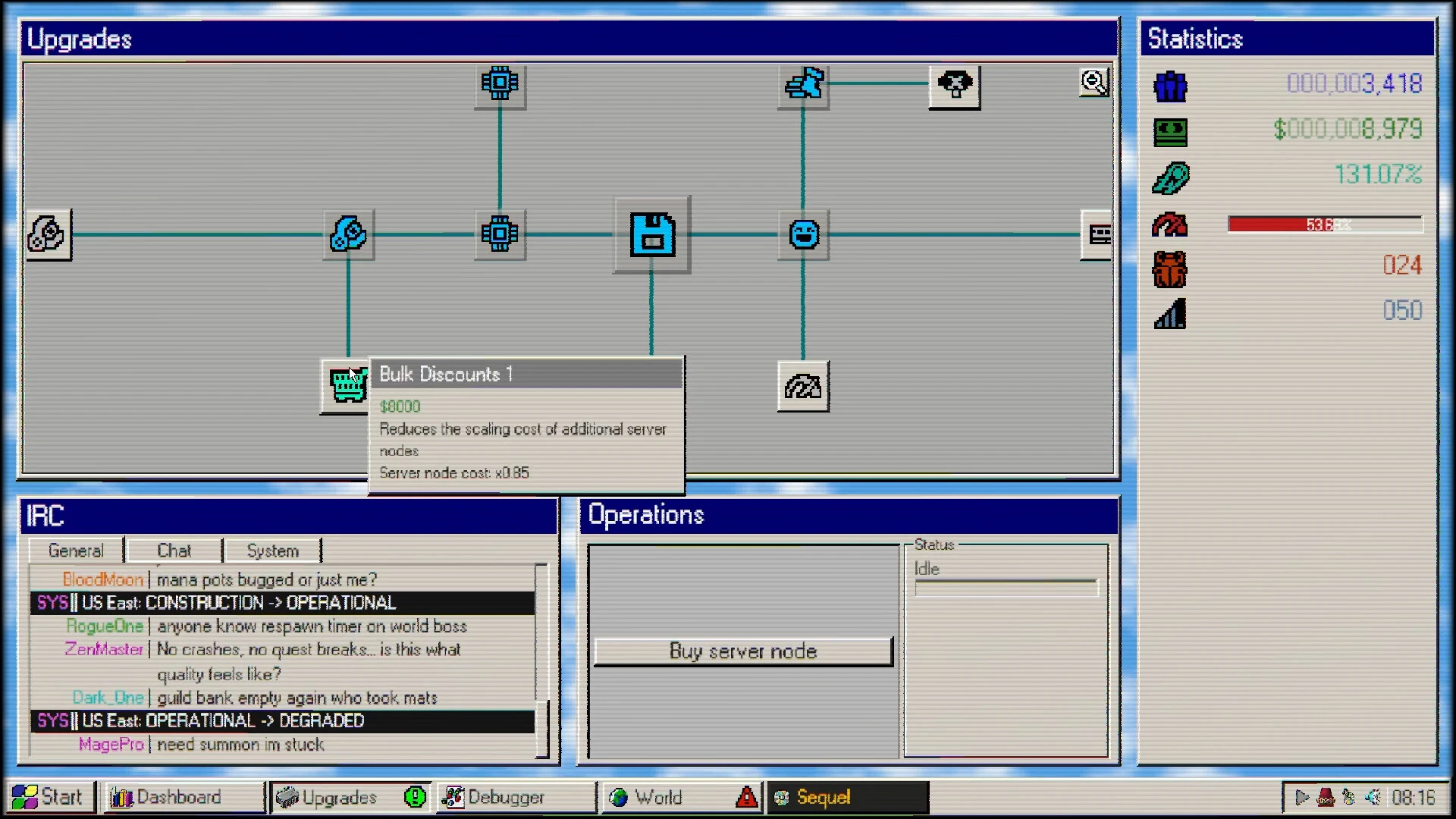
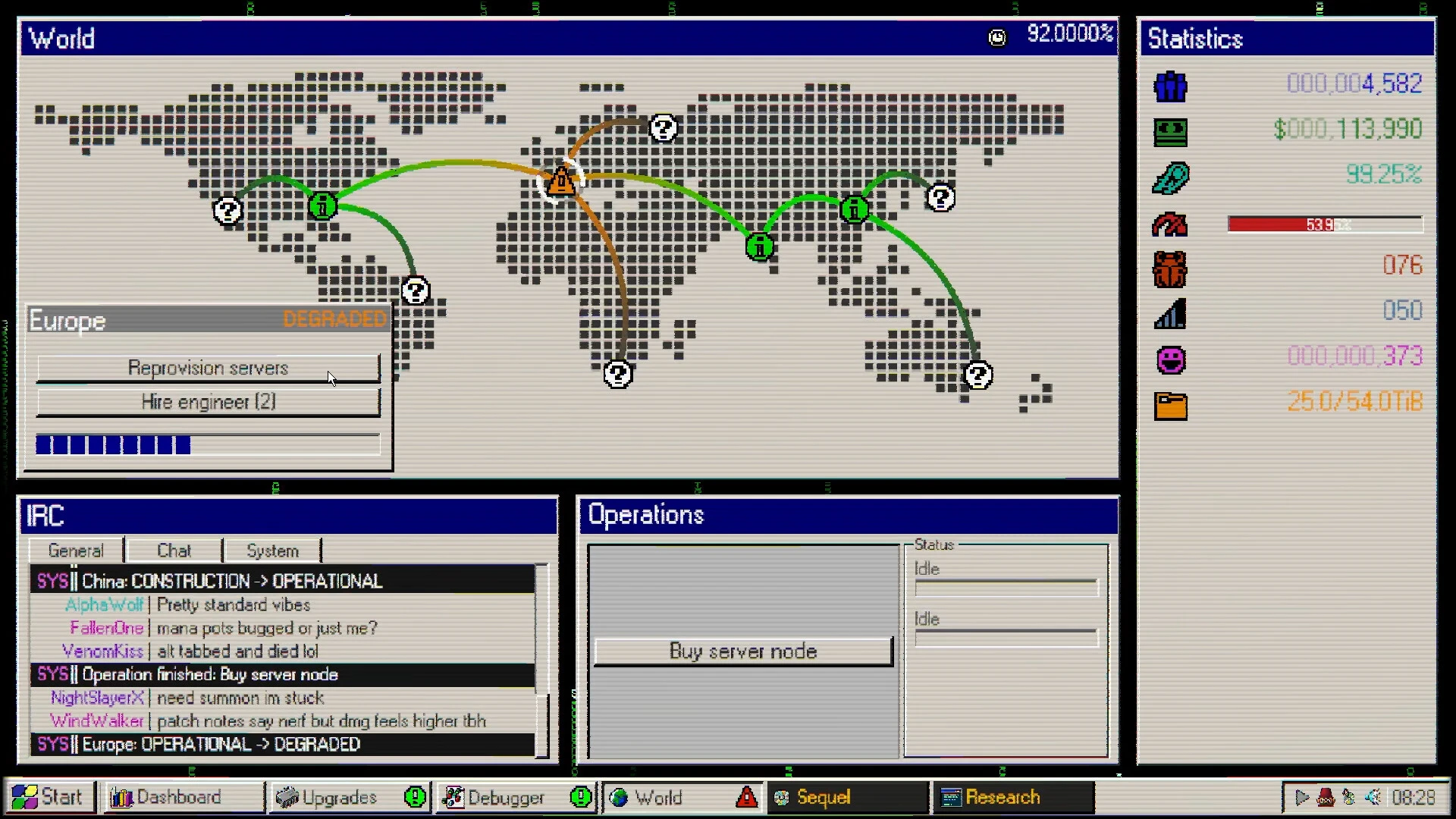
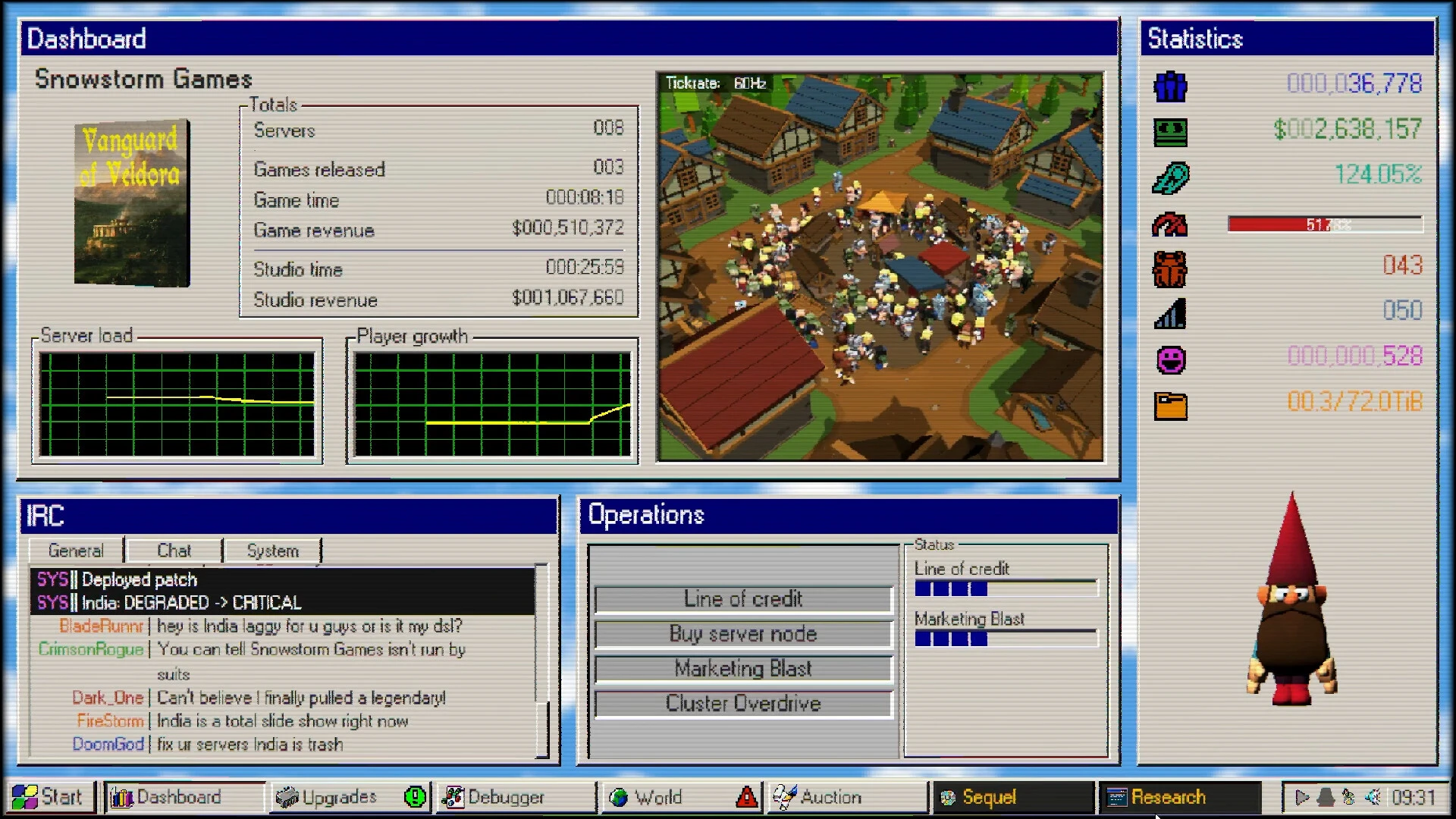
The video game industry continues to explore creative ideas, and one of the most unique indie experiences currently attracting attention is MMO98. This imaginative title combines online multiplayer interaction, retro internet culture, and narrative exploration into an experience that is both nostalgic and refreshingly original. For players who remember the early days of online gaming, or who simply want to experience a digital world inspired by the late 90s, MMO98 offers something truly special.
Inspired by the era of dial-up internet, old chat rooms, pixelated graphics, and early online communities, MMO98 creates a world where players can explore, communicate, and solve mysteries together. Instead of focusing solely on combat or competition, the game emphasizes social interaction, exploration, and storytelling.
A Journey Back to the Early Days of the Internet
One of the main reasons MMO98 stands out is its unique setting. The game captures the feeling of connecting to the internet in the late 90s, when online worlds felt mysterious, experimental, and full of discovery.
Players delve into a digital universe filled with retro-inspired environments, quirky characters, hidden messages, and online communities. Each area feels like a forgotten corner of the internet waiting to be explored.
From pixel art interfaces to nostalgic sound effects, the game successfully recreates the charm of classic online experiences.
Multiplayer Social Exploration
Unlike traditional MMORPGs that focus on combat and leveling systems, MMO98 places social interaction at the heart of gameplay.
Players can meet others, share discoveries, exchange clues, and collaborate to uncover secrets hidden in the digital world. Conversations become an important part of progression, creating meaningful connections between players.
This community-driven design makes each session different, as every player contributes to the shared experience.
Mystery and Narrative
At its core, MMO98 is a narrative adventure steeped in mystery. Hidden files, strange messages, forgotten servers, and digital clues gradually reveal a deeper story.
Players must pay attention to details, connect the dots, and collaborate with others to understand what really happened in this mysterious online world.
This narrative approach keeps players engaged, rewarding curiosity and exploration.
Retro Visual Style
Visually, MMO98 adopts a nostalgic aesthetic inspired by classic computer systems and early online games. Pixelated environments, CRT-style effects, and vintage interface designs all contribute to a powerful sense of authenticity.
The soundtrack further enhances the atmosphere, using electronic and ambient sounds that perfectly complement the late 90s digital theme.
Why does MMO98 appeal to players?
Today's gamers are increasingly interested in unique experiences that go beyond traditional gameplay formulas. MMO98 appeals to players because it offers:
Social multiplayer exploration
Retro internet nostalgia
A mysterious narrative
Unique art direction
Community-driven gameplay
This combination creates an experience unlike most modern online games.
Conclusion
MMO98 is more than just a game: it's an homage to the early days of the internet and the thrill of digital discovery. With its nostalgic design, social gameplay, and mysterious narrative, it offers a memorable adventure for players who enjoy exploration, community, and creative indie gaming experiences. For those looking for something different in the world of multiplayer games, MMO98 is definitely worth exploring.
OS: macOS 10.15 (Catalina) or laterProcessor: Intel Core i5 or Apple Silicon (M1)RAM: 4 GB RAMVideo Card: Metal-capable GPU (Intel HD 5000+)Disk Space: 250 MB
Run the downloaded image and drag the application to the Applications folder shortcut.
Once copying is complete, the application can be launched via Launchpad.
Frequently Asked Questions
Mount the image and run Open Gatekeeper friendly.
Press Enter to bypass Gatekeeper in the Terminal window.
Drag the application to the Applications folder.
The application is ready for use.
ATTENTION! SIP must be disabled. Learn more >
Restart your Mac and hold down Command + R to enter Recovery Mode.
Open Terminal from the Utilities menu.
Enter the command: csrutil disable
Restart your Mac.
This is a common Gatekeeper issue. Follow these steps:
1. Open Terminal
2. Enter: sudo xattr -rd com.apple.quarantine /Applications/AppName.app
3. Replace "AppName" with the actual application name
4. Press Enter and enter your password
Yes, all our downloads are thoroughly checked for viruses and malware.
We use multiple antivirus engines to scan every file.
Our team tests each application before publishing.
We never bundle adware or unwanted software.
Yes, we regularly update our applications to the latest versions.
You can check our website for updates or subscribe to our newsletter.
We strive to provide the most recent versions within 24-48 hours of release.
If a download link is not working, please:
1. Try a different browser
2. Clear your browser cache and cookies
3. Try the alternative download links provided
4. Contact our support team if the issue persists