


MMORPG Tycoon 2
Download MMORPG Tycoon 2
Run the downloaded image and drag the application to the Applications folder shortcut.
Once copying is complete, the application can be launched via Launchpad.
Previous Versions
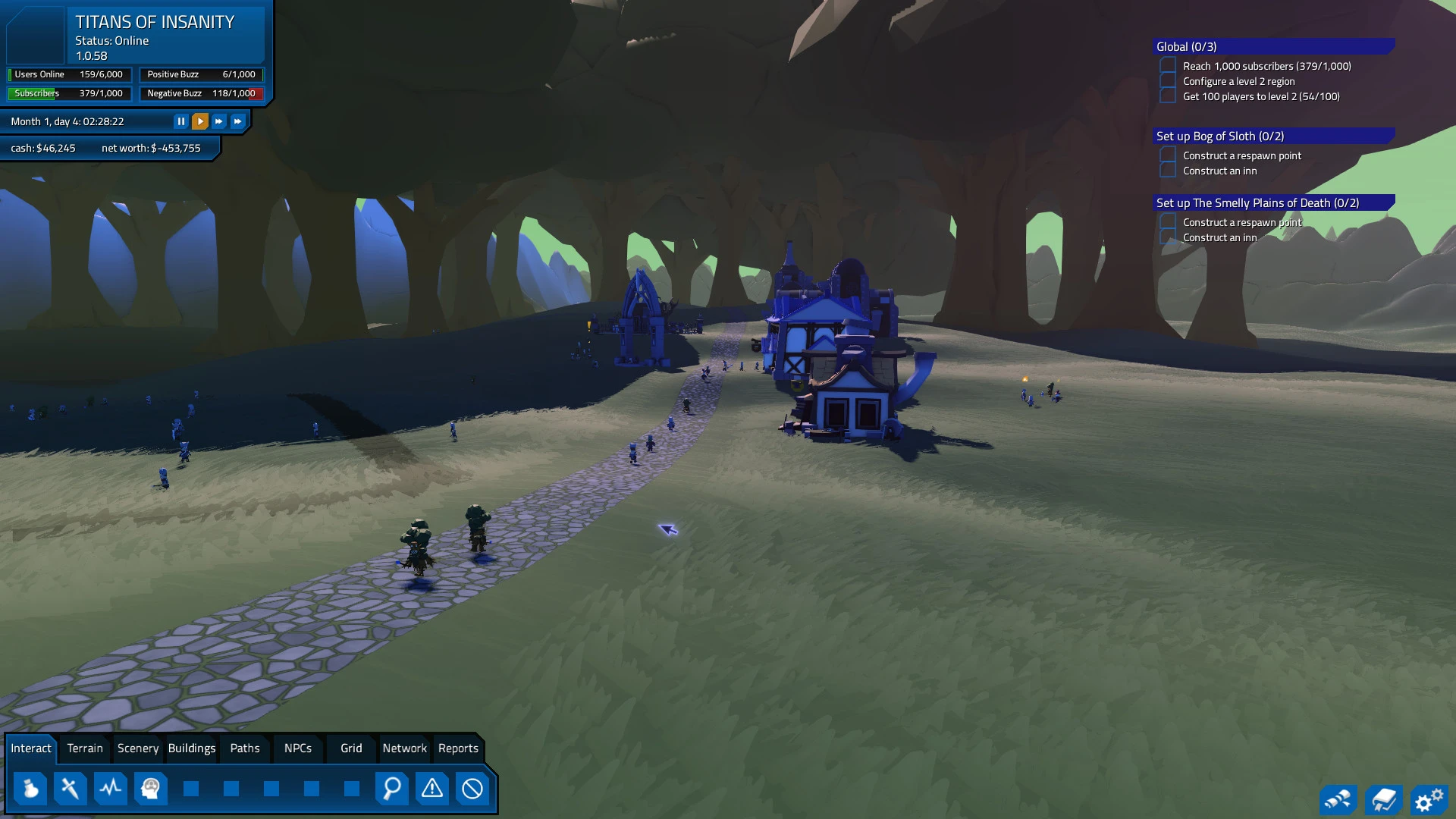
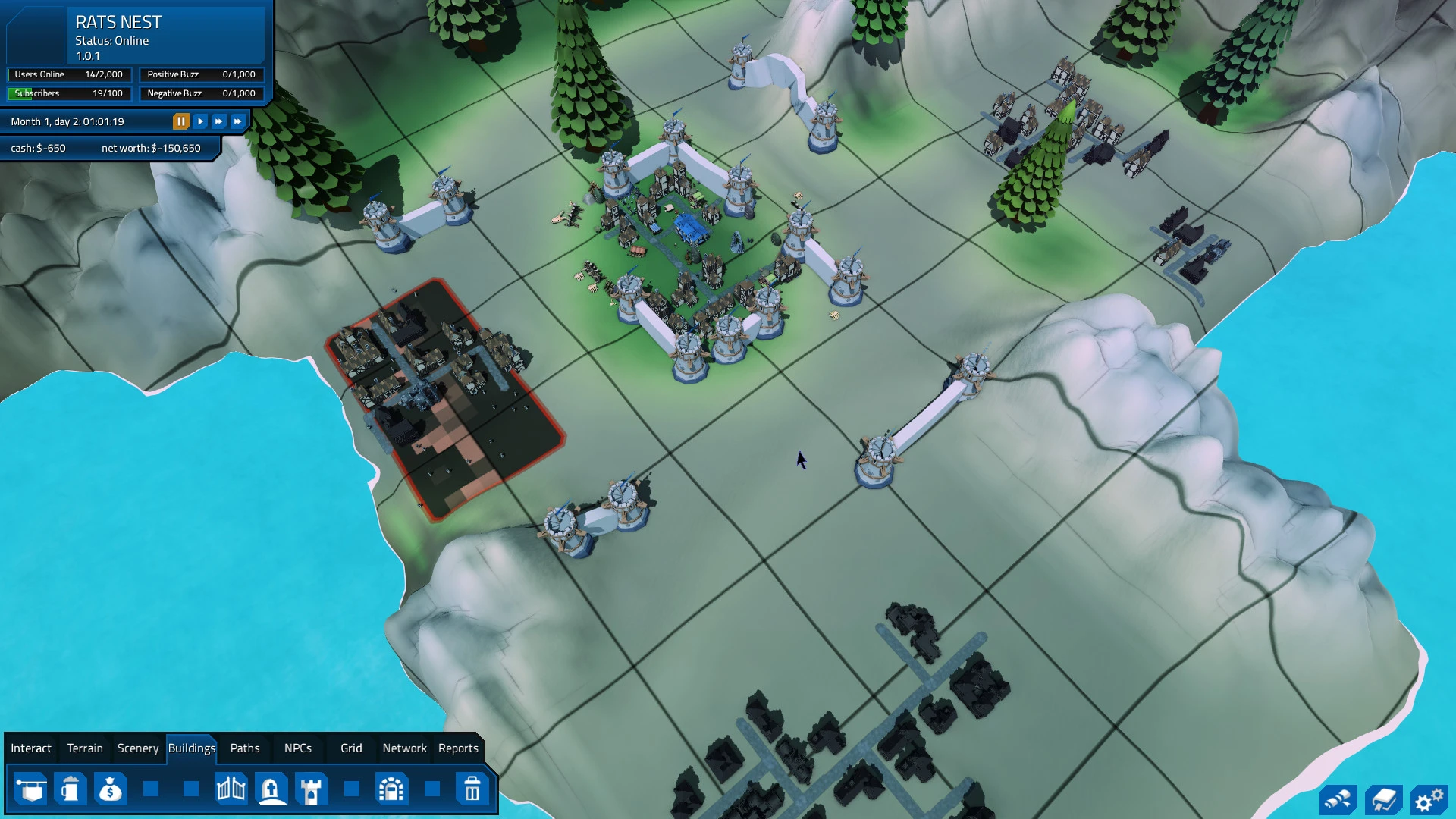
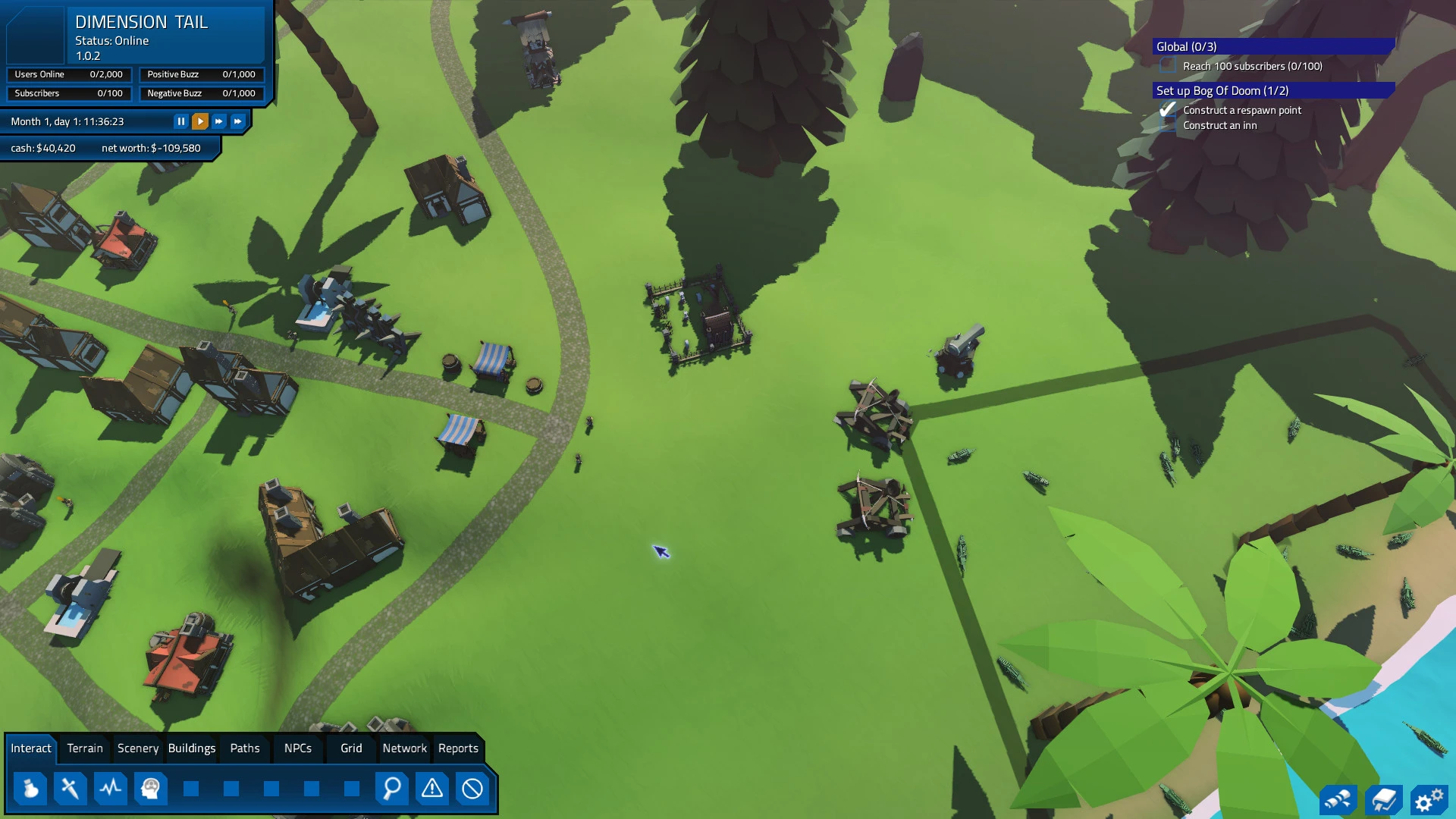
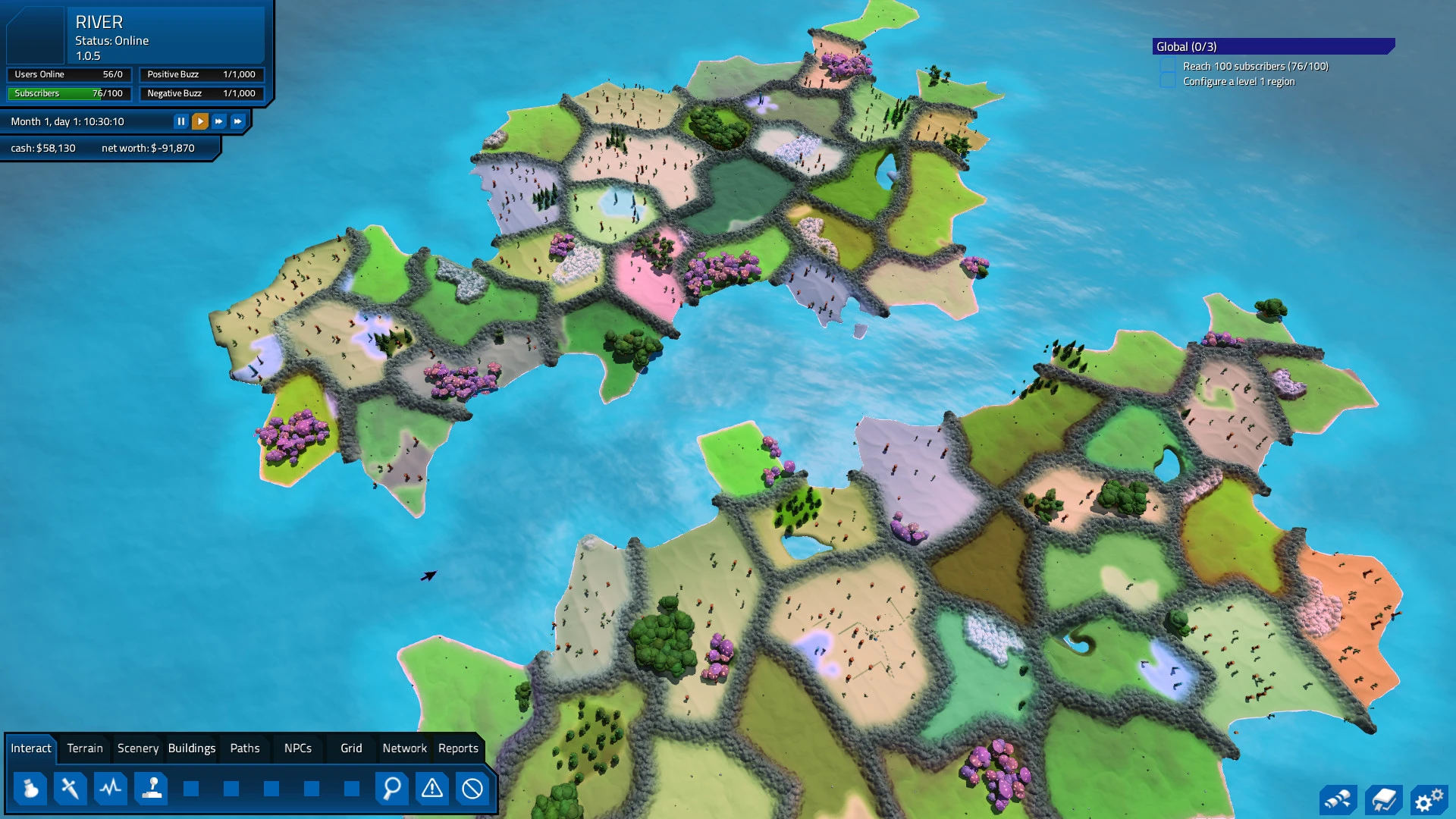
MMORPG Tycoon 2 is a groundbreaking simulation game that gives players the rare opportunity to design, manage, and operate their own massively multiplayer online role-playing game. Unlike traditional MMOs, where players explore pre-built worlds, this game flips the perspective entirely: here, you are in control of the world itself. From creating landscapes and quests to managing economies and player behavior, every decision shapes the experience for thousands of virtual adventurers.
At its core, MMORPG Tycoon 2 is about creativity and strategy. Players begin with a blank canvas—a small starting server with minimal features. From there, it is up to the game master to expand the world by adding zones, crafting quests, designing dungeons, and introducing engaging mechanics. Every choice influences player satisfaction, retention, and engagement. For instance, overly repetitive quests might bore adventurers, while cleverly timed events can generate excitement and loyalty.
One of the standout aspects of the game is its depth of simulation. Player avatars in your virtual world operate with surprising autonomy. They join guilds, pursue professions, explore maps, and respond to events in ways that mimic real MMO communities. This emergent behavior means that players cannot simply rely on rote design—they must think about balance, challenge, and pacing. Ensuring the economy doesn’t crash, dungeons remain challenging, and players feel rewarded requires constant attention and adjustment.
Customization is another major strength of MMORPG Tycoon 2. Players can craft every element of their MMO, from the terrain to the skill trees, item drops, and enemy AI behaviors. The freedom to design both the macro and micro aspects of the game fosters creativity and allows for highly personalized worlds. Whether you want to create a bustling, high-fantasy metropolis or a perilous, dark dungeon-laden realm, the tools are flexible enough to support any vision.
Economic management plays a critical role in the experience. Players must monitor in-game currency flow, resource distribution, and player-driven markets. Introducing rare items or special events can boost player engagement, but overdoing it risks imbalance. The economic simulation adds another layer of complexity, blending strategy with creativity and ensuring that decisions have meaningful consequences.
Community dynamics add an additional layer of challenge. Player groups may cooperate or compete, sometimes creating unintended consequences that ripple across your world. Guild conflicts, trade wars, and emergent social hierarchies force players to respond thoughtfully rather than simply building in isolation. Watching the player base interact, adapt, and sometimes rebel creates a sense of life and unpredictability that is rare in simulation games.
Visually, MMORPG Tycoon 2 balances clarity with immersion. Environments are colorful and detailed enough to feel alive, while the user interface is clean and functional, allowing players to focus on design and strategy rather than struggling with controls. Sound design enhances the experience, with ambient noises, combat sounds, and notifications providing context without being distracting.
In conclusion, MMORPG Tycoon 2 is a unique blend of creativity, strategy, and management. It allows players to step into the role of a game master, shaping worlds, guiding player behavior, and balancing complex systems. For anyone fascinated by game design, community dynamics, or virtual economies, this title offers an unparalleled sandbox to experiment, innovate, and watch your imagined MMO come to life. It is more than a simulation—it is an opportunity to build a living, breathing world from the ground up.
OS: OSX 11.0 or laterProcessor: Apple M1 or Intel Core 2 Duo or equivalentRAM: 8 GB RAM
Run the downloaded image and drag the application to the Applications folder shortcut.
Once copying is complete, the application can be launched via Launchpad.
Frequently Asked Questions
Mount the image and run Open Gatekeeper friendly.
Press Enter to bypass Gatekeeper in the Terminal window.
Drag the application to the Applications folder.
The application is ready for use.
ATTENTION! SIP must be disabled. Learn more >
Restart your Mac and hold down Command + R to enter Recovery Mode.
Open Terminal from the Utilities menu.
Enter the command: csrutil disable
Restart your Mac.
This is a common Gatekeeper issue. Follow these steps:
1. Open Terminal
2. Enter: sudo xattr -rd com.apple.quarantine /Applications/AppName.app
3. Replace "AppName" with the actual application name
4. Press Enter and enter your password
Yes, all our downloads are thoroughly checked for viruses and malware.
We use multiple antivirus engines to scan every file.
Our team tests each application before publishing.
We never bundle adware or unwanted software.
Yes, we regularly update our applications to the latest versions.
You can check our website for updates or subscribe to our newsletter.
We strive to provide the most recent versions within 24-48 hours of release.
If a download link is not working, please:
1. Try a different browser
2. Clear your browser cache and cookies
3. Try the alternative download links provided
4. Contact our support team if the issue persists