


Monster Prom 4: Monster Con
Download Monster Prom 4: Monster Con
Mount the downloaded image and follow the standard installation procedure.
The installation is completed by choosing a location to place the game.
Previous Versions
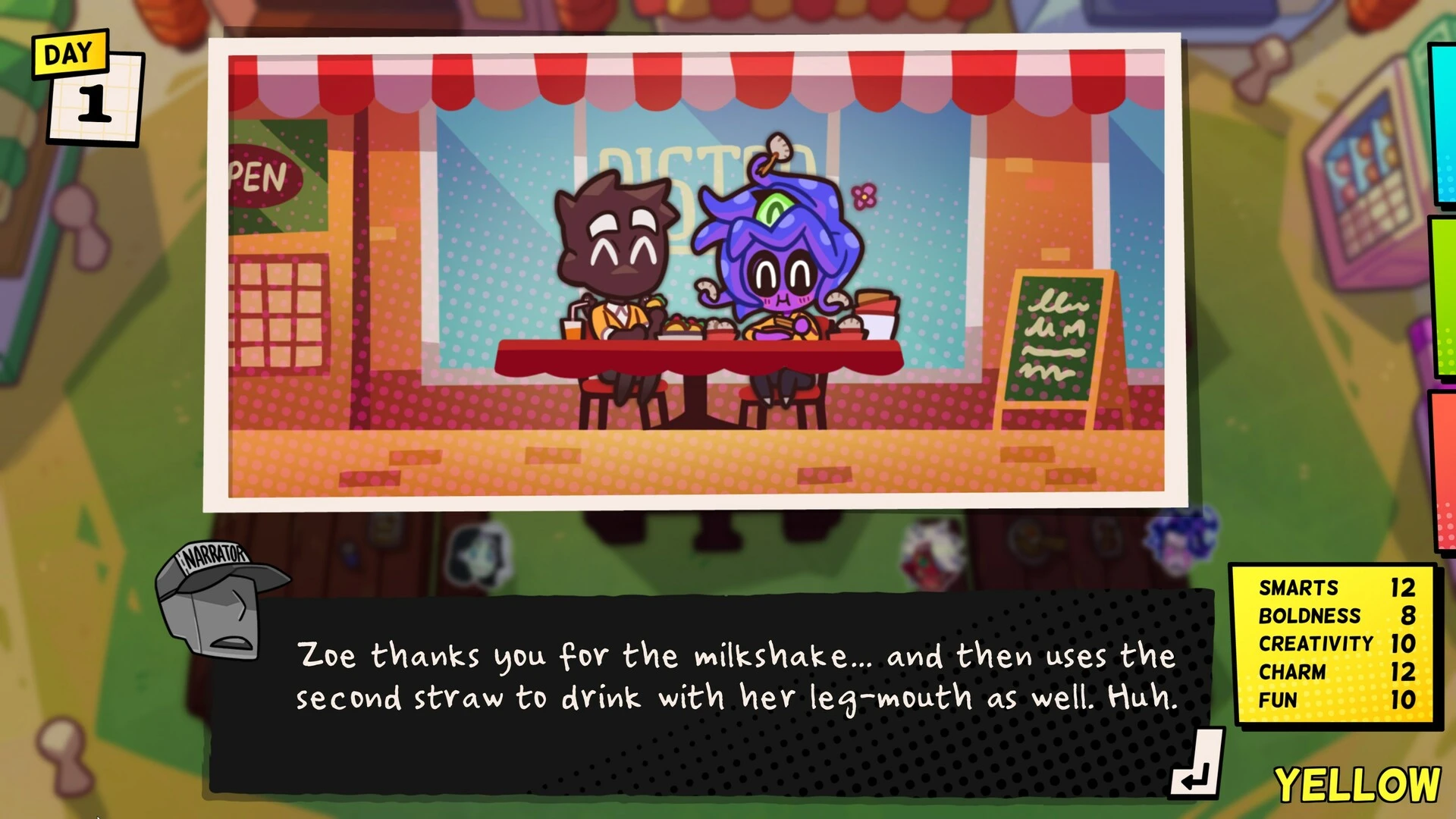
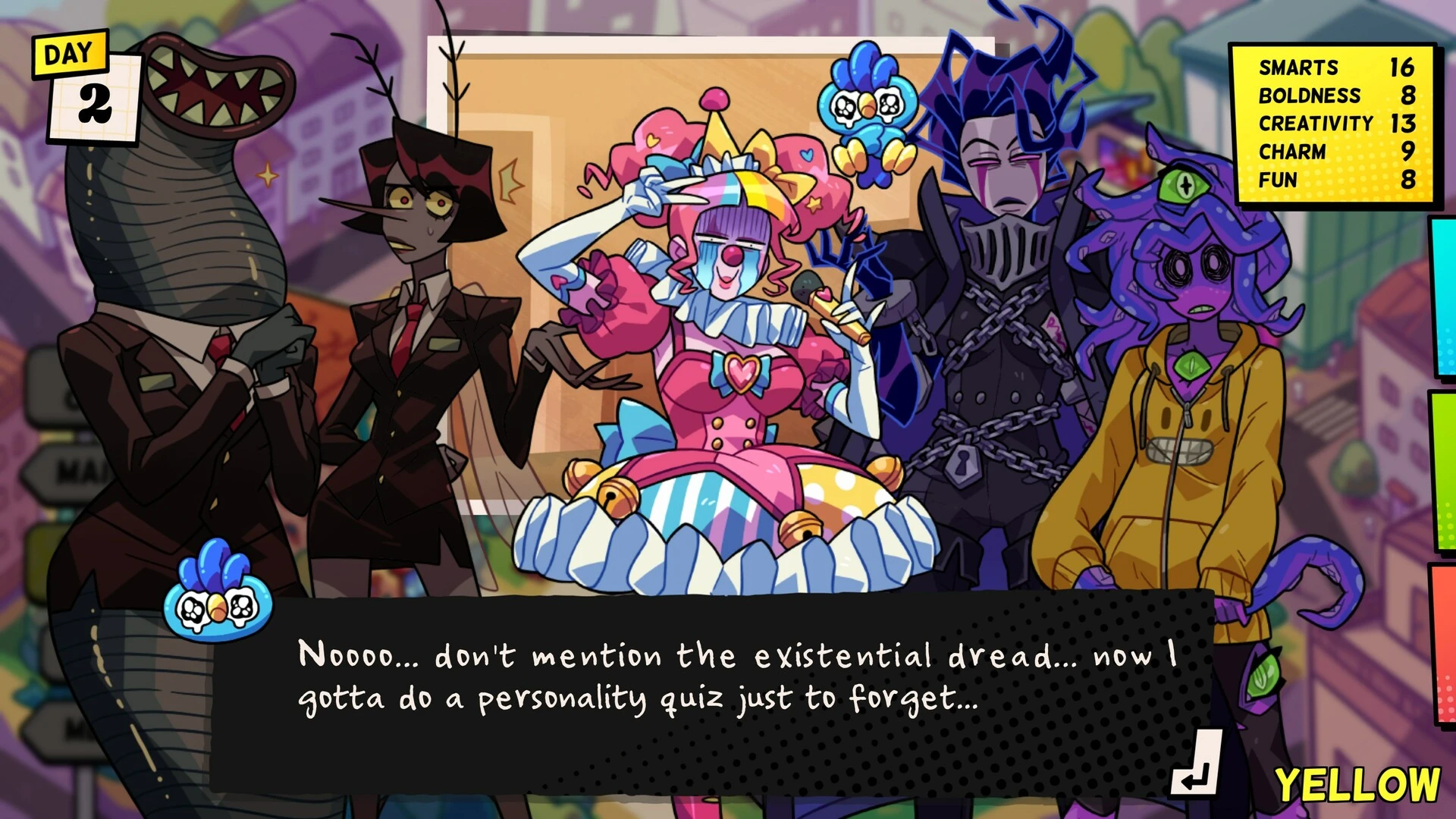
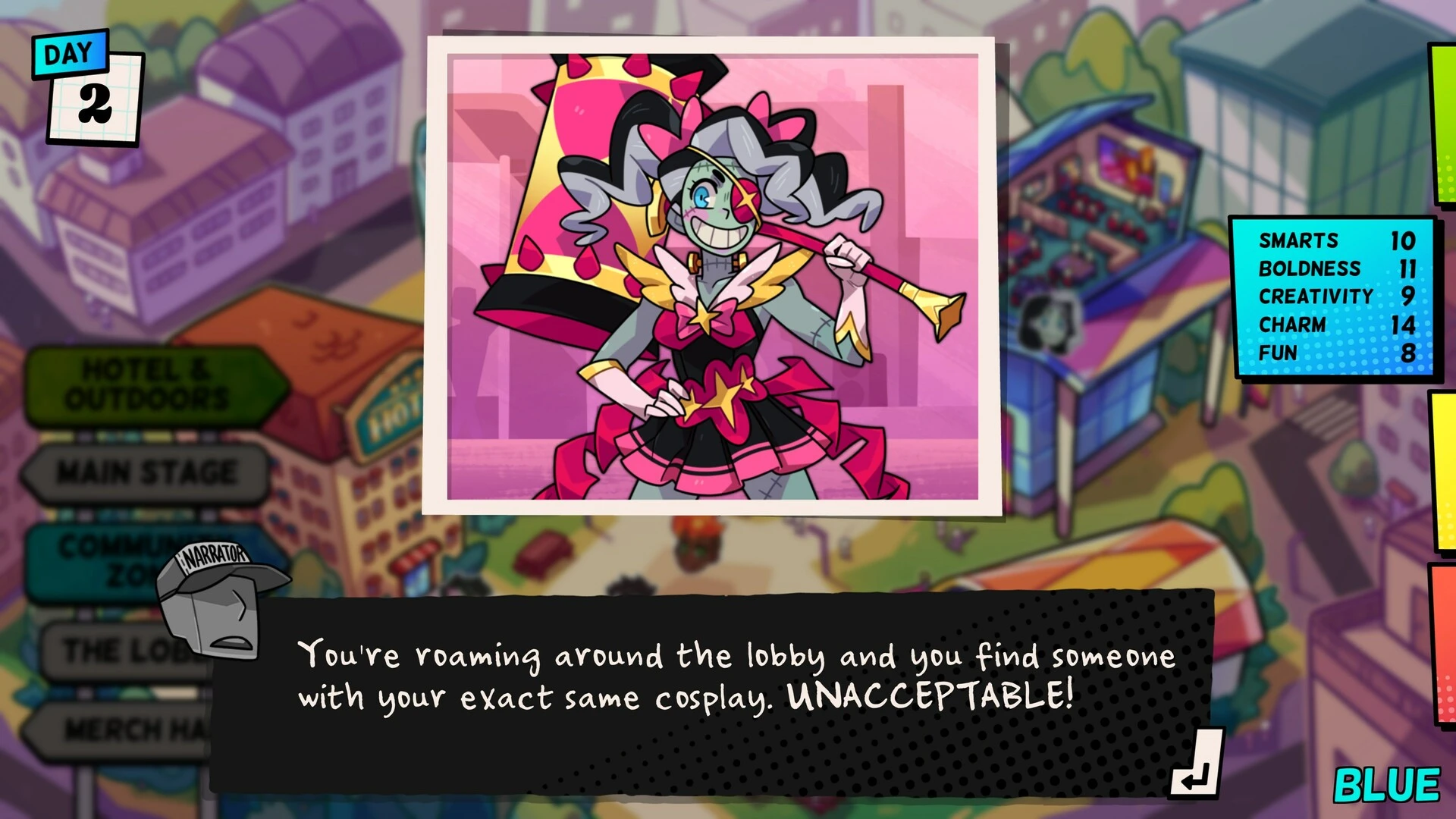
Monster Prom 4: Monster Con is the final installment in the core Monster Prom multiplayer visual novel series, developed by Beautiful Glitch. Released in 2024, this entry takes the chaotic and beloved dating formula to the ultimate fan gathering: a massive, multi-day convention dedicated to all things monstrous and geeky.
Premise: Con Crush Chaos
The setting for the game is a massive, multi-day Monster Convention (Monster Con). The familiar protagonists and their monster rivals have gathered for panels, merchandise, and late-night parties.
The objective remains the same as the original games: score a date with one of the six main dateable characters before the convention ends. However, the high-energy, crowded, and distraction-filled environment of the con floor introduces new challenges and dramatically increases the potential for chaos.
The Core Roster
Monster Con features a mix of beloved returning characters and new, convention-appropriate personalities to date:
-
Returning Favorites: The core original cast members (like the mysterious Damien, the popular Vera, and the charming Miranda) are available, each with new storylines and unique convention-related dramas.
-
New Monsters: The game introduces new datable characters whose personalities and storylines are tailored to the con setting, such as cosplayers, indie game developers, or dedicated fandom leaders.
Gameplay: Managing Con Life
The gameplay follows the classic Monster Prom structure, which is a blend of visual novel choices, resource management, and competitive multiplayer:
-
Stat Management: Players begin by taking a personality quiz that determines their starting stats: Boldness, Creativity, Charm, Smarts, Fun, and Money. These stats are used to successfully complete events.
-
Location and Events: Each turn, the group votes on a new location within the con (e.g., the Main Panel Hall, the Artist Alley, the Game Room, the Cosplay Workshop). Visiting a location triggers a randomized, humorous event based on that location.
-
The Choice and Competition: Players must choose one of two options in response to the event. The success of the choice is determined by a hidden stat check (e.g., a "Smarts" check to win a trivia contest). Succeeding at a choice raises the player's chosen stat and sometimes provides a useful item.
-
Date Progression: By attending events and raising their stats, players earn opportunities to interact with their target crush, moving closer to securing the final date. The multiplayer element means players are directly competing to be the first to secure their date, often by attempting to sabotage their friends' attempts.
New Con-Themed Twists
To fit the convention theme, the game introduces new dynamics:
-
Merch and Money: Money becomes a more critical resource as players must buy tickets, purchase unique items from the artist alley, and generally navigate the expenses of con life.
-
Fandoms and Lore: The stories lean into deep monster lore, bizarre fandoms, and meta-commentary on convention culture, resulting in some of the series' most outlandish and specific scenarios.
As the final main entry, Monster Con provides a celebratory, chaotic, and fittingly over-the-top conclusion to the dating saga.
OS: OS XProcessor: Anything from the last 5 yearsMemory: 4 GB RAMDisk space: 2 GB
Mount the downloaded image and follow the standard installation procedure.
The installation is completed by choosing a location to place the game.
Frequently Asked Questions
Mount the image and run Open Gatekeeper friendly.
Press Enter to bypass Gatekeeper in the Terminal window.
Drag the application to the Applications folder.
The application is ready for use.
ATTENTION! SIP must be disabled. Learn more >
Restart your Mac and hold down Command + R to enter Recovery Mode.
Open Terminal from the Utilities menu.
Enter the command: csrutil disable
Restart your Mac.
This is a common Gatekeeper issue. Follow these steps:
1. Open Terminal
2. Enter: sudo xattr -rd com.apple.quarantine /Applications/AppName.app
3. Replace "AppName" with the actual application name
4. Press Enter and enter your password
Yes, all our downloads are thoroughly checked for viruses and malware.
We use multiple antivirus engines to scan every file.
Our team tests each application before publishing.
We never bundle adware or unwanted software.
Yes, we regularly update our applications to the latest versions.
You can check our website for updates or subscribe to our newsletter.
We strive to provide the most recent versions within 24-48 hours of release.
If a download link is not working, please:
1. Try a different browser
2. Clear your browser cache and cookies
3. Try the alternative download links provided
4. Contact our support team if the issue persists