


MouseCraft
Download MouseCraft
Run the downloaded image and drag the application to the Applications folder shortcut.
Once the copy is complete, you can launch the application from Launchpad.
Previous Versions
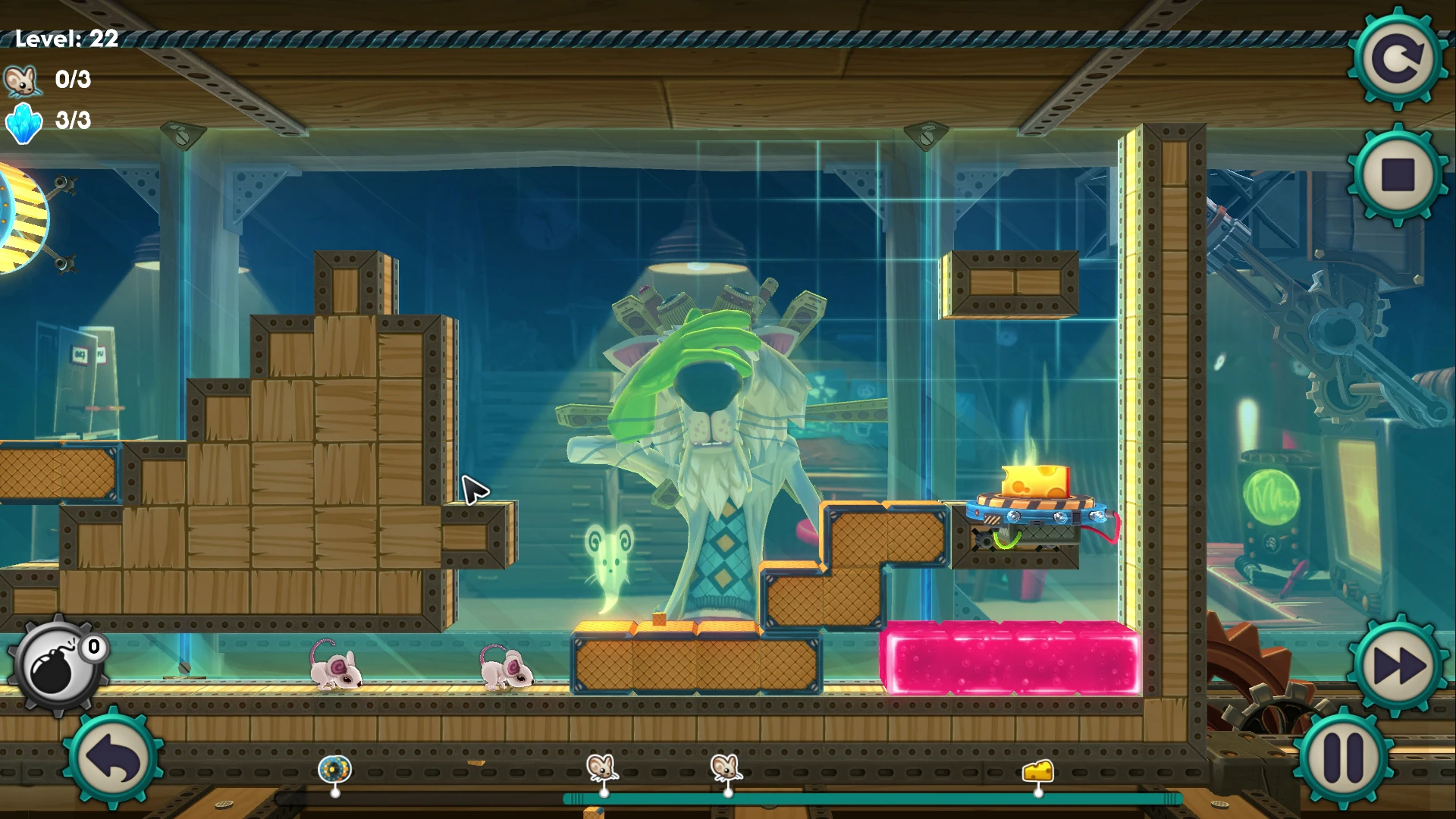
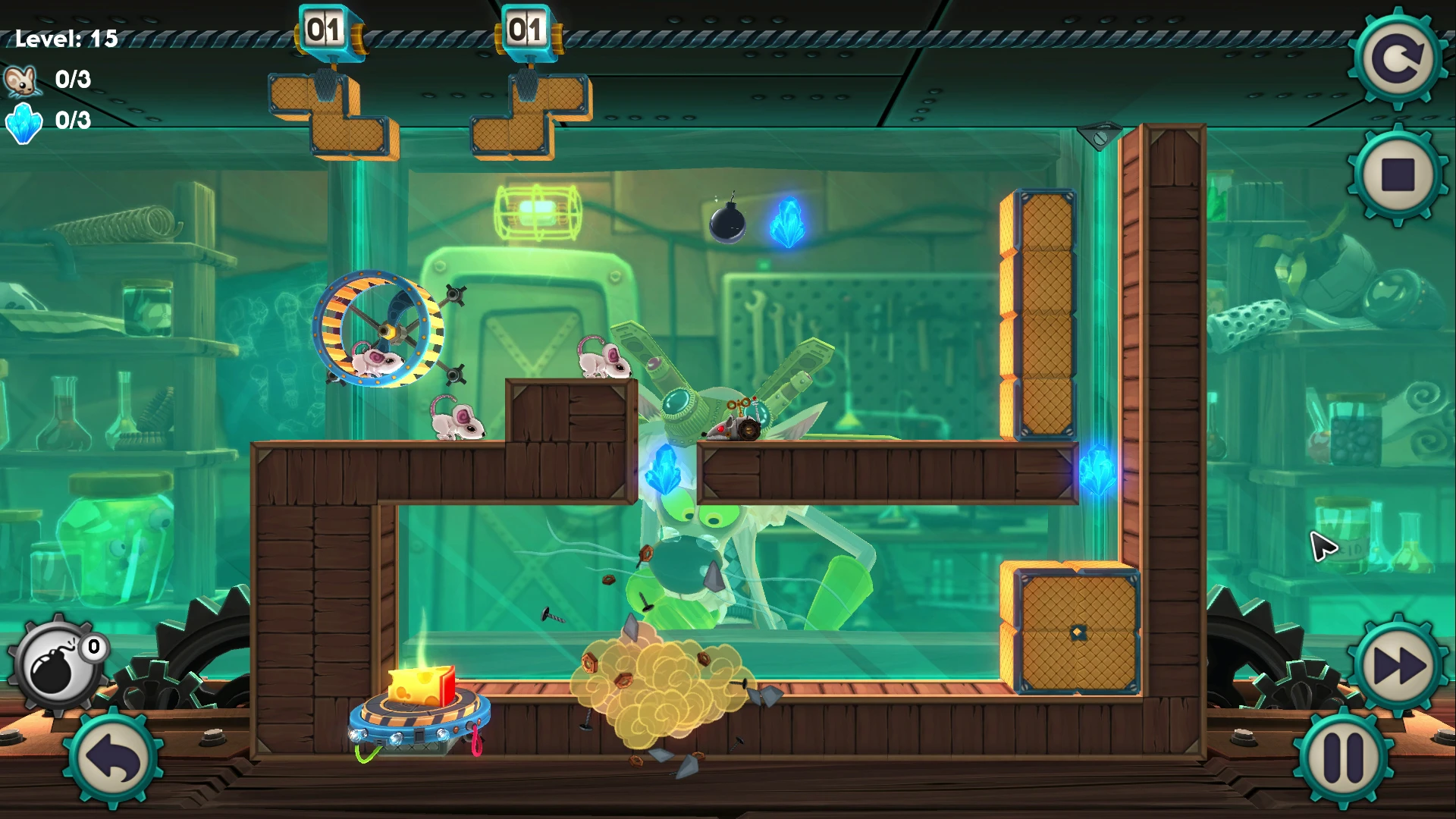
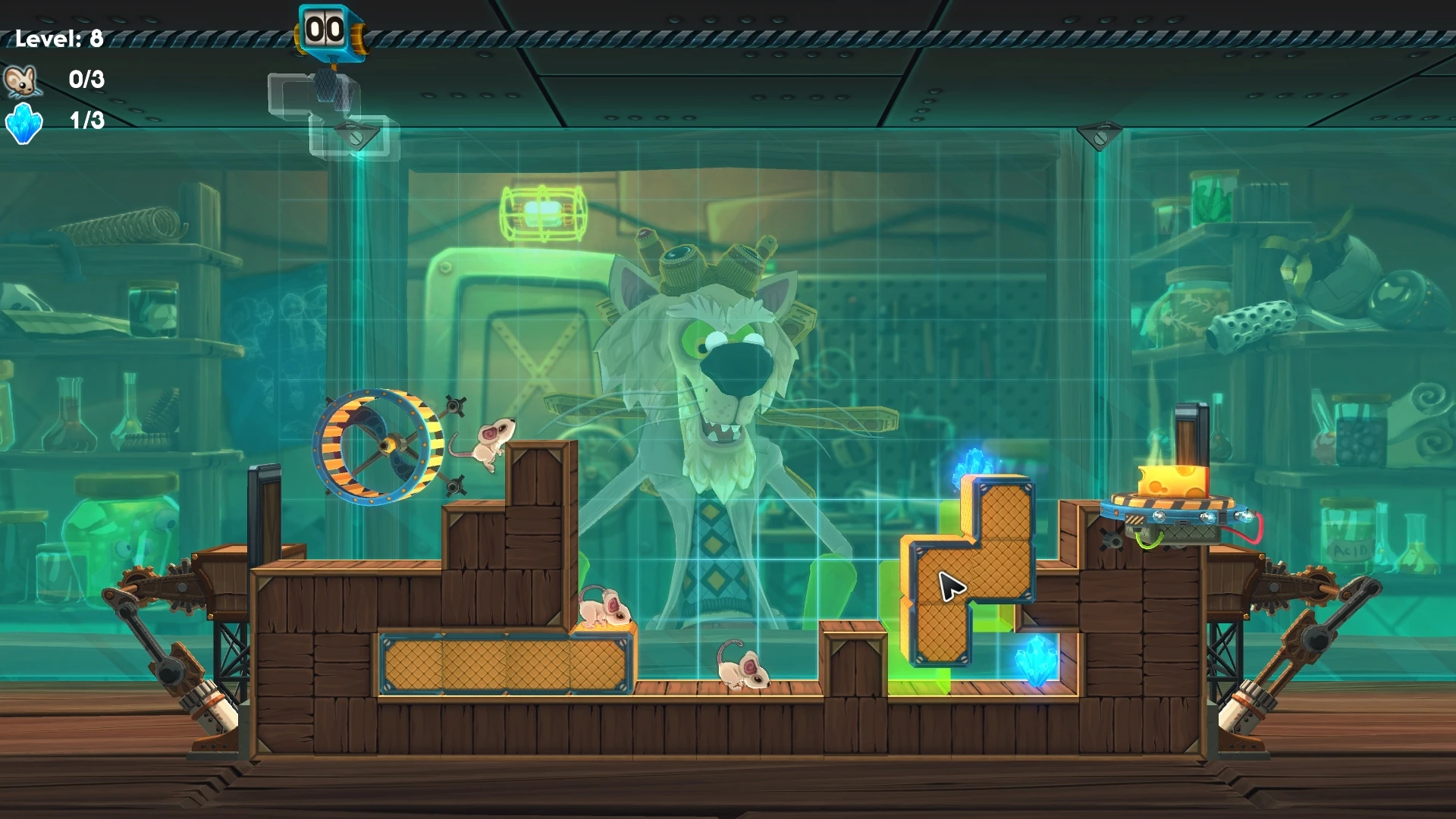
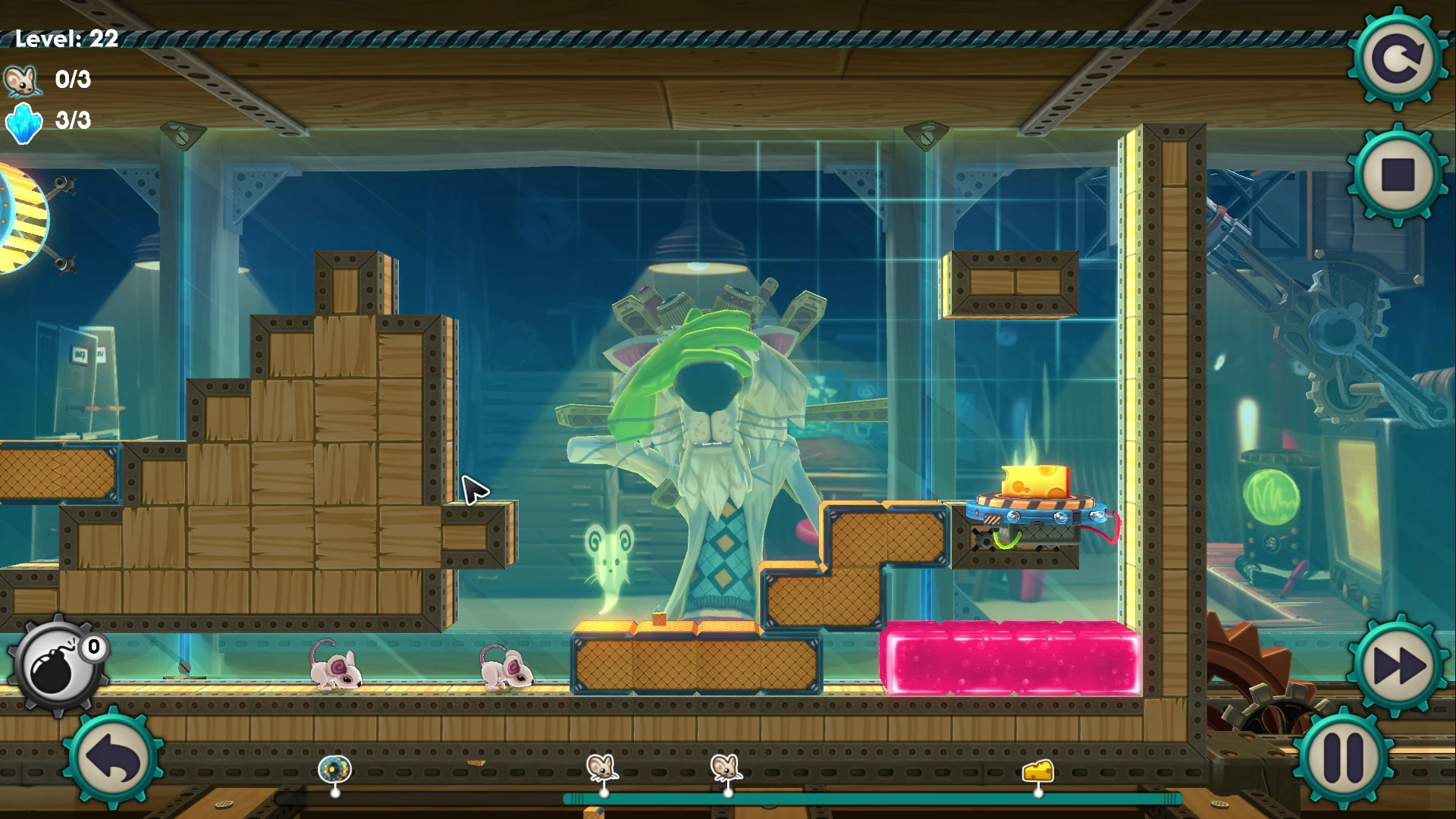
MouseCraft is a playful and imaginative puzzle game that blends classic block-dropping mechanics with strategic problem-solving. Developed by Crunching Koalas, the game offers a lighthearted yet challenging experience where players guide a group of determined mice toward delicious cheese. With its charming presentation and inventive level design, MouseCraft manages to feel both nostalgic and refreshingly original.
The game’s premise revolves around a brilliant but eccentric cat scientist named Schrödinger, who enlists the help of mice to power his experiments. Players must help these mice safely reach their goal by placing and manipulating blocks that shape the environment. Unlike traditional puzzle games, MouseCraft introduces real-time movement, meaning the mice never stop marching forward. This constant motion adds urgency and requires players to think quickly and plan several steps ahead.
At the heart of MouseCraft is its unique use of block mechanics inspired by classic tile-stacking games. Players receive a selection of differently shaped blocks that can be rotated and placed to create pathways, bridges, and barriers. These blocks interact with gravity and physics, allowing for creative solutions. However, poor placement can easily lead to disaster, such as trapping mice or sending them tumbling into hazards. This balance between creativity and precision keeps the gameplay engaging and unpredictable.
As players progress, MouseCraft introduces new obstacles and tools that expand its complexity. Environmental hazards such as lasers, moving platforms, and enemies force players to adapt their strategies. The game gradually increases difficulty, ensuring that each level feels like a fresh challenge without becoming overwhelming. This thoughtful progression encourages experimentation and rewards players who learn from their mistakes.
Visually, MouseCraft stands out with its colorful, cartoon-like art style. The characters are expressive and full of personality, while the environments are vibrant and dynamic. Animations are smooth and playful, enhancing the game’s cheerful tone. The upbeat soundtrack complements the visuals perfectly, creating an atmosphere that feels lively and fun even during more challenging puzzles.
MouseCraft also excels in its approachability. The controls are intuitive, making it easy for newcomers to pick up and play, while the deeper mechanics provide enough complexity to satisfy experienced puzzle fans. The game encourages creative thinking, as many levels allow multiple solutions. This openness invites players to approach problems in their own way, fostering a sense of ownership and accomplishment.
In conclusion, MouseCraft is a delightful puzzle game that combines charm, strategy, and creativity into a cohesive and enjoyable experience. Its inventive mechanics, steady difficulty curve, and engaging presentation make it a standout title for puzzle enthusiasts. By blending real-time challenges with thoughtful design, MouseCraft proves that clever ideas and playful execution can create a truly memorable adventure.
OS: 10.6 Snow Leopard or laterProcessor: Intel MacRAM: 512 MB RAMVideo Card: OpenGL 2.0 compatible video card with 256 MB shared or dedicated RAM (ATI or NVIDIA)Disk Space: 1200 MB
Run the downloaded image and drag the application to the Applications folder shortcut.
Once the copy is complete, you can launch the application from Launchpad.
Frequently Asked Questions
Mount the image and run Open Gatekeeper friendly.
Press Enter to bypass Gatekeeper in the Terminal window.
Drag the application to the Applications folder.
The application is ready for use.
ATTENTION! SIP must be disabled. Learn more >
Restart your Mac and hold down Command + R to enter Recovery Mode.
Open Terminal from the Utilities menu.
Enter the command: csrutil disable
Restart your Mac.
This is a common Gatekeeper issue. Follow these steps:
1. Open Terminal
2. Enter: sudo xattr -rd com.apple.quarantine /Applications/AppName.app
3. Replace "AppName" with the actual application name
4. Press Enter and enter your password
Yes, all our downloads are thoroughly checked for viruses and malware.
We use multiple antivirus engines to scan every file.
Our team tests each application before publishing.
We never bundle adware or unwanted software.
Yes, we regularly update our applications to the latest versions.
You can check our website for updates or subscribe to our newsletter.
We strive to provide the most recent versions within 24-48 hours of release.
If a download link is not working, please:
1. Try a different browser
2. Clear your browser cache and cookies
3. Try the alternative download links provided
4. Contact our support team if the issue persists