


Napoleon: Total War
Download Napoleon: Total War
Unzip the downloaded archive and move the game to the Applications folder.
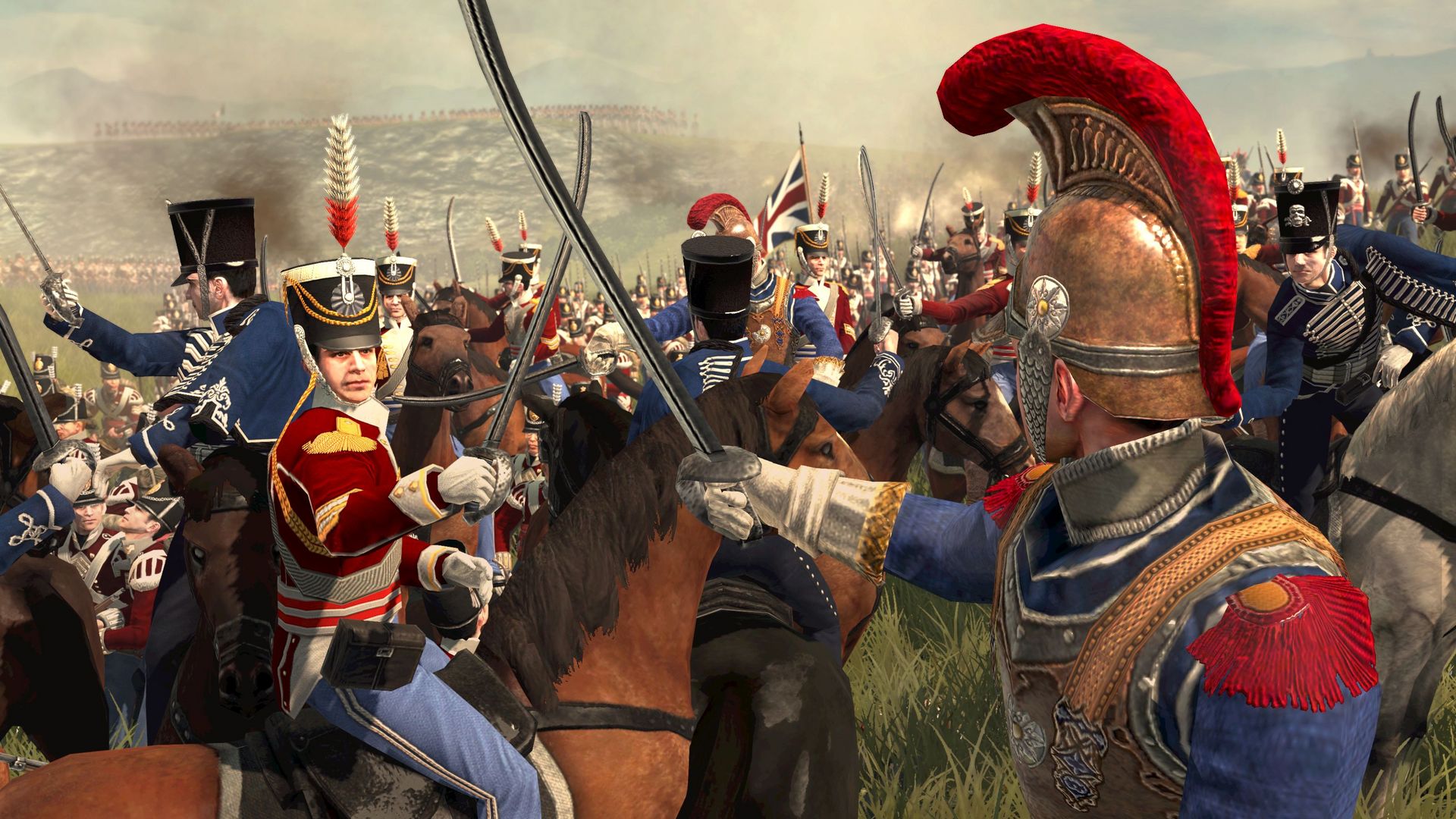
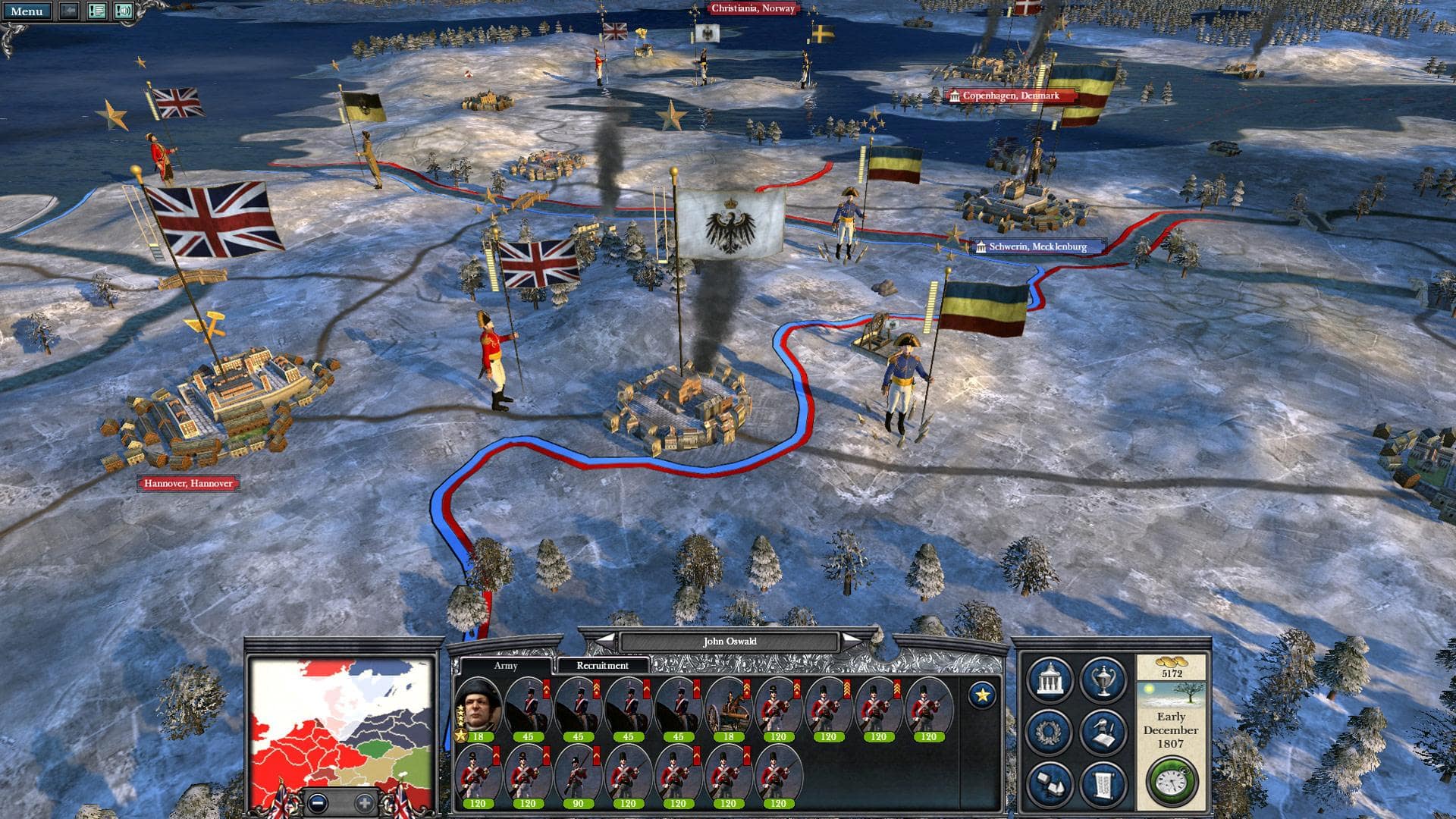
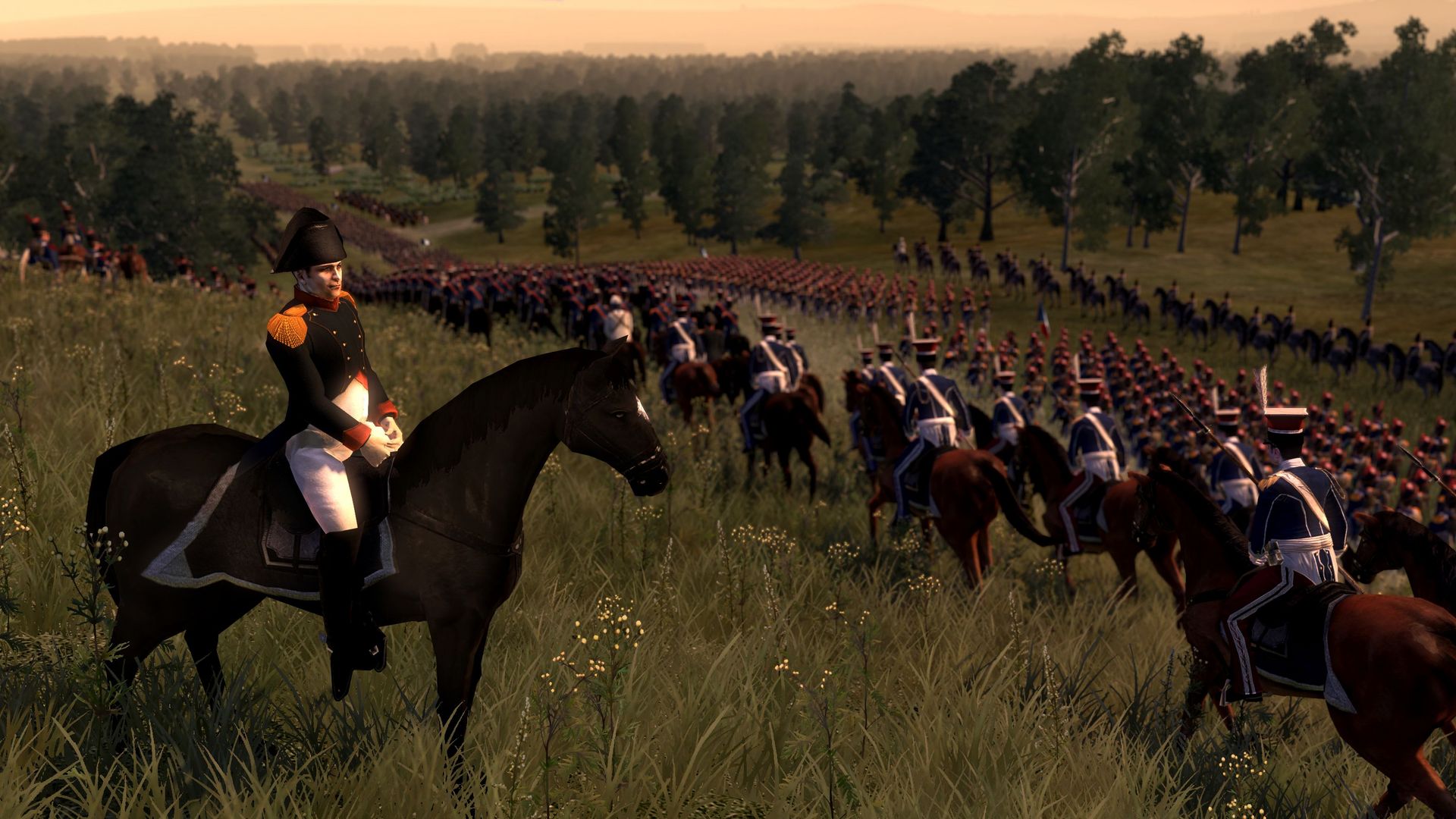
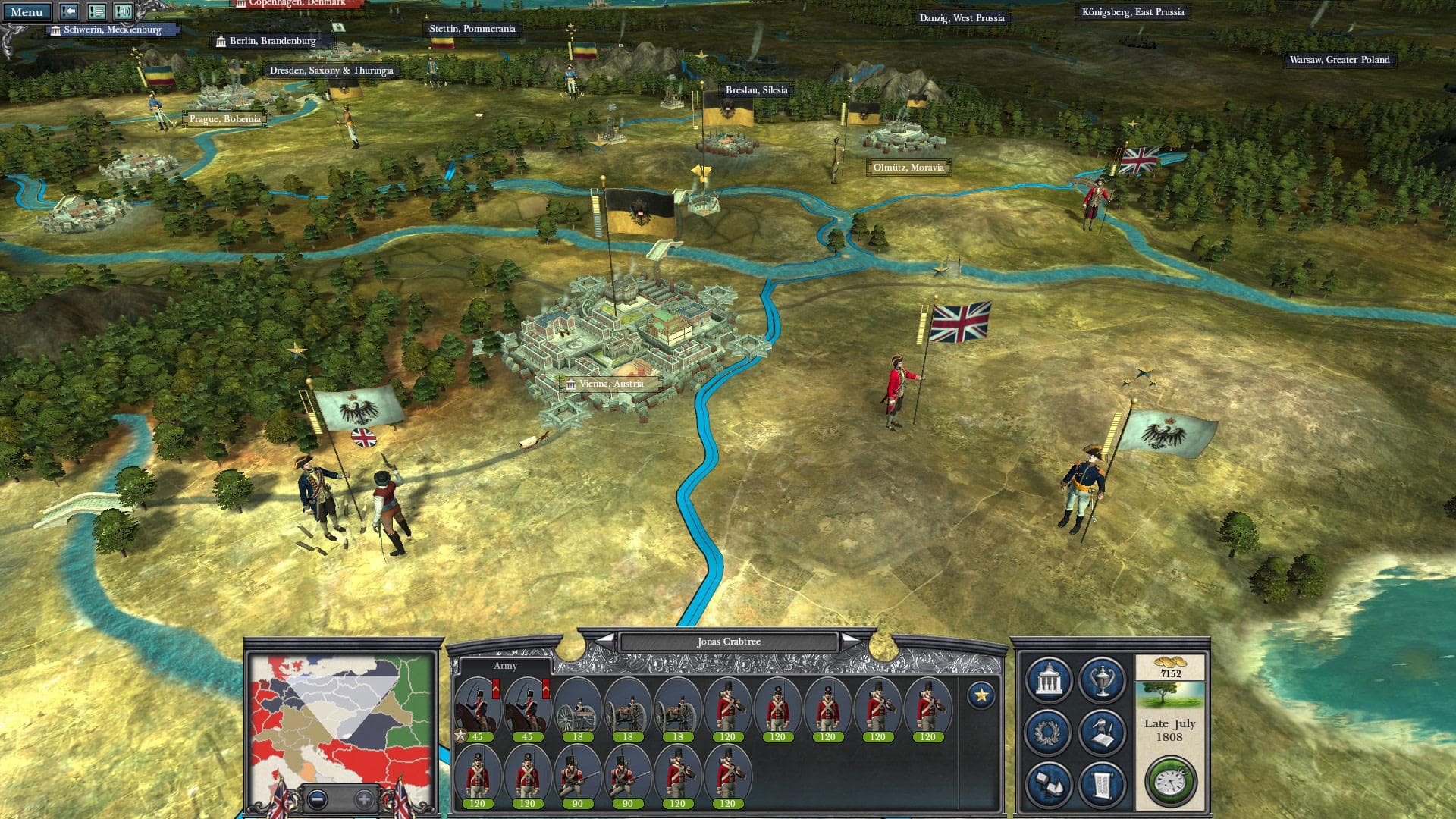
Napoleon: Total War is a strategy game that immerses players in one of history’s most fascinating periods—the Napoleonic Wars. Developed by Creative Assembly, it combines turn-based strategy with real-time tactical battles, allowing players to experience the challenges of leadership, diplomacy, and warfare during the rise and fall of Napoleon Bonaparte. This game is not just about historical reenactment; it’s a test of planning, adaptability, and strategic thinking.
Players assume control of Napoleon or other factions, guiding armies across Europe through political intrigue, territorial conquest, and large-scale battles. The game blends strategic management with tactical combat, creating a multi-layered experience. On the campaign map, players oversee resources, manage provinces, negotiate alliances, and make decisions that impact both the economy and military strength. Every choice can have far-reaching consequences, reflecting the complexity of leading an empire in a volatile era.
Tactical battles are the core highlight of Napoleon: Total War. Players command thousands of soldiers in real-time, positioning infantry, cavalry, and artillery to exploit terrain, morale, and unit strengths. Unlike simpler strategy games, success relies not only on numbers but also on timing, coordination, and understanding historical tactics. Flanking maneuvers, disciplined volleys, and artillery bombardments must be orchestrated carefully to break enemy formations and secure victory. Each battle becomes a dynamic puzzle, requiring both patience and quick thinking.
The game also emphasizes historical authenticity. Units, uniforms, and weapons are meticulously recreated, while campaigns mirror significant events from Napoleon’s military career. From the deserts of Egypt to the fields of Waterloo, players engage with the historical context, making decisions that echo the challenges faced by commanders of the era. This blend of education and entertainment allows players to feel connected to history while exploring alternative outcomes.
One of the most engaging aspects of Napoleon: Total War is its depth and replayability. No two campaigns unfold in the same way, as diplomacy, alliances, and AI strategies vary with each playthrough. Players can experiment with bold strategies, such as focusing on rapid conquests, building strong defensive networks, or pursuing ambitious diplomatic solutions. This freedom encourages creativity and critical thinking, making the game appealing to both casual and hardcore strategy enthusiasts.
Visuals and sound design further enhance immersion. Detailed battlefield environments, realistic unit animations, and dramatic sound effects bring the chaos of war to life. The combination of striking graphics and an evocative soundtrack captures the grandeur and tension of the Napoleonic era, making every campaign feel cinematic.
Ultimately, Napoleon: Total War is a celebration of strategy, history, and leadership. It challenges players to think critically, act decisively, and balance ambition with caution. By combining tactical battles, strategic management, and historical depth, the game offers a rich and rewarding experience for anyone fascinated by military history or the art of strategy. Whether you are reshaping Europe in Napoleon’s image or rewriting history entirely, this game proves that mastering strategy requires both intellect and intuition.
OS: 10.8.5Processor: 2.0 GHzRAM: 4GBGraphics: 256 MB*Hard Drive: 26 GB HD spaceThe following graphics cards are not supported: ATI X1xxx series, ATI X2xxx series, Intel GMA series, NVIDIA 7xxx series, and NVIDIA 8xxx series.
Unzip the downloaded archive and move the game to the Applications folder.
Frequently Asked Questions
Mount the image and run Open Gatekeeper friendly.
Press Enter to bypass Gatekeeper in the Terminal window.
Drag the application to the Applications folder.
The application is ready for use.
ATTENTION! SIP must be disabled. Learn more >
Restart your Mac and hold down Command + R to enter Recovery Mode.
Open Terminal from the Utilities menu.
Enter the command: csrutil disable
Restart your Mac.
This is a common Gatekeeper issue. Follow these steps:
1. Open Terminal
2. Enter: sudo xattr -rd com.apple.quarantine /Applications/AppName.app
3. Replace "AppName" with the actual application name
4. Press Enter and enter your password
Yes, all our downloads are thoroughly checked for viruses and malware.
We use multiple antivirus engines to scan every file.
Our team tests each application before publishing.
We never bundle adware or unwanted software.
Yes, we regularly update our applications to the latest versions.
You can check our website for updates or subscribe to our newsletter.
We strive to provide the most recent versions within 24-48 hours of release.
If a download link is not working, please:
1. Try a different browser
2. Clear your browser cache and cookies
3. Try the alternative download links provided
4. Contact our support team if the issue persists