


Nowhere Prophet
Download Nowhere Prophet
Run the downloaded package and follow the standard installation procedure.
The installation is completed by choosing a location to place the game.
It is recommended to specify the Applications folder.
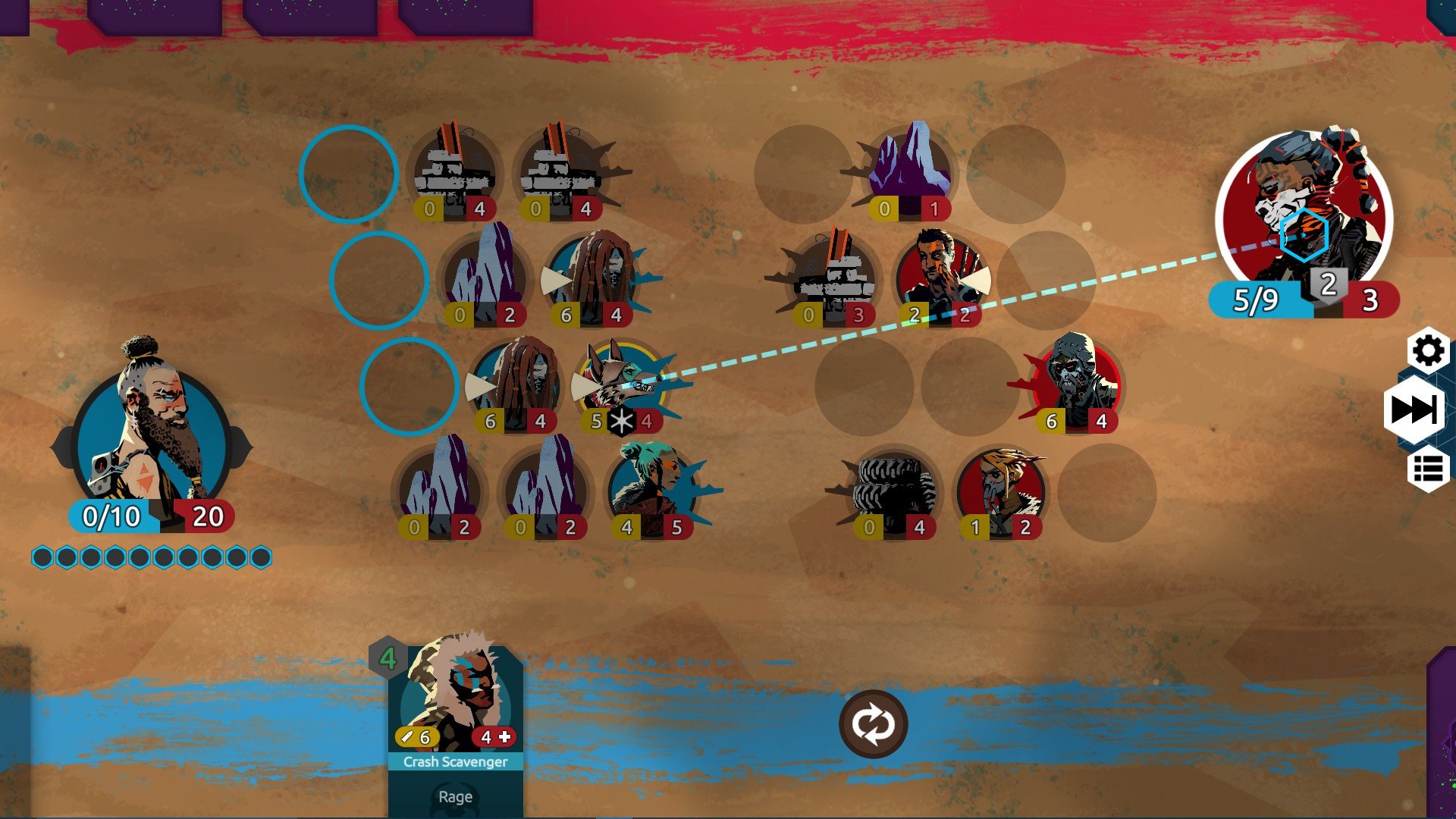
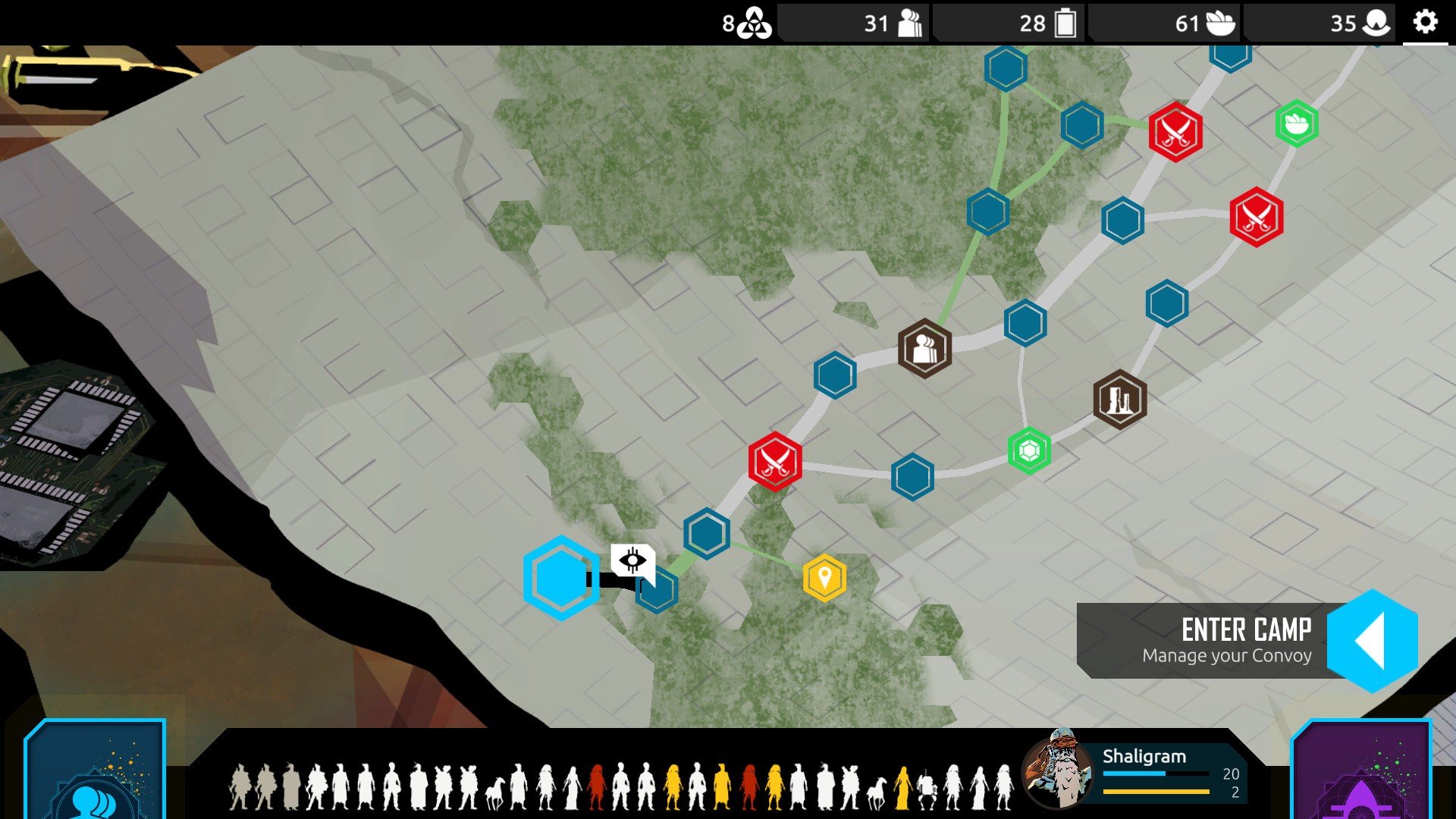
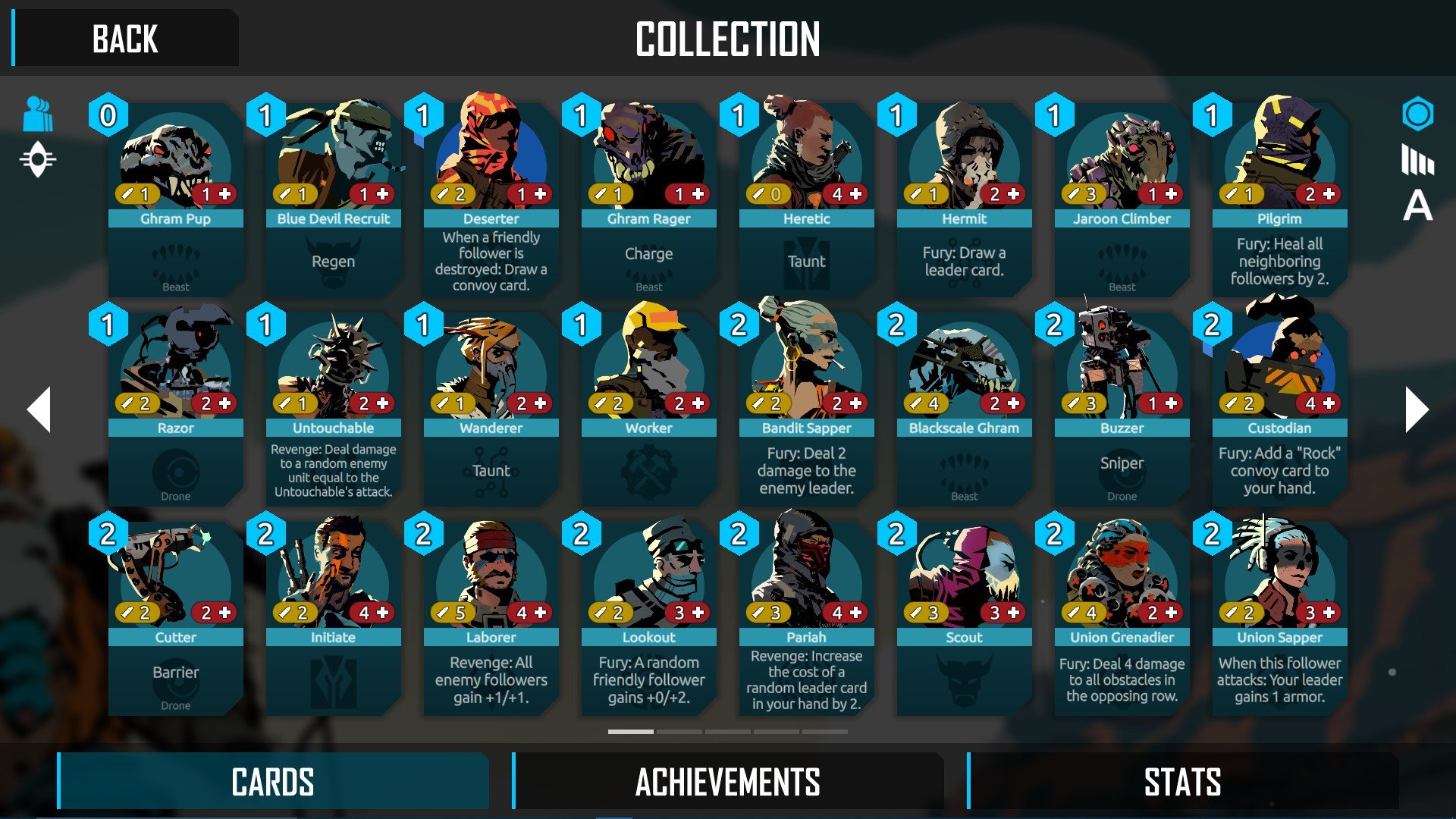
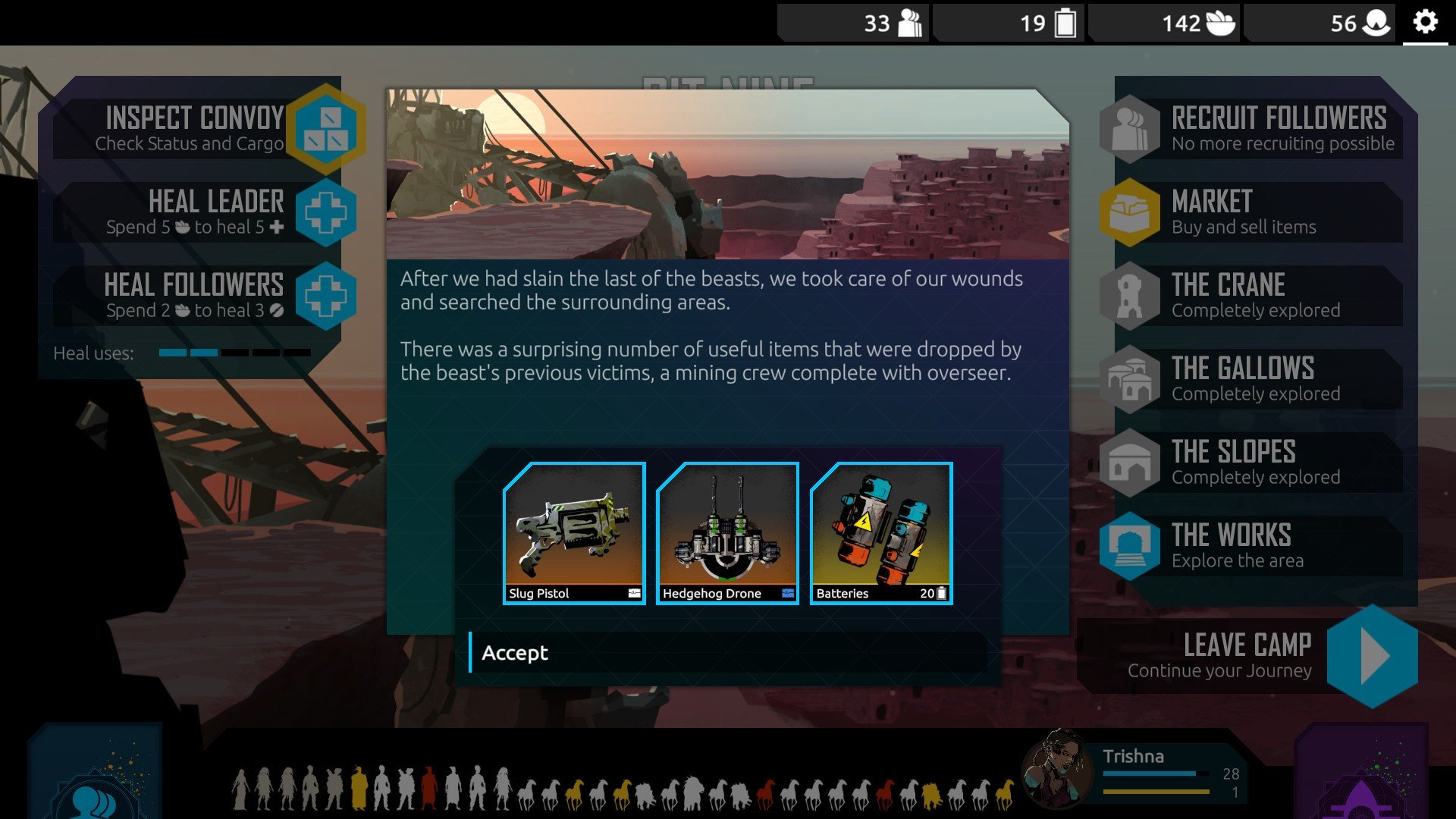
Nowhere Prophet, developed by Sharkbomb Studios, is a unique blend of roguelike deck-building and tactical strategy set in a harsh, post-apocalyptic world. The game invites players into a desolate landscape where survival is scarce, and resources are limited. Unlike typical card games, Nowhere Prophet combines narrative-driven exploration with challenging combat, creating an experience that is both intellectually engaging and emotionally immersive.
Players assume the role of a prophet leading a convoy of followers across a dangerous wasteland. The journey is fraught with challenges, from hostile scavengers to unpredictable environmental hazards. At the core of the game is deck-building combat, where each follower in your convoy has specific abilities represented as cards. Battles require careful planning, as the order of actions, positioning of units, and the strategic use of cards can determine life or death for your group. Every decision matters, and a single mistake can have lasting consequences, reinforcing the tension and stakes inherent in the game.
Exploration is another key aspect of Nowhere Prophet. The wasteland is procedurally generated, meaning that no two journeys are the same. Players must navigate through treacherous terrain, make critical moral and tactical decisions, and manage limited supplies. Choosing which paths to take, which encounters to risk, and how to sustain the morale of followers adds depth to the gameplay. The game encourages strategic thinking not just in combat, but also in resource allocation and route planning.
The narrative of Nowhere Prophet is both dark and thought-provoking. Set in a dystopian future where society has collapsed, the story explores themes of leadership, faith, survival, and the human cost of decisions. Players interact with a variety of characters, each with their own motivations and backgrounds, and the choices made during the journey can lead to different outcomes. This branching storytelling ensures high replayability, as every playthrough can offer new challenges, encounters, and endings.
Visually, the game employs a distinctive, minimalist art style that complements its bleak setting. The wasteland, convoys, and characters are rendered with a focus on clarity and atmosphere, allowing players to easily interpret tactical situations while absorbing the oppressive tone of the world. The soundtrack further enhances immersion, featuring haunting, ambient music that reflects the desolate environment and heightens the tension of encounters.
Ultimately, Nowhere Prophet is more than just a deck-building game; it is an experience that challenges players to think critically, adapt to unforeseen circumstances, and lead a vulnerable group through a hostile world. Its combination of strategic combat, exploration, and narrative depth makes it a compelling choice for fans of roguelike and tactical games alike. For those seeking a game that tests both intellect and moral judgment while immersing players in a haunting post-apocalyptic world, Nowhere Prophet delivers a rewarding and memorable journey.
System: OS X 10.9 or laterProcessor: 2 GHzMemory: 4 GBDisk space: 1 GB
Run the downloaded package and follow the standard installation procedure.
The installation is completed by choosing a location to place the game.
It is recommended to specify the Applications folder.
Frequently Asked Questions
Mount the image and run Open Gatekeeper friendly.
Press Enter to bypass Gatekeeper in the Terminal window.
Drag the application to the Applications folder.
The application is ready for use.
ATTENTION! SIP must be disabled. Learn more >
Restart your Mac and hold down Command + R to enter Recovery Mode.
Open Terminal from the Utilities menu.
Enter the command: csrutil disable
Restart your Mac.
This is a common Gatekeeper issue. Follow these steps:
1. Open Terminal
2. Enter: sudo xattr -rd com.apple.quarantine /Applications/AppName.app
3. Replace "AppName" with the actual application name
4. Press Enter and enter your password
Yes, all our downloads are thoroughly checked for viruses and malware.
We use multiple antivirus engines to scan every file.
Our team tests each application before publishing.
We never bundle adware or unwanted software.
Yes, we regularly update our applications to the latest versions.
You can check our website for updates or subscribe to our newsletter.
We strive to provide the most recent versions within 24-48 hours of release.
If a download link is not working, please:
1. Try a different browser
2. Clear your browser cache and cookies
3. Try the alternative download links provided
4. Contact our support team if the issue persists