


Old World
Download Old World
Mount the downloaded image and follow the standard installation procedure.
The installation is completed by choosing a location to place the game.
It is recommended to specify the Applications folder.
Previous Versions
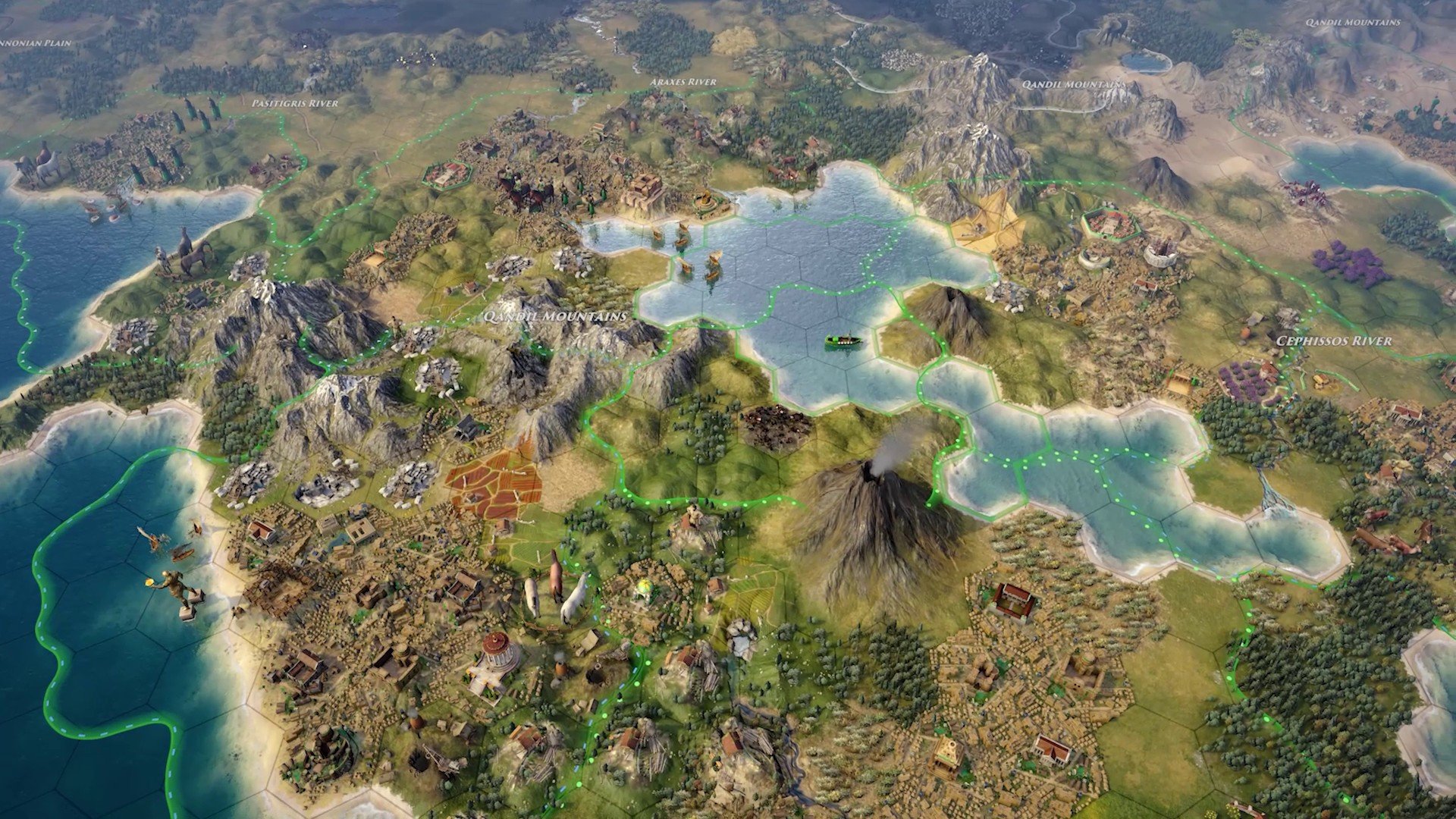
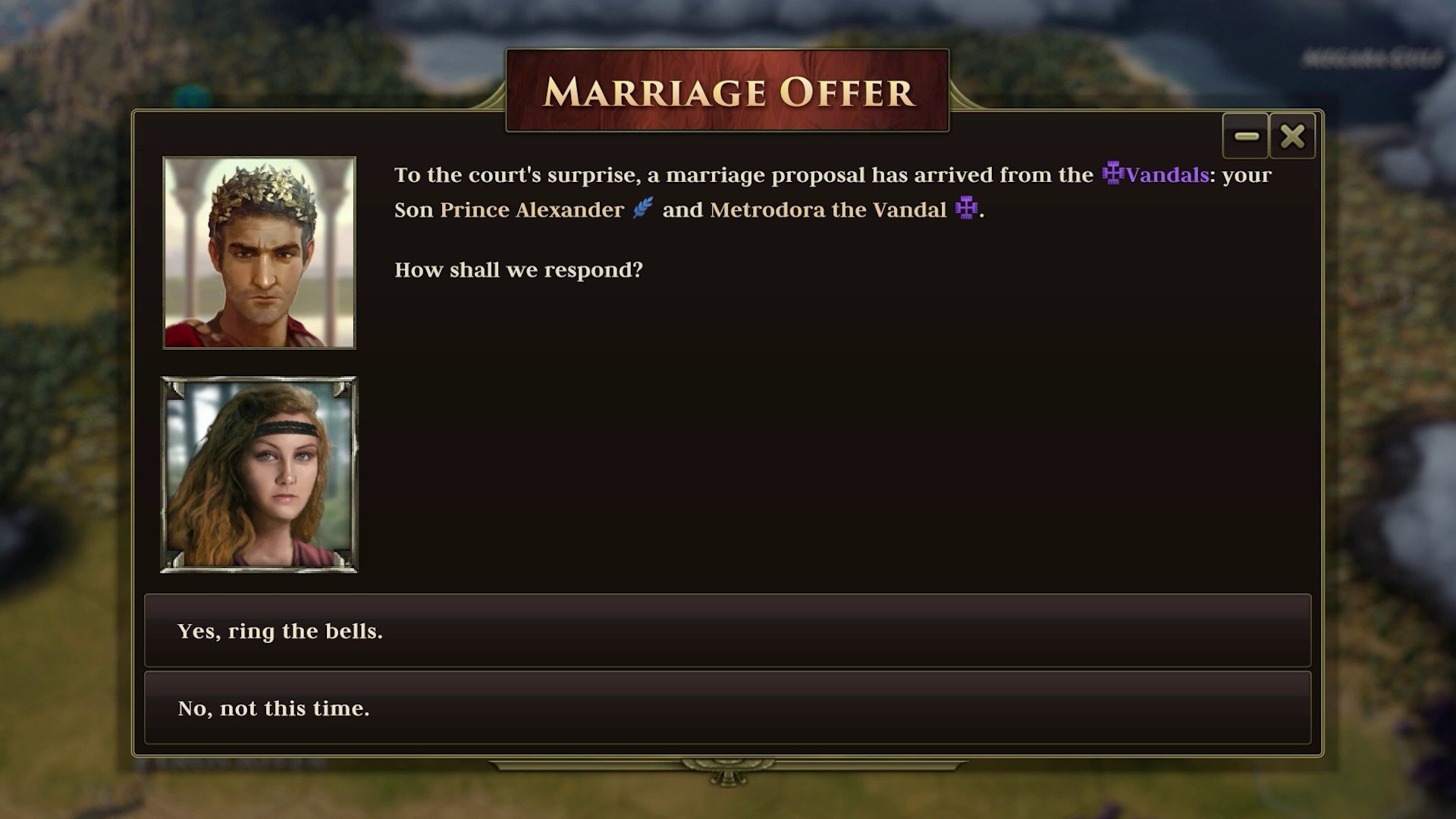
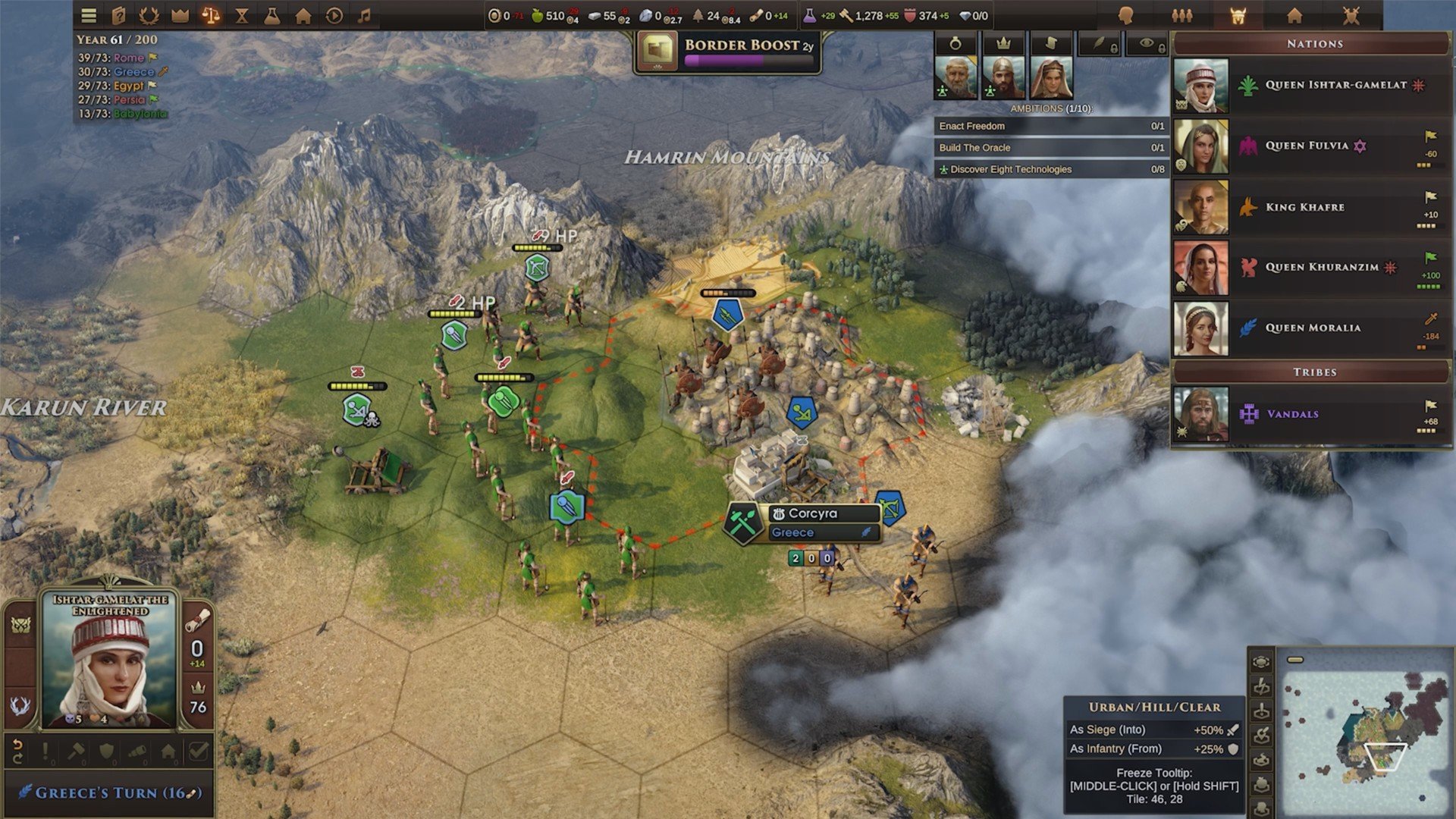
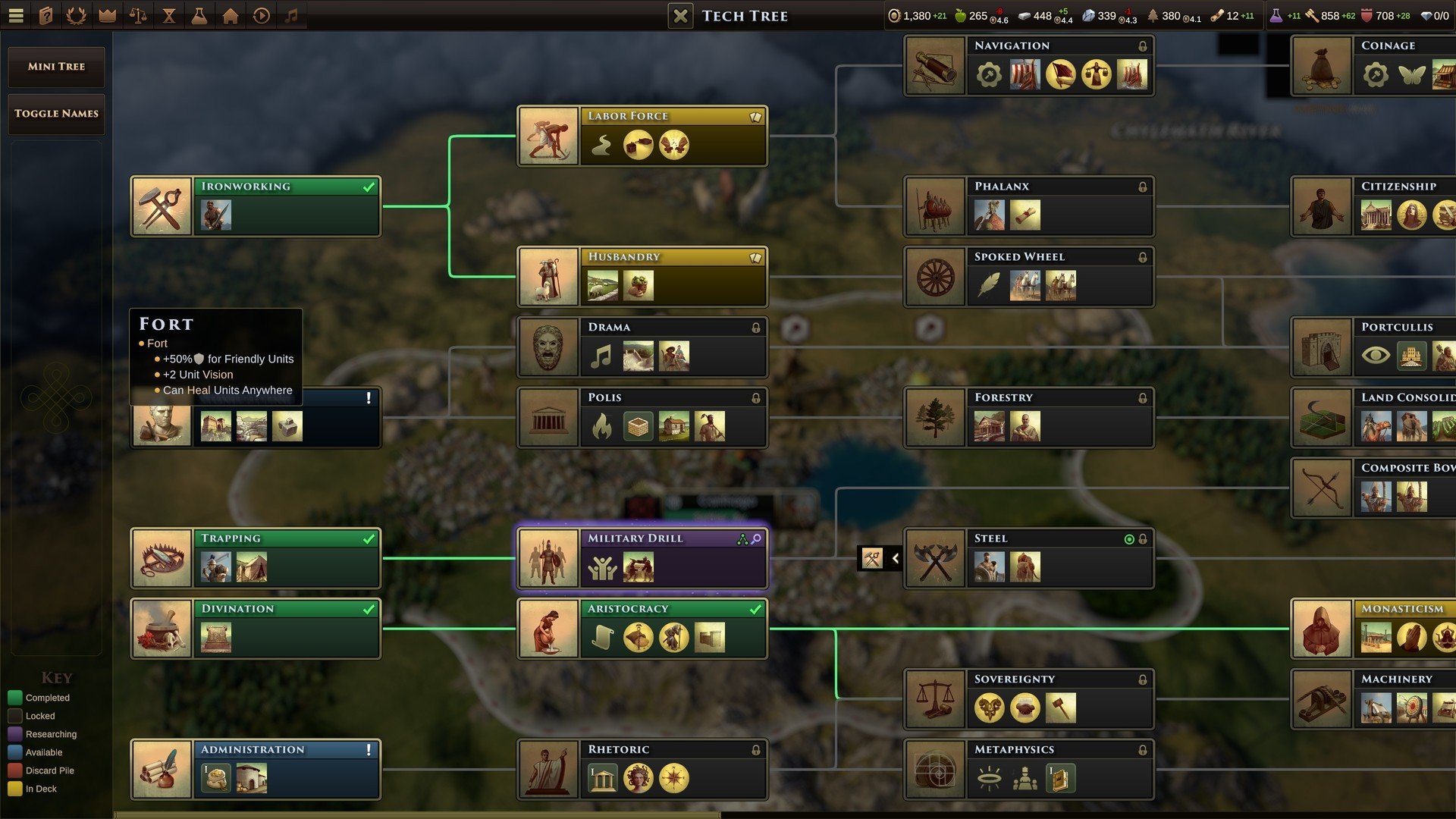
In the realm of strategy games, few titles manage to capture the depth of history and the intricacies of empire-building quite like Old World. Developed as a spiritual successor to classic 4X games, Old World combines the thrill of expansion with nuanced political and social systems, creating a gaming experience that feels both familiar and refreshingly innovative.
At its core, Old World places players in control of a dynasty, guiding a civilization through the early centuries of human history. Unlike many traditional strategy games where the focus is purely on conquest or resource accumulation, Old World emphasizes the importance of leadership, succession, and diplomacy. Players must carefully navigate the challenges of managing resources, developing cities, and balancing the ambitions of their rulers with the needs of their people. Each decision carries weight, shaping the destiny of the civilization for generations.
One of the standout features of Old World is its innovative “orders” system. Rather than issuing blanket commands, players assign a limited number of orders each turn, creating a strategic layer that requires careful planning and prioritization. This mechanic encourages thoughtful decision-making and prevents the game from feeling like a simple resource grind. Every choice, from deploying armies to constructing infrastructure, becomes meaningful, giving the game a pace that is both deliberate and engaging.
Diplomacy and internal politics play a central role in Old World’s gameplay. Rulers must contend with powerful nobles, rival factions, and foreign powers, all of whom have their own goals and motivations. Alliances can shift, betrayals can occur, and managing relationships is just as important as winning battles. This focus on human dynamics adds depth and unpredictability, making each playthrough feel like a living, breathing historical drama.
Military strategy in Old World is equally sophisticated. Combat is tactical rather than purely numerical, with terrain, unit composition, and positioning influencing outcomes. Players are encouraged to think carefully about when to engage in battle, when to negotiate, and how to protect their empire from both external threats and internal unrest. These elements combine to create a game that rewards foresight, planning, and adaptability.
Visually, Old World offers a clean and functional aesthetic, focusing on clarity and usability rather than flashy graphics. The map design, unit icons, and interface are intuitive, allowing players to focus on strategic decisions without being overwhelmed. This approach emphasizes substance over style, appealing to strategy enthusiasts who value gameplay depth above all else.
In conclusion, Old World is a masterful blend of history, strategy, and human drama. By emphasizing leadership, succession, diplomacy, and tactical combat, it offers a rich and immersive experience that challenges players to think several steps ahead. For fans of grand strategy and historical simulation, Old World is more than just a game—it is a thoughtful exploration of what it takes to build and sustain a civilization over generations. With its careful balance of strategy, politics, and historical flavor, Old World proves that the past can be just as exciting as the present when brought to life in the hands of a skilled strategist.
OS: High Sierra 10.13Processor: Intel i5, 6th gen, 2.7GHz or similarRAM: 8 GBVideo card: METAL capable GPUs, 2GB VRAMDisk space: 10 G
Mount the downloaded image and follow the standard installation procedure.
The installation is completed by choosing a location to place the game.
It is recommended to specify the Applications folder.
Frequently Asked Questions
Mount the image and run Open Gatekeeper friendly.
Press Enter to bypass Gatekeeper in the Terminal window.
Drag the application to the Applications folder.
The application is ready for use.
ATTENTION! SIP must be disabled. Learn more >
Restart your Mac and hold down Command + R to enter Recovery Mode.
Open Terminal from the Utilities menu.
Enter the command: csrutil disable
Restart your Mac.
This is a common Gatekeeper issue. Follow these steps:
1. Open Terminal
2. Enter: sudo xattr -rd com.apple.quarantine /Applications/AppName.app
3. Replace "AppName" with the actual application name
4. Press Enter and enter your password
Yes, all our downloads are thoroughly checked for viruses and malware.
We use multiple antivirus engines to scan every file.
Our team tests each application before publishing.
We never bundle adware or unwanted software.
Yes, we regularly update our applications to the latest versions.
You can check our website for updates or subscribe to our newsletter.
We strive to provide the most recent versions within 24-48 hours of release.
If a download link is not working, please:
1. Try a different browser
2. Clear your browser cache and cookies
3. Try the alternative download links provided
4. Contact our support team if the issue persists