


Orwell
Download Orwell
Run the downloaded image and follow the standard installation procedure.
The installation is completed by choosing a location to place the game.
It is recommended to specify the Applications folder.
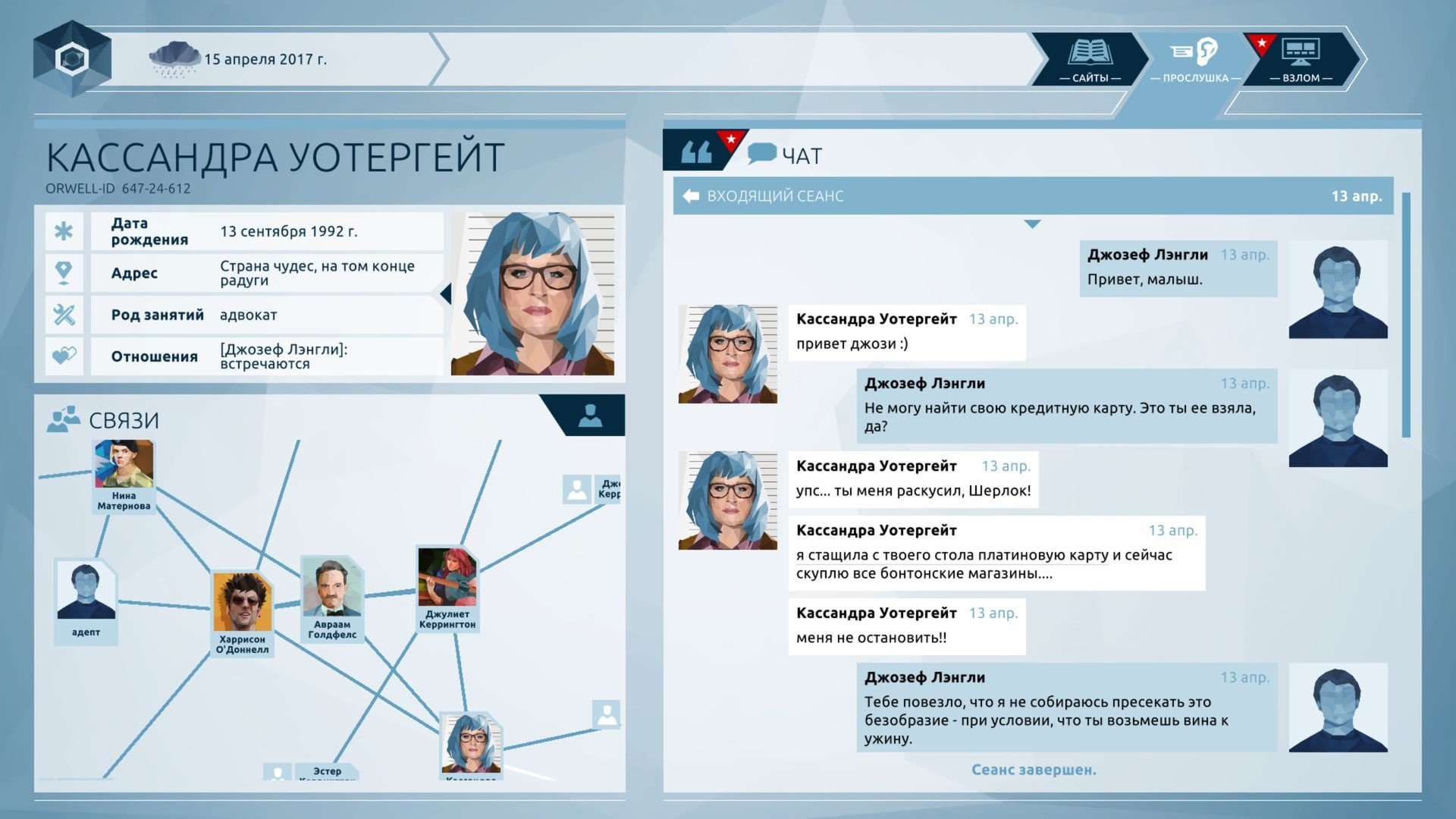
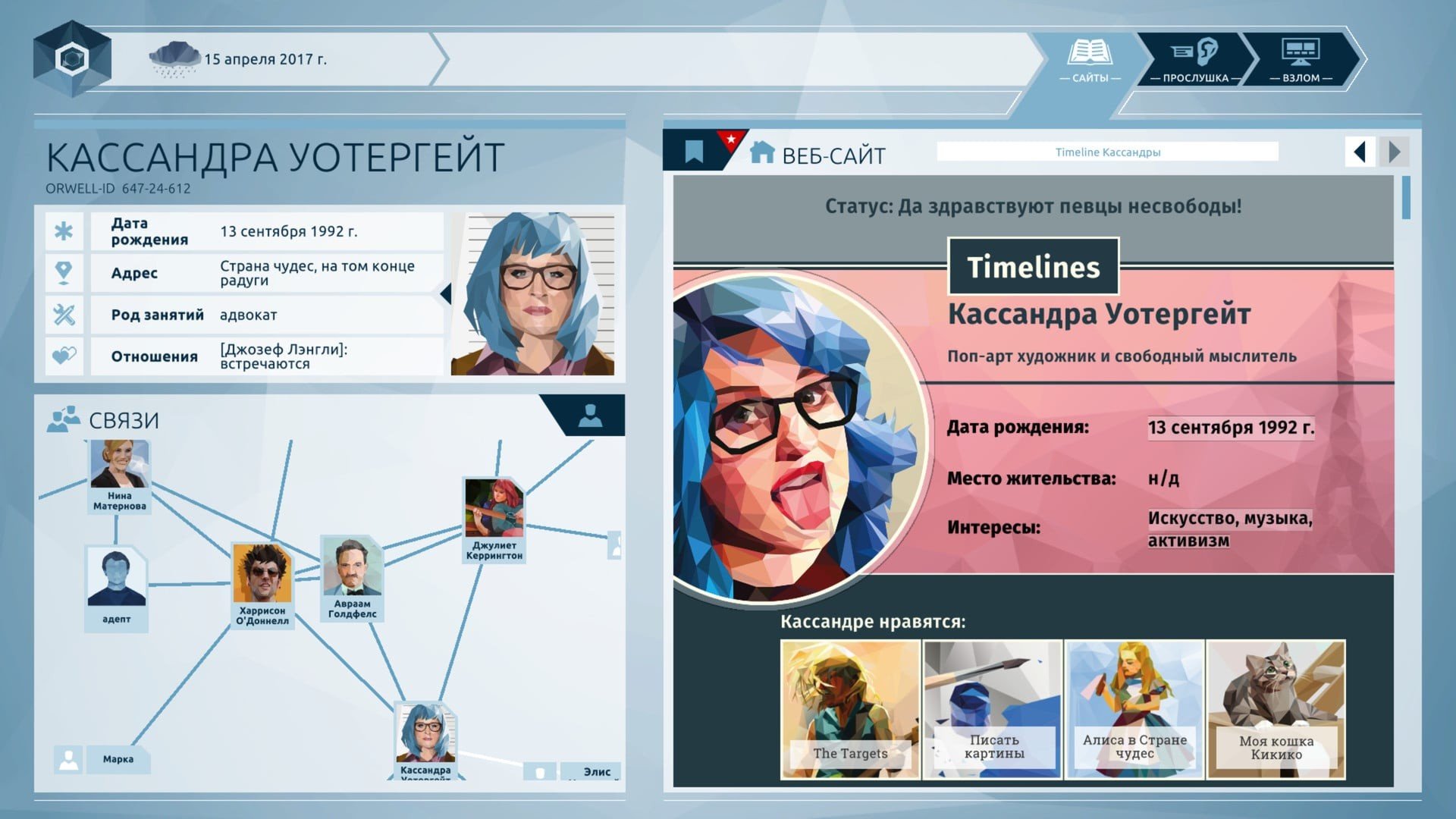

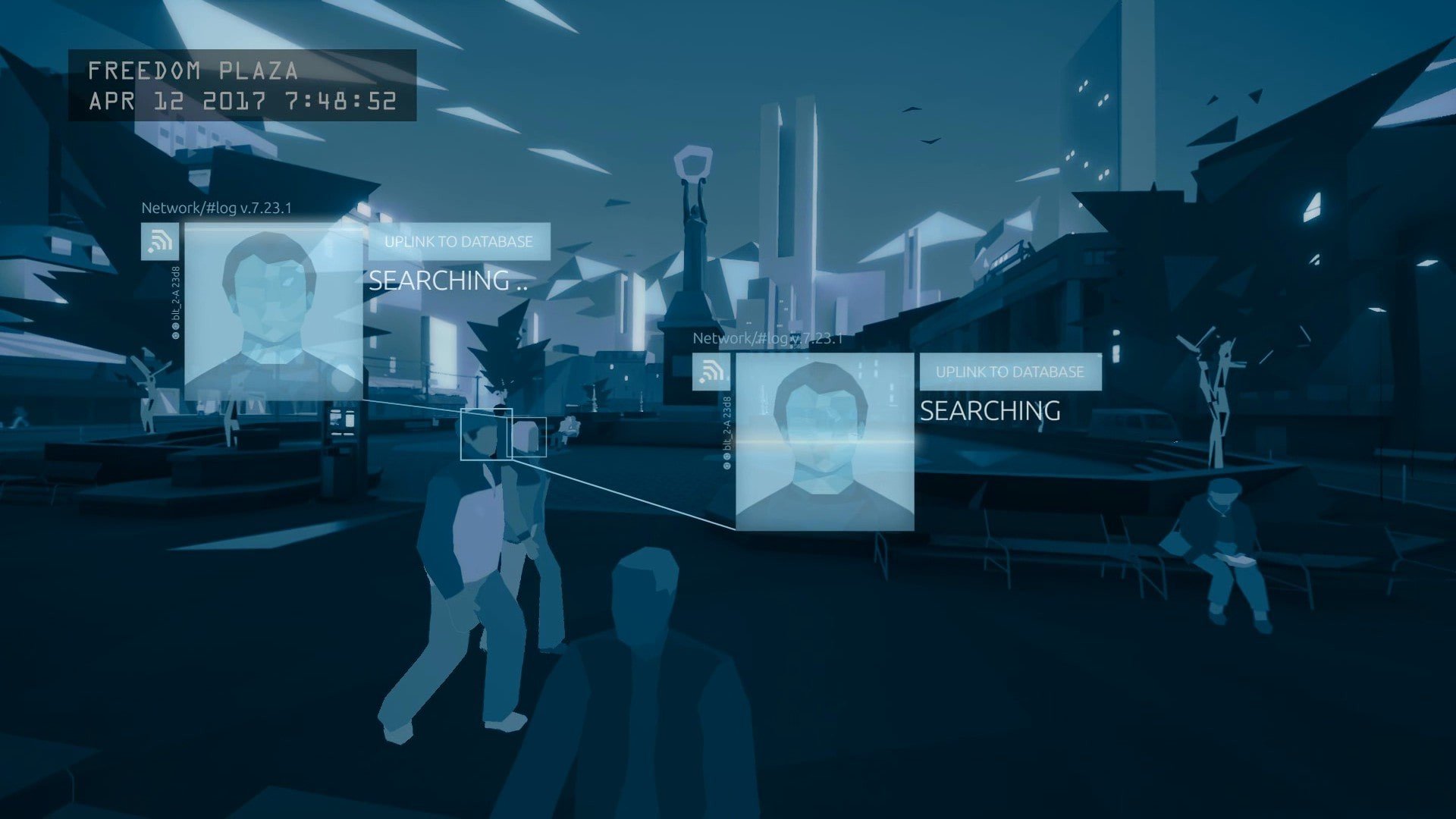
In an era where privacy is increasingly fragile and surveillance technology infiltrates daily life, Orwell offers a thought-provoking experience that merges gaming with ethical inquiry. Developed by Osmotic Studios, this interactive simulation positions players not as a hero or anti-hero, but as an operative of the fictional state security program named “Orwell.” The game’s premise is deceptively simple: monitor citizens’ digital lives to uncover potential threats to national security. Yet beneath this surface lies a deep exploration of morality, ethics, and the consequences of information control.
Players are tasked with examining news articles, social media posts, personal emails, and phone records to detect suspicious behavior. The challenge lies not just in identifying threats, but in making decisions that balance security and individual freedom. Every choice has consequences, often affecting the lives of characters in ways the player might not anticipate. This structure fosters a sense of moral responsibility rarely seen in traditional gaming narratives, emphasizing that the power to monitor and manipulate data carries profound ethical weight.
The narrative of Orwell is carefully constructed to immerse players in its world. Citizens are presented not as abstract data points but as nuanced characters with personal stories, ambitions, and secrets. The more time players spend analyzing their actions, the more complex the moral landscape becomes. Is a character’s suspicious activity truly harmful, or is it merely a reflection of human vulnerability and curiosity? Such questions underscore the game’s primary tension: the line between protection and oppression is dangerously thin.
Aesthetically, Orwell adopts a minimalist approach, with a clean, functional interface that mirrors the efficiency and detachment of real-world surveillance systems. There are no flashy graphics or elaborate animations; every design choice reinforces the themes of observation, analysis, and control. This stripped-back style enhances immersion, encouraging players to focus on the moral and intellectual challenges rather than distraction by visual spectacle.
The game also shines in its branching outcomes. Depending on the information selected and how it is interpreted, the story can lead to multiple endings, each reflecting the impact of the player’s decisions. This structure not only adds replay value but also reinforces the consequences of surveillance, making the player confront the ethical ramifications of their choices. Unlike many games where outcomes are clearly right or wrong, Orwell thrives in ambiguity, mirroring the real-world complexities of privacy, authority, and trust.
Beyond its gameplay, Orwell serves as a cautionary tale. In an age where governments and corporations have unprecedented access to personal data, it challenges players to consider their own relationship with privacy. The game prompts reflection on issues such as consent, the ethics of monitoring, and the potential for abuse inherent in unchecked power. It resonates far beyond the screen, offering insights into contemporary debates about surveillance, technology, and personal freedom.
Ultimately, Orwell is not merely a game; it is a lens through which players confront modern ethical dilemmas. It engages the intellect and the conscience, illustrating that in a world dominated by information, the choices we make — and the data we trust — carry profound consequences. For anyone interested in exploring the intersection of technology, morality, and human behavior, Orwell is an unforgettable journey into the responsibilities and risks of digital oversight.
OS: Mac OS X 10.10.5+RAM: 4 GB Disk space: 3 GB
Run the downloaded image and follow the standard installation procedure.
The installation is completed by choosing a location to place the game.
It is recommended to specify the Applications folder.
Frequently Asked Questions
Mount the image and run Open Gatekeeper friendly.
Press Enter to bypass Gatekeeper in the Terminal window.
Drag the application to the Applications folder.
The application is ready for use.
ATTENTION! SIP must be disabled. Learn more >
Restart your Mac and hold down Command + R to enter Recovery Mode.
Open Terminal from the Utilities menu.
Enter the command: csrutil disable
Restart your Mac.
This is a common Gatekeeper issue. Follow these steps:
1. Open Terminal
2. Enter: sudo xattr -rd com.apple.quarantine /Applications/AppName.app
3. Replace "AppName" with the actual application name
4. Press Enter and enter your password
Yes, all our downloads are thoroughly checked for viruses and malware.
We use multiple antivirus engines to scan every file.
Our team tests each application before publishing.
We never bundle adware or unwanted software.
Yes, we regularly update our applications to the latest versions.
You can check our website for updates or subscribe to our newsletter.
We strive to provide the most recent versions within 24-48 hours of release.
If a download link is not working, please:
1. Try a different browser
2. Clear your browser cache and cookies
3. Try the alternative download links provided
4. Contact our support team if the issue persists