


Pathway
Download Pathway
Run the downloaded package and follow the standard installation procedure.
The installation is completed by choosing a location to place the game.
It is recommended to specify the Applications folder.
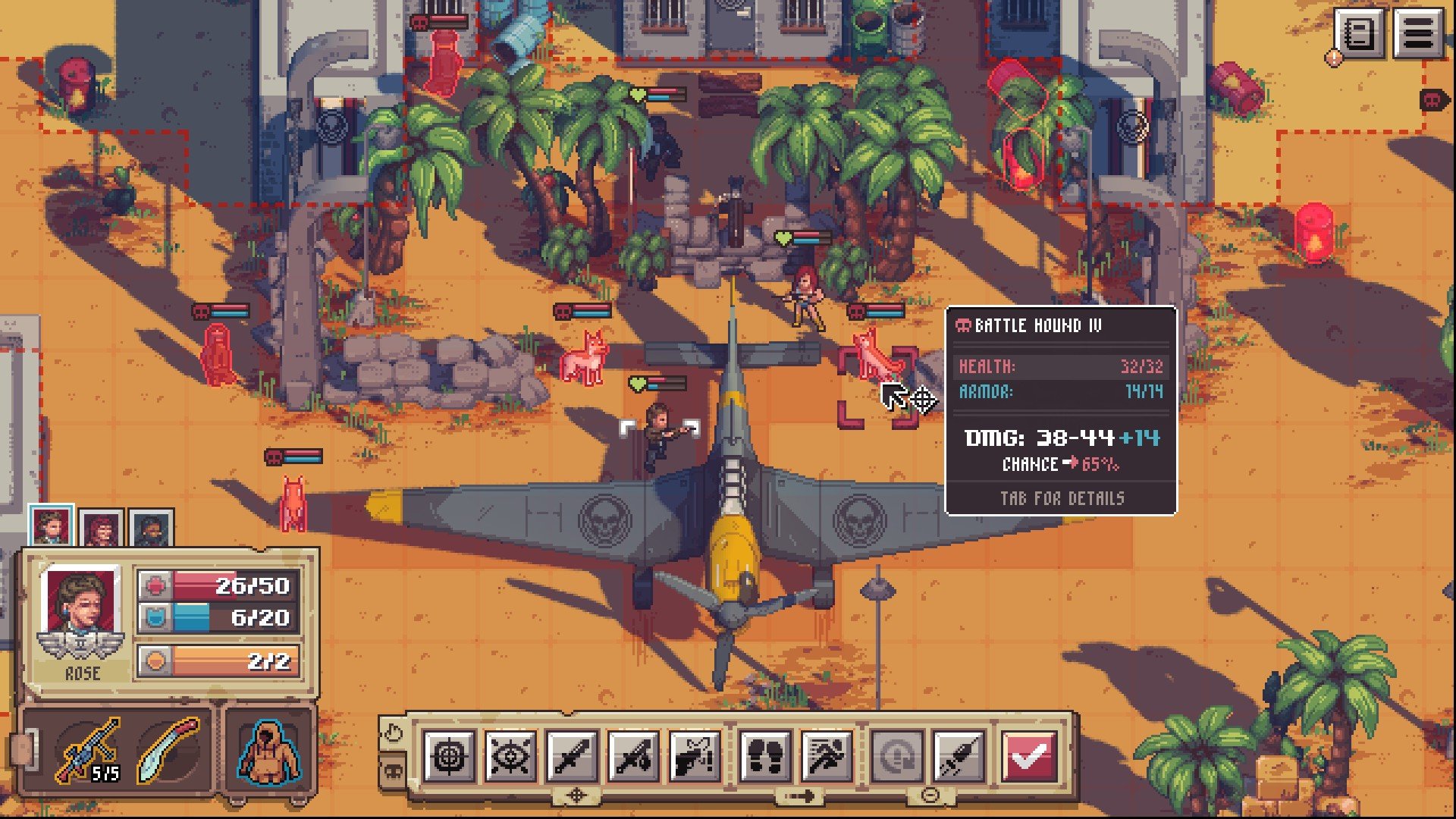
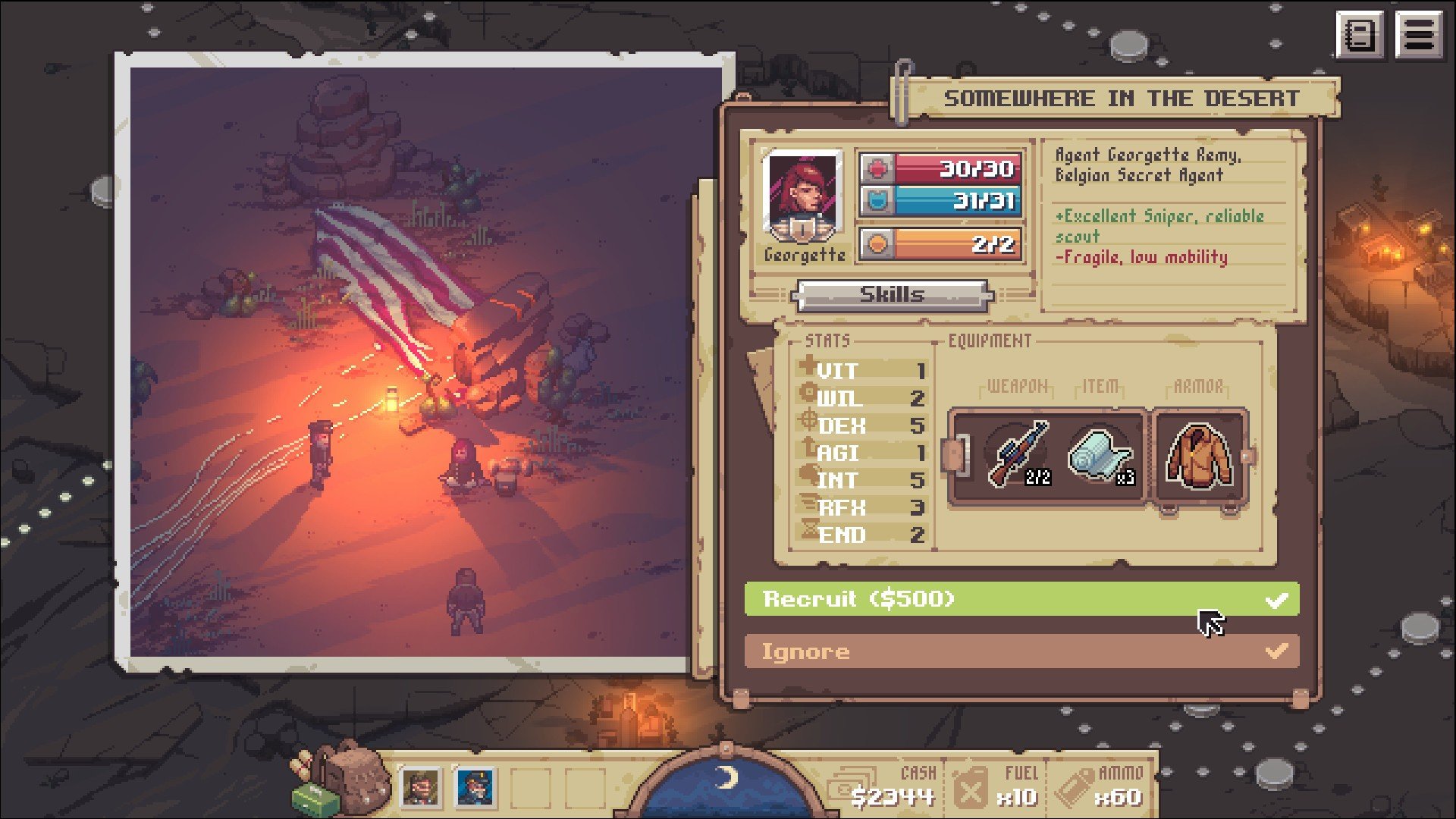
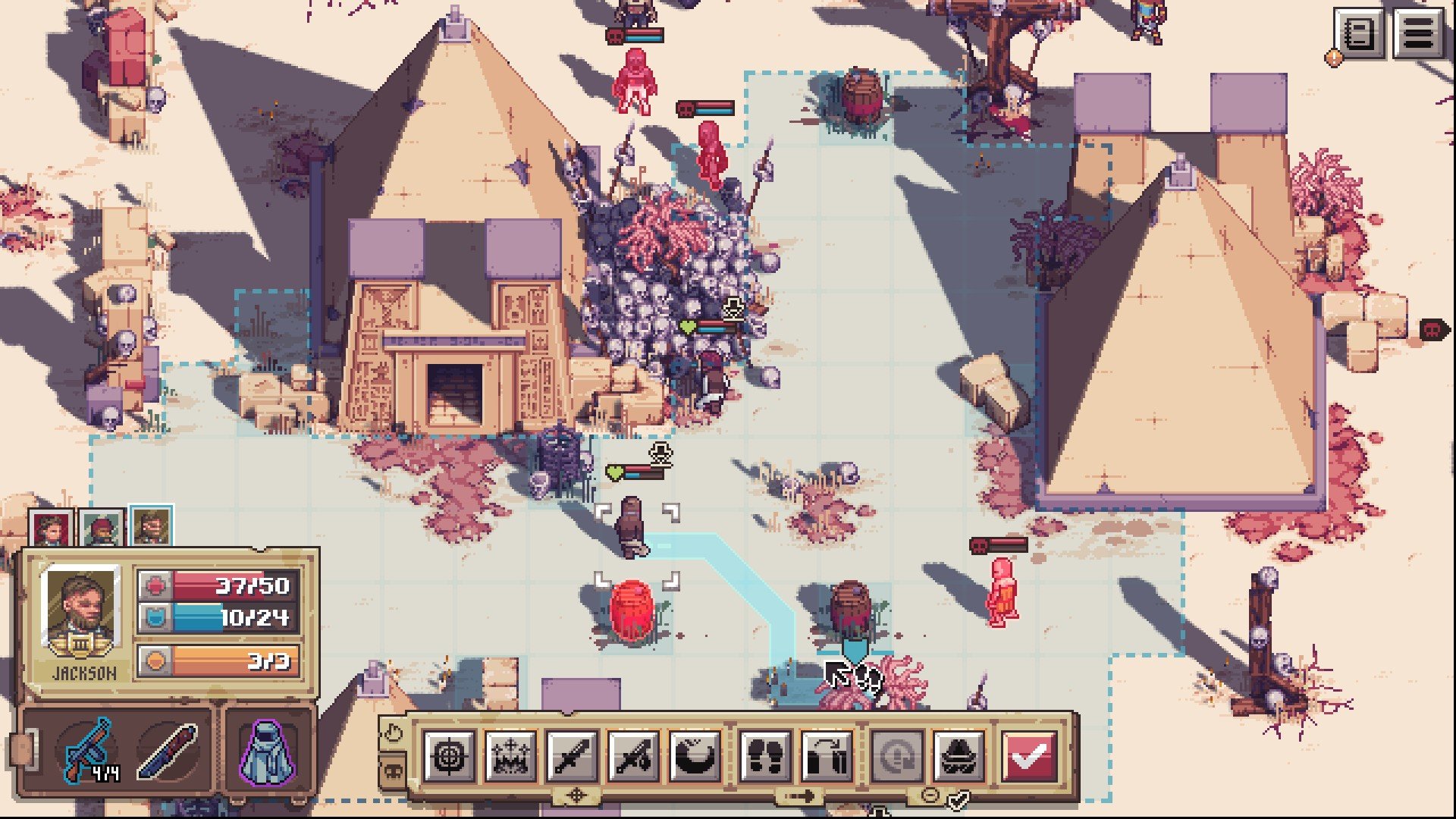
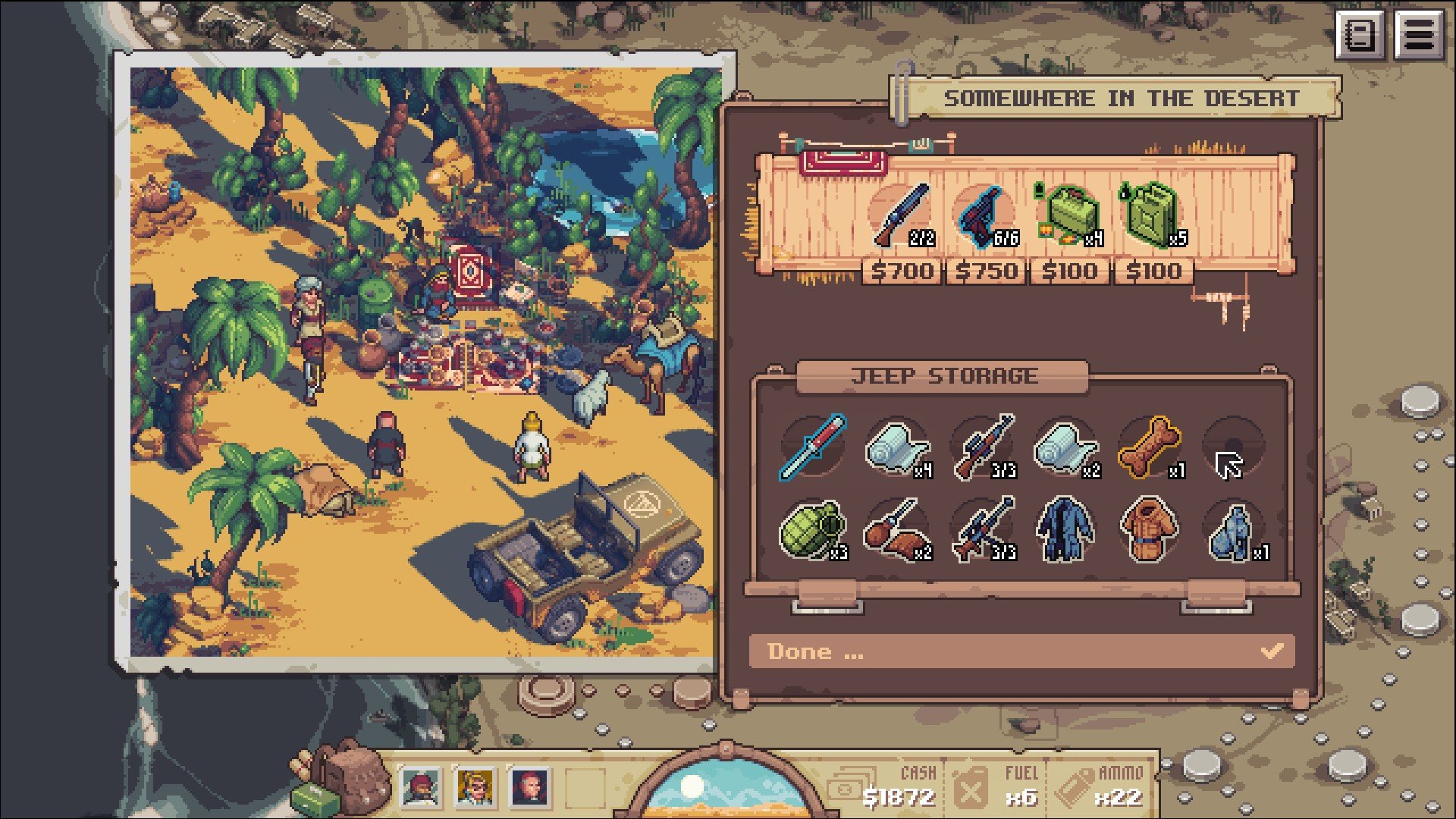
Pathway is a tactical strategy game developed by Robotality that transports players to a world inspired by 1930s pulp adventure stories. Blending turn-based combat, exploration, and narrative choice, the game invites players to experience the thrill of discovery, danger, and moral decision-making in exotic locales. With a strong emphasis on strategic planning and storytelling, Pathway offers a unique blend of adventure and challenge that appeals to both strategy enthusiasts and fans of classic adventure tales.
The game’s setting is one of its most compelling features. Players traverse deserts, jungles, and forgotten ruins, seeking treasures, relics, and lost knowledge while facing mercenaries, cultists, and supernatural threats. Each map is procedurally generated, ensuring that no two expeditions are exactly alike. This unpredictability keeps players on edge, requiring careful planning, quick thinking, and adaptability. Choosing which paths to take, which resources to prioritize, and which encounters to risk adds depth to the gameplay and makes every decision meaningful.
At its core, Pathway is a turn-based tactical combat game. Battles are fought on grid-based maps where positioning, cover, and unit abilities play a critical role. Each character has unique skills and attributes, ranging from sharpshooters to melee specialists and support units, and effective use of their abilities often determines the difference between success and failure. The game encourages strategic thinking, as rushing into combat without considering terrain, enemy types, or available resources can quickly lead to disastrous outcomes.
Resource management is another key aspect of the experience. Players must balance supplies such as ammunition, food, and health items while exploring hazardous environments. The game also challenges players to weigh risk versus reward. Will you confront a dangerous enemy for valuable treasure, or bypass the threat to conserve resources? These choices create tension and encourage careful decision-making, giving players a sense of agency over their expedition.
Narrative choices further enhance the adventure. Pathway features branching storylines and multiple outcomes based on player decisions. Interactions with allies, encounters with enemies, and even seemingly minor choices can shape the course of the journey, resulting in varied experiences across different playthroughs. This focus on player-driven storytelling adds a layer of immersion and replayability, as each adventure feels personal and unique.
Visually, Pathway employs a stylized, cinematic art style that evokes the feel of classic adventure films. The environments are detailed and atmospheric, with deserts, tombs, and ruins full of visual storytelling cues. The audio complements this aesthetic with a dynamic soundtrack, ambient effects, and voiceovers that heighten tension and drama during exploration and combat.
Ultimately, Pathway is a game about strategy, exploration, and the spirit of adventure. It challenges players to think critically, adapt to unexpected circumstances, and make meaningful choices in both combat and narrative situations. For those who love tactical gameplay and immersive storytelling, Pathway offers a rich, engaging experience that captures the excitement and danger of classic adventure tales while providing modern strategic depth.
OS: MacOS 10.9 MavericksProcessor: 2.0 Ghz DualCore CPURAM: 8 GBVideo card: Intel HD4000 or better, OpenGL 3.3Disk space: 2 GBAdditionally: Requires an Intel CPU, currently doesn't run on Apple Silicon
Run the downloaded package and follow the standard installation procedure.
The installation is completed by choosing a location to place the game.
It is recommended to specify the Applications folder.
Frequently Asked Questions
Mount the image and run Open Gatekeeper friendly.
Press Enter to bypass Gatekeeper in the Terminal window.
Drag the application to the Applications folder.
The application is ready for use.
ATTENTION! SIP must be disabled. Learn more >
Restart your Mac and hold down Command + R to enter Recovery Mode.
Open Terminal from the Utilities menu.
Enter the command: csrutil disable
Restart your Mac.
This is a common Gatekeeper issue. Follow these steps:
1. Open Terminal
2. Enter: sudo xattr -rd com.apple.quarantine /Applications/AppName.app
3. Replace "AppName" with the actual application name
4. Press Enter and enter your password
Yes, all our downloads are thoroughly checked for viruses and malware.
We use multiple antivirus engines to scan every file.
Our team tests each application before publishing.
We never bundle adware or unwanted software.
Yes, we regularly update our applications to the latest versions.
You can check our website for updates or subscribe to our newsletter.
We strive to provide the most recent versions within 24-48 hours of release.
If a download link is not working, please:
1. Try a different browser
2. Clear your browser cache and cookies
3. Try the alternative download links provided
4. Contact our support team if the issue persists