


Pebble Knights
Download Pebble Knights
Run the downloaded image and drag the application to the Applications folder shortcut.
Once copying is complete, the application can be launched via Launchpad.
Previous Versions
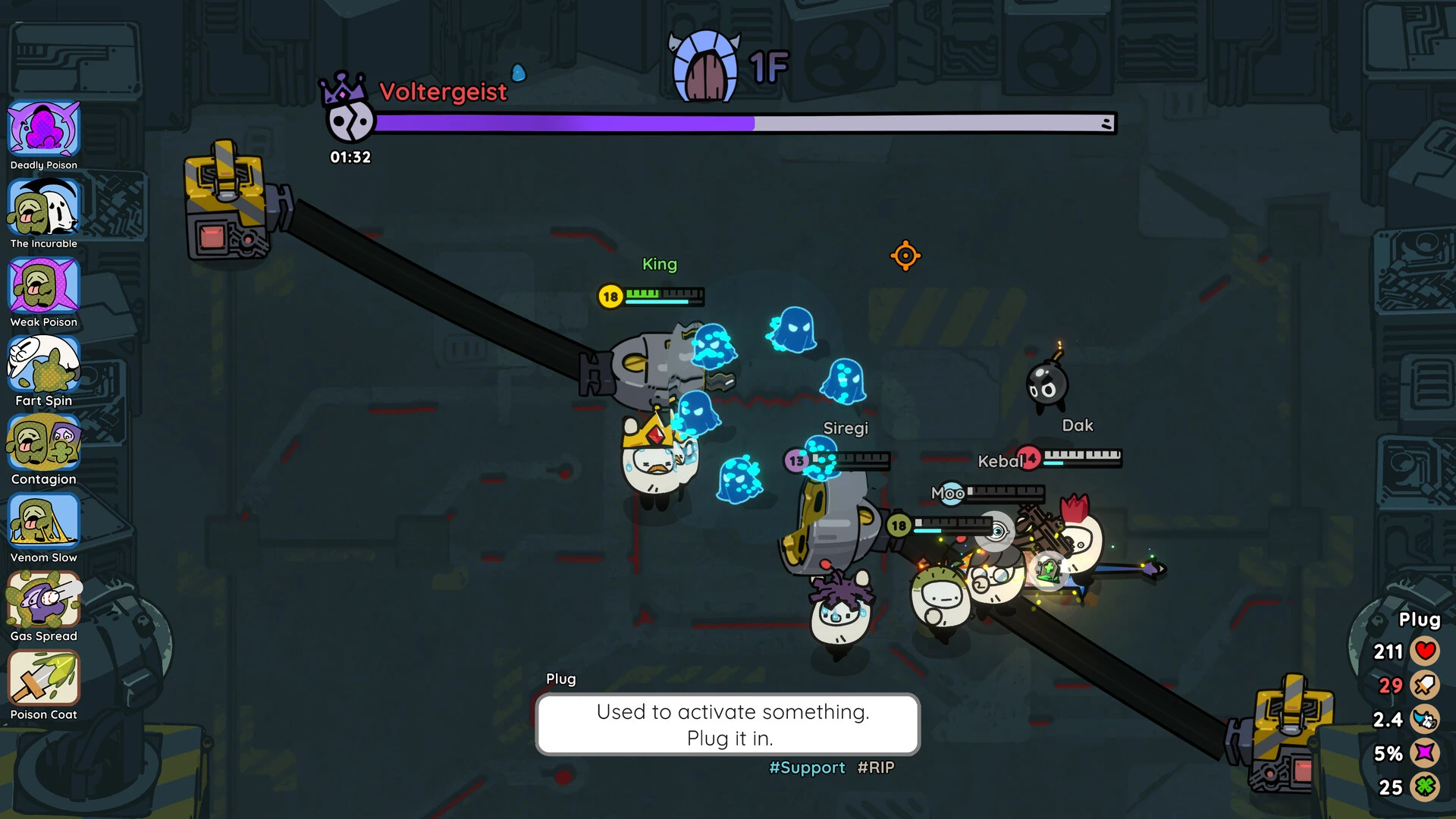
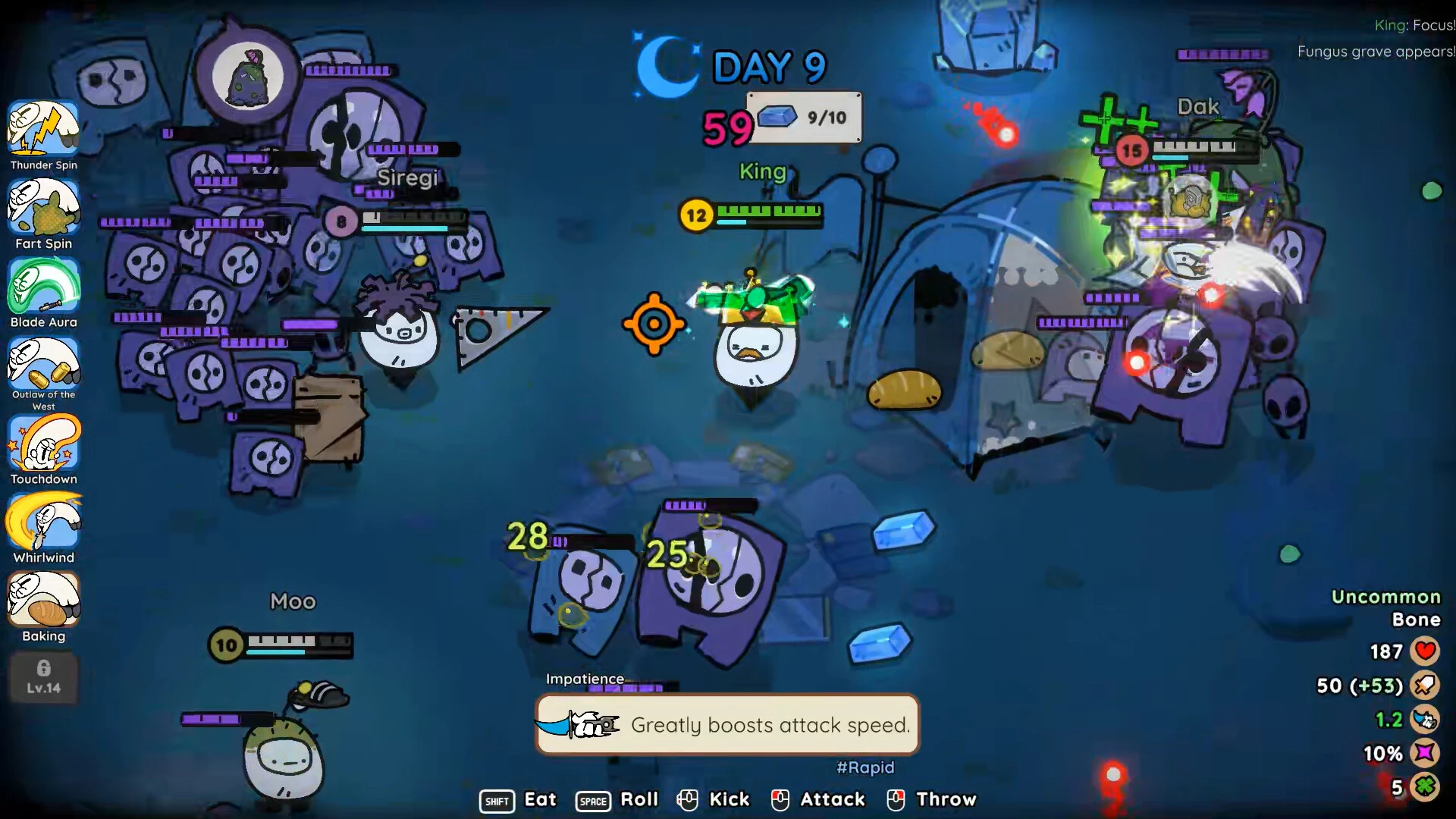
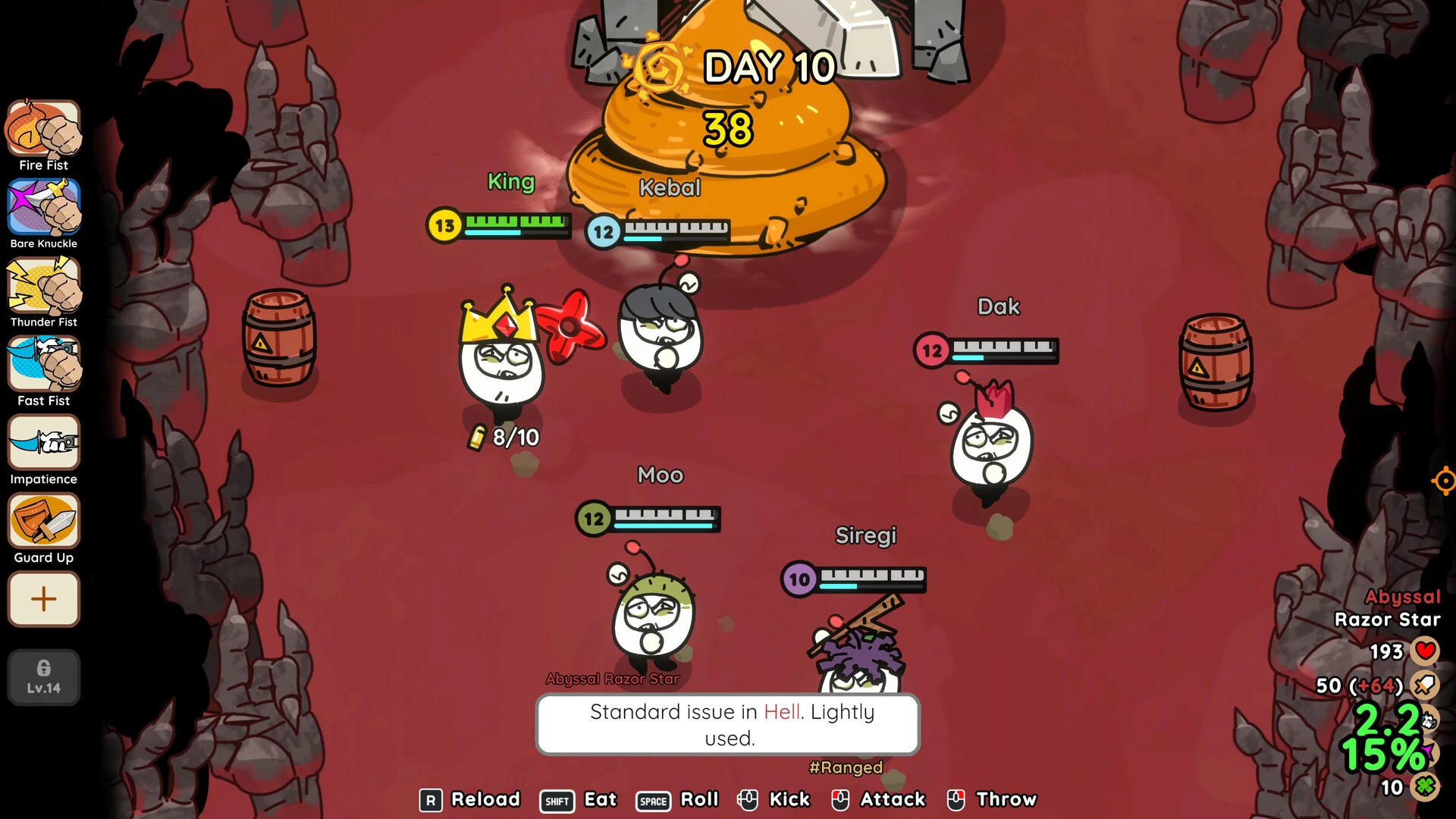
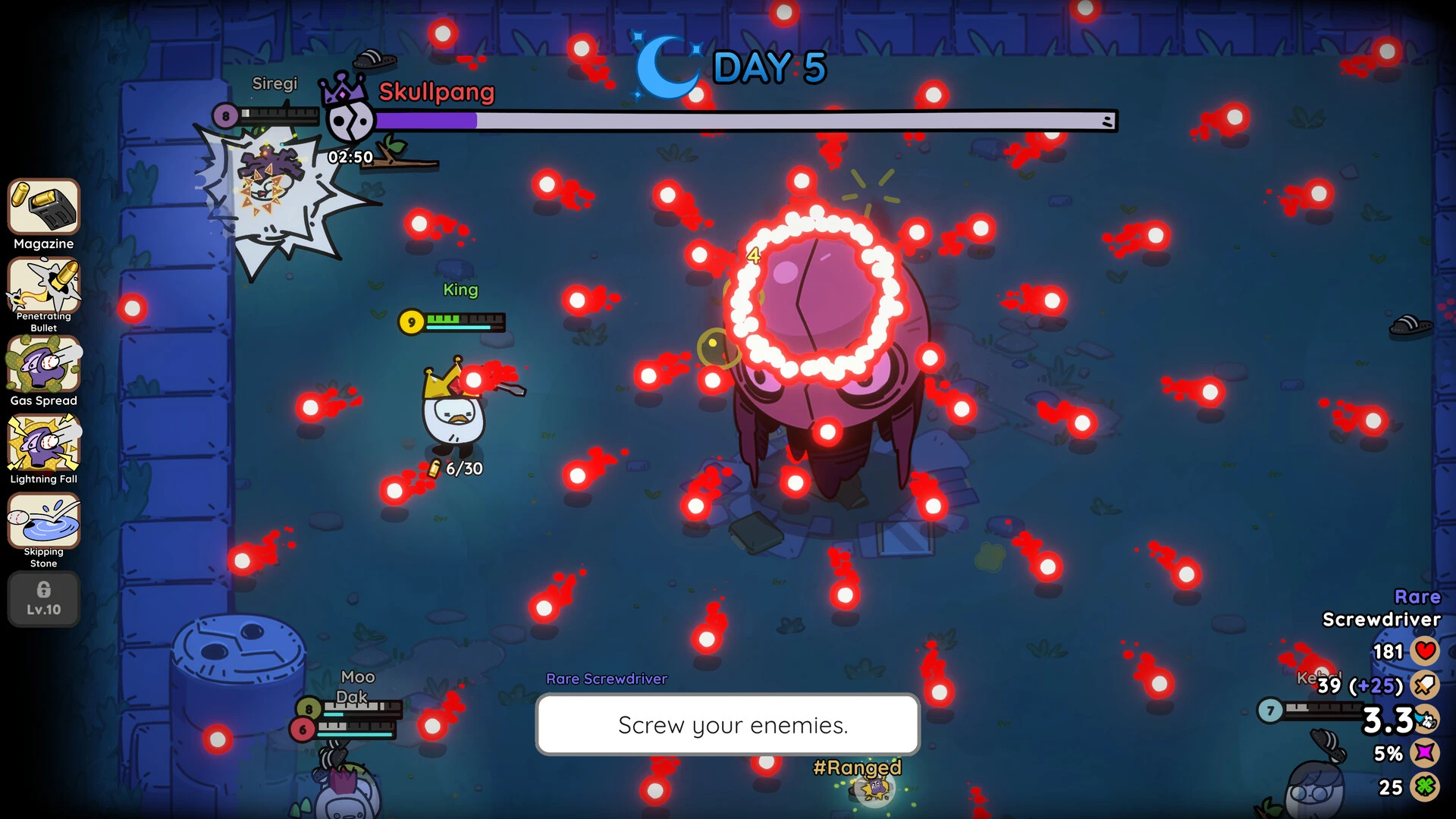
Pebble Knights is an imaginative strategy game that combines tactical combat, fantasy storytelling, and creative world design. Built around a unique visual style and strategic gameplay mechanics, it offers players an engaging experience where every battle requires planning, skill, and smart decision-making. With its charming characters, immersive environments, and tactical challenges, Pebble Knights has become an appealing title for fans of strategy and fantasy games.
Tactical Combat System
Combat is at the heart of Pebble Knights. Battles take place on strategic maps where positioning, movement, and ability usage determine success. Players must think carefully before every action, as poor decisions can quickly turn a battle in the enemy’s favor.
Each knight has unique abilities, strengths, and weaknesses. Some specialize in defense, while others focus on ranged attacks, healing, or powerful magic skills. Building a balanced team becomes essential for survival.
Enemy encounters are designed to challenge the player’s tactical thinking. Every battle introduces new obstacles, forcing players to adapt their strategies constantly.
Character Development and Team Building
Pebble Knights offers a rewarding progression system. As players complete missions and win battles, their knights gain experience, unlock new skills, and become stronger over time.
Customization plays an important role in team development. Players can upgrade weapons, improve armor, and choose abilities that match their preferred playstyle. This creates a sense of ownership and makes every team feel unique.
Building strong relationships between characters also adds emotional depth to the gameplay.
Exploration and Adventure
Beyond combat, exploration is a major part of the game. Players can discover hidden paths, collect valuable resources, and interact with different characters across the world.
Side quests and optional missions add replay value and allow players to learn more about the game’s universe. Exploration often rewards curiosity with rare items, new allies, or secret story elements.
Visual Style and Atmosphere
Pebble Knights stands out with its artistic design. The environments are colorful and detailed, while character designs have a charming fantasy appearance. The combination of vibrant visuals and atmospheric music creates an immersive gaming experience.
This visual style makes the game appealing to players of all ages while maintaining strategic depth for experienced gamers.
Why Pebble Knights Is Popular
The popularity of Pebble Knights comes from its balance between accessibility and strategy. New players can enjoy its simple mechanics, while experienced strategy fans can appreciate its deeper tactical systems.
Its combination of fantasy storytelling, character progression, and tactical battles creates a complete and rewarding experience.
Conclusion
Pebble Knights is a creative strategy adventure that blends tactical combat, character development, and fantasy exploration into one memorable experience. With its engaging gameplay, charming art style, and strategic depth, it offers something special for fans of adventure and strategy games. Whether you enjoy planning battles or exploring magical worlds, Pebble Knights delivers an exciting journey from beginning to end.
OS: macOS 12 MontereyProcessor: Apple M1 or Intel Core i5RAM: 8 GB RAMVideo Card: Apple M1 or Intel HD Graphics 6000Storage: 2 GB
Run the downloaded image and drag the application to the Applications folder shortcut.
Once copying is complete, the application can be launched via Launchpad.
Frequently Asked Questions
Mount the image and run Open Gatekeeper friendly.
Press Enter to bypass Gatekeeper in the Terminal window.
Drag the application to the Applications folder.
The application is ready for use.
ATTENTION! SIP must be disabled. Learn more >
Restart your Mac and hold down Command + R to enter Recovery Mode.
Open Terminal from the Utilities menu.
Enter the command: csrutil disable
Restart your Mac.
This is a common Gatekeeper issue. Follow these steps:
1. Open Terminal
2. Enter: sudo xattr -rd com.apple.quarantine /Applications/AppName.app
3. Replace "AppName" with the actual application name
4. Press Enter and enter your password
Yes, all our downloads are thoroughly checked for viruses and malware.
We use multiple antivirus engines to scan every file.
Our team tests each application before publishing.
We never bundle adware or unwanted software.
Yes, we regularly update our applications to the latest versions.
You can check our website for updates or subscribe to our newsletter.
We strive to provide the most recent versions within 24-48 hours of release.
If a download link is not working, please:
1. Try a different browser
2. Clear your browser cache and cookies
3. Try the alternative download links provided
4. Contact our support team if the issue persists