


Plague Inc: Evolved
Download Plague Inc: Evolved
Run the downloaded image and drag the game to the Applications folder shortcut.
Once the copying is complete, the game can be launched via Launchpad.
Previous Versions
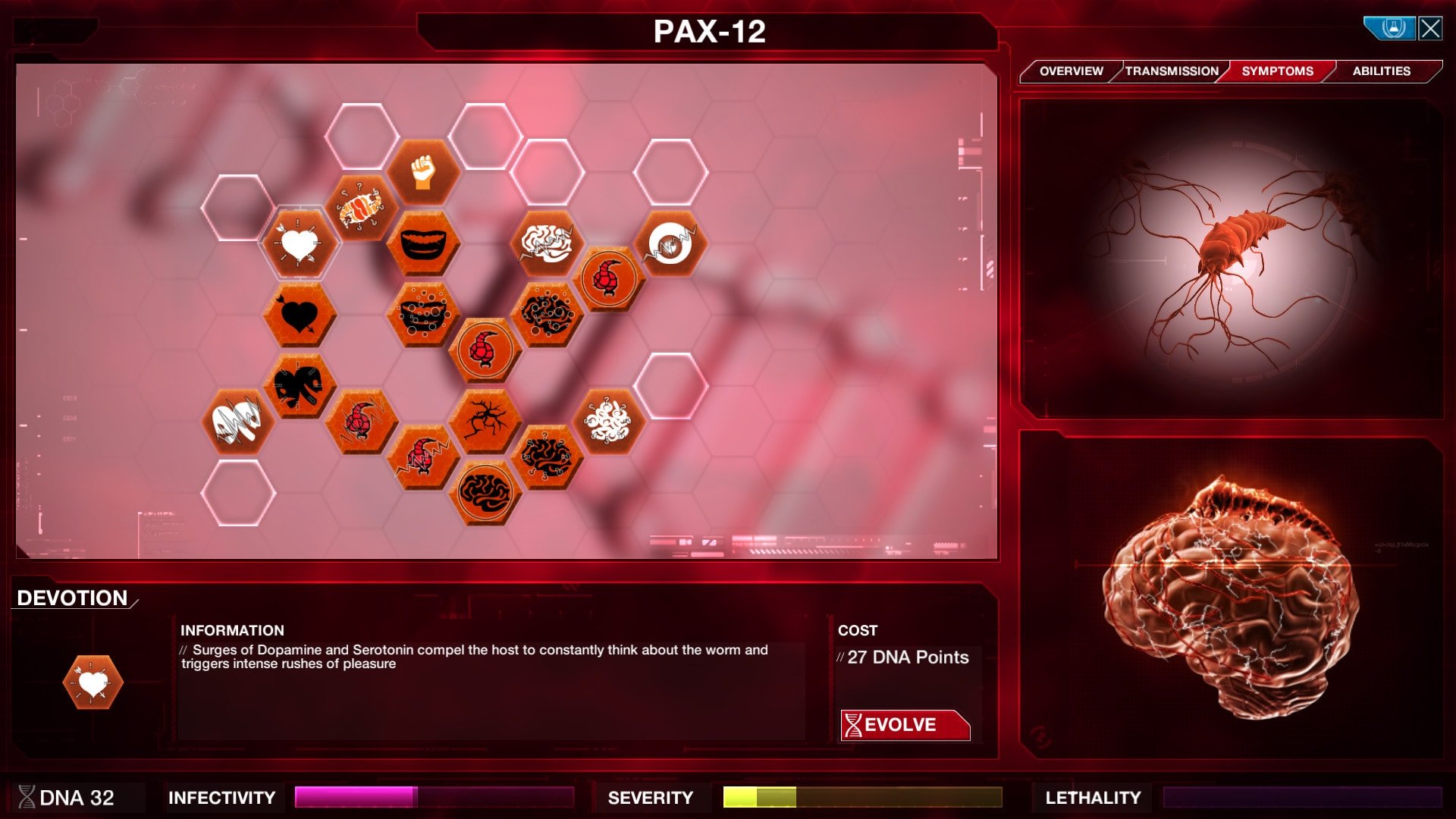
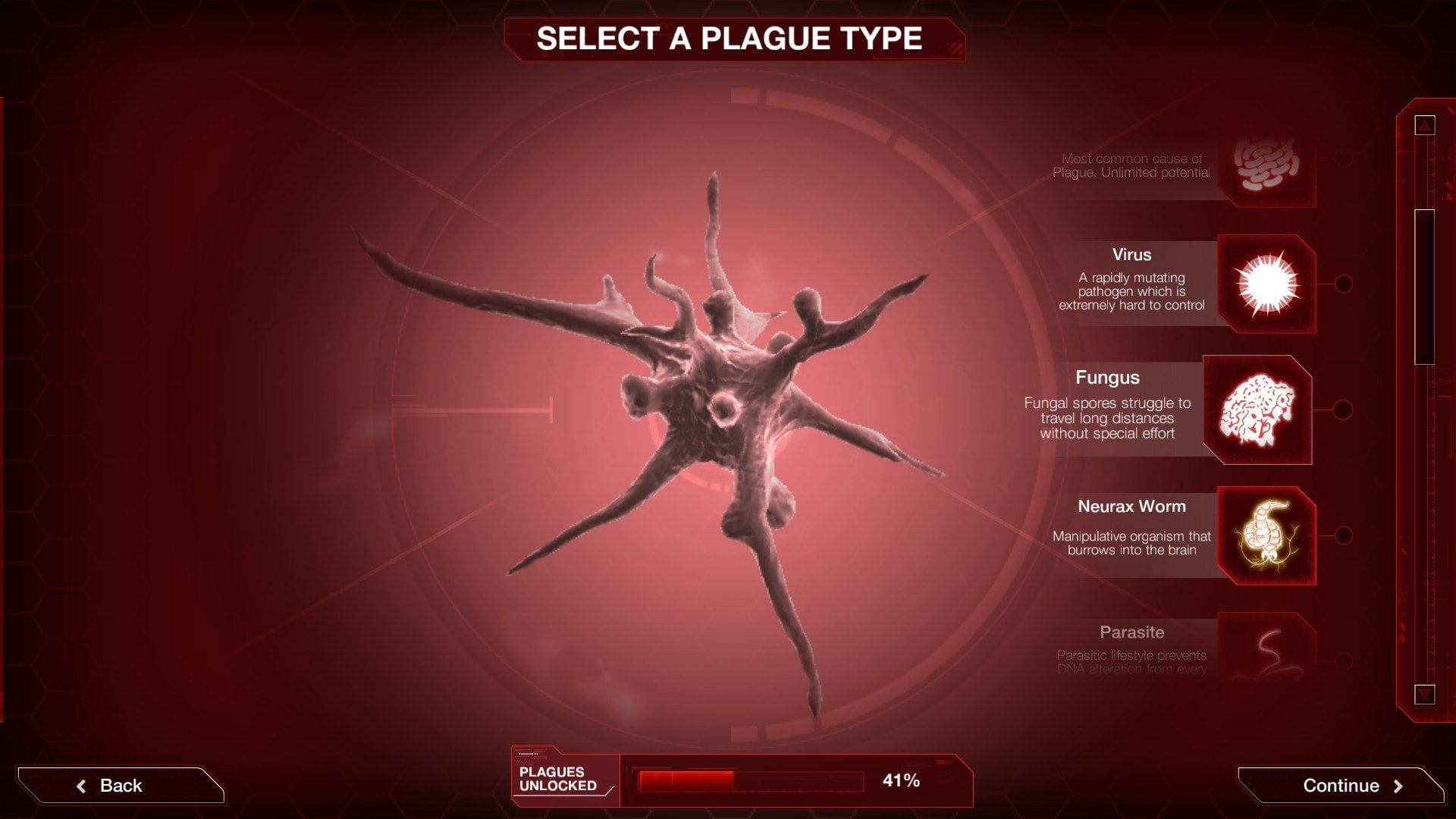
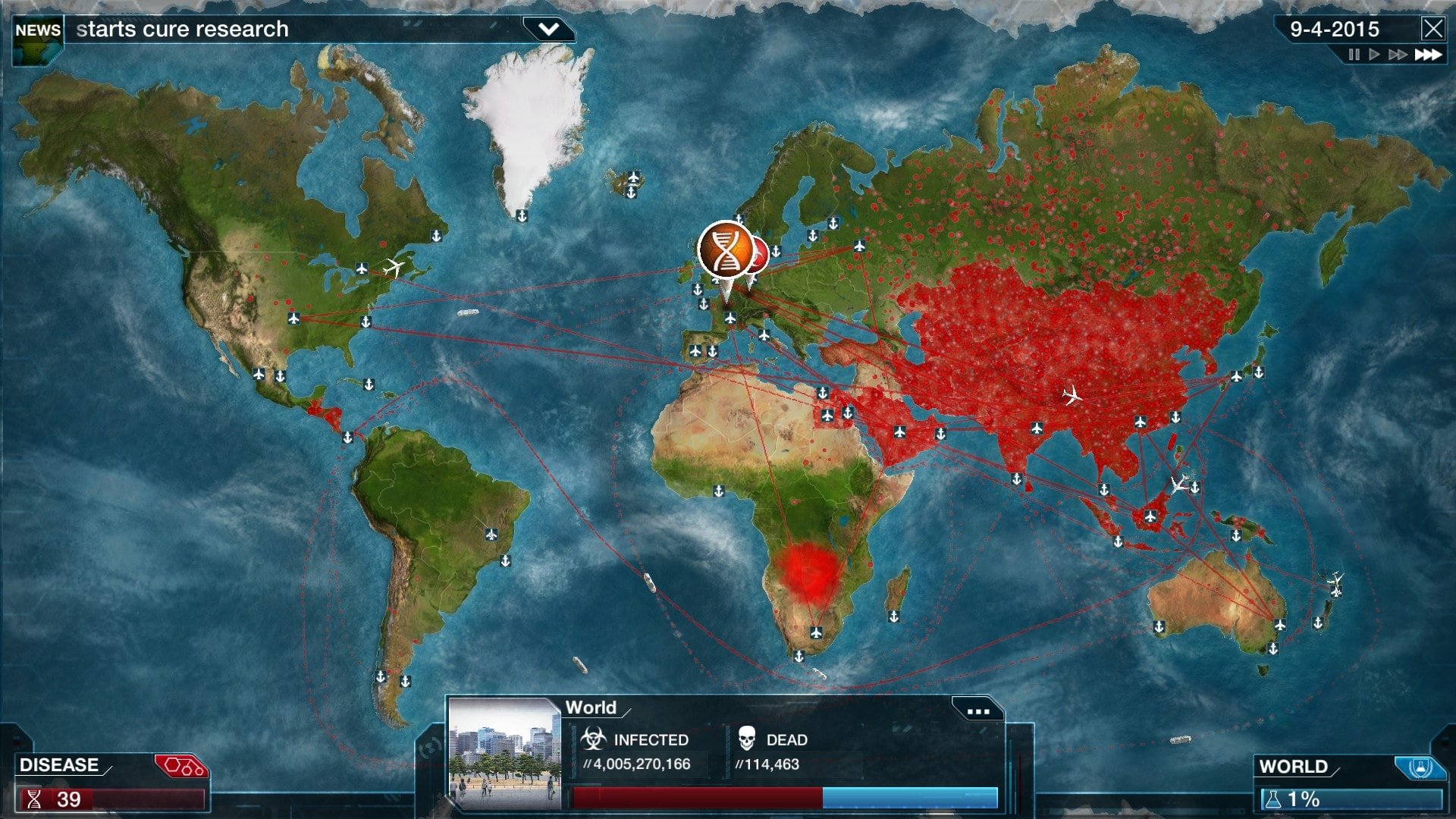
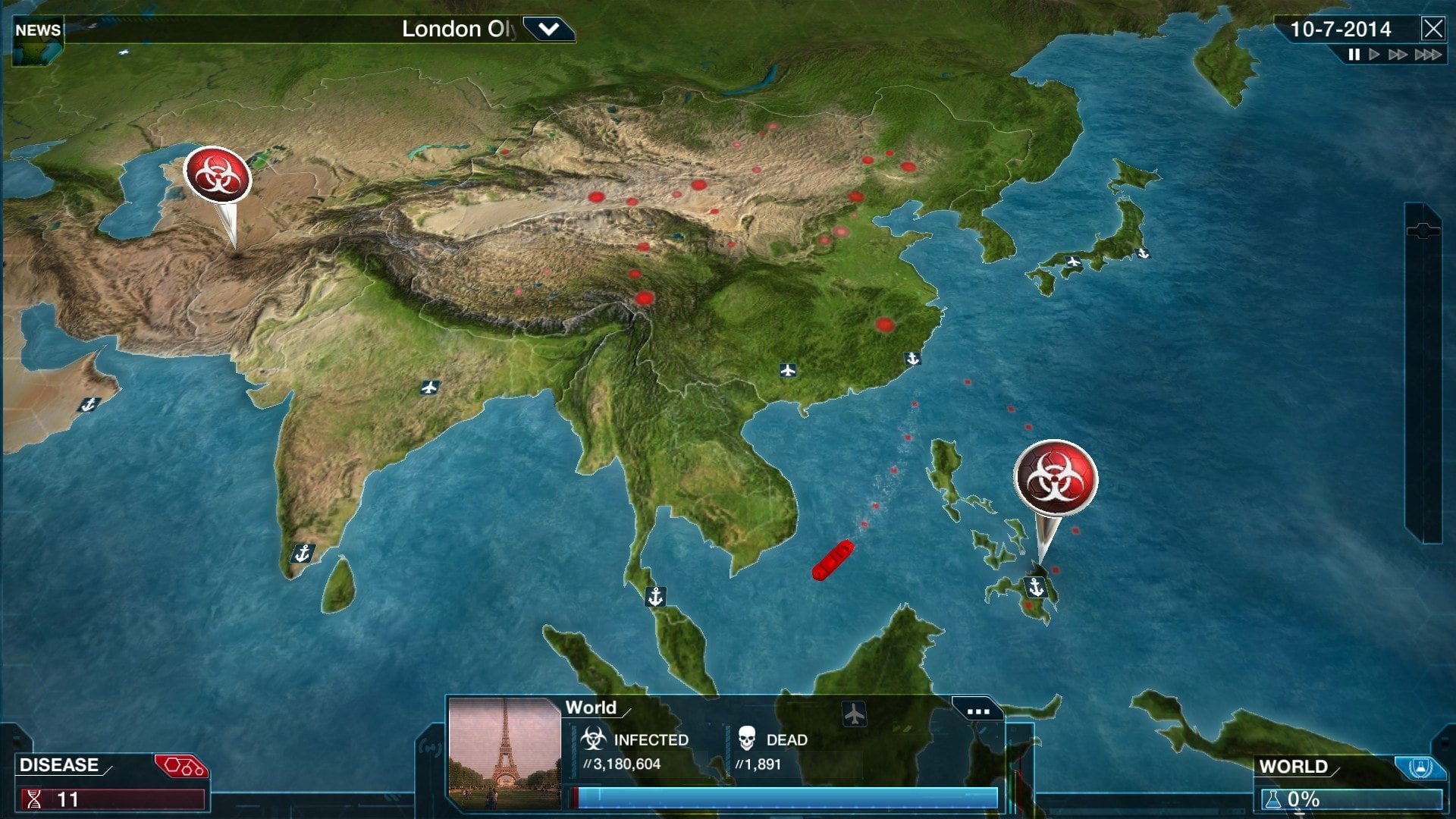
In the world of simulation games, Plague Inc: Evolved stands out as a unique blend of strategy, science, and suspense. Developed by Ndemic Creations, this game takes players into the role of a pathogen attempting to infect and ultimately wipe out humanity. While the premise might seem grim, the gameplay is intellectually stimulating, requiring careful planning, strategic thinking, and a deep understanding of disease progression.
At its core, Plague Inc: Evolved is a simulation of how infections spread across populations. Players choose from a variety of pathogens—bacteria, viruses, fungi, and even more exotic agents like nanobots or bio-weapons. Each pathogen has distinct characteristics, strengths, and weaknesses. Players must evolve their pathogen carefully, balancing contagiousness, severity, and lethality to outsmart humanity’s attempts to develop a cure. The strategic depth comes from making the right choices at the right time, ensuring the disease spreads efficiently without drawing too much attention too soon.
One of the most fascinating aspects of the game is its realistic approach to epidemiology. While it remains a game, it incorporates concepts such as mutation, transmission vectors, and global travel. Players must consider environmental factors, population density, and healthcare systems to maximize the spread of their pathogen. This not only makes the game challenging but also surprisingly educational, giving players insights into how diseases can impact societies in real life.
Plague Inc: Evolved also features a highly interactive and visually engaging interface. The world map allows players to track the spread of their disease in real-time, monitoring infections, deaths, and countries that remain unaffected. The game provides constant feedback, helping players adjust their strategy and plan the next evolution. Additionally, the inclusion of multiplayer and custom scenario modes allows for more creativity, enabling players to design unique challenges or compete against others in disease-spreading strategy.
Beyond the mechanics, the game is notable for its ability to spark discussion about public health and global preparedness. By simulating outbreaks, players gain an appreciation for the challenges that governments, scientists, and healthcare workers face during real pandemics. It encourages critical thinking about disease prevention, vaccination, and the importance of global cooperation—lessons that are increasingly relevant in today’s interconnected world.
Despite its dark theme, Plague Inc: Evolved is addictive and highly replayable. The combination of strategy, planning, and unpredictability keeps players engaged, as no two games unfold exactly the same way. Each pathogen offers new challenges, requiring players to adapt and rethink their approach. This dynamic gameplay ensures that the game appeals to both casual gamers and those seeking deeper strategic challenges.
In conclusion, Plague Inc: Evolved is much more than a game about global destruction—it is a sophisticated simulation that challenges players to think critically and strategically. Its combination of realism, engaging gameplay, and educational value makes it a standout title in the strategy and simulation genre. By turning the spread of disease into a puzzle of survival and planning, Plague Inc: Evolved offers a unique and thought-provoking gaming experience that leaves players both entertained and informed.
OS: 10.6.x (Snow Leopard)Processor: 2.0 GHz Dual Core ProcessorRAM: 1 GB RAMVideo card: Intel HD Graphics 4000 or greaterAdditionally: Unsupported video chipsets: Intel HD Graphics 3000, Intel GMA X3100, Intel GMA 950. This game is not supported on volumes formatted as Mac OS Extended Journaled (Case Sensitive)
Run the downloaded image and drag the game to the Applications folder shortcut.
Once the copying is complete, the game can be launched via Launchpad.
Frequently Asked Questions
Mount the image and run Open Gatekeeper friendly.
Press Enter to bypass Gatekeeper in the Terminal window.
Drag the application to the Applications folder.
The application is ready for use.
ATTENTION! SIP must be disabled. Learn more >
Restart your Mac and hold down Command + R to enter Recovery Mode.
Open Terminal from the Utilities menu.
Enter the command: csrutil disable
Restart your Mac.
This is a common Gatekeeper issue. Follow these steps:
1. Open Terminal
2. Enter: sudo xattr -rd com.apple.quarantine /Applications/AppName.app
3. Replace "AppName" with the actual application name
4. Press Enter and enter your password
Yes, all our downloads are thoroughly checked for viruses and malware.
We use multiple antivirus engines to scan every file.
Our team tests each application before publishing.
We never bundle adware or unwanted software.
Yes, we regularly update our applications to the latest versions.
You can check our website for updates or subscribe to our newsletter.
We strive to provide the most recent versions within 24-48 hours of release.
If a download link is not working, please:
1. Try a different browser
2. Clear your browser cache and cookies
3. Try the alternative download links provided
4. Contact our support team if the issue persists