


Planescape: Torment: Enhanced Edition
Download Planescape: Torment: Enhanced Edition
Run the downloaded package and follow the standard installation procedure.
The installation is completed by choosing a location to place the game.
It is recommended to specify the Applications folder.
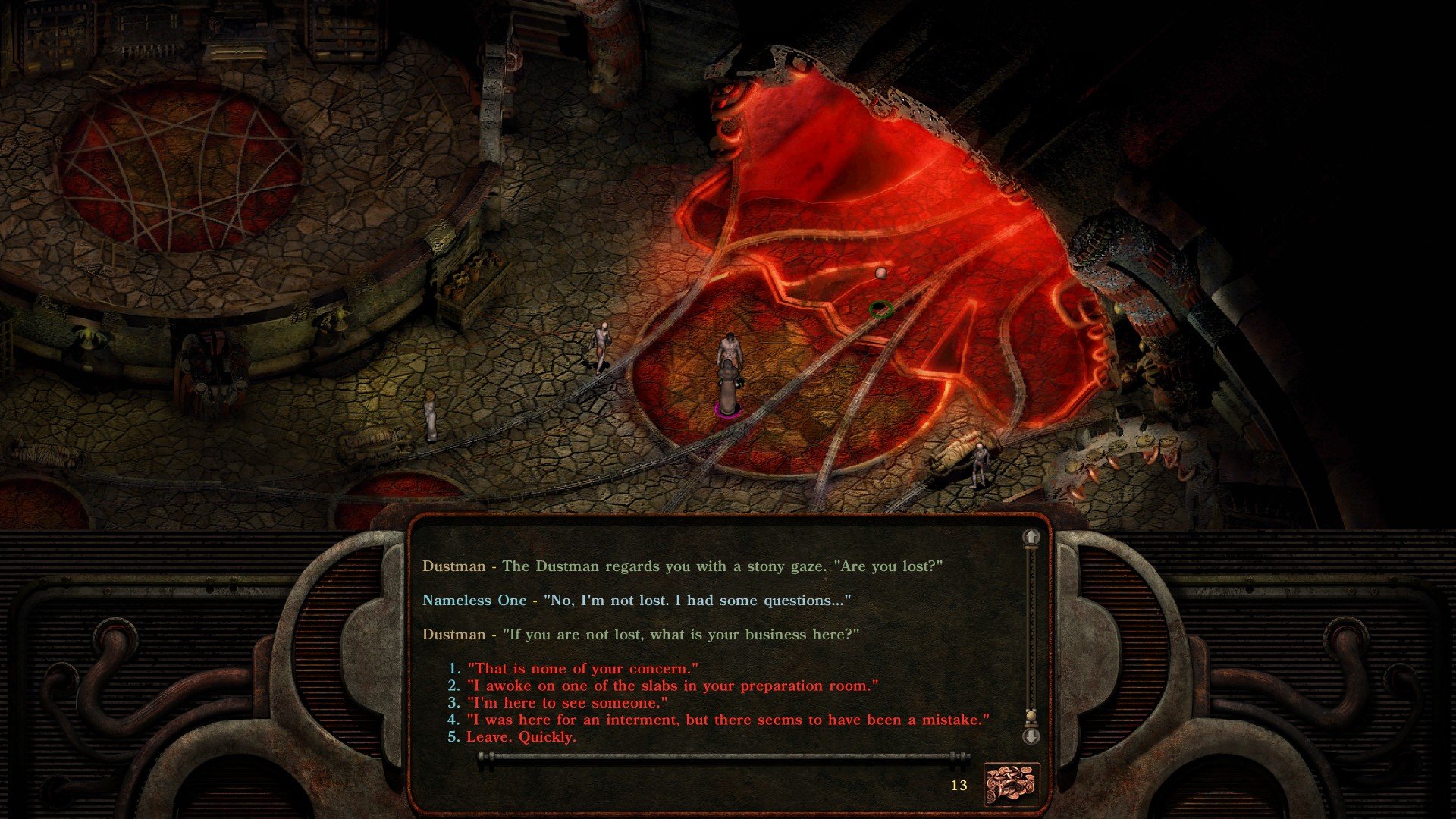
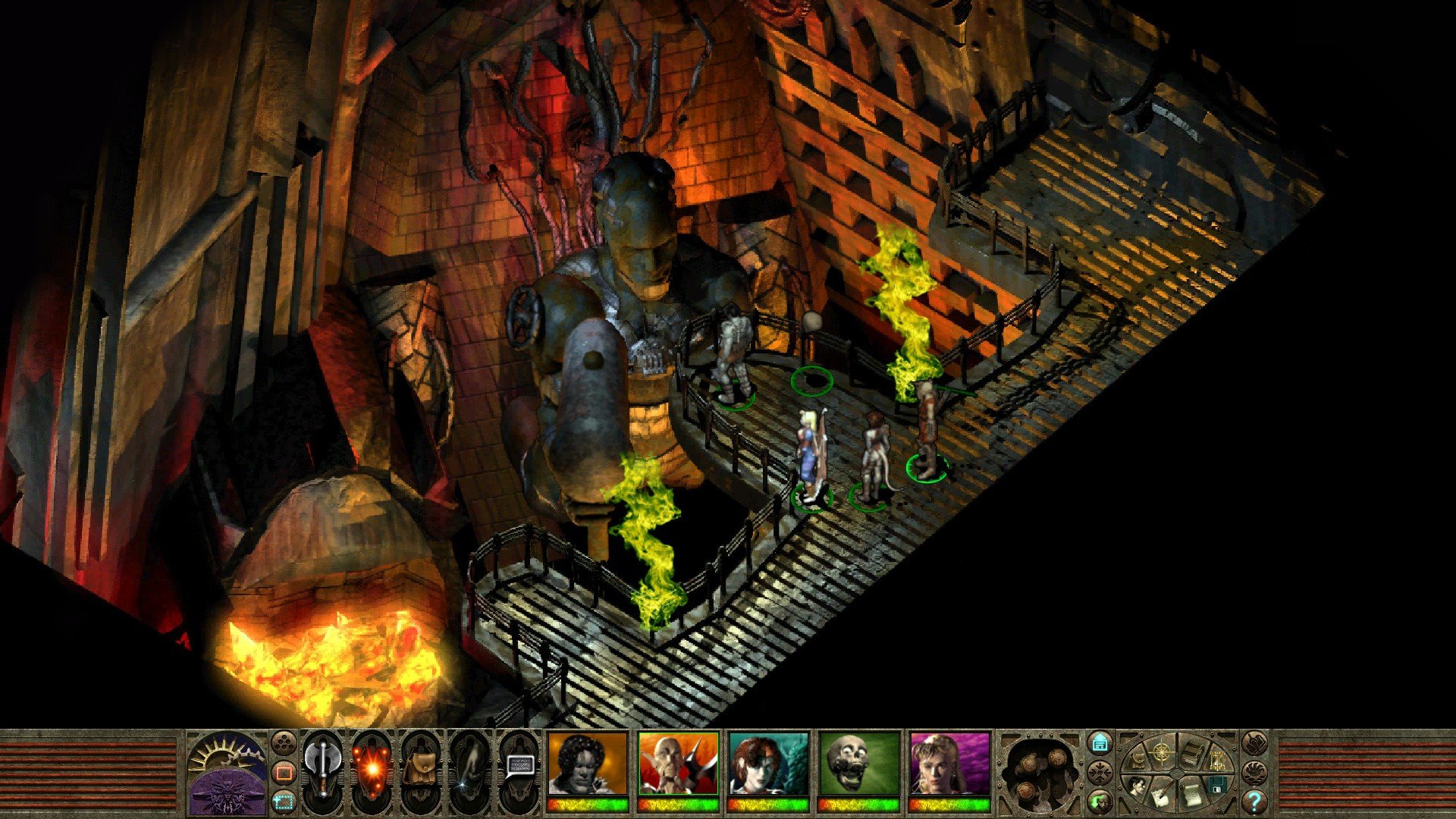
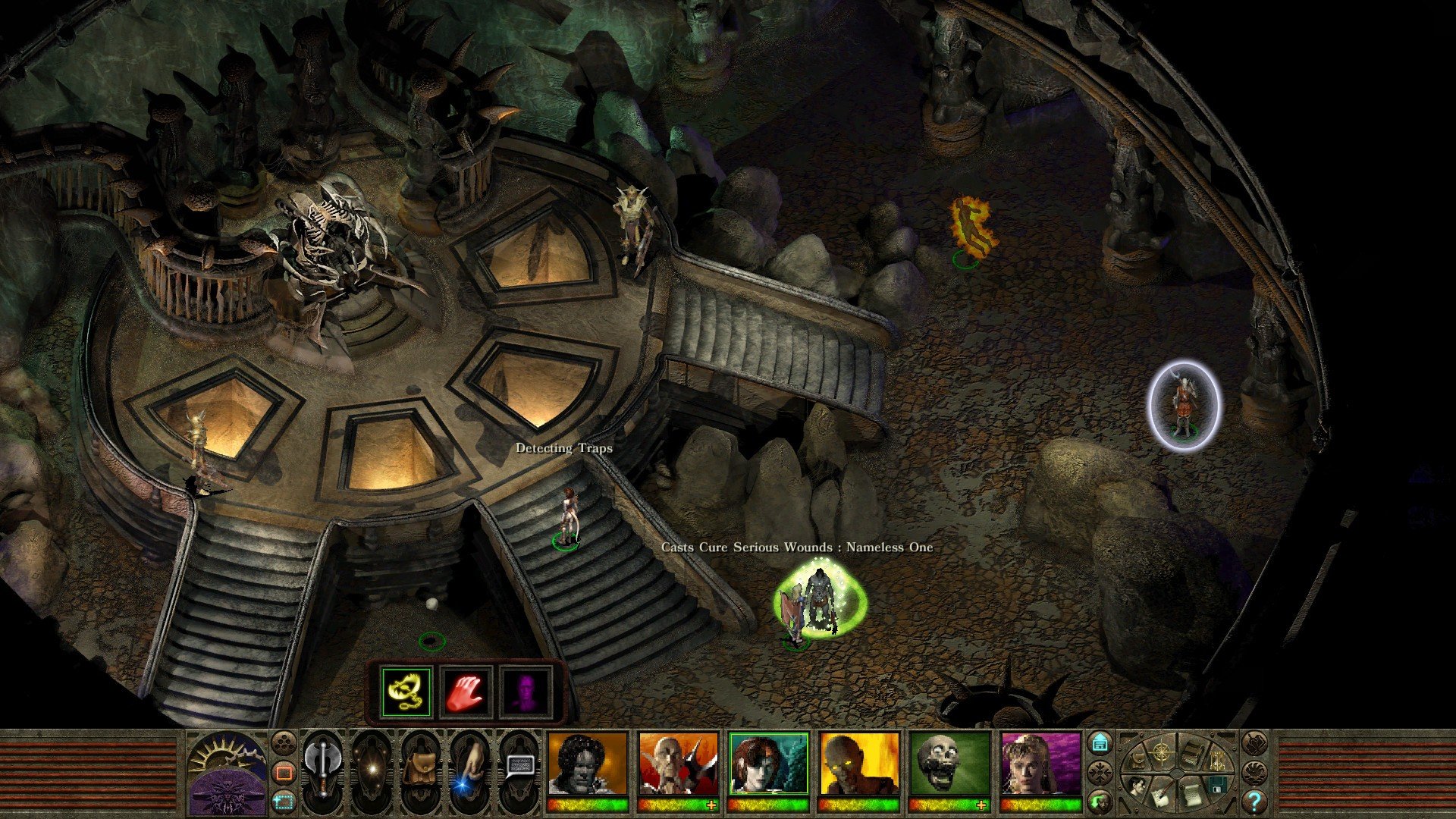
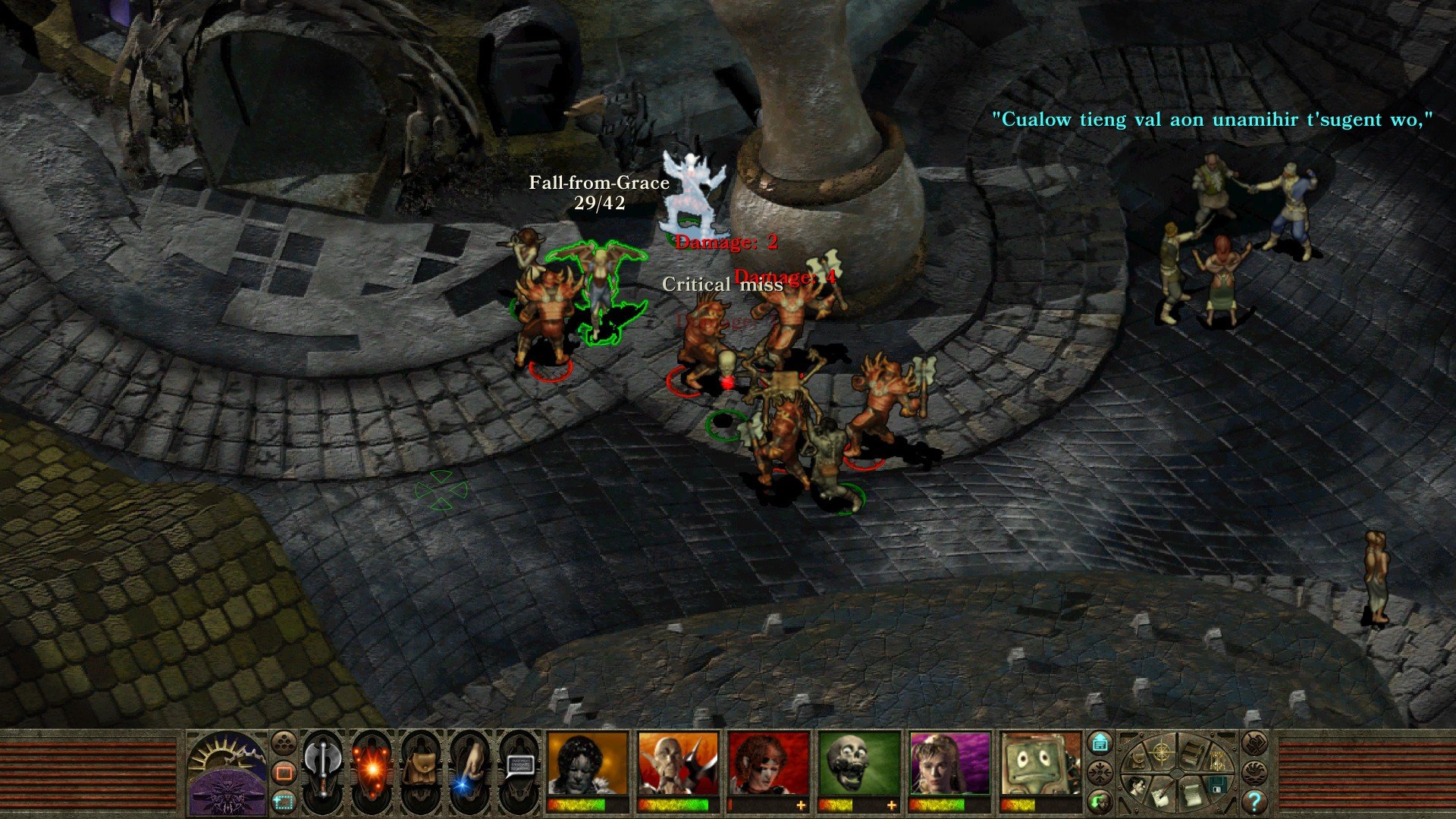
Few role-playing games have left a mark as profound as Planescape: Torment, and the Enhanced Edition brings this legendary experience to a new generation of players. Originally released in 1999, the game has long been celebrated for its deep storytelling, complex characters, and philosophical exploration of identity, memory, and mortality. The Enhanced Edition revitalizes these elements, updating graphics, interface, and accessibility while preserving the narrative depth that made the original a cult classic.
At the core of Planescape: Torment is its narrative-driven gameplay. Unlike many RPGs that prioritize combat or leveling mechanics, this game places story and choice at the forefront. Players assume the role of The Nameless One, an immortal being who wakes in a mortuary with no memory of his past. The central quest is not simply about defeating enemies or gaining power—it is a profound journey to uncover the protagonist’s forgotten identity, confront past deeds, and navigate moral ambiguity.
The Enhanced Edition enhances this experience in several key ways. The graphics have been updated with higher-resolution textures and improved lighting, giving the Planescape multiverse a more vivid and immersive look. The interface has been modernized for ease of use, making inventory management, dialogue choices, and exploration smoother for both newcomers and returning players. Importantly, all these improvements retain the original game’s rich atmosphere and signature art style.
One of the most compelling aspects of Planescape: Torment is its dialogue system. Players encounter a cast of unforgettable companions and characters, each with unique motivations, backstories, and philosophical perspectives. Conversations are intricate and consequential, often shaping the world and the protagonist’s understanding of himself. Unlike traditional RPGs, where dialogue may serve only as flavor, here every choice carries weight, and there are multiple ways to resolve conflicts that do not rely on combat.
Combat in Planescape: Torment, while less central than in other RPGs, remains strategic and rewarding. It requires careful planning, positioning, and resource management, offering challenges that complement the story rather than overshadow it. This balance between cerebral decision-making and tactical encounters reinforces the game’s focus on thoughtfulness over mindless action.
The Enhanced Edition also ensures modern accessibility, supporting higher resolutions, widescreen displays, and platform flexibility. It preserves the original’s complex scripting and branching paths, allowing players to fully experience the philosophical depth, moral dilemmas, and emotional resonance that define Planescape: Torment.
Ultimately, Planescape: Torment: Enhanced Edition is more than a game—it is a meditation on existence, memory, and redemption. Its enduring appeal lies not in flashy mechanics or fast-paced action, but in its ability to provoke thought, evoke emotion, and immerse players in a uniquely compelling universe. For RPG enthusiasts and newcomers alike, this edition offers an opportunity to explore a world where choices truly matter, and every encounter can shape the journey toward understanding the self.
In revisiting Planescape: Torment through the Enhanced Edition, players are reminded why this RPG remains timeless—a masterpiece of narrative, character, and philosophical inquiry that continues to resonate more than two decades after its original release.
OS: OS X 10.8Processor: Dual Core ProcessorRAM: 1 GB RAMVideo card: OpenGL 2.0 compatibleDisk space: 2 GB
Run the downloaded package and follow the standard installation procedure.
The installation is completed by choosing a location to place the game.
It is recommended to specify the Applications folder.
Frequently Asked Questions
Mount the image and run Open Gatekeeper friendly.
Press Enter to bypass Gatekeeper in the Terminal window.
Drag the application to the Applications folder.
The application is ready for use.
ATTENTION! SIP must be disabled. Learn more >
Restart your Mac and hold down Command + R to enter Recovery Mode.
Open Terminal from the Utilities menu.
Enter the command: csrutil disable
Restart your Mac.
This is a common Gatekeeper issue. Follow these steps:
1. Open Terminal
2. Enter: sudo xattr -rd com.apple.quarantine /Applications/AppName.app
3. Replace "AppName" with the actual application name
4. Press Enter and enter your password
Yes, all our downloads are thoroughly checked for viruses and malware.
We use multiple antivirus engines to scan every file.
Our team tests each application before publishing.
We never bundle adware or unwanted software.
Yes, we regularly update our applications to the latest versions.
You can check our website for updates or subscribe to our newsletter.
We strive to provide the most recent versions within 24-48 hours of release.
If a download link is not working, please:
1. Try a different browser
2. Clear your browser cache and cookies
3. Try the alternative download links provided
4. Contact our support team if the issue persists