


Power of Ten
Download Power of Ten
Unzip the archive and follow the standard installation procedure.
The installation is completed by choosing a location to place the game.
It is recommended to specify the Applications folder.
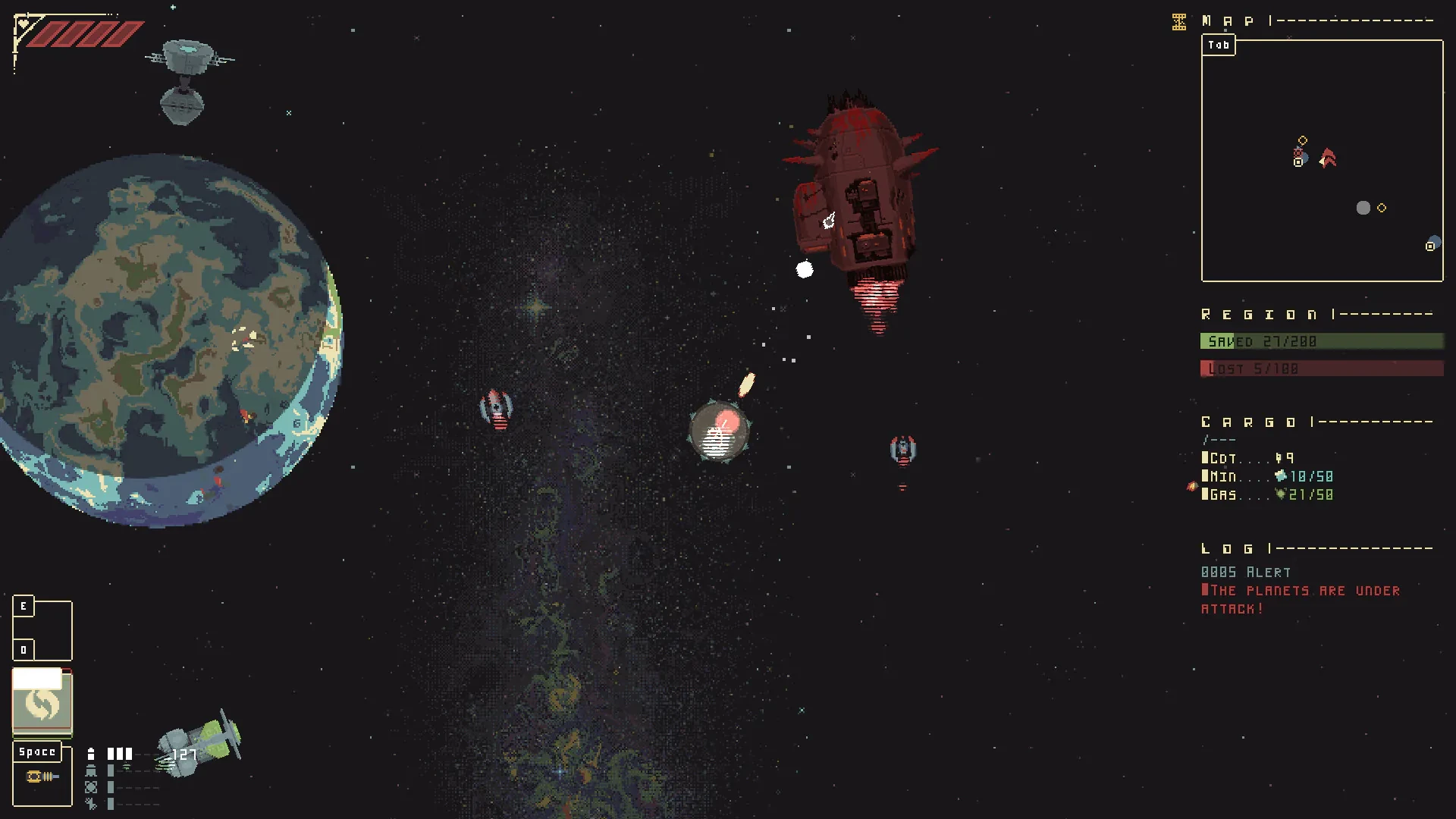
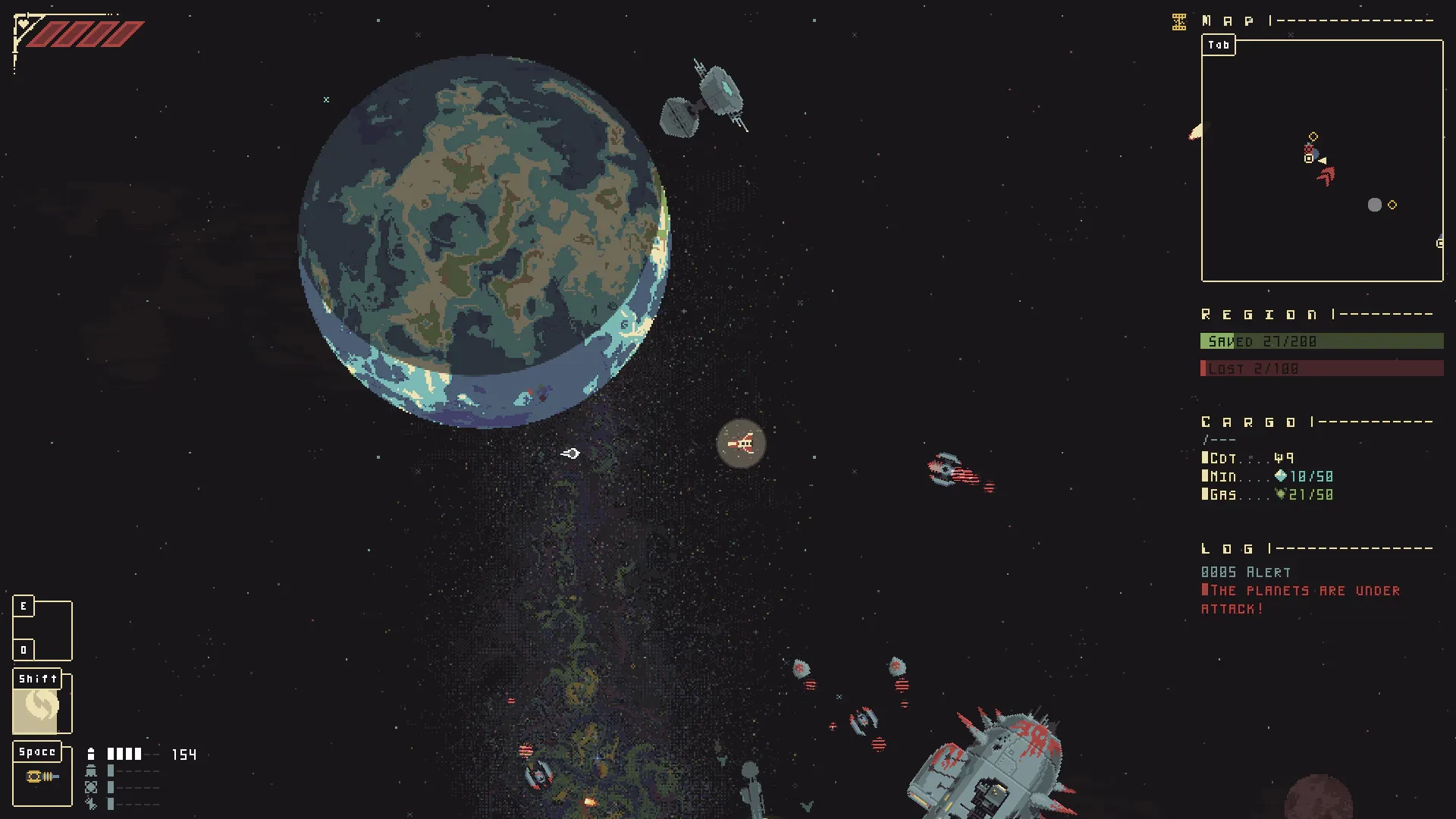
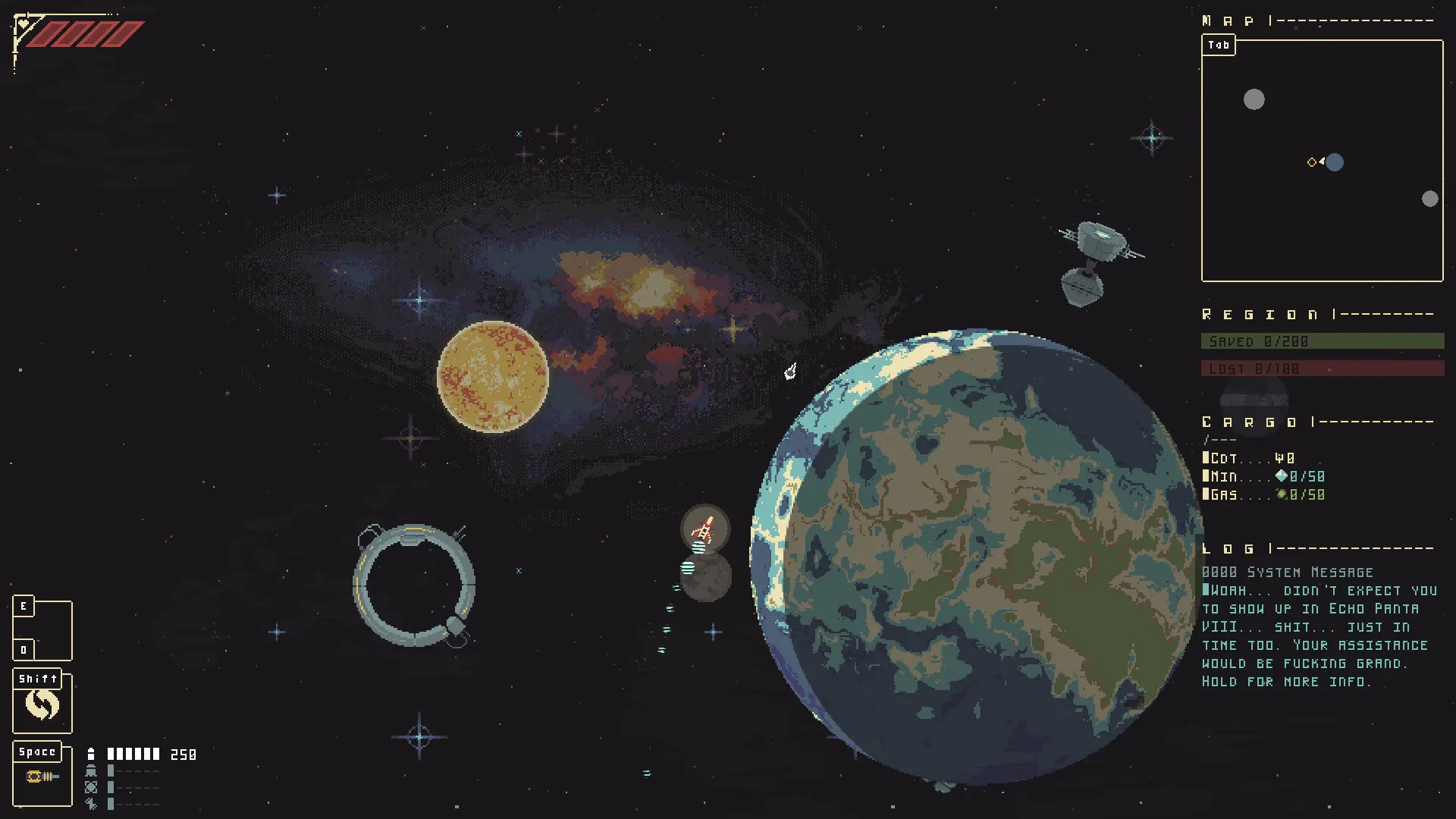
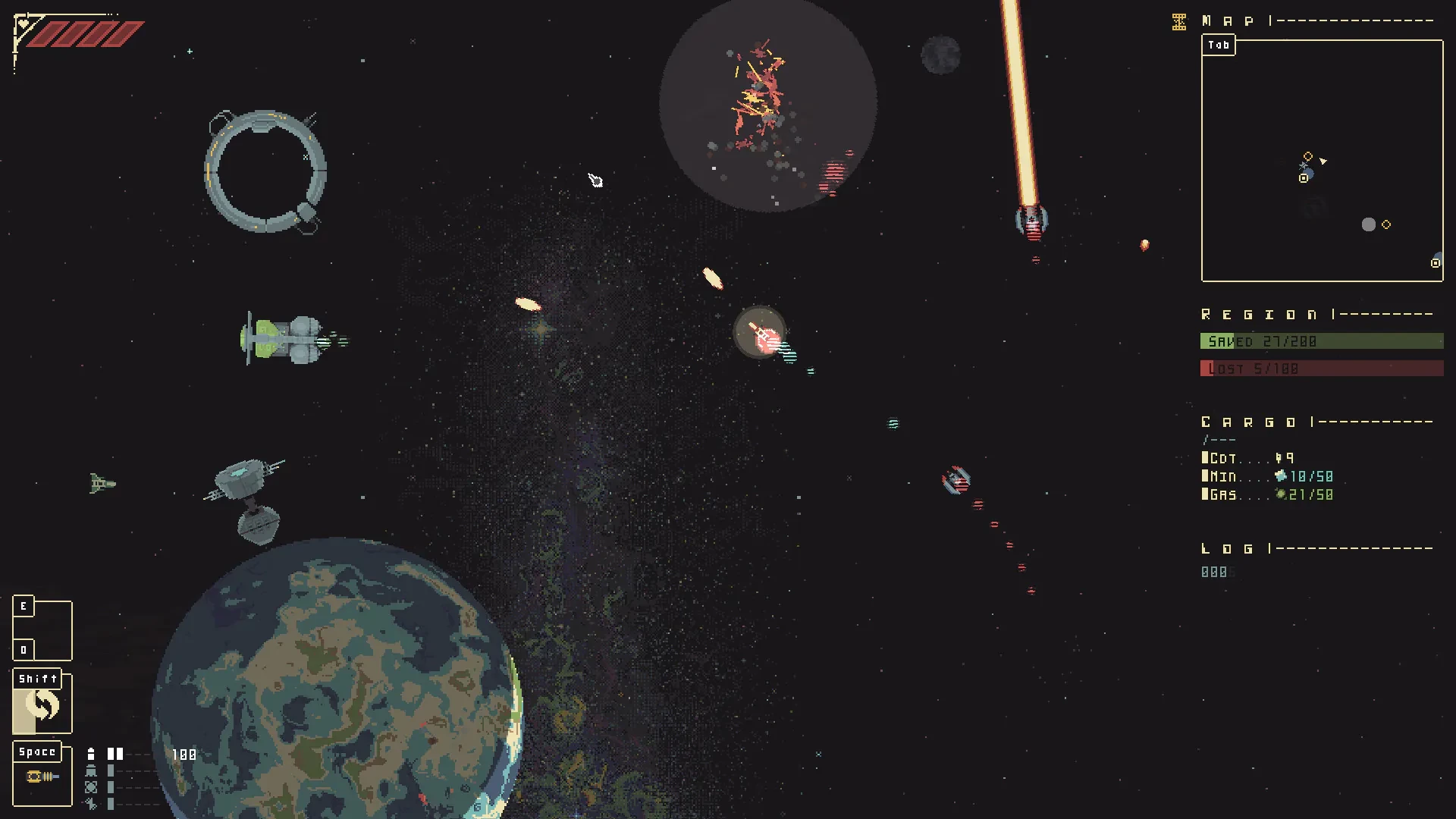
Power of Ten is a fascinating concept and educational experience that takes players and learners on a journey through the universe by exploring scales of magnitude. Whether in a scientific, educational, or gaming context, the idea behind Power of Ten is simple yet profound: it allows us to understand the vastness of the universe and the minuteness of the microscopic world by increasing or decreasing scale by powers of ten. This concept encourages curiosity, critical thinking, and a deeper appreciation for the complexity of nature and science.
At its core, Power of Ten demonstrates how perspective can change our understanding of the world. Starting from a familiar point, such as a human-scale object or environment, each step outward expands the view by ten times, revealing larger and larger structures in the cosmos. Conversely, stepping inward shrinks the perspective, unveiling atomic, molecular, and subatomic structures that are invisible to the naked eye. This systematic exploration of scales fosters an intuitive understanding of magnitude, bridging the gap between the microscopic and macroscopic realms.
In educational contexts, Power of Ten is an incredibly effective tool for teaching concepts in physics, astronomy, and biology. By visualizing each increase or decrease in scale, students gain a tangible sense of size relationships and proportionality. It helps learners grasp abstract concepts, such as the size of planets compared to stars, or the structure of molecules compared to cells. The stepwise progression also reinforces exponential thinking, making complex mathematical and scientific ideas more accessible and engaging.
The idea of Power of Ten has also inspired interactive digital experiences and games, where players can navigate through different scales of the universe. These experiences combine visuals, sound, and interactive mechanics to create an immersive journey. Users can start from a human perspective, zoom out to the solar system, galaxy clusters, and eventually the observable universe, or zoom inward to molecules, atoms, and subatomic particles. This interactive approach enhances learning and retention, as users actively participate in the exploration rather than passively observing.
Visually, Power of Ten experiences are striking. The contrast between the immense scale of galaxies and the microscopic intricacies of cells or atoms emphasizes the incredible diversity of structures in the universe. These visuals not only educate but also inspire awe, highlighting the interconnectedness of all scales of existence. By combining clarity, detail, and accuracy, Power of Ten allows players and learners to appreciate the complexity and beauty of nature in a way that words alone cannot convey.
Beyond education, Power of Ten encourages philosophical and scientific reflection. It invites us to consider our place in the universe, the vastness of space, and the intricate structures that compose matter itself. It reminds us of the limits of human perception and the potential of scientific tools to expand our understanding. By exploring the extremes of scale, we gain a sense of perspective, humility, and wonder that is both intellectually stimulating and emotionally enriching.
In conclusion, Power of Ten is a powerful concept that combines science, education, and imagination. Whether through traditional learning, interactive digital experiences, or games, it allows us to explore the universe across scales, from the infinitesimal to the infinite. By fostering curiosity, critical thinking, and a sense of awe, Power of Ten provides a unique and unforgettable journey through the wonders of the cosmos, inspiring learners and players to explore and understand the universe one scale at a time.
OS: OS 10.6+RAM: 2 GBDisk space: 150 MB
Unzip the archive and follow the standard installation procedure.
The installation is completed by choosing a location to place the game.
It is recommended to specify the Applications folder.
Frequently Asked Questions
Mount the image and run Open Gatekeeper friendly.
Press Enter to bypass Gatekeeper in the Terminal window.
Drag the application to the Applications folder.
The application is ready for use.
ATTENTION! SIP must be disabled. Learn more >
Restart your Mac and hold down Command + R to enter Recovery Mode.
Open Terminal from the Utilities menu.
Enter the command: csrutil disable
Restart your Mac.
This is a common Gatekeeper issue. Follow these steps:
1. Open Terminal
2. Enter: sudo xattr -rd com.apple.quarantine /Applications/AppName.app
3. Replace "AppName" with the actual application name
4. Press Enter and enter your password
Yes, all our downloads are thoroughly checked for viruses and malware.
We use multiple antivirus engines to scan every file.
Our team tests each application before publishing.
We never bundle adware or unwanted software.
Yes, we regularly update our applications to the latest versions.
You can check our website for updates or subscribe to our newsletter.
We strive to provide the most recent versions within 24-48 hours of release.
If a download link is not working, please:
1. Try a different browser
2. Clear your browser cache and cookies
3. Try the alternative download links provided
4. Contact our support team if the issue persists