


Punch Planet
Download Punch Planet
Run the downloaded image and drag the application to the Applications folder shortcut.
Once copying is complete, the application can be launched via Launchpad.
Previous Versions
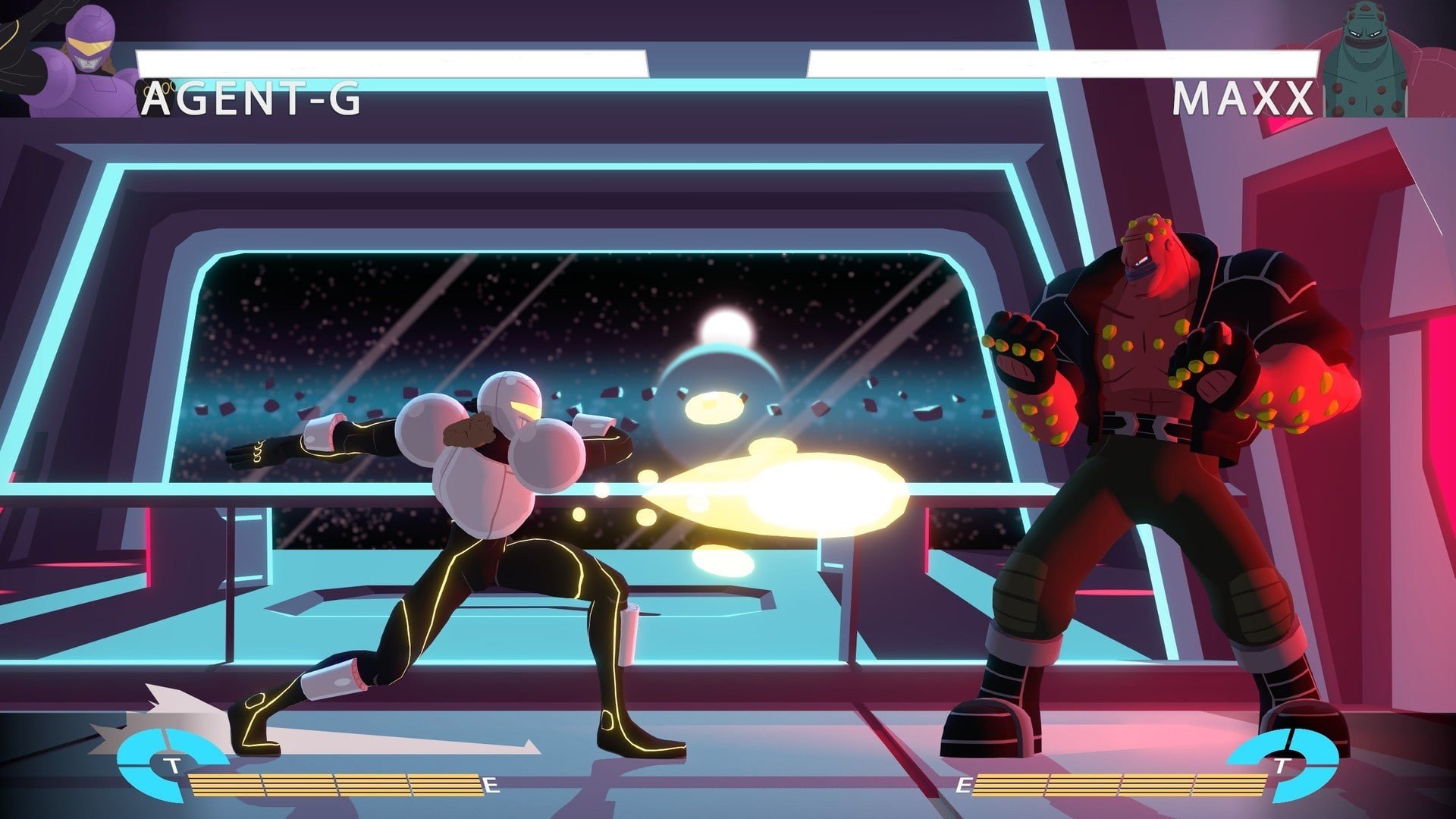
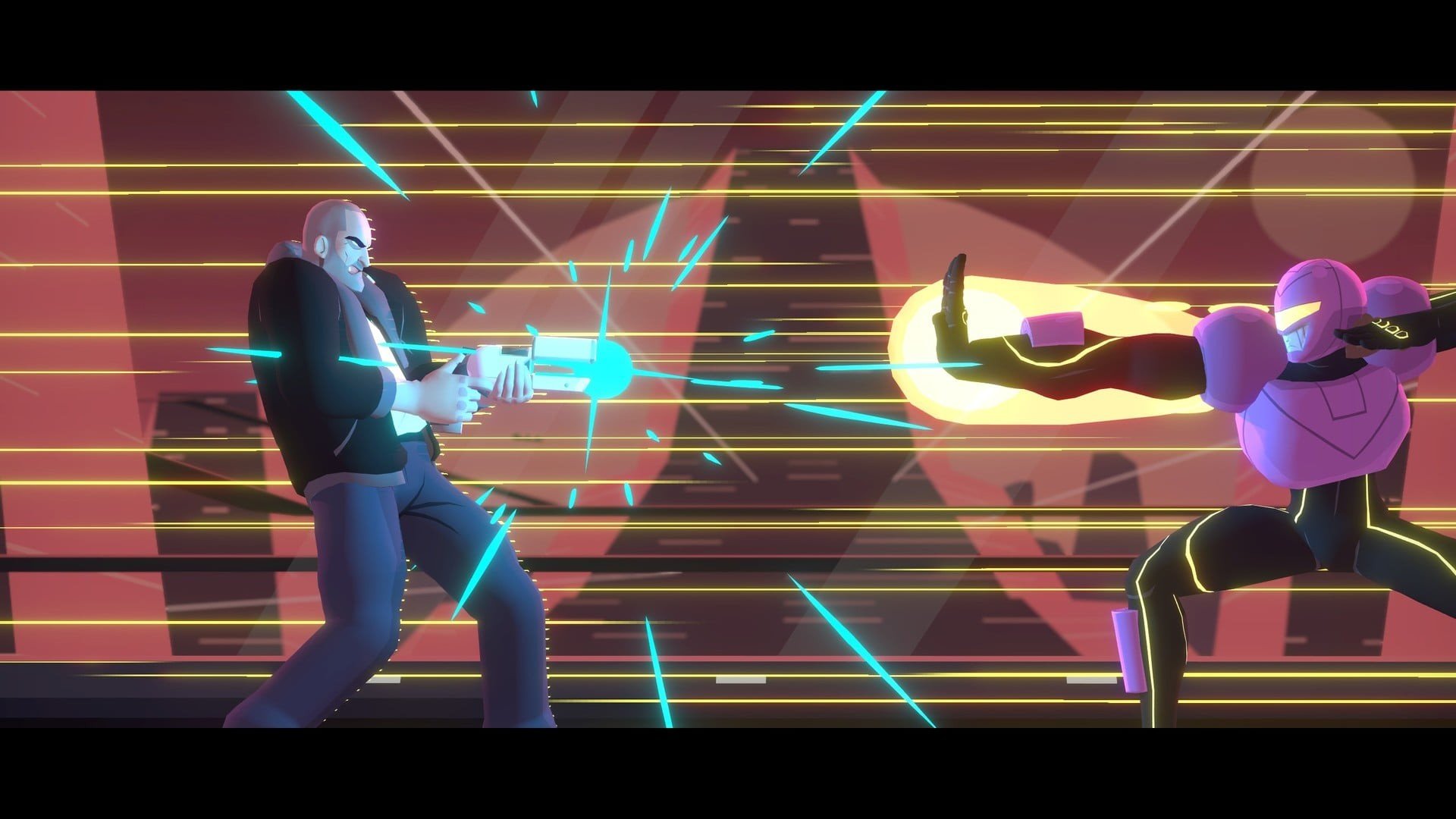
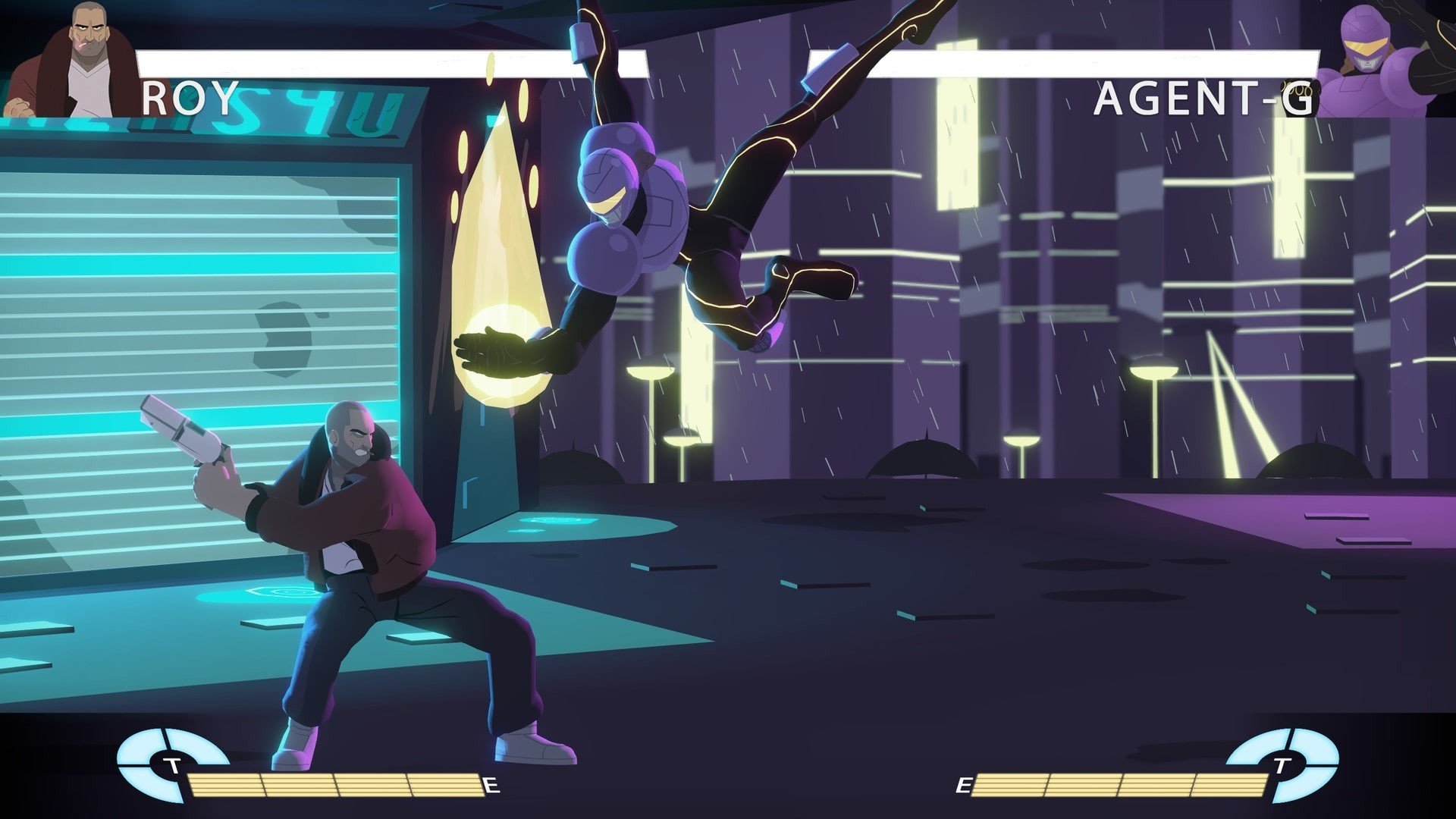
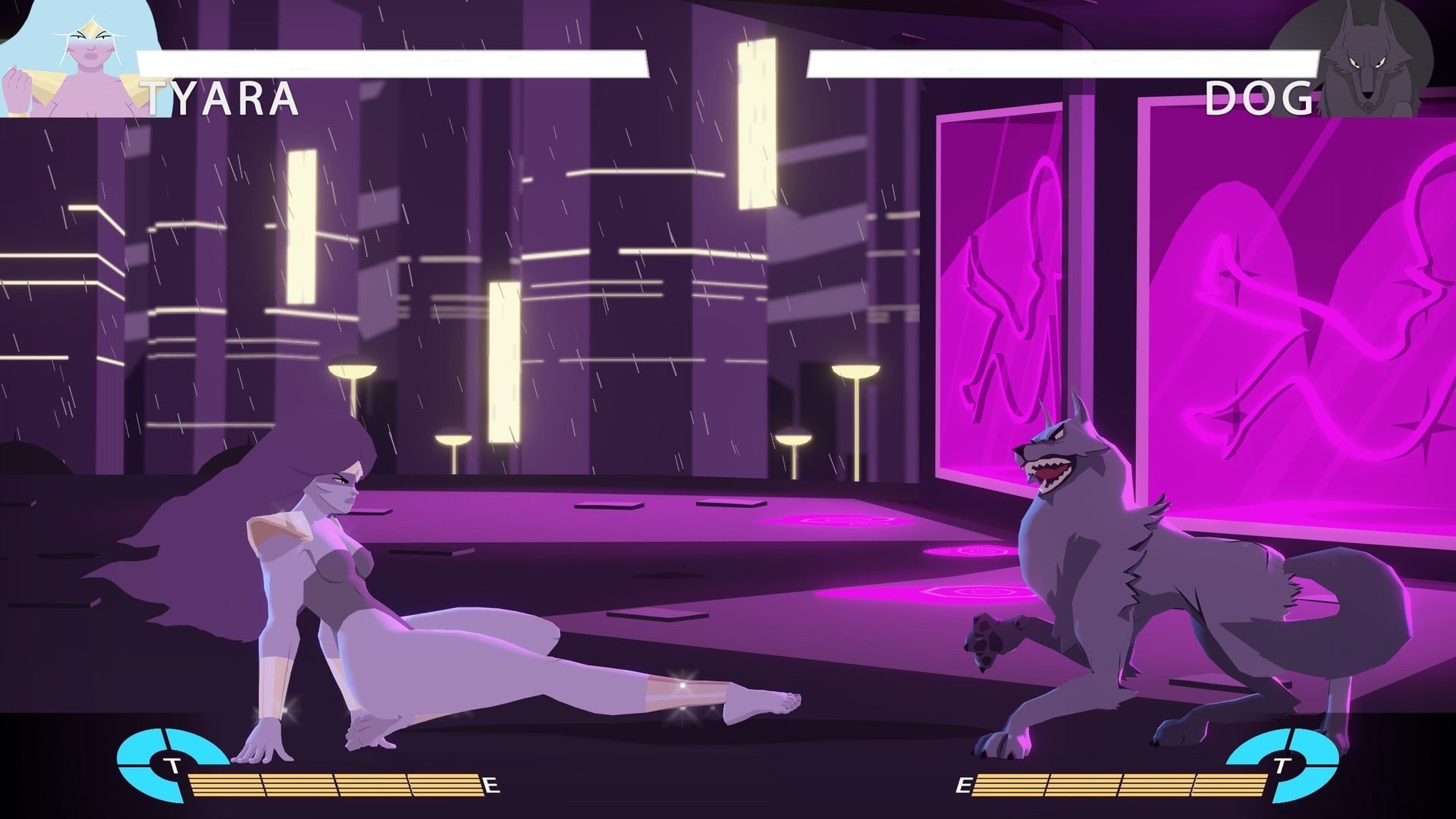
Punch Planet is a fighting game that proudly wears its inspirations while carving out its own identity. Designed by a small team with a deep love for classic arcade brawlers, the game captures the spirit of old-school fighters while refining them for contemporary play. It’s a title built around precision, balance, and respect for competitive fundamentals.
Set on a vibrant alien world, Punch Planet introduces a diverse roster of fighters drawn from different species and cultures. Each character brings a distinct personality, fighting style, and set of animations that feel carefully crafted rather than exaggerated. The designs avoid unnecessary complexity, making characters readable and approachable without sacrificing depth.
At the core of Punch Planet is a traditional one-on-one combat system. There are no complicated combo chains that require memorization of endless inputs. Instead, the game emphasizes spacing, timing, and smart decision-making. Every punch, kick, and block feels deliberate. This design choice makes matches feel intense and rewarding, especially for players who appreciate thoughtful duels over chaotic button-mashing.
Movement plays a major role in how fights unfold. Characters feel grounded, and positioning often determines the outcome of an exchange. Footsies, baiting, and punishing mistakes are central to success. Punch Planet rewards patience and observation, encouraging players to learn their opponent’s habits rather than relying on flashy tricks.
The game’s combat system is supported by clean mechanics that are easy to understand but difficult to master. Special moves and super attacks exist, but they are carefully balanced to avoid overpowering the core fighting experience. This restraint keeps the focus on fundamentals and ensures that skill, not spectacle, determines victory.
Visually, Punch Planet embraces a sharp, stylized look that blends retro charm with modern clarity. Animations are smooth and expressive, making each hit feel impactful. Backgrounds are colorful without being distracting, allowing players to stay focused on the action. The interface is minimal, reinforcing the game’s commitment to clarity and competitive integrity.
Sound design enhances the overall experience, with crisp impact effects and a soundtrack that complements the intensity of battle. The audio never overwhelms the player, instead serving as subtle feedback that reinforces timing and momentum during matches.
What sets Punch Planet apart is its dedication to balance and fairness. The developers have clearly prioritized long-term playability, ensuring that no single character or strategy dominates the game. This makes it an inviting platform for both casual matches and serious competition.
Punch Planet may not rely on flashy gimmicks or massive content drops, but its strength lies in its focus. It understands what makes fighting games compelling and delivers that experience with confidence. For players who value skill-driven combat and a return to classic principles, Punch Planet offers a focused and satisfying fighting experience that feels timeless.
macOS 10.15+
Run the downloaded image and drag the application to the Applications folder shortcut.
Once copying is complete, the application can be launched via Launchpad.
Frequently Asked Questions
Mount the image and run Open Gatekeeper friendly.
Press Enter to bypass Gatekeeper in the Terminal window.
Drag the application to the Applications folder.
The application is ready for use.
ATTENTION! SIP must be disabled. Learn more >
Restart your Mac and hold down Command + R to enter Recovery Mode.
Open Terminal from the Utilities menu.
Enter the command: csrutil disable
Restart your Mac.
This is a common Gatekeeper issue. Follow these steps:
1. Open Terminal
2. Enter: sudo xattr -rd com.apple.quarantine /Applications/AppName.app
3. Replace "AppName" with the actual application name
4. Press Enter and enter your password
Yes, all our downloads are thoroughly checked for viruses and malware.
We use multiple antivirus engines to scan every file.
Our team tests each application before publishing.
We never bundle adware or unwanted software.
Yes, we regularly update our applications to the latest versions.
You can check our website for updates or subscribe to our newsletter.
We strive to provide the most recent versions within 24-48 hours of release.
If a download link is not working, please:
1. Try a different browser
2. Clear your browser cache and cookies
3. Try the alternative download links provided
4. Contact our support team if the issue persists