


Reverie Knights Tactics
Download Reverie Knights Tactics
Run the downloaded image and follow the standard installation procedure.
The installation is completed by choosing a location to place the game.
It is recommended to specify the Applications folder.
Previous Versions
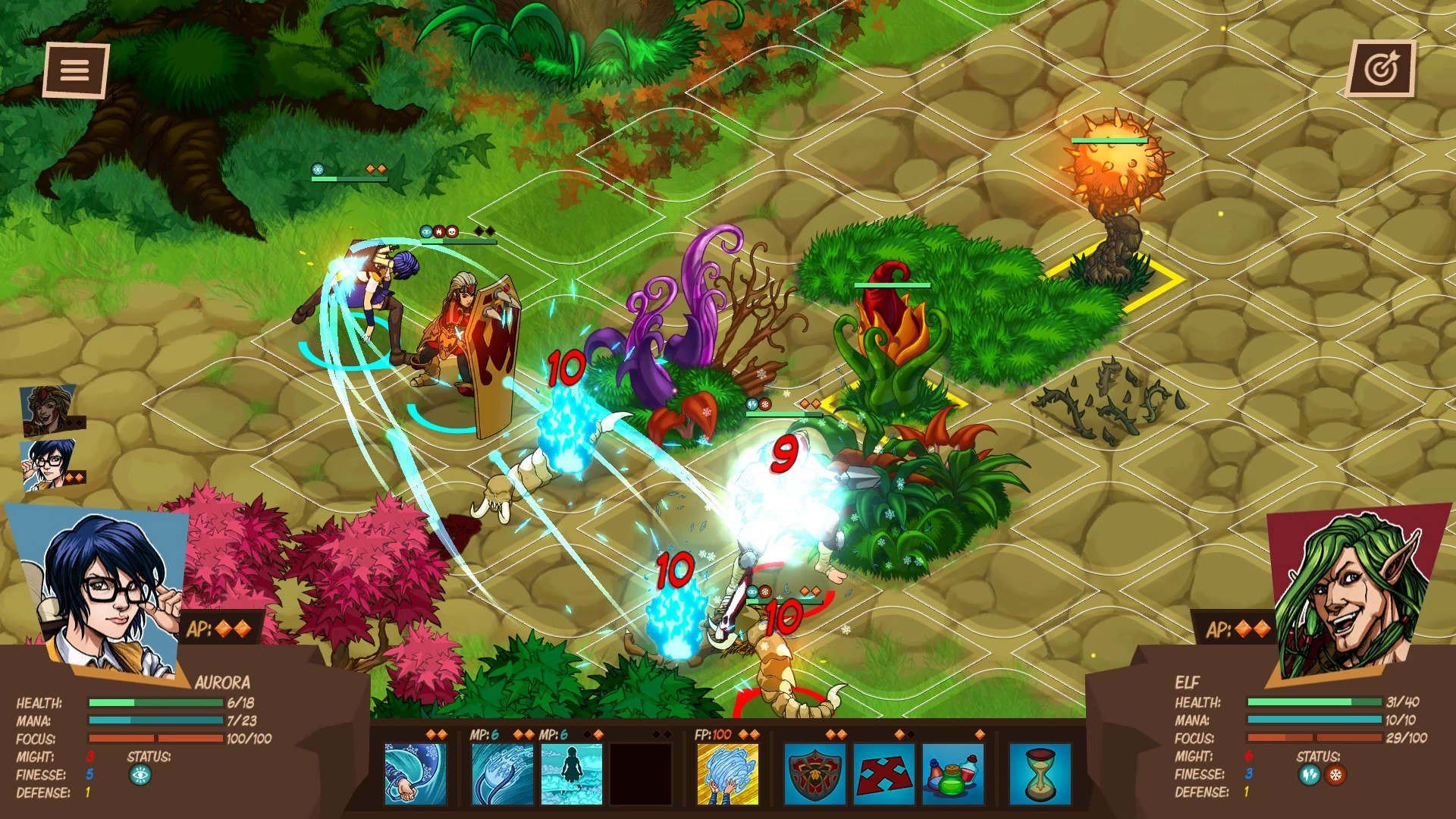
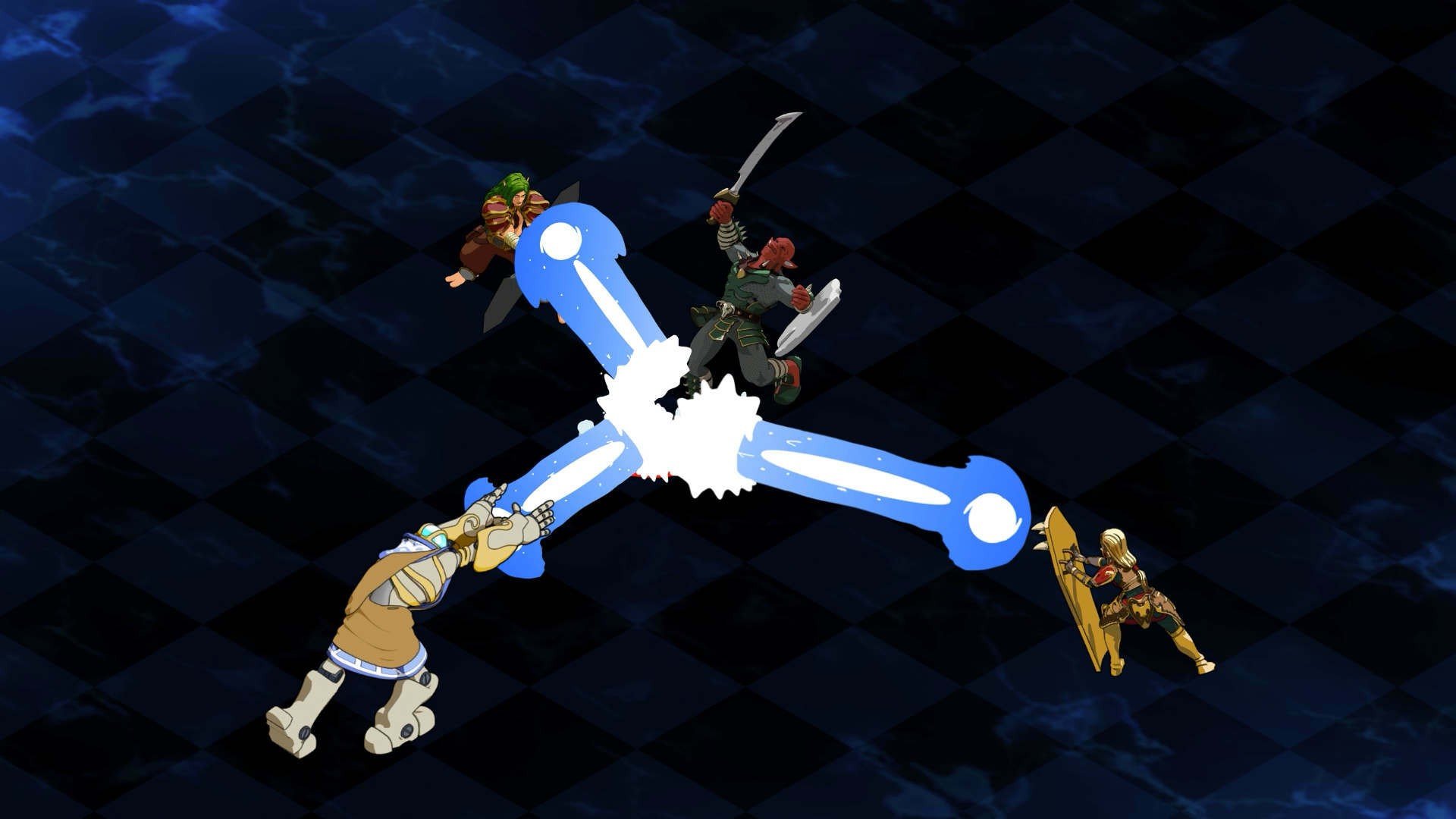
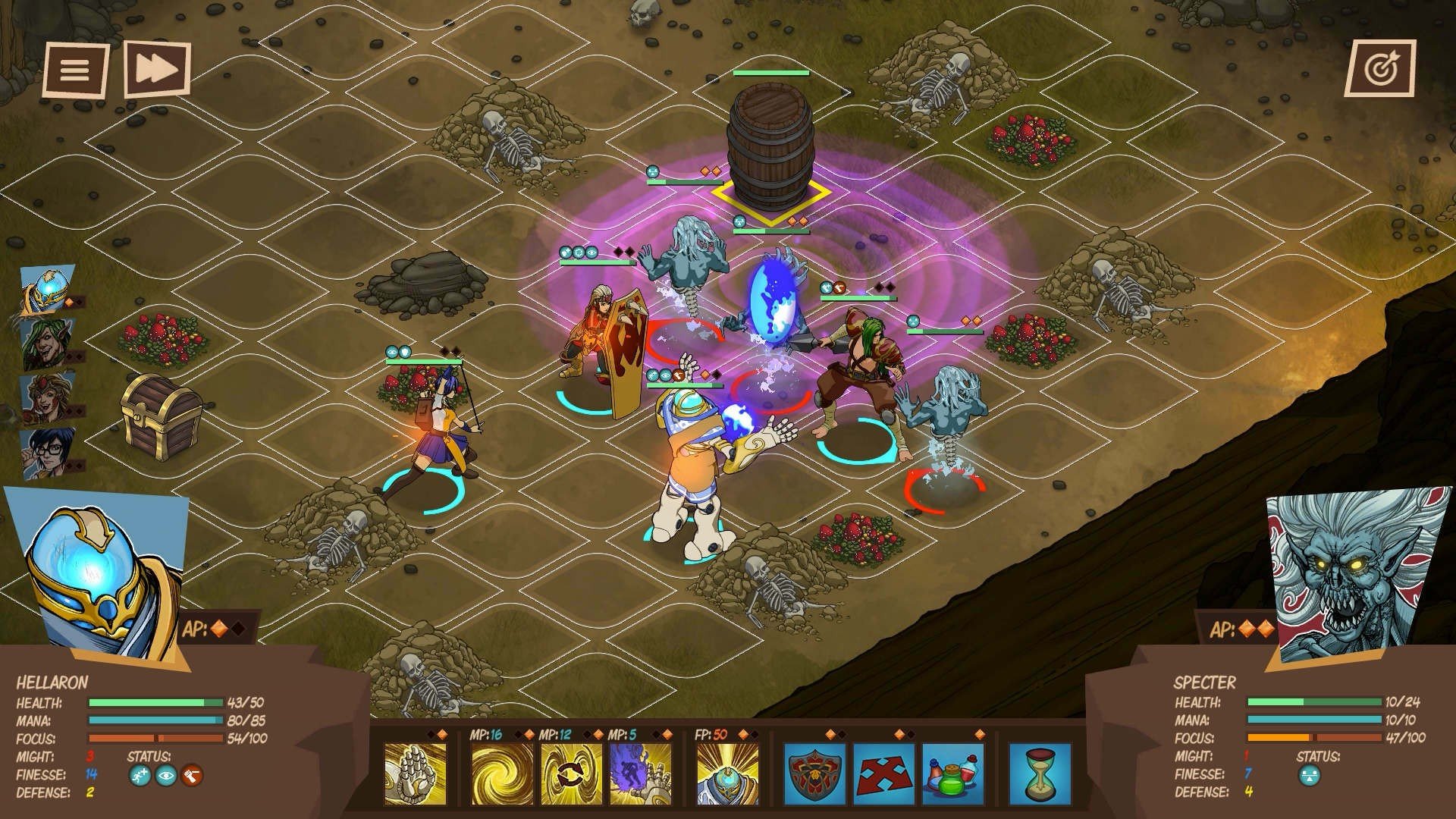
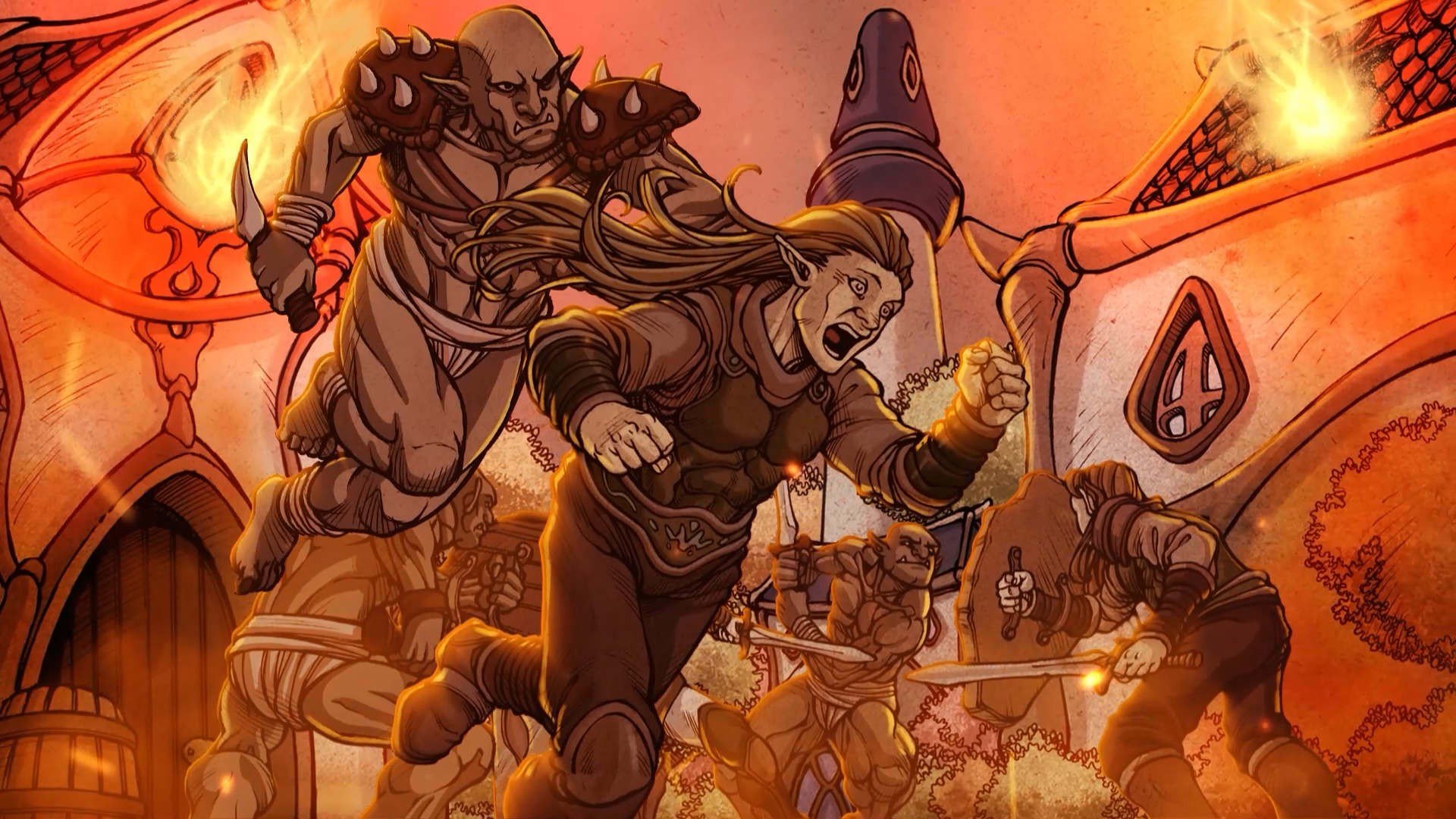
Reverie: Knights Tactics, developed by NovaCore Games, is a tactical RPG that seamlessly blends strategy, character progression, and narrative depth. Set in a fantastical kingdom on the brink of war, the game challenges players to assemble a team of knights and lead them through perilous battlefields, political intrigue, and morally charged decisions. Its combination of turn-based tactics, story-driven gameplay, and intricate character mechanics makes it a standout title for fans of strategic role-playing games.
At its core, Reverie: Knights Tactics revolves around grid-based combat, where positioning, abilities, and timing determine the outcome of every encounter. Players assemble a party of unique characters, each with distinct skills, strengths, and weaknesses. From agile swordmasters and resilient defenders to spellcasting tacticians, the game encourages players to experiment with different combinations and strategies. Victory is rarely about brute force alone; careful planning and understanding enemy behavior are crucial to success.
One of the game’s defining features is its emphasis on strategic depth. Battles are designed with multiple layers of challenge, including environmental hazards, variable terrain, and enemy AI that adapts to player tactics. Every turn requires thoughtful consideration: will you advance aggressively to pressure opponents, or hold back to protect vulnerable allies? The complexity of the combat system keeps each skirmish engaging, rewarding players who think several steps ahead and adapt to evolving situations.
Beyond combat, Reverie: Knights Tactics offers rich character development and storytelling. Players can upgrade and customize their knights through experience points, equipment, and special abilities. Each character comes with a personal backstory, motivations, and relationships that unfold throughout the campaign. These narrative elements add emotional weight to battles, as losing a valued knight or making a morally challenging decision can have significant consequences, impacting the overall story and future encounters.
Exploration and resource management also play important roles. Between battles, players navigate the kingdom, interact with NPCs, and uncover hidden quests and treasures. Strategic allocation of resources, including gold, items, and magical artifacts, can provide advantages in combat or unlock special opportunities, reinforcing the game’s balance of tactical and narrative decision-making.
The game’s visual and audio design enhances its immersive quality. Reverie: Knights Tactics features detailed character sprites, colorful battlefields, and thoughtfully crafted animations that convey both action and personality. Complementing the visuals, the soundtrack provides a dynamic and evocative backdrop, with sweeping orchestral pieces during epic battles and subtle melodies during moments of exploration or dialogue.
Ultimately, Reverie: Knights Tactics is a game that combines challenging tactical gameplay with engaging storytelling and character development. Its depth, strategy, and narrative complexity make it a rewarding experience for players who enjoy careful planning, emotional investment, and intellectual challenge. For fans of tactical RPGs seeking a game that blends thoughtful strategy with a compelling medieval fantasy world, Reverie: Knights Tactics offers a rich and unforgettable journey.
System: macOS X 10.11Processor: Intel Core i5-3570KMemory: 4 GB RAMGraphics: Intel HD Graphics 4000Storage: 9 GB
Run the downloaded image and follow the standard installation procedure.
The installation is completed by choosing a location to place the game.
It is recommended to specify the Applications folder.
Frequently Asked Questions
Mount the image and run Open Gatekeeper friendly.
Press Enter to bypass Gatekeeper in the Terminal window.
Drag the application to the Applications folder.
The application is ready for use.
ATTENTION! SIP must be disabled. Learn more >
Restart your Mac and hold down Command + R to enter Recovery Mode.
Open Terminal from the Utilities menu.
Enter the command: csrutil disable
Restart your Mac.
This is a common Gatekeeper issue. Follow these steps:
1. Open Terminal
2. Enter: sudo xattr -rd com.apple.quarantine /Applications/AppName.app
3. Replace "AppName" with the actual application name
4. Press Enter and enter your password
Yes, all our downloads are thoroughly checked for viruses and malware.
We use multiple antivirus engines to scan every file.
Our team tests each application before publishing.
We never bundle adware or unwanted software.
Yes, we regularly update our applications to the latest versions.
You can check our website for updates or subscribe to our newsletter.
We strive to provide the most recent versions within 24-48 hours of release.
If a download link is not working, please:
1. Try a different browser
2. Clear your browser cache and cookies
3. Try the alternative download links provided
4. Contact our support team if the issue persists