


Röki
Download Röki
Follow the standard installation procedure.
Installation concludes with selecting a location for the game.
It is recommended to select the Applications folder.
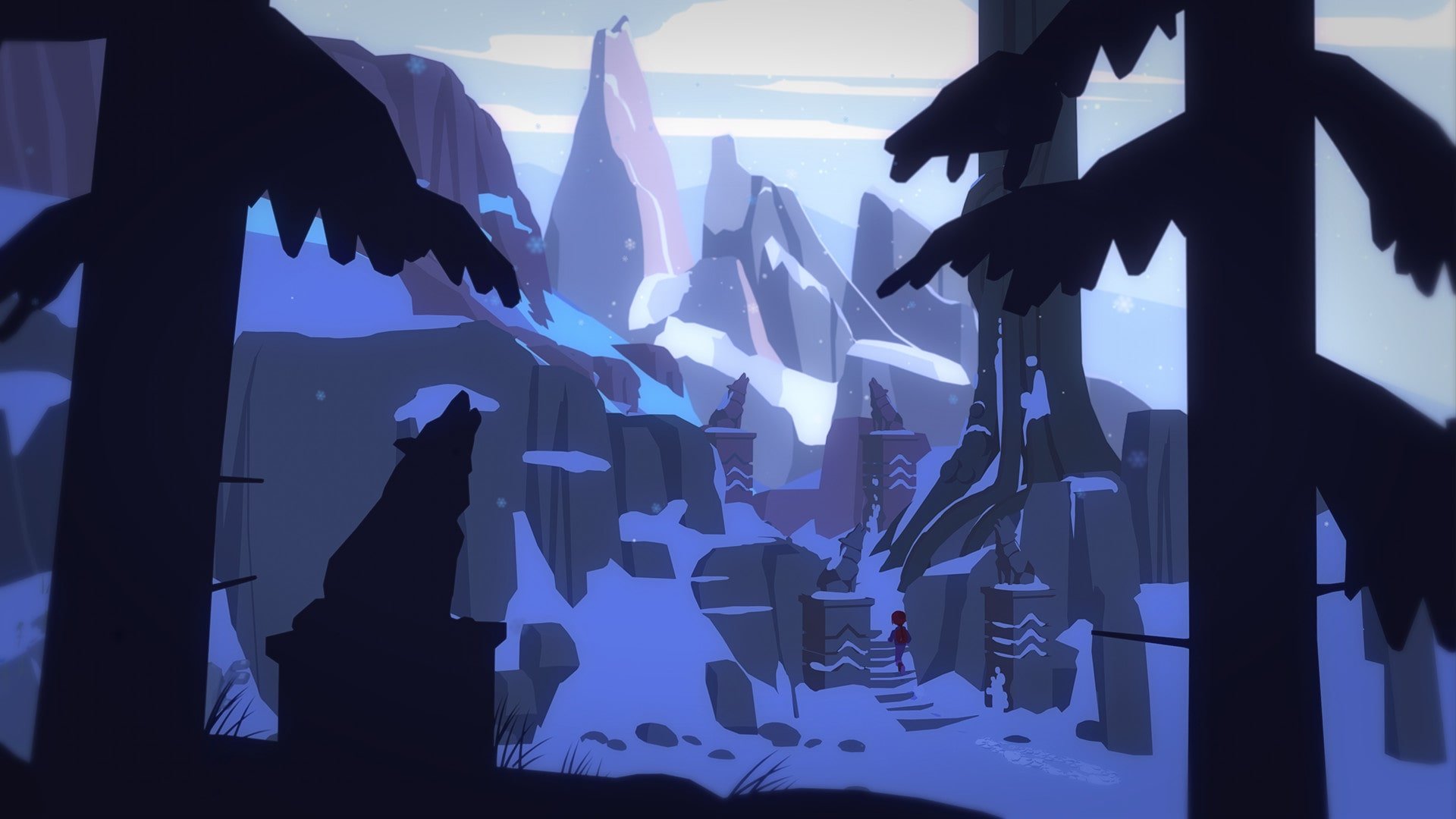
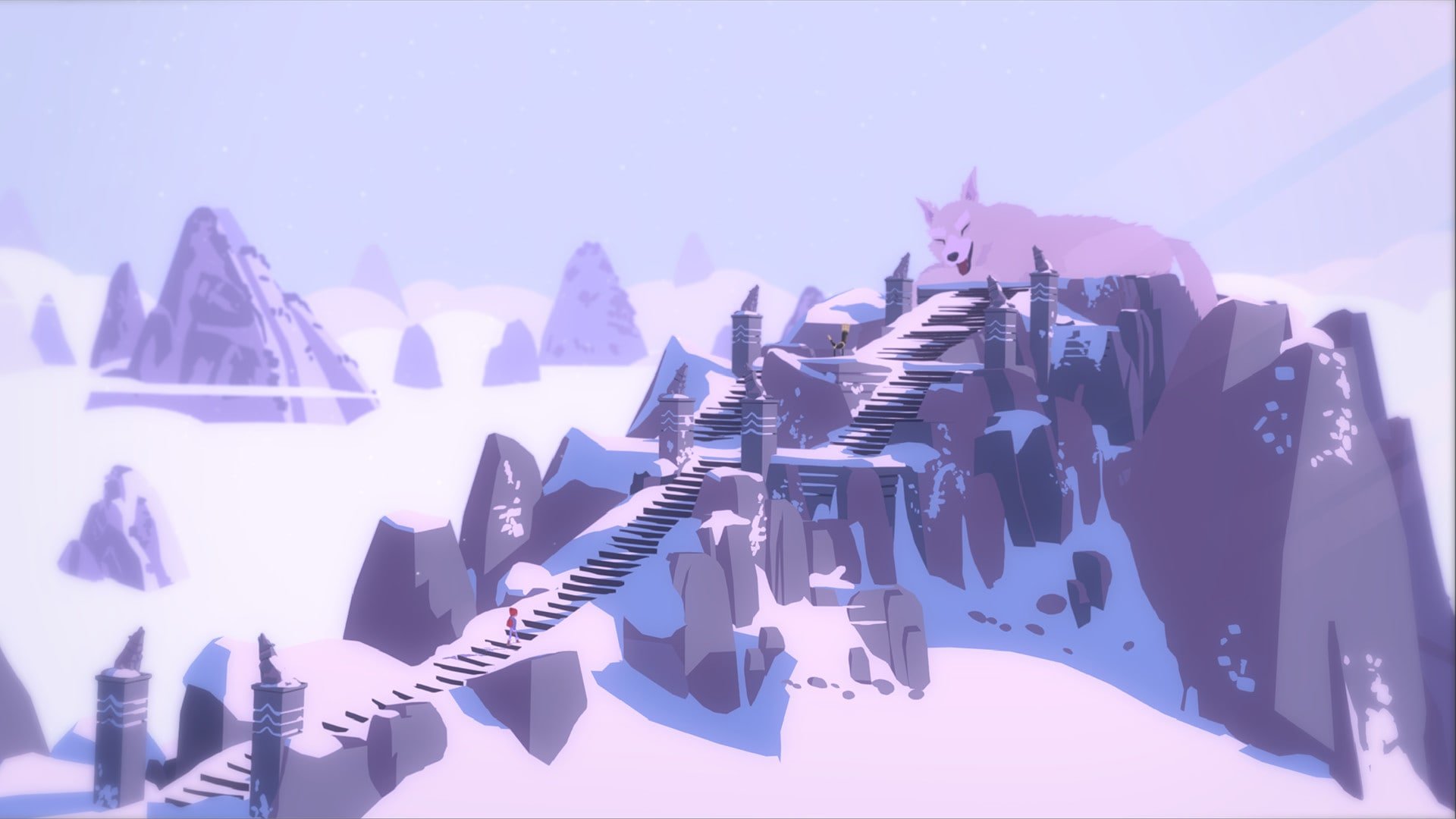
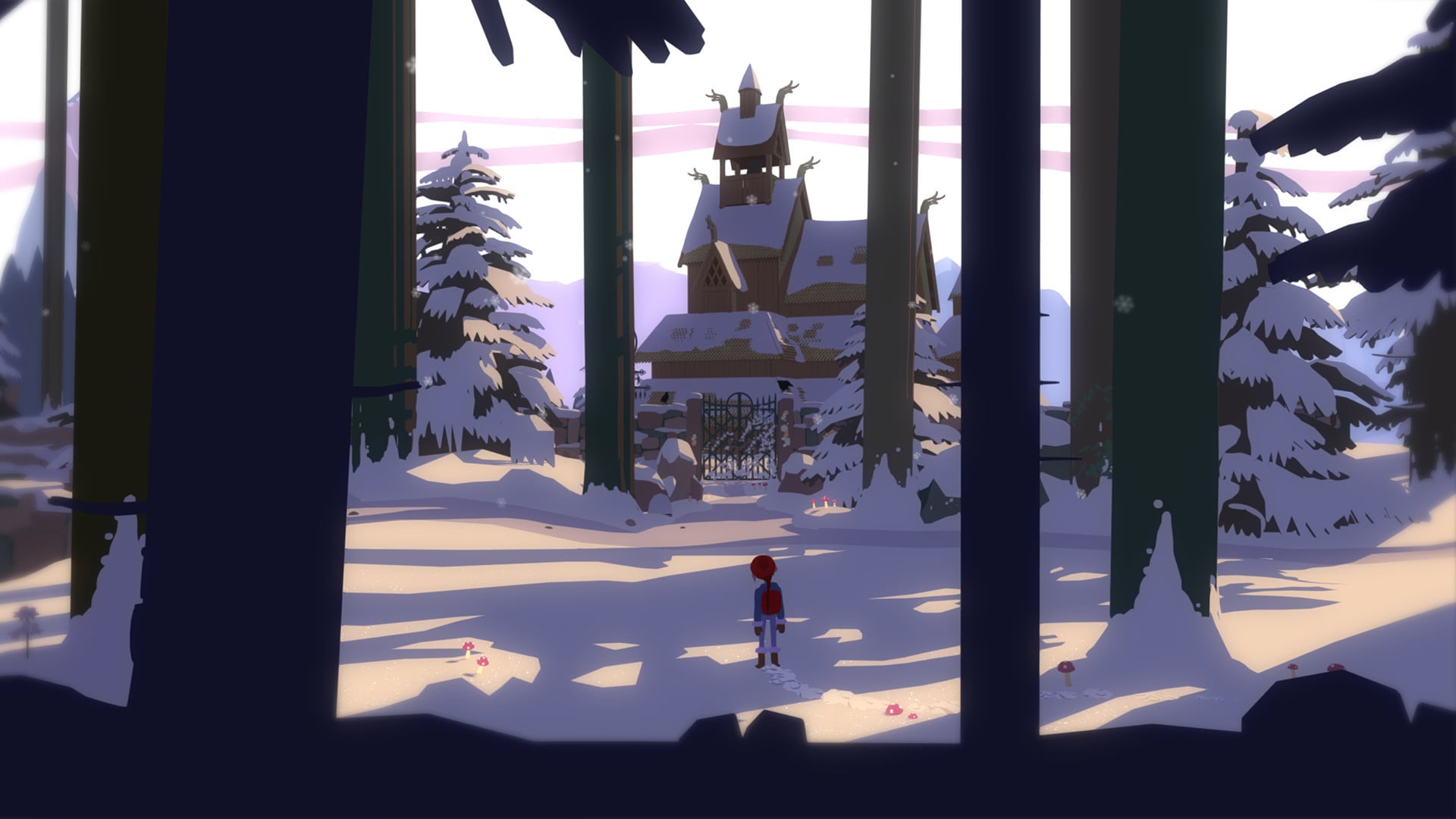
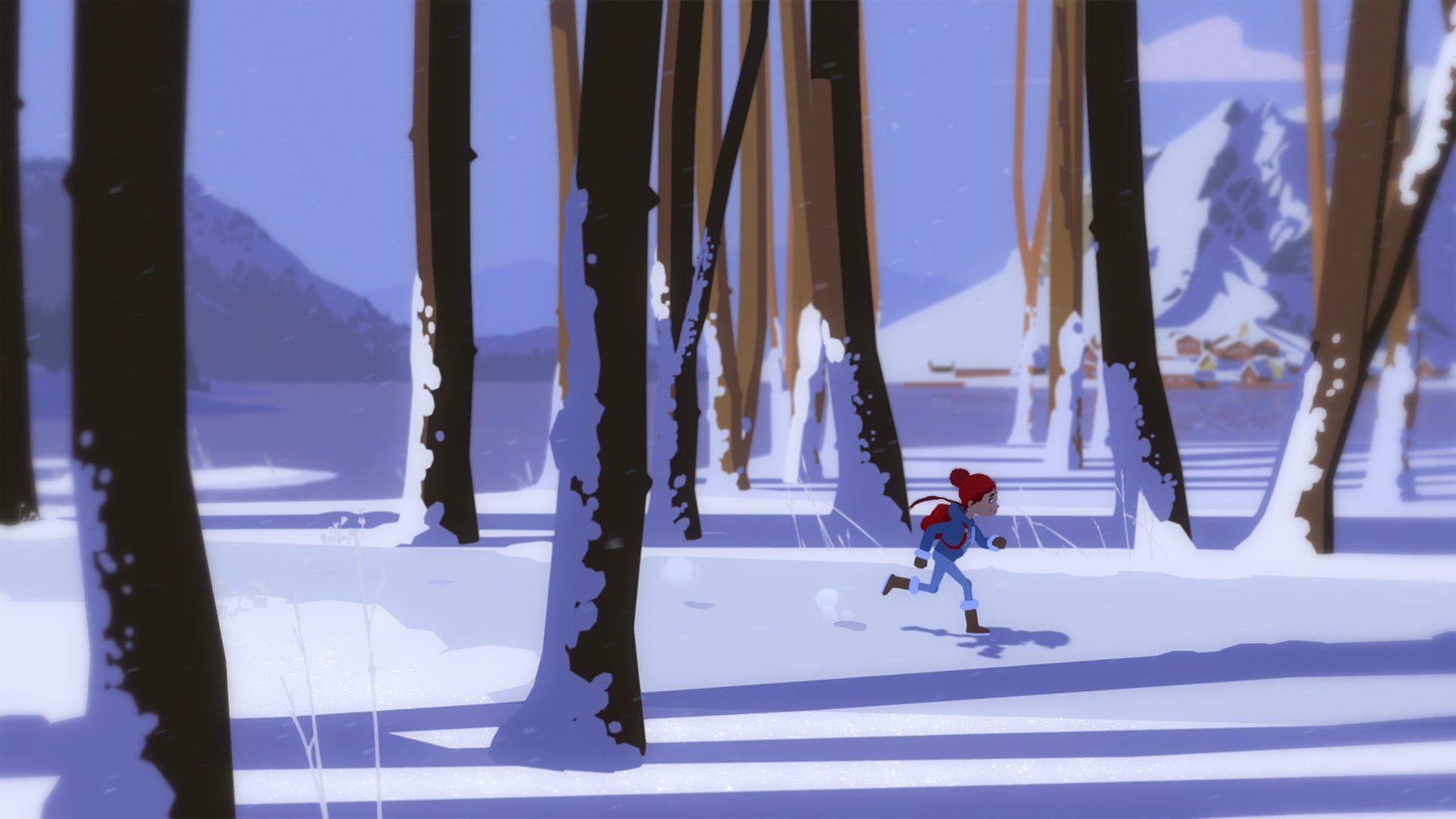
Röki is an enchanting adventure game that combines gripping storytelling, atmospheric exploration, and puzzle-solving into a deeply emotional experience. Developed by Polygon Treehouse, the game draws inspiration from Scandinavian folklore, immersing players in a world filled with mythical creatures, dark forests, and hauntingly beautiful landscapes. Unlike conventional adventure games, Röki prioritizes narrative depth and emotional resonance, offering a journey that lingers long after the screen goes dark.
The story centers on Tove, a young girl who ventures into a mysterious wilderness to save her father after a tragic accident. Alongside her younger brother Lars, Tove navigates a frozen, magical world, confronting both the supernatural and her personal fears. The narrative is compelling because it balances moments of wonder with underlying tension, exploring themes of family, loss, and courage. The game’s story unfolds naturally through environmental cues, dialogue, and interactions, creating an immersive experience that encourages players to engage with every detail.
Exploration is at the heart of Röki. Players traverse dense forests, icy mountains, and eerie caverns, uncovering hidden pathways and secrets along the way. Each location is meticulously designed, with attention to environmental storytelling that conveys the history and mystery of the world. Puzzles are seamlessly integrated into the environment, requiring observation, logic, and creativity. They range from manipulating objects and solving riddles to using inventory items in innovative ways. Unlike some adventure games, Röki ensures that puzzles feel fair yet challenging, rewarding curiosity and careful thinking.
The game’s art direction is one of its standout features. Röki employs hand-painted visuals with rich colors, textures, and attention to detail that evoke the beauty and danger of its Scandinavian-inspired world. Characters are expressive, and their animations convey emotion and personality, enhancing the narrative impact. Combined with a hauntingly beautiful soundtrack that blends atmospheric music with natural sounds of the wilderness, the visual and audio design creates a truly immersive experience.
Character development in Röki is subtle but impactful. Tove’s relationship with Lars evolves through the game, reflecting themes of protection, trust, and resilience. Interactions with mythical creatures and spirits introduce moments of both tension and humor, making the world feel alive and dynamic. These relationships, coupled with the story’s emotional weight, elevate Röki beyond a simple adventure game into a narrative experience that resonates on a personal level.
Replayability in Röki comes from its layered storytelling and hidden secrets. Players can revisit areas to discover lore, uncover additional puzzles, or gain new insights into the characters and world. This encourages exploration and careful attention to detail, rewarding players who invest time in fully experiencing the game’s environment and narrative.
In conclusion, Röki is a masterful blend of adventure, folklore, and emotional storytelling. Its immersive world, challenging puzzles, and heartfelt narrative make it a standout title in the adventure genre. For players who enjoy exploring myth-inspired landscapes, unraveling mysteries, and experiencing emotionally rich stories, Röki offers a hauntingly beautiful journey that stays with you long after the adventure ends.
OS: macOS CatalinaProcessor: x86-compatible processor 1.4 GHz or fasterRAM: 4 GBVideo card: Intel Iris Plus Graphics 645 or betterDisk space: 4 GB
Follow the standard installation procedure.
Installation concludes with selecting a location for the game.
It is recommended to select the Applications folder.
Frequently Asked Questions
Mount the image and run Open Gatekeeper friendly.
Press Enter to bypass Gatekeeper in the Terminal window.
Drag the application to the Applications folder.
The application is ready for use.
ATTENTION! SIP must be disabled. Learn more >
Restart your Mac and hold down Command + R to enter Recovery Mode.
Open Terminal from the Utilities menu.
Enter the command: csrutil disable
Restart your Mac.
This is a common Gatekeeper issue. Follow these steps:
1. Open Terminal
2. Enter: sudo xattr -rd com.apple.quarantine /Applications/AppName.app
3. Replace "AppName" with the actual application name
4. Press Enter and enter your password
Yes, all our downloads are thoroughly checked for viruses and malware.
We use multiple antivirus engines to scan every file.
Our team tests each application before publishing.
We never bundle adware or unwanted software.
Yes, we regularly update our applications to the latest versions.
You can check our website for updates or subscribe to our newsletter.
We strive to provide the most recent versions within 24-48 hours of release.
If a download link is not working, please:
1. Try a different browser
2. Clear your browser cache and cookies
3. Try the alternative download links provided
4. Contact our support team if the issue persists