


Rumu
Download Rumu
Run the downloaded image and drag the game to the Applications folder shortcut.
Once the copying is complete, the game can be launched via Launchpad.
Previous Versions
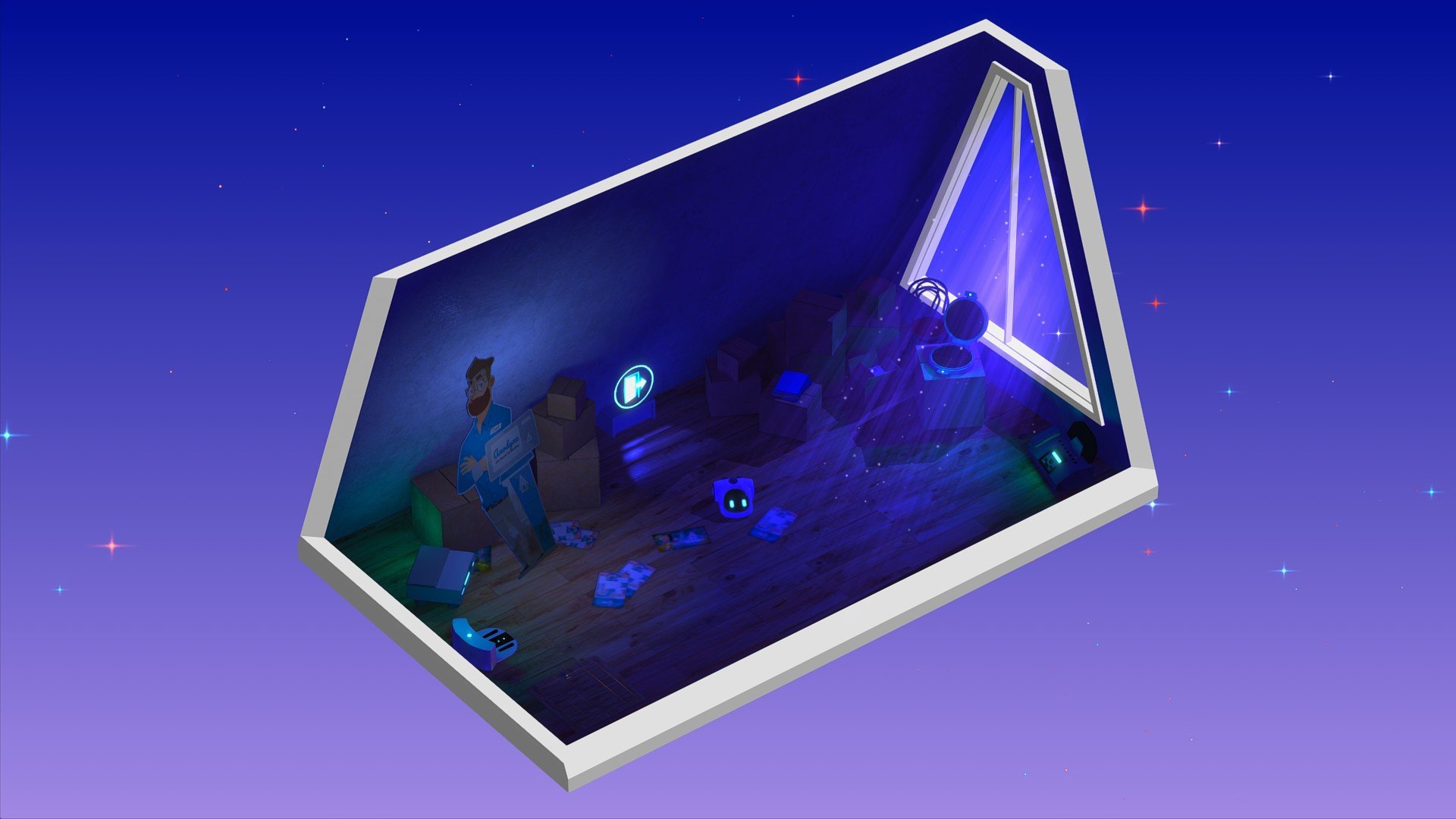
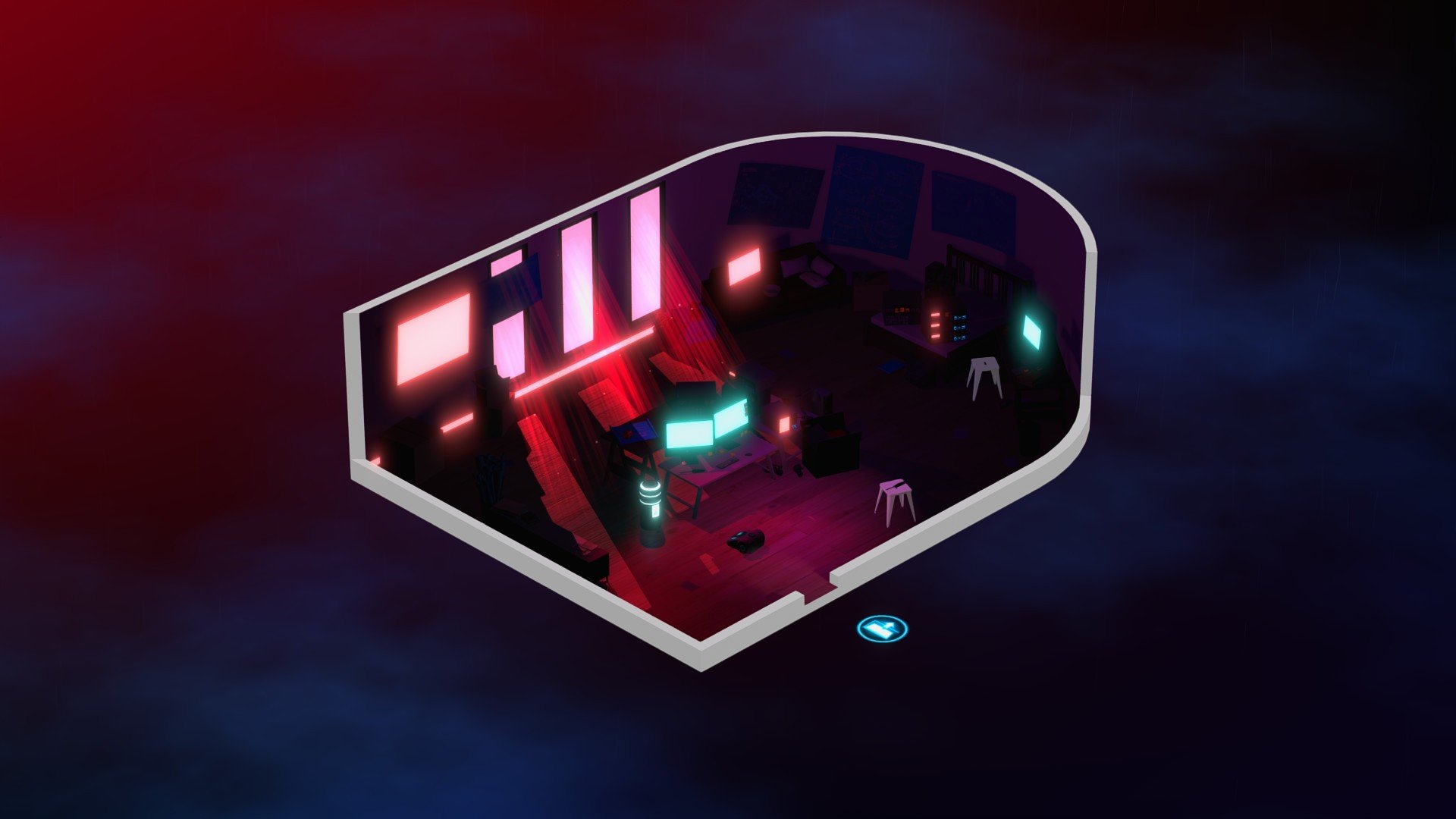
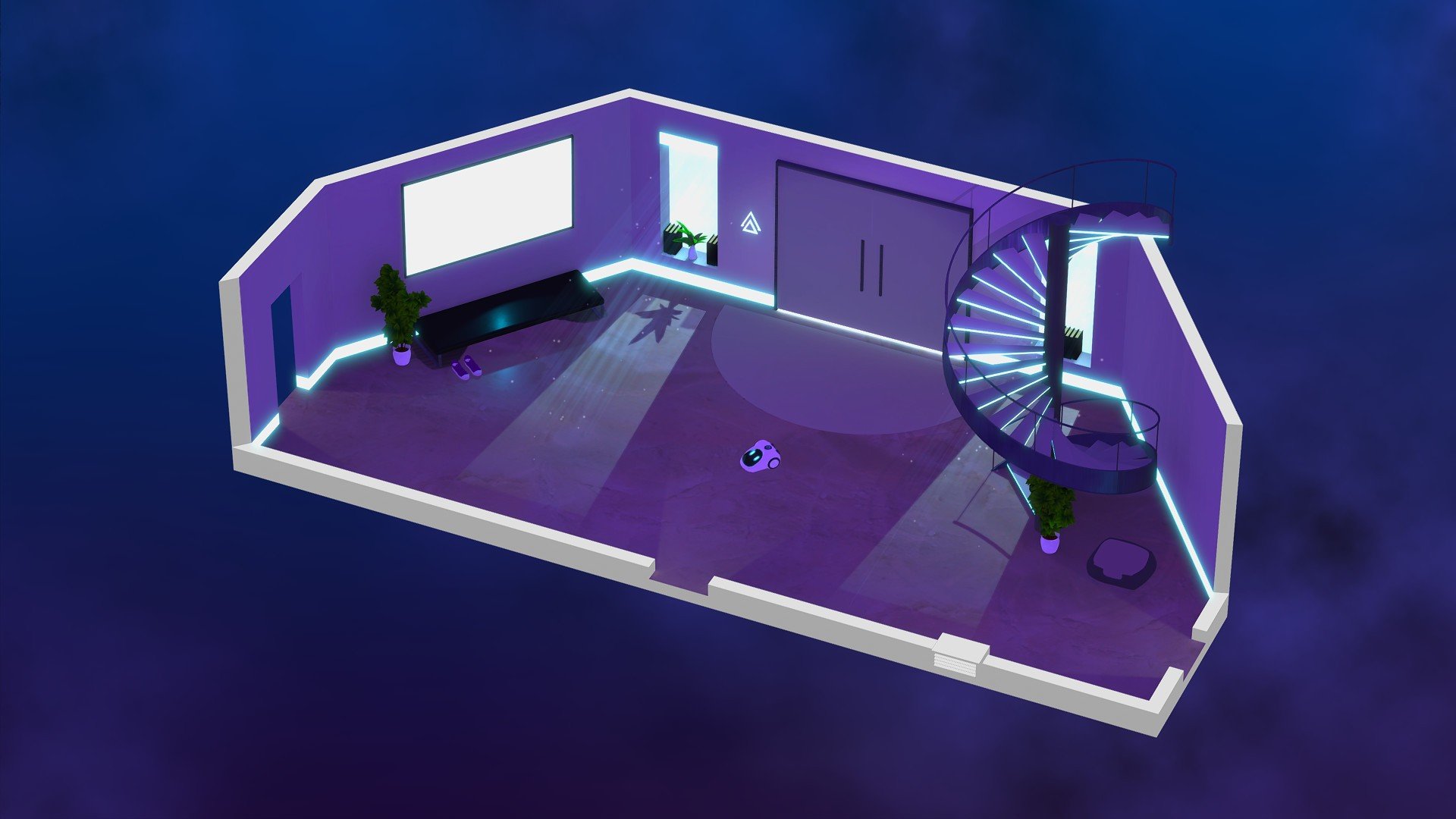
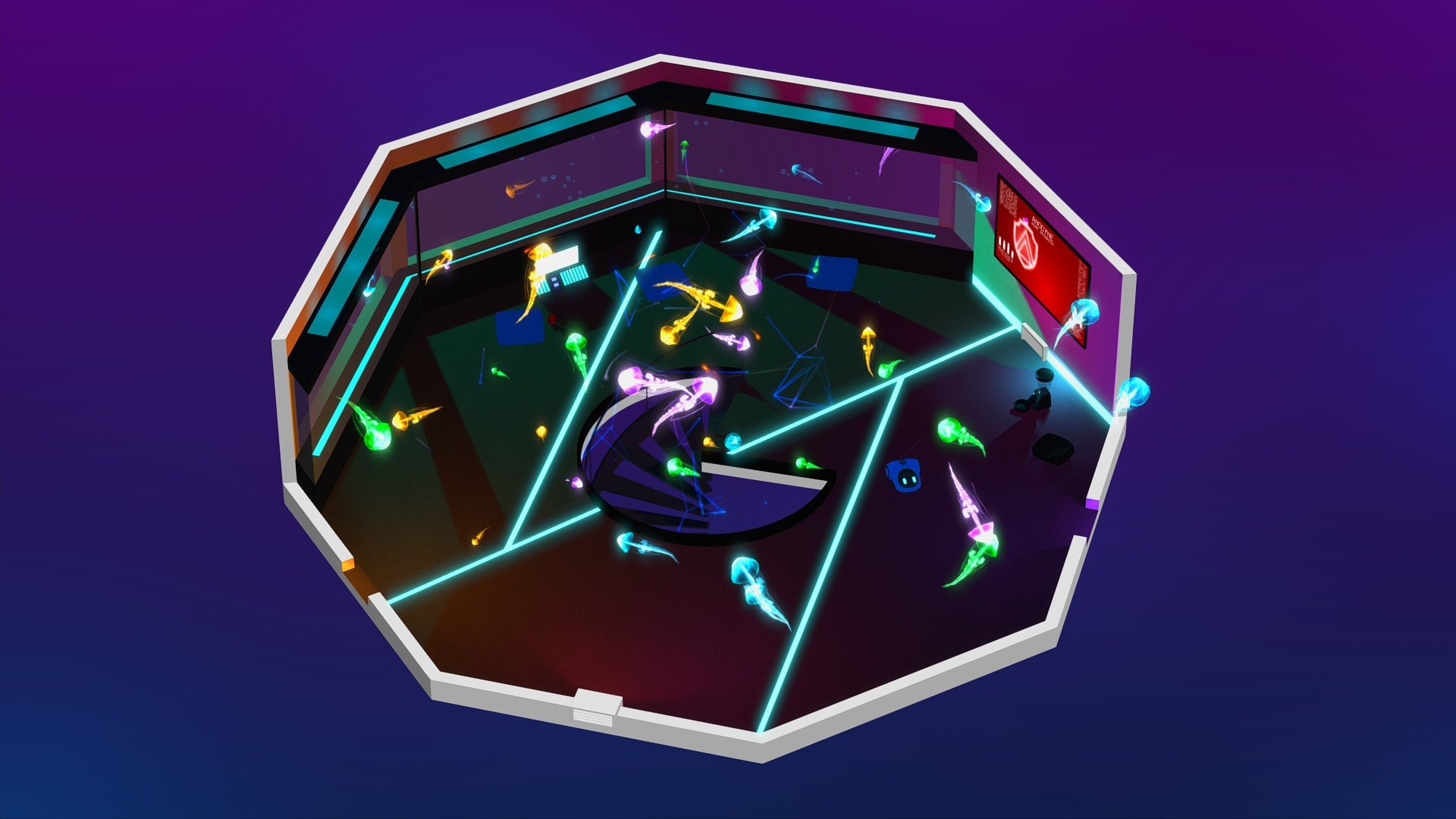
In a gaming world dominated by action-packed adventures and high-octane battles, Rumu stands out as a quiet, thought-provoking exploration of technology, emotion, and the meaning of consciousness. Developed as a narrative-driven puzzle game, it invites players to step into the shoes of a domestic robot and navigate the complexities of human life in a household filled with memories, secrets, and emotional undercurrents. Unlike conventional games, Rumu focuses on subtle storytelling, character development, and immersive world-building, offering an experience that is as reflective as it is engaging.
The premise of Rumu is deceptively simple. Players control Rumu, a cleaning robot designed to assist and learn from its human companions. Set in a spacious, elegantly designed apartment, the game revolves around daily chores, exploration, and uncovering the subtle emotional narratives hidden within the environment. As players interact with objects, respond to prompts, and observe their surroundings, Rumu gradually discovers more about its human owners and the complexities of life, identity, and even grief. This gentle approach creates a sense of intimacy rarely found in games, drawing players into a world where even the smallest detail holds meaning.
What makes Rumu particularly compelling is its narrative depth. Though the game does not rely on flashy cutscenes or intense action sequences, it excels in storytelling through environmental cues, dialogue logs, and the nuanced behavior of characters. Each interaction reveals layers of personality, tension, and emotional resonance. Players come to understand not just the household’s history but also the relationships and struggles that define it. The story unfolds organically, encouraging exploration, observation, and empathy.
Mechanically, Rumu blends simple puzzle-solving with exploration and task management. Players guide Rumu through cleaning routines, organizing items, and navigating small challenges, all of which are subtly tied to narrative progression. These tasks may seem mundane on the surface, but they are cleverly integrated with storytelling elements, revealing secrets, memories, and clues about the characters’ lives. The puzzles are intuitive yet satisfying, reinforcing the sense of agency and connection players feel with Rumu and its world.
The game’s aesthetic design further enhances its immersive qualities. Soft lighting, realistic textures, and detailed object design make the apartment feel like a lived-in space, while subtle animations bring life to Rumu’s movements. The soundtrack, composed of gentle melodies and ambient tones, evokes a sense of calm and contemplation, perfectly complementing the game’s reflective atmosphere. Together, these elements create an experience that feels both comforting and emotionally resonant.
Ultimately, Rumu is a meditation on artificial intelligence, empathy, and the quiet moments that define human life. It challenges players to consider the role of technology in daily life, the nature of consciousness, and the bonds that connect people to one another. By blending gentle puzzles, rich narrative, and immersive environments, Rumu delivers an experience that is profoundly human, despite being experienced through the eyes of a robot. It is a game that lingers in the mind, encouraging reflection long after the screen goes dark.
OS: OSX 10.10 (64-bit) or newer (10.11.6 for Metal)Processor: 2.4 GHz or equivalentRAM: 4 GBDisk space: 1 GB
Run the downloaded image and drag the game to the Applications folder shortcut.
Once the copying is complete, the game can be launched via Launchpad.
Frequently Asked Questions
Mount the image and run Open Gatekeeper friendly.
Press Enter to bypass Gatekeeper in the Terminal window.
Drag the application to the Applications folder.
The application is ready for use.
ATTENTION! SIP must be disabled. Learn more >
Restart your Mac and hold down Command + R to enter Recovery Mode.
Open Terminal from the Utilities menu.
Enter the command: csrutil disable
Restart your Mac.
This is a common Gatekeeper issue. Follow these steps:
1. Open Terminal
2. Enter: sudo xattr -rd com.apple.quarantine /Applications/AppName.app
3. Replace "AppName" with the actual application name
4. Press Enter and enter your password
Yes, all our downloads are thoroughly checked for viruses and malware.
We use multiple antivirus engines to scan every file.
Our team tests each application before publishing.
We never bundle adware or unwanted software.
Yes, we regularly update our applications to the latest versions.
You can check our website for updates or subscribe to our newsletter.
We strive to provide the most recent versions within 24-48 hours of release.
If a download link is not working, please:
1. Try a different browser
2. Clear your browser cache and cookies
3. Try the alternative download links provided
4. Contact our support team if the issue persists