


Samorost 2
Download Samorost 2
Follow the standard installation procedure.
Installation concludes with selecting a location for the game.
It is recommended to select the Applications folder.
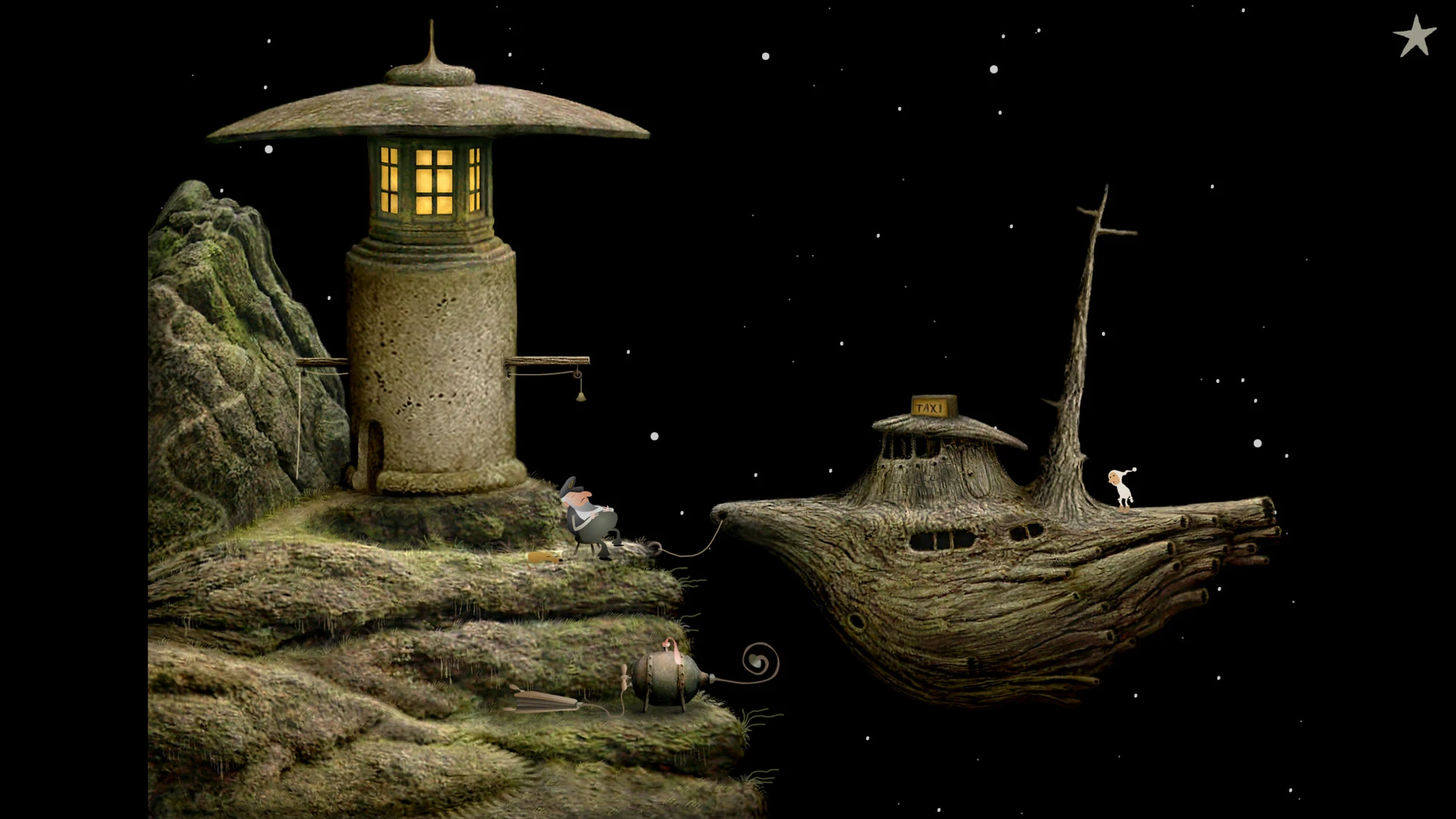
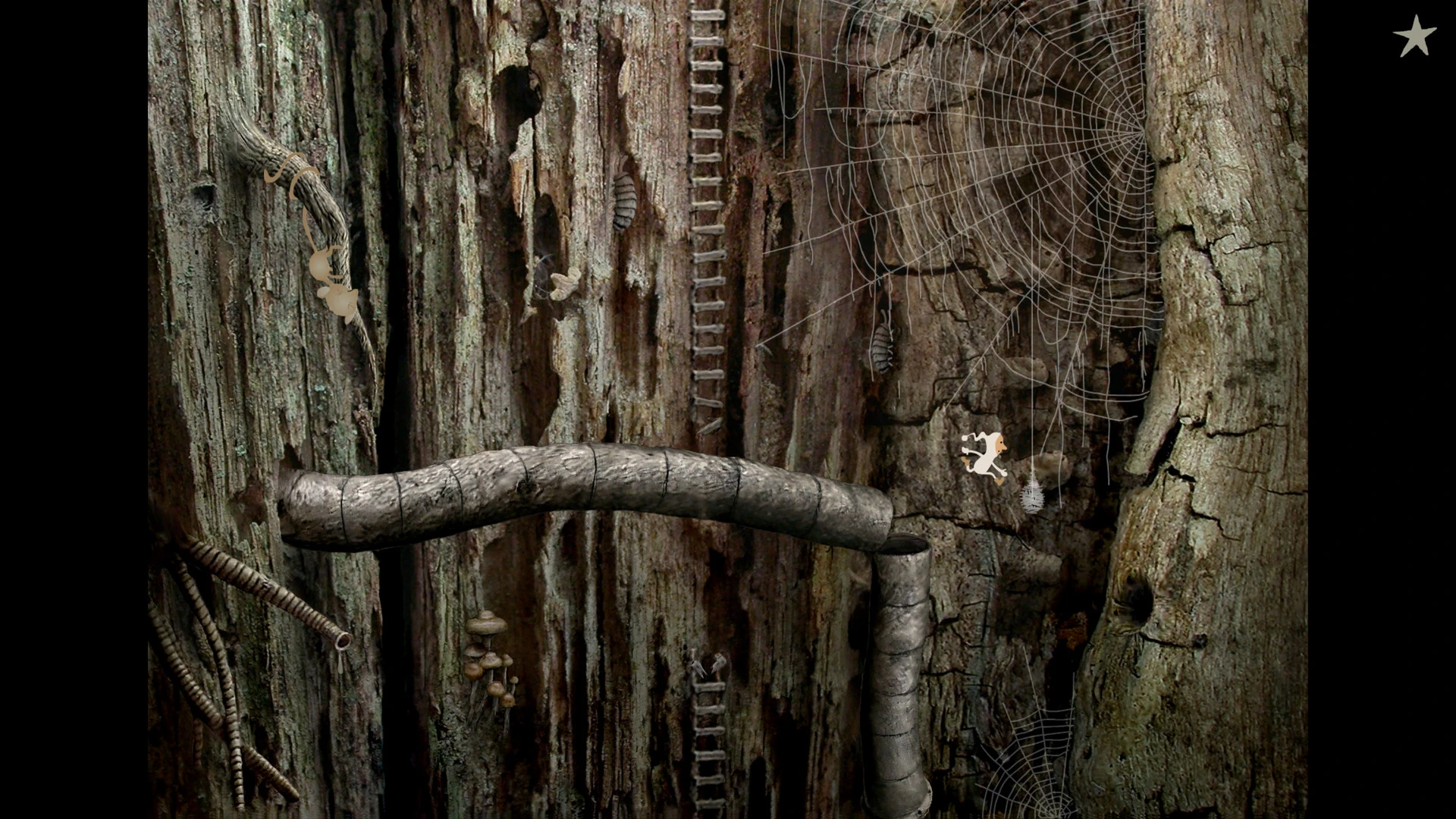
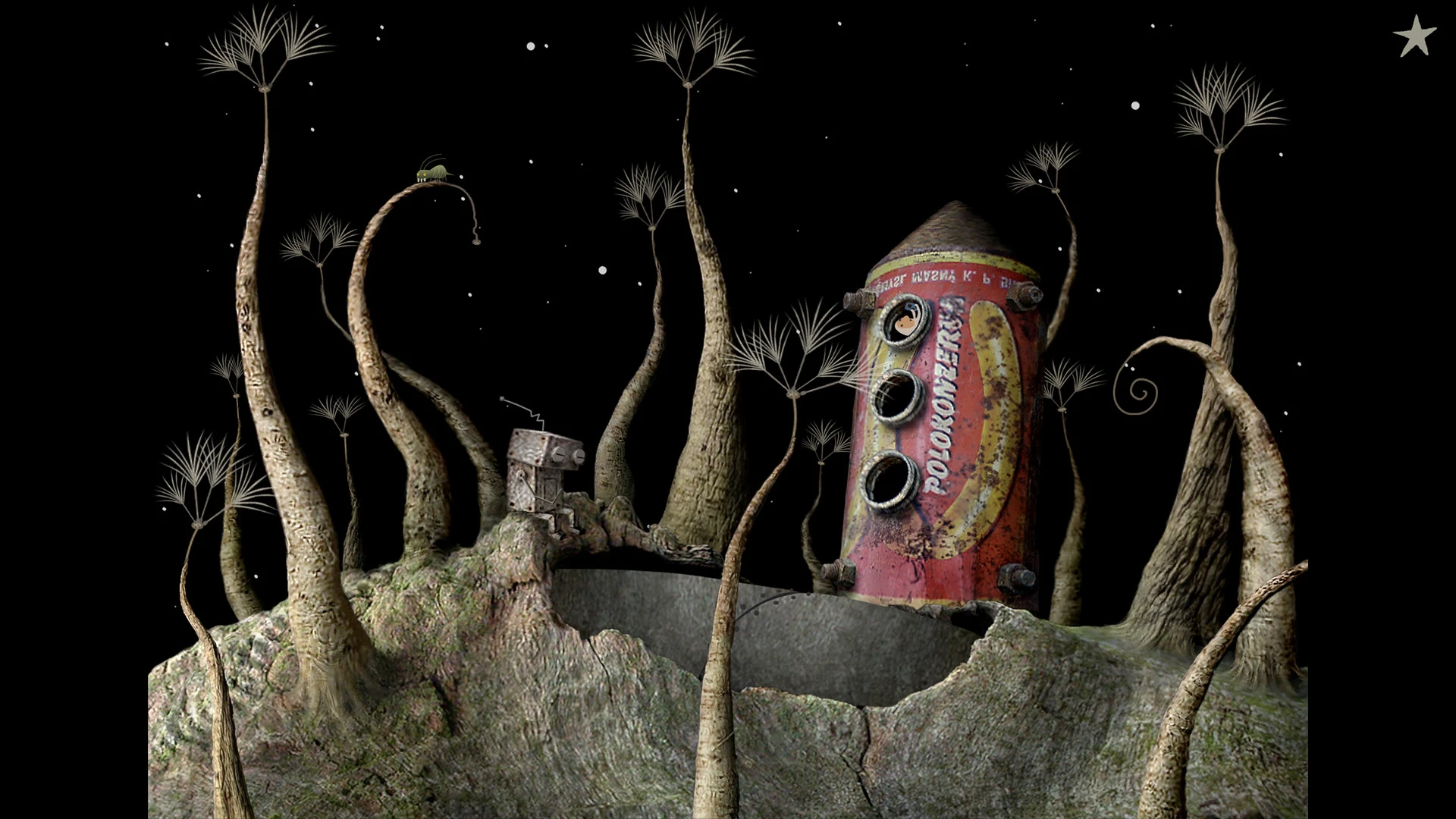
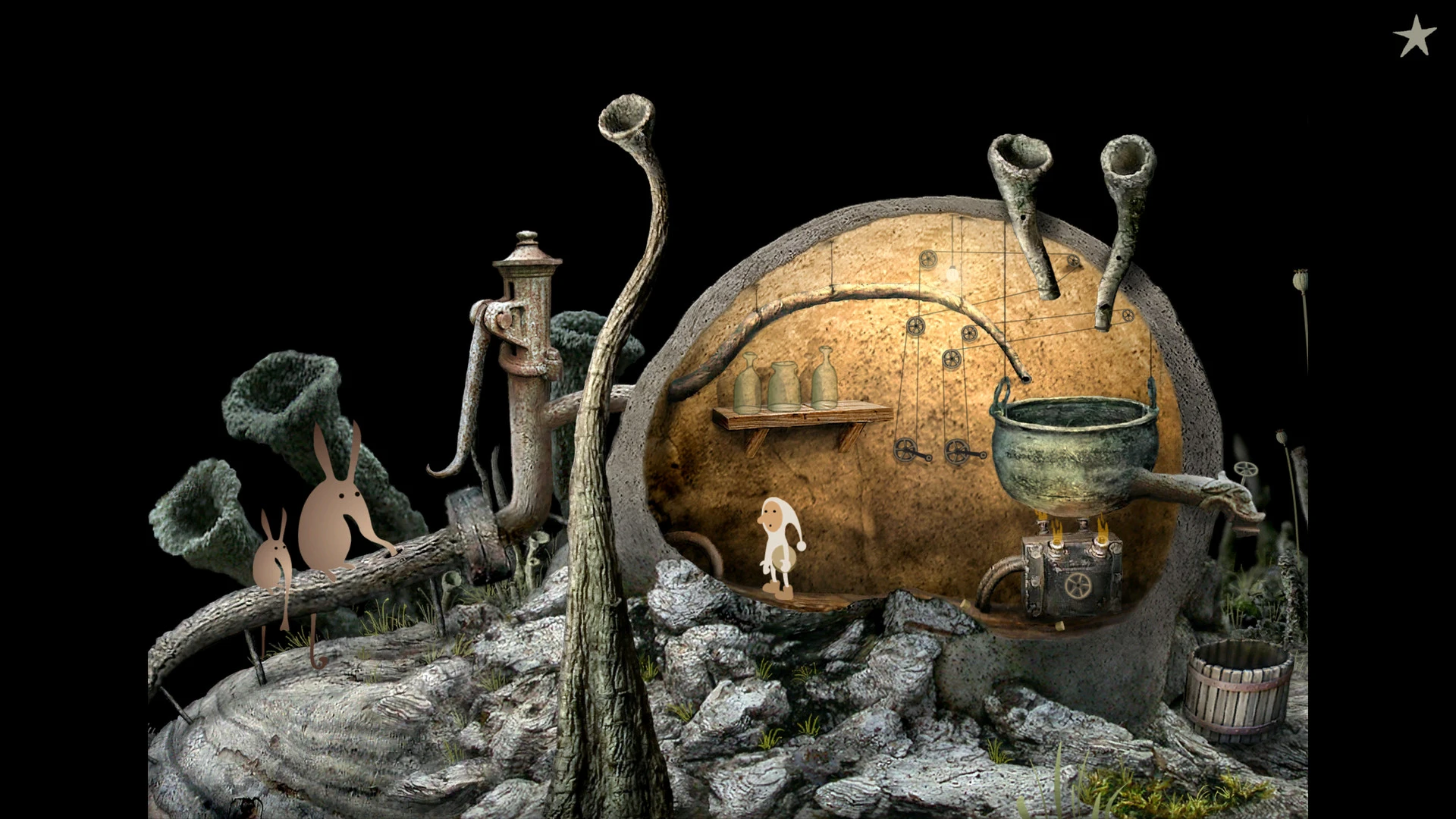
Samorost 2 is a charming and imaginative point-and-click adventure game developed by Amanita Design, a studio renowned for its creative approach to interactive storytelling. Released as a sequel to the original Samorost, this installment expands upon its predecessor’s surreal universe, combining intricate puzzles, whimsical visuals, and ambient soundscapes to create an unforgettable gaming experience that appeals to both casual and dedicated players.
The game follows the adventures of a small, curious space gnome who explores mysterious planets in search of his kidnapped dog. Unlike conventional narratives, Samorost 2 tells its story through environmental cues and visual storytelling rather than text-heavy dialogue. Each scene is packed with details, from peculiar creatures and unusual machinery to hidden objects that hint at the planet’s backstory. This approach encourages players to explore every nook and cranny, fostering a sense of discovery and wonder that is central to the game’s charm.
One of the most striking features of Samorost 2 is its art style. The game employs hand-drawn, organic visuals that are both surreal and inviting. Each planet is crafted with a unique aesthetic, blending natural landscapes with fantastical elements to create environments that are alive with mystery. The attention to detail is remarkable: rocks, plants, and structures all possess a tactile quality that makes the game world feel tangible, while the quirky character designs infuse the adventure with humor and personality.
Puzzle-solving is at the heart of the Samorost 2 experience. Players must manipulate objects, observe environmental patterns, and experiment with interactions to progress through the story. The challenges are cleverly designed, requiring logical thinking without ever feeling punitive. Hints are subtly integrated into the environment, allowing players to engage with puzzles at their own pace. This balance between challenge and accessibility makes the game suitable for a wide audience, from children to adults who enjoy thoughtful gameplay.
Sound design in Samorost 2 is equally immersive. The game features a whimsical soundtrack and ambient audio that perfectly complement its visual style. Soft melodies, subtle mechanical sounds, and environmental effects create an atmosphere that is both magical and calming, reinforcing the sense of adventure as players traverse alien landscapes. The audio cues also serve as functional gameplay elements, guiding players or indicating points of interest within the world.
Another noteworthy aspect of Samorost 2 is its ability to spark imagination. The game doesn’t rely on conventional storytelling; instead, it invites players to interpret events, create their own narratives, and immerse themselves in a world that defies logic yet feels coherent. This creative freedom, combined with the game’s aesthetic and interactive design, fosters a sense of personal connection to the journey.
In conclusion, Samorost 2 is a masterclass in blending art, music, and gameplay to create a truly enchanting adventure. Its surreal visuals, clever puzzles, and immersive soundscapes transport players into a whimsical universe where curiosity and creativity are rewarded. More than just a game, it is an artistic experience that inspires wonder, exploration, and imagination, making it a timeless entry in the world of interactive entertainment.
OS: macOS 10.9+Processor: 2GHzMemory: 256MBGraphics: No special requirementsHard Drive: 150 MB
Follow the standard installation procedure.
Installation concludes with selecting a location for the game.
It is recommended to select the Applications folder.
Frequently Asked Questions
Mount the image and run Open Gatekeeper friendly.
Press Enter to bypass Gatekeeper in the Terminal window.
Drag the application to the Applications folder.
The application is ready for use.
ATTENTION! SIP must be disabled. Learn more >
Restart your Mac and hold down Command + R to enter Recovery Mode.
Open Terminal from the Utilities menu.
Enter the command: csrutil disable
Restart your Mac.
This is a common Gatekeeper issue. Follow these steps:
1. Open Terminal
2. Enter: sudo xattr -rd com.apple.quarantine /Applications/AppName.app
3. Replace "AppName" with the actual application name
4. Press Enter and enter your password
Yes, all our downloads are thoroughly checked for viruses and malware.
We use multiple antivirus engines to scan every file.
Our team tests each application before publishing.
We never bundle adware or unwanted software.
Yes, we regularly update our applications to the latest versions.
You can check our website for updates or subscribe to our newsletter.
We strive to provide the most recent versions within 24-48 hours of release.
If a download link is not working, please:
1. Try a different browser
2. Clear your browser cache and cookies
3. Try the alternative download links provided
4. Contact our support team if the issue persists