


Satellite Reign
Download Satellite Reign
Mount the downloaded image and follow the standard installation procedure.
The installation is completed by choosing a location to place the game.
It is recommended to specify the Applications folder.
Previous Versions
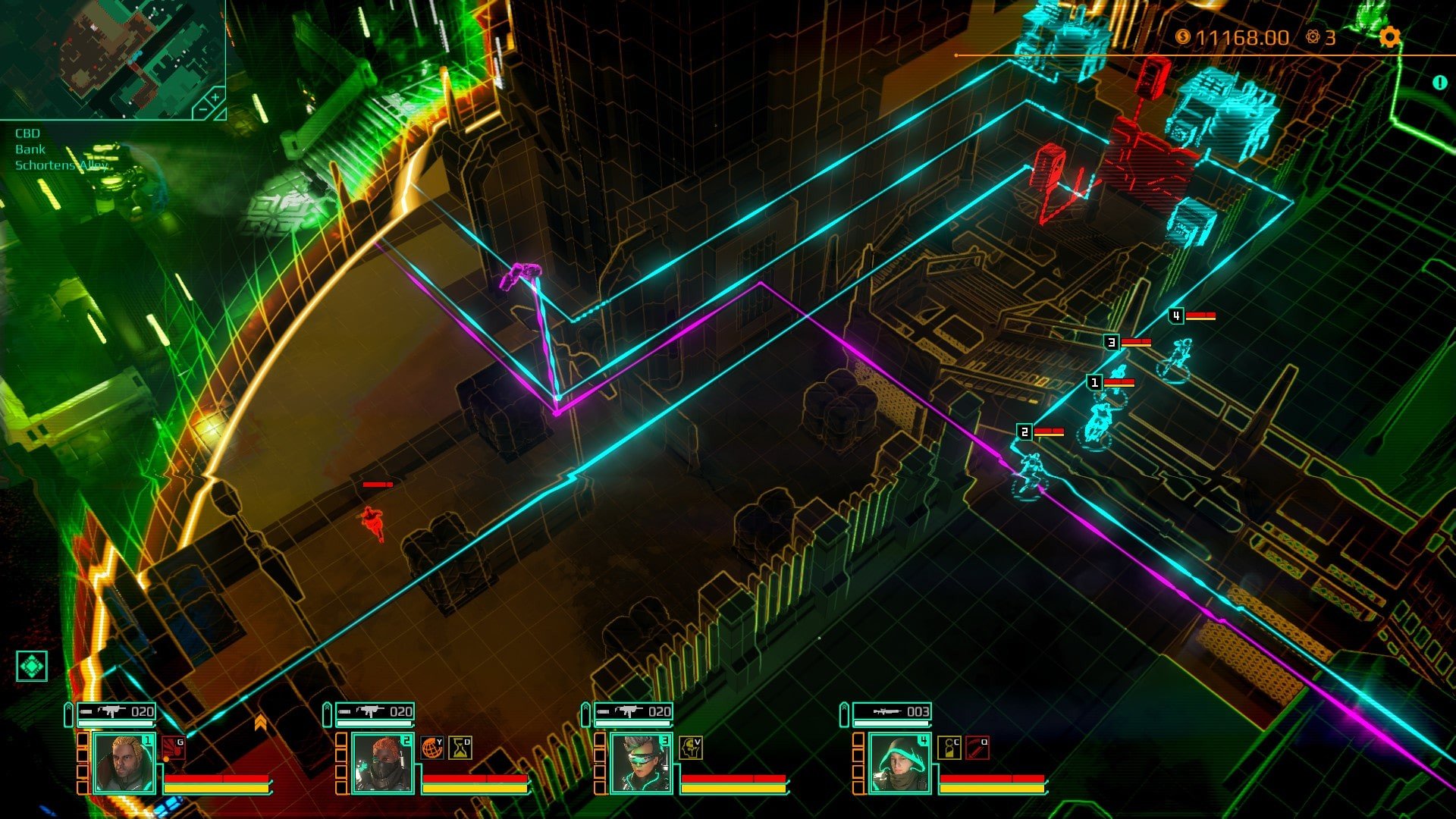
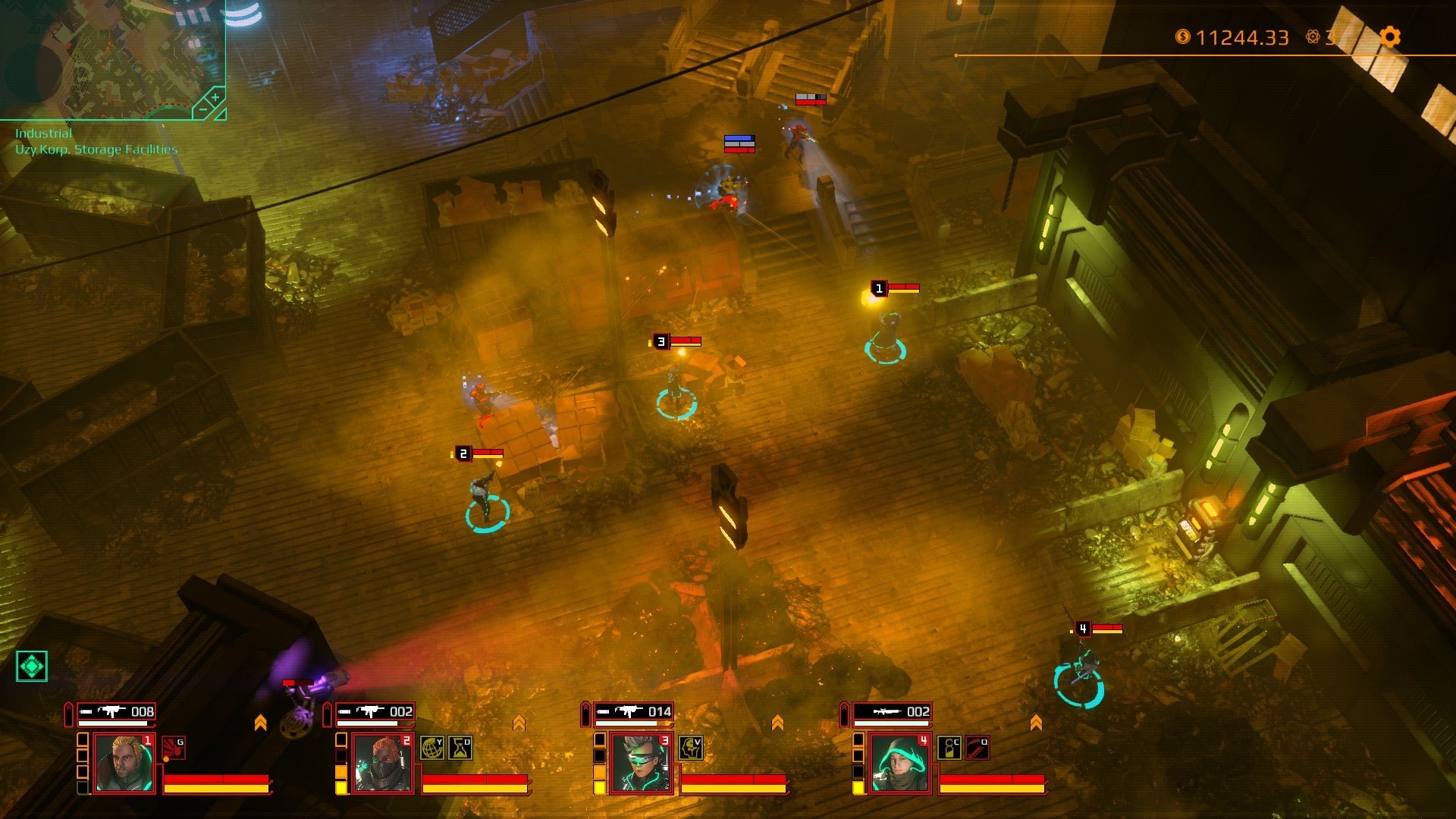
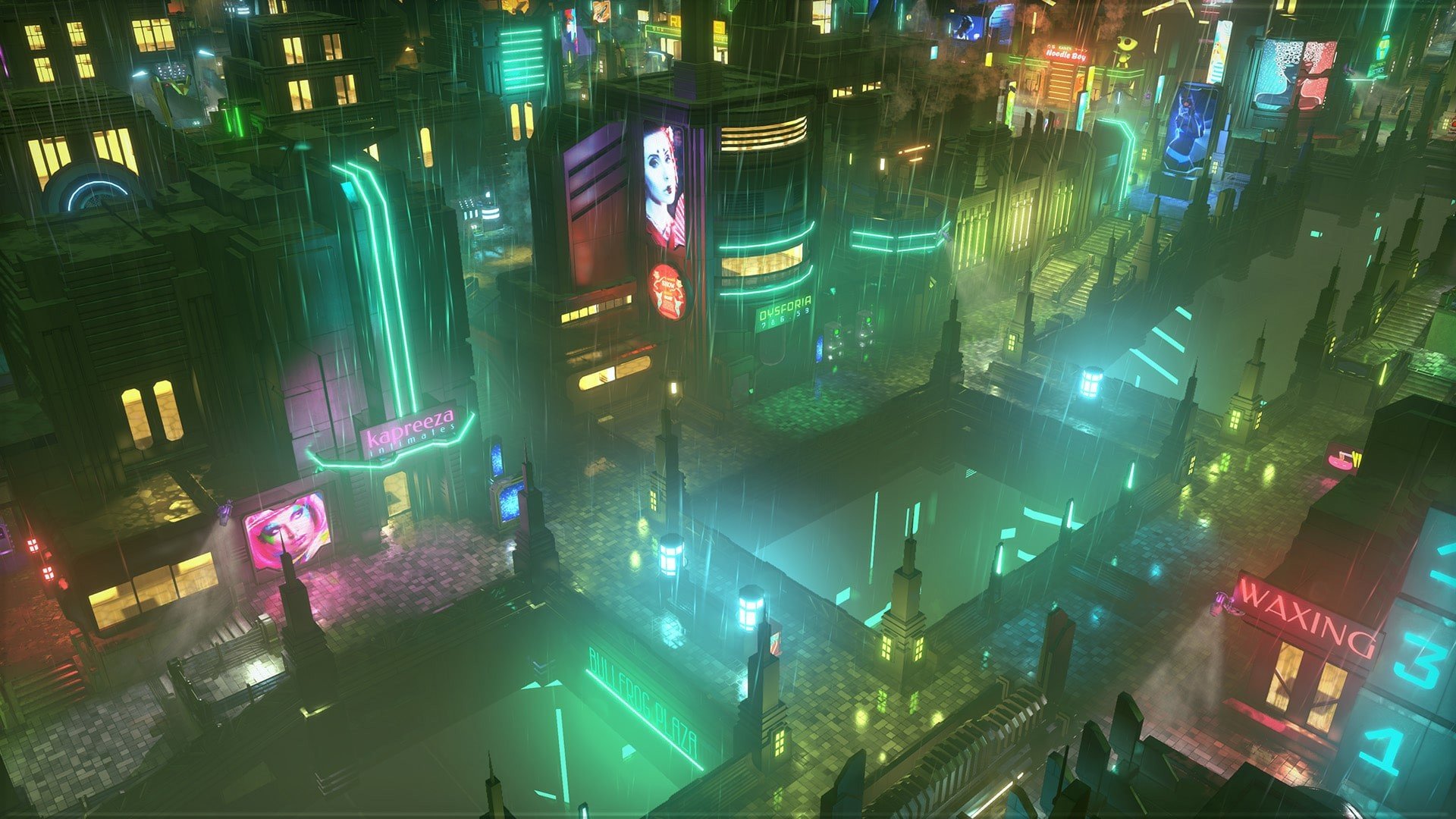

Satellite Reign, developed by 5 Lives Studios, is a real-time strategy game that brings the cyberpunk genre to life with tactical depth, open-ended gameplay, and a rich futuristic world. Released as a spiritual successor to the 1993 classic Syndicate, the game combines strategic squad management, exploration, and intense combat in a sprawling neon-lit city, creating an experience that is both challenging and immersive.
The game is set in a dystopian future where corporations hold ultimate power, and society is tightly controlled through surveillance and automation. Players assume command of a team of four agents, each with unique abilities and skill trees, tasked with sabotaging corporate operations, stealing valuable data, and undermining authoritarian control. The open-ended approach to missions allows players to choose their strategies—whether to go in guns blazing, sneak through the shadows, or manipulate the environment to their advantage. This flexibility ensures that every playthrough feels personal and strategic decisions carry real consequences.
One of the standout features of Satellite Reign is its real-time, squad-based gameplay. Unlike turn-based strategy games, players must simultaneously manage multiple agents, coordinating their actions to achieve objectives. The agents can be customized and upgraded, enabling players to tailor their squad to their preferred playstyle. This creates a layer of depth and replayability, as experimenting with different abilities and tactics often leads to new ways of completing missions. The game rewards careful planning, precise execution, and adaptability, making each successful operation feel genuinely earned.
The city of Satellite Reign is a character in itself. Its sprawling urban environment, filled with towering skyscrapers, neon signage, and densely populated streets, offers a rich playground for strategic operations. The game’s design encourages exploration, as hidden pathways, security weaknesses, and secret resources can turn the tide in difficult missions. The dynamic day-night cycle and responsive AI further enhance immersion, with guards, drones, and automated defenses reacting intelligently to player actions. Every choice, from route selection to agent deployment, impacts the unfolding narrative and gameplay.
Visually, Satellite Reign embraces the aesthetics of classic cyberpunk while updating it with modern graphics and detailed environments. The neon glow, reflective surfaces, and atmospheric lighting reinforce the game’s dystopian tone. Complemented by a moody, electronic soundtrack and immersive sound design, the game captures the tension and energy of a city on the edge, providing a cinematic experience without sacrificing tactical clarity.
Ultimately, Satellite Reign is more than just a strategy game—it is a sophisticated fusion of tactical thinking, exploration, and storytelling set in a compelling cyberpunk world. Its open-ended approach, combined with deep customization and dynamic environments, ensures that no two missions feel the same. For fans of strategy and cyberpunk, it offers a rich, rewarding experience that challenges both intellect and creativity, proving that modern games can honor classic influences while delivering fresh, engaging gameplay.
System: OS X 10.7.0 or laterProcessor: x86 Quad Core 3.4GHz or greaterMemory: 4 GB RAMGraphics: OpenGL 3.2+ GPU with 1GB of memoryDisk space: 2 GB available space
Mount the downloaded image and follow the standard installation procedure.
The installation is completed by choosing a location to place the game.
It is recommended to specify the Applications folder.
Frequently Asked Questions
Mount the image and run Open Gatekeeper friendly.
Press Enter to bypass Gatekeeper in the Terminal window.
Drag the application to the Applications folder.
The application is ready for use.
ATTENTION! SIP must be disabled. Learn more >
Restart your Mac and hold down Command + R to enter Recovery Mode.
Open Terminal from the Utilities menu.
Enter the command: csrutil disable
Restart your Mac.
This is a common Gatekeeper issue. Follow these steps:
1. Open Terminal
2. Enter: sudo xattr -rd com.apple.quarantine /Applications/AppName.app
3. Replace "AppName" with the actual application name
4. Press Enter and enter your password
Yes, all our downloads are thoroughly checked for viruses and malware.
We use multiple antivirus engines to scan every file.
Our team tests each application before publishing.
We never bundle adware or unwanted software.
Yes, we regularly update our applications to the latest versions.
You can check our website for updates or subscribe to our newsletter.
We strive to provide the most recent versions within 24-48 hours of release.
If a download link is not working, please:
1. Try a different browser
2. Clear your browser cache and cookies
3. Try the alternative download links provided
4. Contact our support team if the issue persists