


Scott Pilgrim EX
Download Scott Pilgrim EX
Run the downloaded image and drag the application to the Applications folder shortcut.
Once copying is complete, the application can be launched via Launchpad.
If an error occurs when launching the game, run the "Fix" file in the image.
Problems downloading?..
Where can I find my saves?
Is there a crackling sound?..
How to change the language?..
Previous Versions
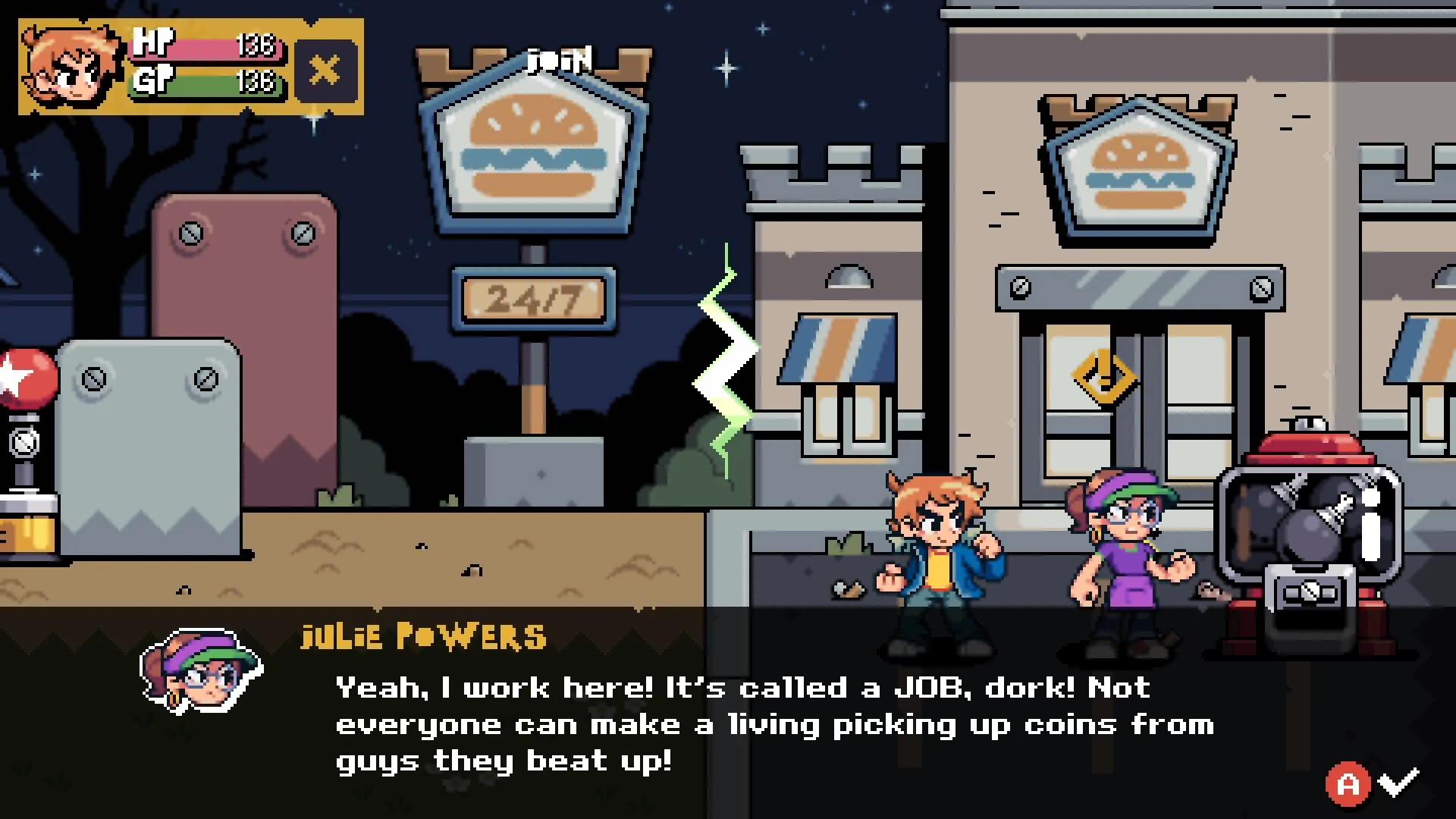
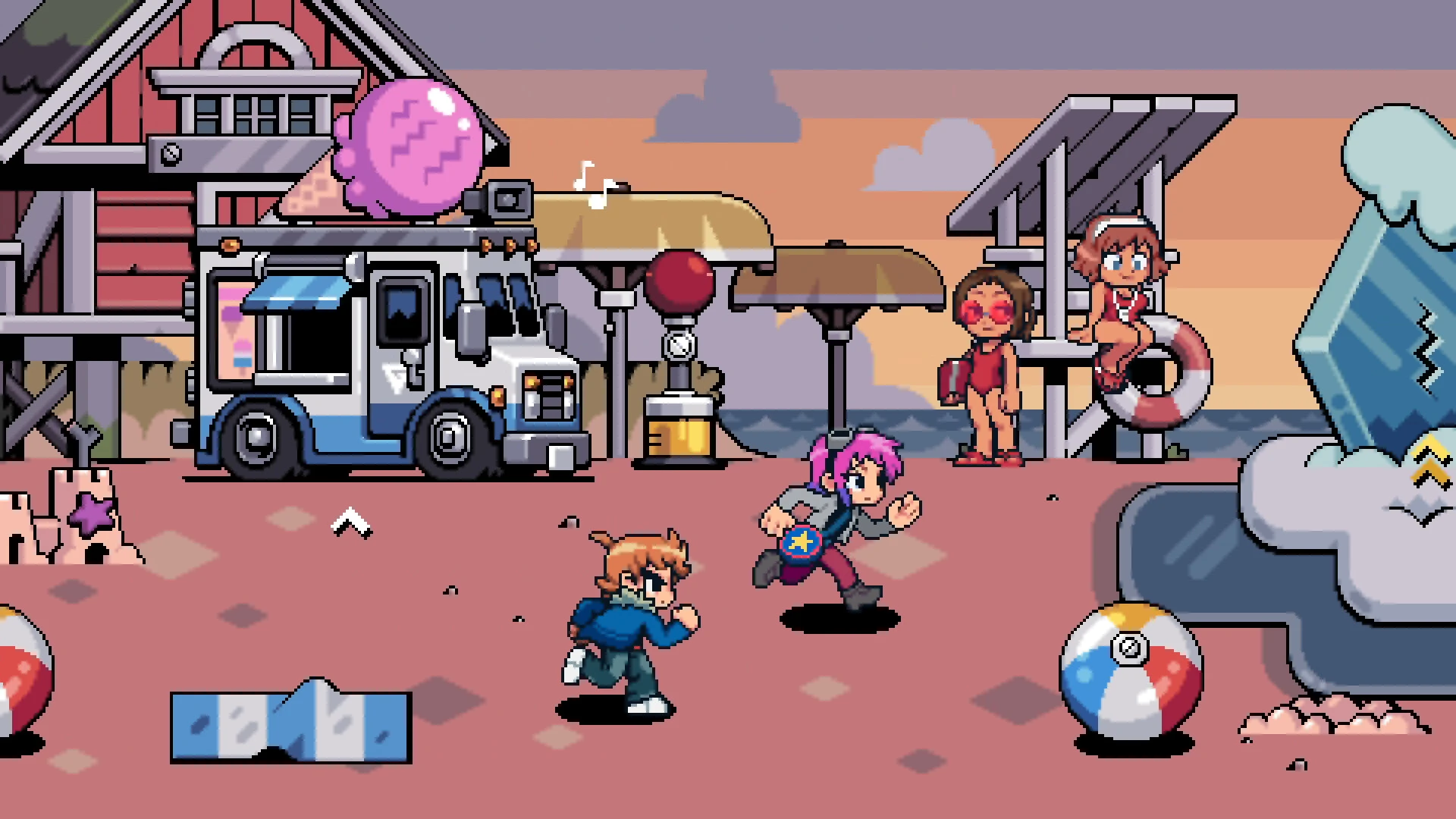
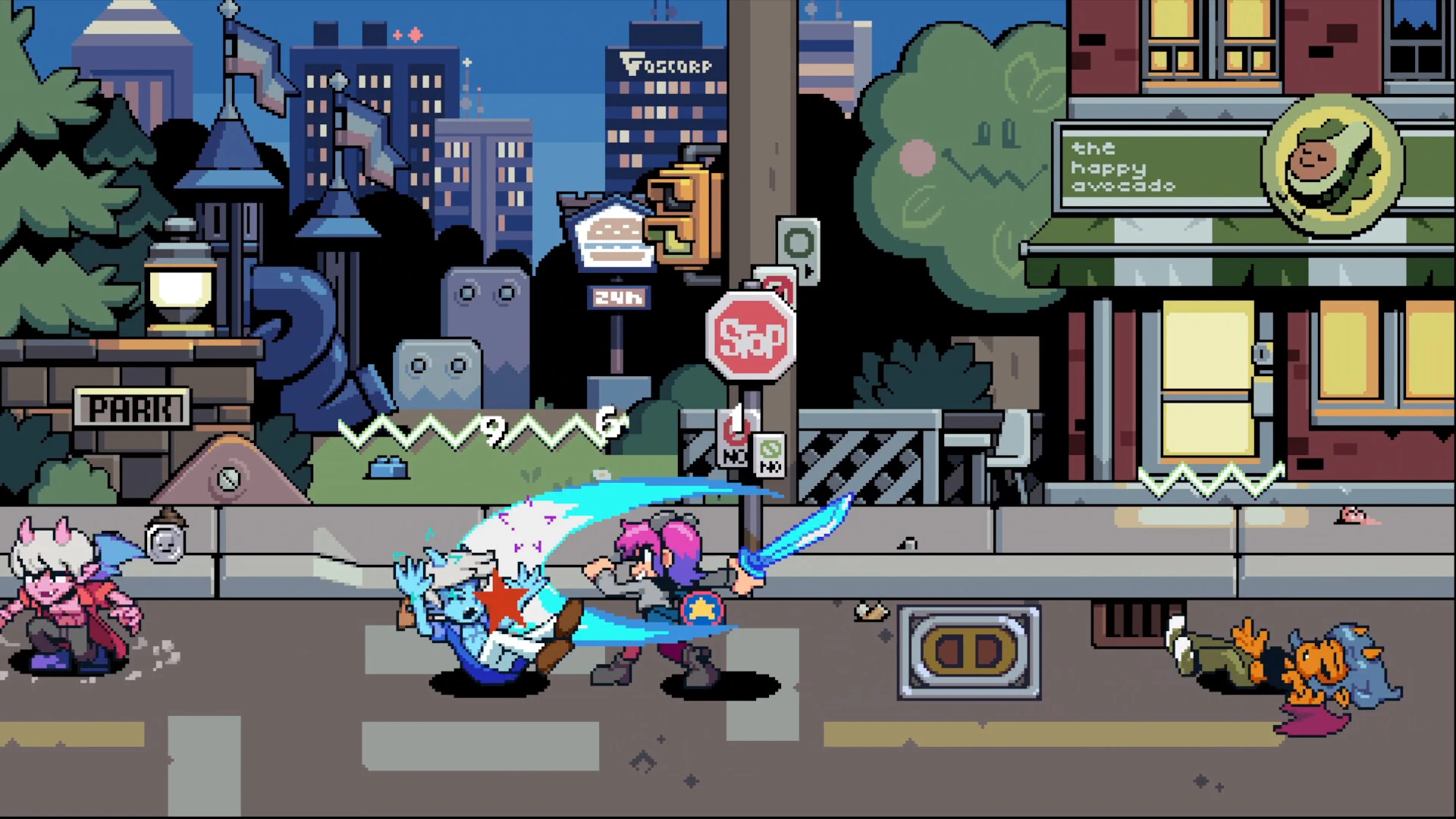
Scott Pilgrim EX is an action-packed side-scrolling beat ’em up video game inspired by the popular Scott Pilgrim universe. Following the success of Scott Pilgrim vs. the World: The Game, this title continues the retro arcade style with fast-paced combat, pixel-art visuals, and cooperative gameplay.
Based on the comics created by Bryan Lee O'Malley, the game lets players step into the shoes of iconic characters and battle through waves of enemies in classic brawler fashion.
Scott Pilgrim EX Gameplay
The gameplay of Scott Pilgrim EX focuses on classic beat-’em-up mechanics similar to arcade legends like Streets of Rage. Players progress through levels while defeating enemies, collecting items, and unlocking special abilities.
Key Gameplay Features
-
Retro pixel-art graphics
-
Fast combo-based combat
-
Character leveling system
-
Local and online multiplayer co-op
-
Unique special moves for each character
Players must defeat enemies and bosses as they advance through the game’s colorful levels.
Playable Characters
Fans of the series will recognize several popular characters, including:
-
Scott Pilgrim
-
Ramona Flowers
-
Kim Pine
-
Stephen Stills
Story
The story follows Scott as he fights through enemies connected to Ramona’s past. The narrative is inspired by the comic series and the movie Scott Pilgrim vs. the World.
Players must defeat powerful bosses while progressing through multiple stages filled with humor, pop-culture references, and retro gaming vibes.
Why Fans Are Excited
Fans of the original game love Scott Pilgrim EX because it keeps the nostalgic arcade feel while improving mechanics and replayability.
Reasons players are excited:
-
Classic beat-’em-up gameplay
-
Faithful adaptation of the comics
-
Multiplayer fun with friends
-
Retro soundtrack and visuals
macOS Tahoe , Mac mini 2024 M4
Run the downloaded image and drag the application to the Applications folder shortcut.
Once copying is complete, the application can be launched via Launchpad.
If an error occurs when launching the game, run the "Fix" file in the image.
Problems downloading?..
Where can I find my saves?
Is there a crackling sound?..
How to change the language?..
Frequently Asked Questions
Mount the image and run Open Gatekeeper friendly.
Press Enter to bypass Gatekeeper in the Terminal window.
Drag the application to the Applications folder.
The application is ready for use.
ATTENTION! SIP must be disabled. Learn more >
Restart your Mac and hold down Command + R to enter Recovery Mode.
Open Terminal from the Utilities menu.
Enter the command: csrutil disable
Restart your Mac.
This is a common Gatekeeper issue. Follow these steps:
1. Open Terminal
2. Enter: sudo xattr -rd com.apple.quarantine /Applications/AppName.app
3. Replace "AppName" with the actual application name
4. Press Enter and enter your password
Yes, all our downloads are thoroughly checked for viruses and malware.
We use multiple antivirus engines to scan every file.
Our team tests each application before publishing.
We never bundle adware or unwanted software.
Yes, we regularly update our applications to the latest versions.
You can check our website for updates or subscribe to our newsletter.
We strive to provide the most recent versions within 24-48 hours of release.
If a download link is not working, please:
1. Try a different browser
2. Clear your browser cache and cookies
3. Try the alternative download links provided
4. Contact our support team if the issue persists