


Scythe: Digital Edition
Download Scythe: Digital Edition
Unzip the archive and follow the standard installation procedure.
The installation is completed by choosing a location to place the game.
It is recommended to specify the Applications folder.
Previous Versions
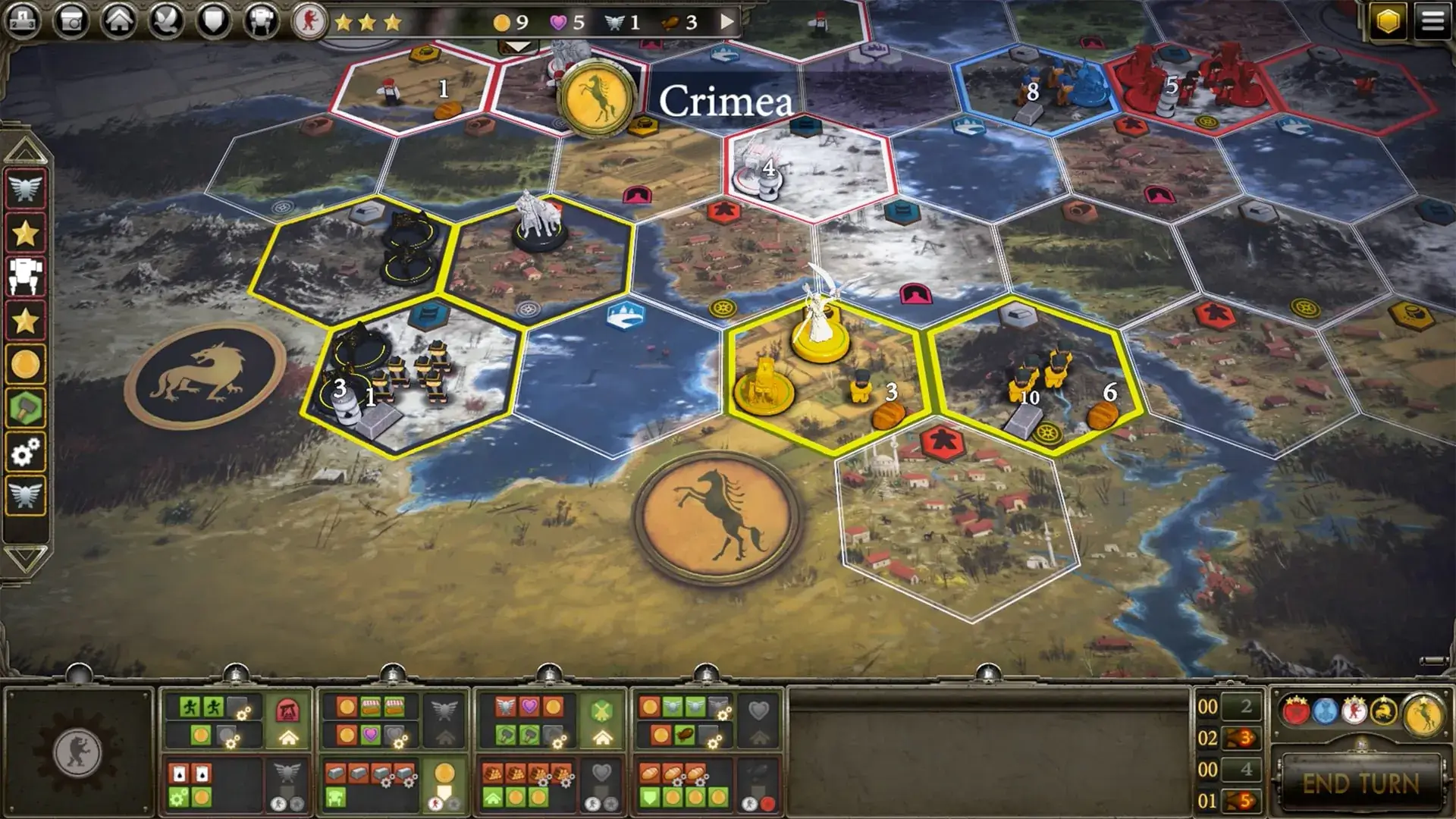
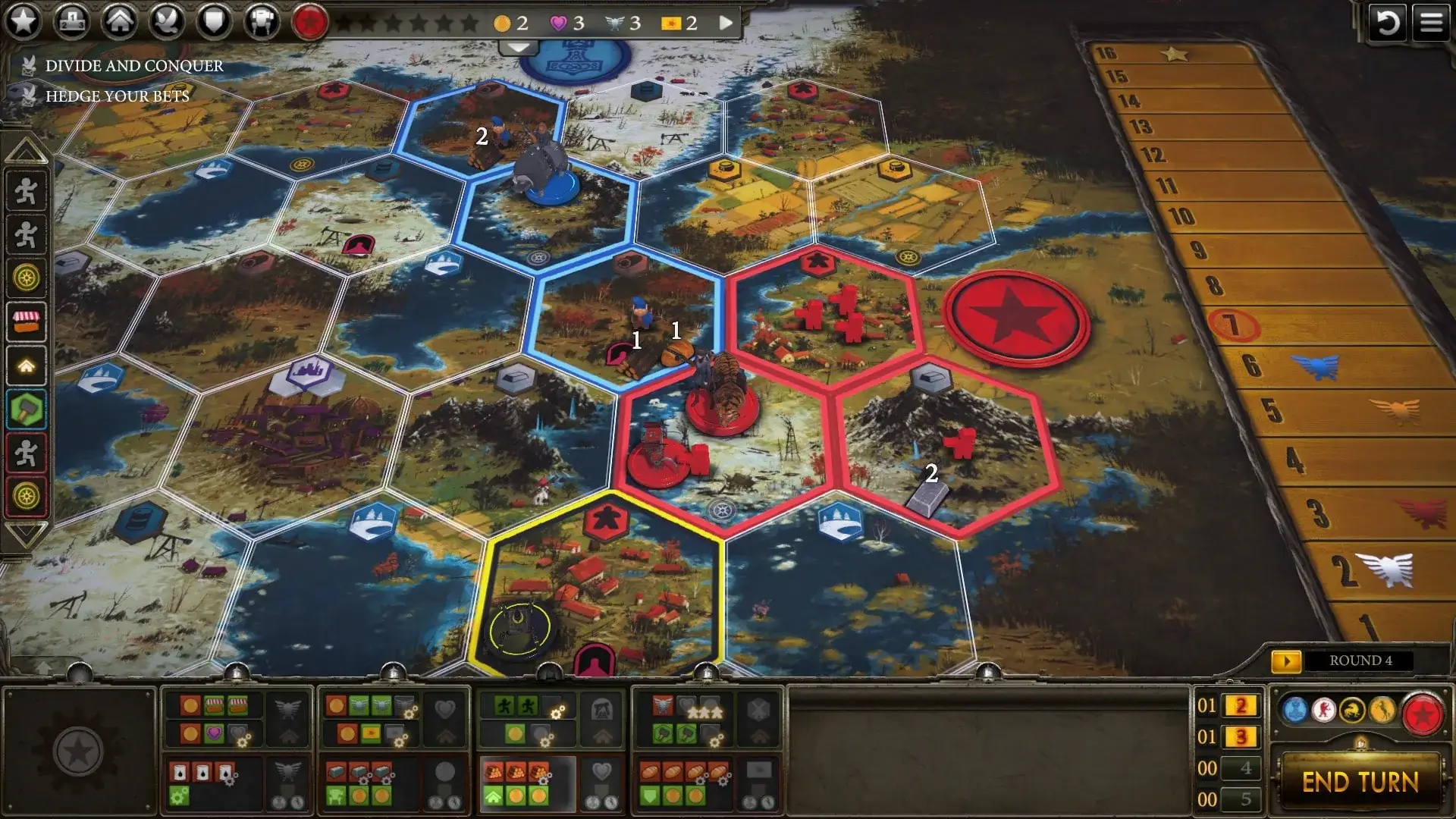
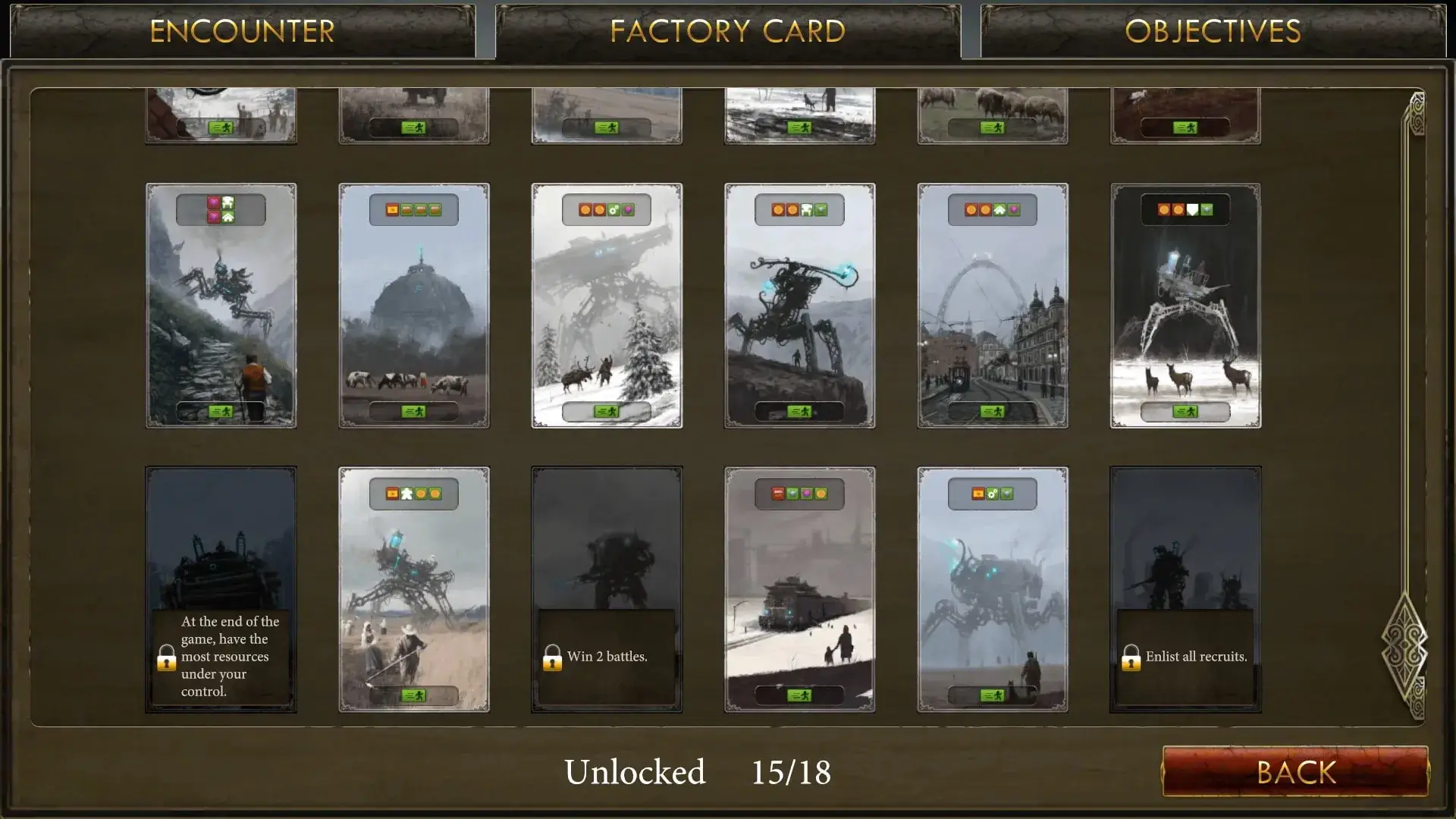
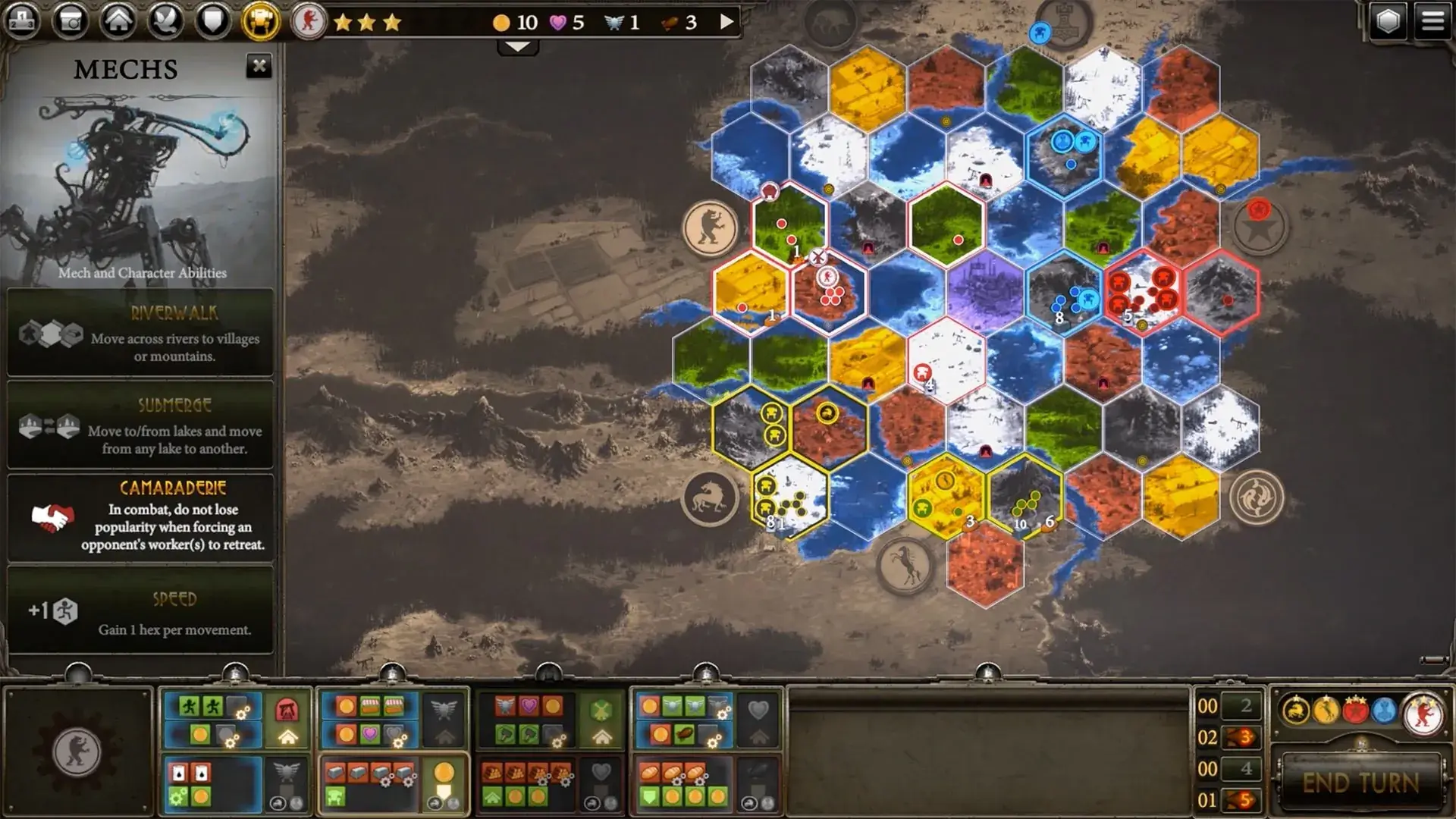
Scythe: Digital Edition brings the depth and atmosphere of the acclaimed strategy board game into a polished digital format, offering players a thoughtful and immersive experience. Set in an alternate 1920s Europe, the game blends engine-building, territorial control, and careful resource management into a slow-burning contest of strategy rather than constant conflict. The digital version preserves the soul of the original game while enhancing accessibility and flow.
At its core, Scythe is about efficiency. Each turn challenges players to make meaningful decisions with limited actions, forcing them to balance short-term gains against long-term plans. The digital edition excels at presenting these choices clearly. Interfaces are clean and intuitive, reducing the learning curve for newcomers while still respecting the complexity that experienced players enjoy. Automated setup and rule enforcement remove common barriers found in physical play, allowing players to focus entirely on strategy.
One of the strongest elements of Scythe: Digital Edition is how it handles asymmetry. Each faction has distinct abilities, starting positions, and strategic tendencies. The digital format makes these differences easier to track and understand, helping players experiment with new approaches. Over time, players begin to recognize how small advantages can snowball through careful planning, making every decision feel impactful.
The game’s pacing is deliberate, encouraging observation and adaptation. Direct combat exists, but it is rarely the main path to victory. Instead, players are rewarded for efficient production, smart movement, and timely upgrades. The digital version reinforces this philosophy by offering clear visual feedback and smooth animations that keep turns engaging without becoming distracting.
Scythe: Digital Edition also shines in its variety of play modes. Solo play against AI opponents allows players to learn mechanics and test strategies at their own pace. Multiplayer options, including online matches, add a social and competitive layer that mirrors the tension of the tabletop experience. The asynchronous play option is especially valuable, letting players enjoy thoughtful gameplay without time pressure.
Visually, the game remains faithful to its distinctive art style. The world feels grounded yet imaginative, combining industrial machinery with pastoral landscapes. Subtle sound design and music support the atmosphere without overwhelming it, making long sessions comfortable and immersive.
Perhaps the greatest strength of Scythe: Digital Edition is how it respects the intelligence of its audience. It does not rush players or oversimplify systems. Instead, it invites patience, reflection, and mastery. Wins feel earned, losses feel instructive, and improvement comes from understanding the interconnected systems rather than relying on luck.
In conclusion, Scythe: Digital Edition is more than a digital adaptation; it is a carefully crafted strategy experience that honors its origins while embracing the advantages of the digital medium. For players who enjoy deep planning, meaningful choices, and a rich thematic setting, it offers lasting value and replayability.
System: 10.11 or higherProcessor: 1.4 GHzMemory: 4 GB RAMGraphics: Intel HD Graphics 5000Disk space: 2 GB available space
Unzip the archive and follow the standard installation procedure.
The installation is completed by choosing a location to place the game.
It is recommended to specify the Applications folder.
Frequently Asked Questions
Mount the image and run Open Gatekeeper friendly.
Press Enter to bypass Gatekeeper in the Terminal window.
Drag the application to the Applications folder.
The application is ready for use.
ATTENTION! SIP must be disabled. Learn more >
Restart your Mac and hold down Command + R to enter Recovery Mode.
Open Terminal from the Utilities menu.
Enter the command: csrutil disable
Restart your Mac.
This is a common Gatekeeper issue. Follow these steps:
1. Open Terminal
2. Enter: sudo xattr -rd com.apple.quarantine /Applications/AppName.app
3. Replace "AppName" with the actual application name
4. Press Enter and enter your password
Yes, all our downloads are thoroughly checked for viruses and malware.
We use multiple antivirus engines to scan every file.
Our team tests each application before publishing.
We never bundle adware or unwanted software.
Yes, we regularly update our applications to the latest versions.
You can check our website for updates or subscribe to our newsletter.
We strive to provide the most recent versions within 24-48 hours of release.
If a download link is not working, please:
1. Try a different browser
2. Clear your browser cache and cookies
3. Try the alternative download links provided
4. Contact our support team if the issue persists