


Six Ages 2: Lights Going Out
Download Six Ages 2: Lights Going Out
Unzip the archive and follow the standard installation procedure.
Installation concludes with selecting a location for the game.
It is recommended to select the Applications folder.
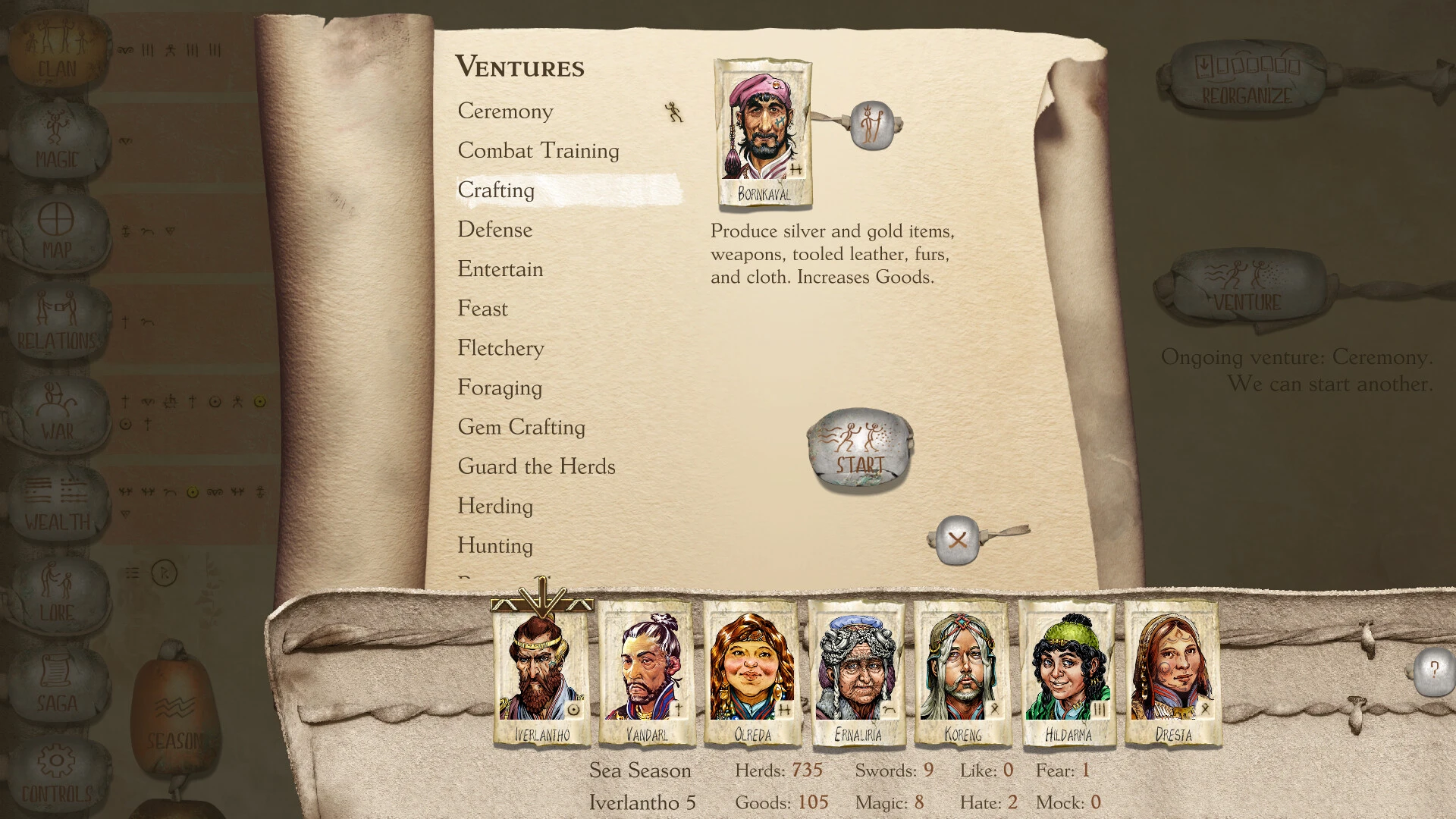
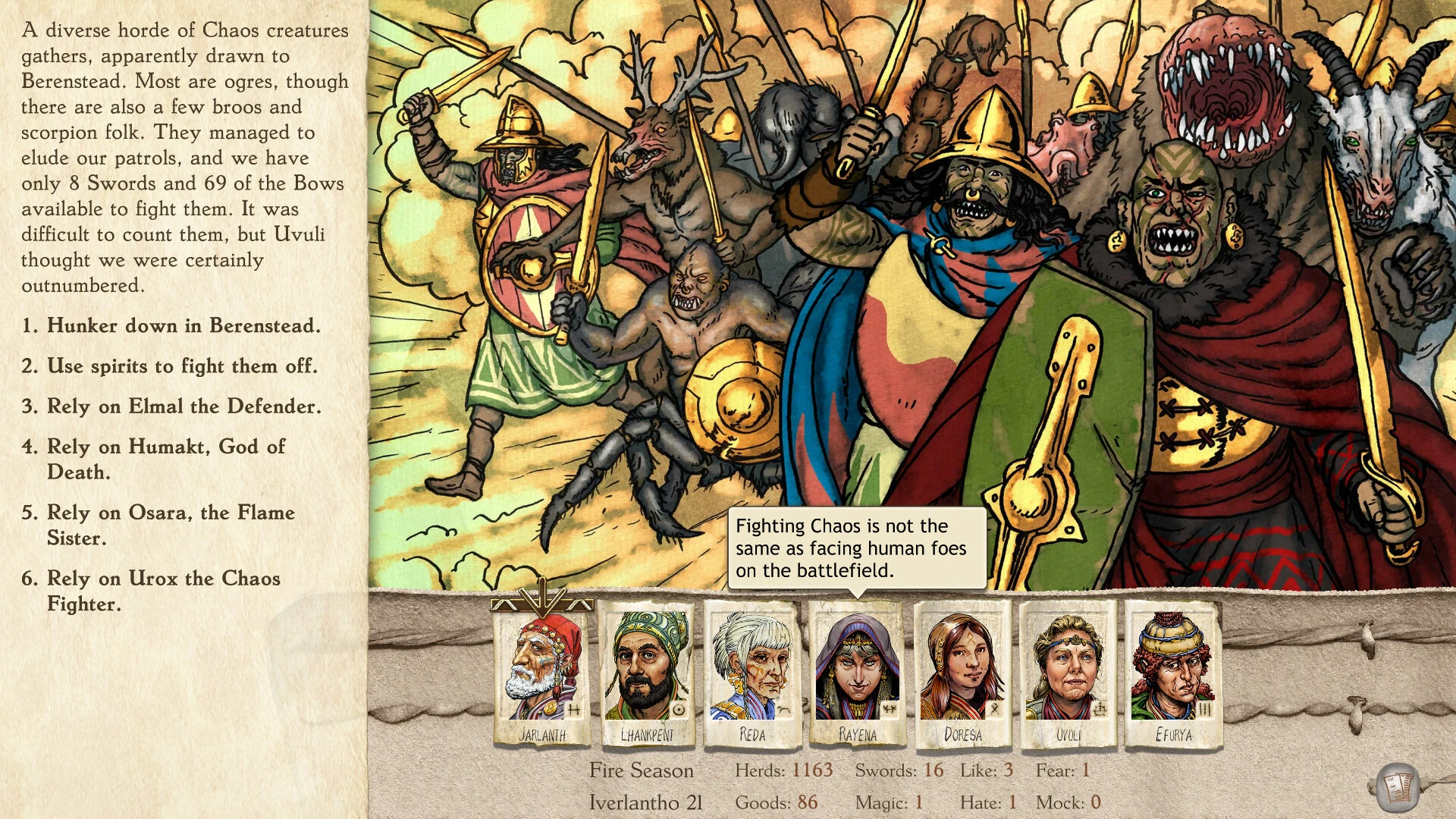
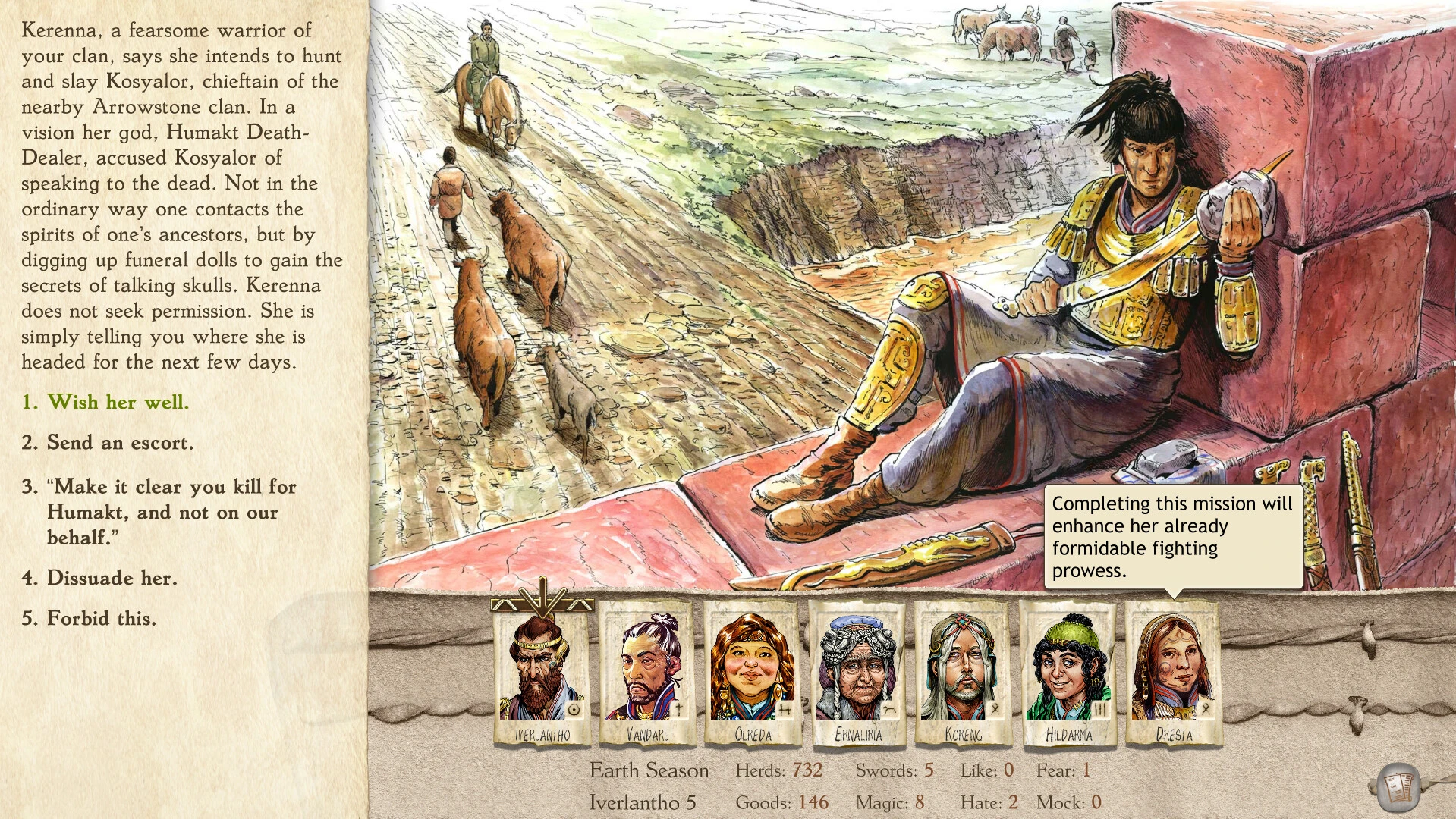
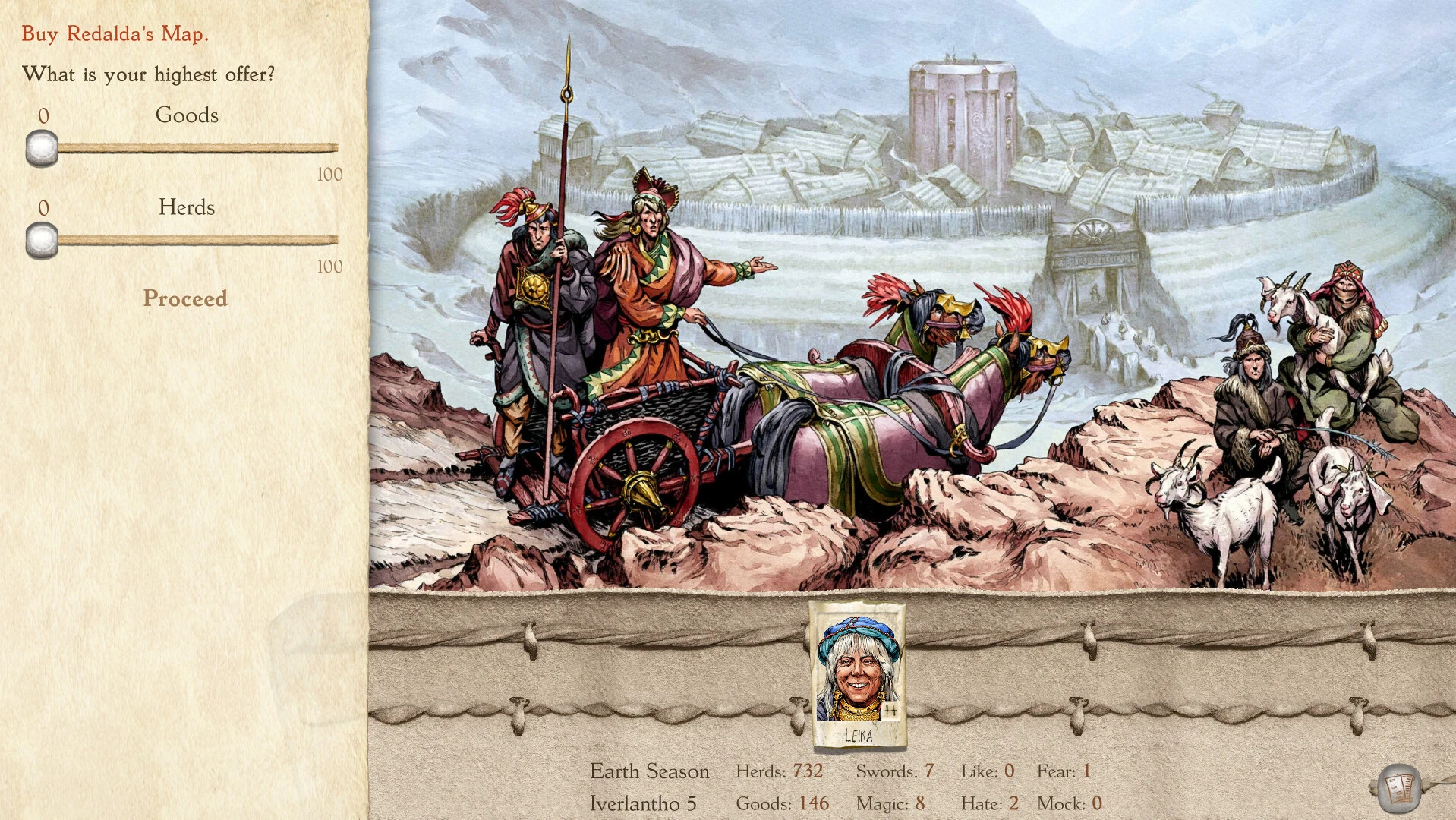
Six Ages 2: Lights Going Out is a captivating strategy and narrative-driven game that immerses players in the complex world of clan leadership, survival, and storytelling. Developed as the spiritual successor to King of Dragon Pass, this sequel expands on the rich tribal universe, offering players a unique blend of decision-making, world-building, and emergent narrative that challenges both their strategic skills and moral judgment.
In Six Ages 2, players assume the role of a clan leader in a fantastical Bronze Age world, navigating political tensions, supernatural events, and the daily challenges of survival. The game emphasizes storytelling over simple mechanics, presenting players with dilemmas that are rarely clear-cut. Decisions made in moments of crisis can have far-reaching consequences for the clan, affecting relationships, morale, and resources. This focus on narrative depth sets the game apart, making each playthrough feel like a living story shaped by the player’s choices.
A key strength of Six Ages 2 lies in its intricate decision-making system. Players are constantly faced with complex scenarios involving diplomacy, warfare, resource management, and social cohesion. Choices are rarely obvious, and every action has potential trade-offs. For example, allying with neighboring tribes may bring short-term security but could create long-term political entanglements. Similarly, managing food, livestock, and trade requires careful planning to ensure the survival and prosperity of the clan. This strategic layer, combined with the narrative-driven approach, creates a deeply engaging and replayable experience.
The game’s world-building is exceptional. Six Ages 2 presents a living, breathing universe filled with myths, legends, and supernatural influences. Rituals, omens, and interactions with mystical forces shape the gameplay, making the environment feel dynamic and responsive to player decisions. The game also introduces a detailed clan system, where individual members have distinct personalities, skills, and relationships. Leaders must consider these traits when assigning roles or making critical decisions, adding another layer of depth to the gameplay.
Visually, Six Ages 2 adopts a distinctive hand-painted art style, reminiscent of illuminated manuscripts and tribal art. The visuals are both functional and immersive, clearly representing resources, events, and characters while also conveying the cultural richness of the world. The audio complements the aesthetic with atmospheric music, ambient sounds, and narrative voiceovers that enhance the sense of immersion and bring the world to life.
Another defining feature of Six Ages 2 is its branching storylines. No two playthroughs are identical, as player choices influence the clan’s destiny, shaping alliances, conflicts, and legendary events. This emergent storytelling ensures high replayability and allows players to explore different strategies and moral paths with each game.
In conclusion, Six Ages 2: Lights Going Out is a masterful fusion of narrative, strategy, and world-building. Its combination of complex decision-making, rich tribal lore, and emergent storytelling creates an immersive experience that challenges players to think critically while engaging emotionally with the clan’s journey. For those who enjoy deep strategy games, branching narratives, and immersive world-building, Six Ages 2 offers an unforgettable journey into a vividly imagined and ever-evolving tribal society.
OS: OS X Lion 10.8.5 or laterProcessor: SSE2 instruction set supportMemory: 2 GB RAMVideo card: 1024x768 or larger resolutionDisk space: 2 GB
Unzip the archive and follow the standard installation procedure.
Installation concludes with selecting a location for the game.
It is recommended to select the Applications folder.
Frequently Asked Questions
Mount the image and run Open Gatekeeper friendly.
Press Enter to bypass Gatekeeper in the Terminal window.
Drag the application to the Applications folder.
The application is ready for use.
ATTENTION! SIP must be disabled. Learn more >
Restart your Mac and hold down Command + R to enter Recovery Mode.
Open Terminal from the Utilities menu.
Enter the command: csrutil disable
Restart your Mac.
This is a common Gatekeeper issue. Follow these steps:
1. Open Terminal
2. Enter: sudo xattr -rd com.apple.quarantine /Applications/AppName.app
3. Replace "AppName" with the actual application name
4. Press Enter and enter your password
Yes, all our downloads are thoroughly checked for viruses and malware.
We use multiple antivirus engines to scan every file.
Our team tests each application before publishing.
We never bundle adware or unwanted software.
Yes, we regularly update our applications to the latest versions.
You can check our website for updates or subscribe to our newsletter.
We strive to provide the most recent versions within 24-48 hours of release.
If a download link is not working, please:
1. Try a different browser
2. Clear your browser cache and cookies
3. Try the alternative download links provided
4. Contact our support team if the issue persists