


Slay the Princess – The Pristine Cut
Download Slay the Princess – The Pristine Cut
Run the downloaded image and drag the application to the Applications folder shortcut.
Once copying is complete, the application can be launched via Launchpad.
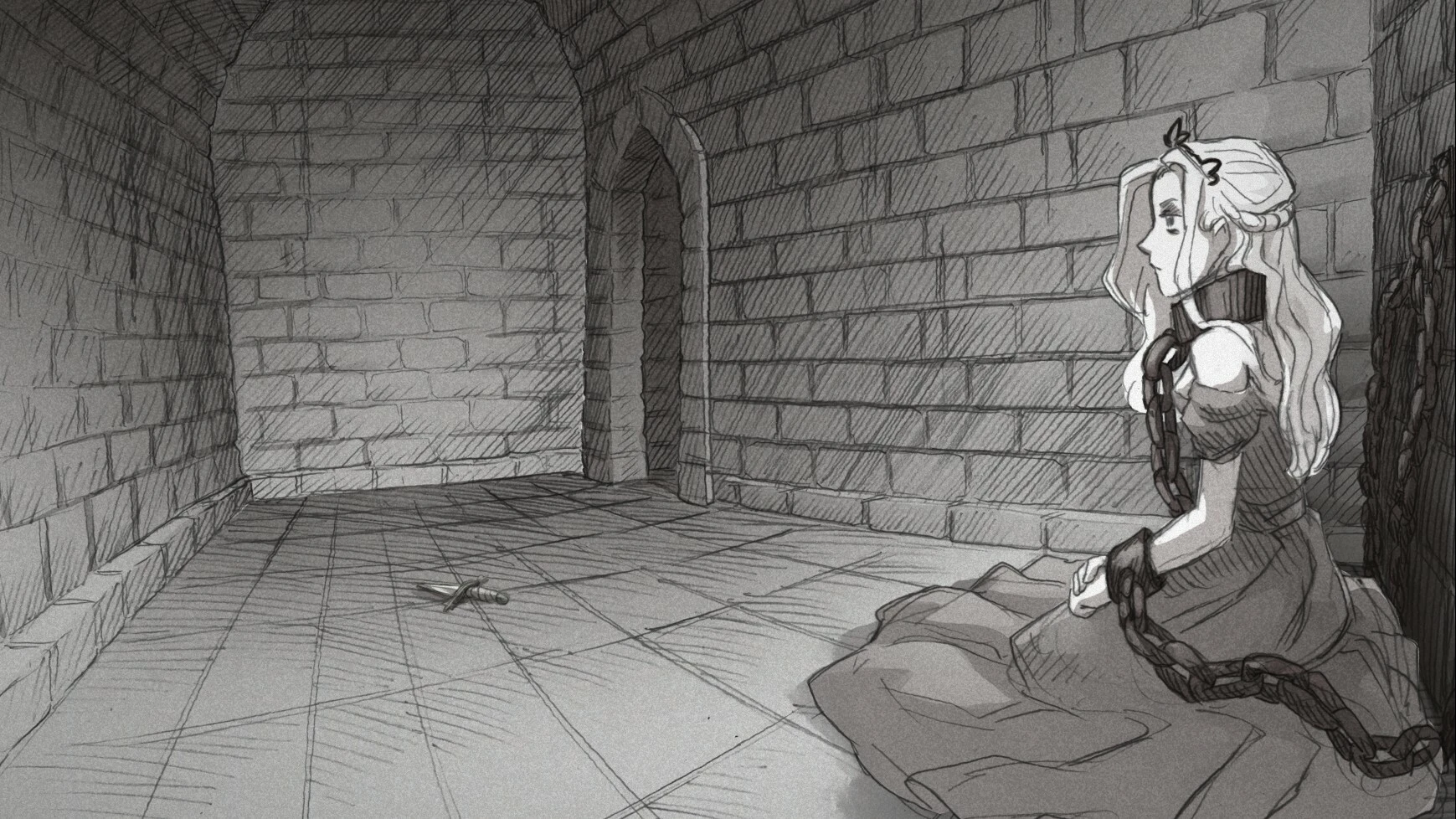
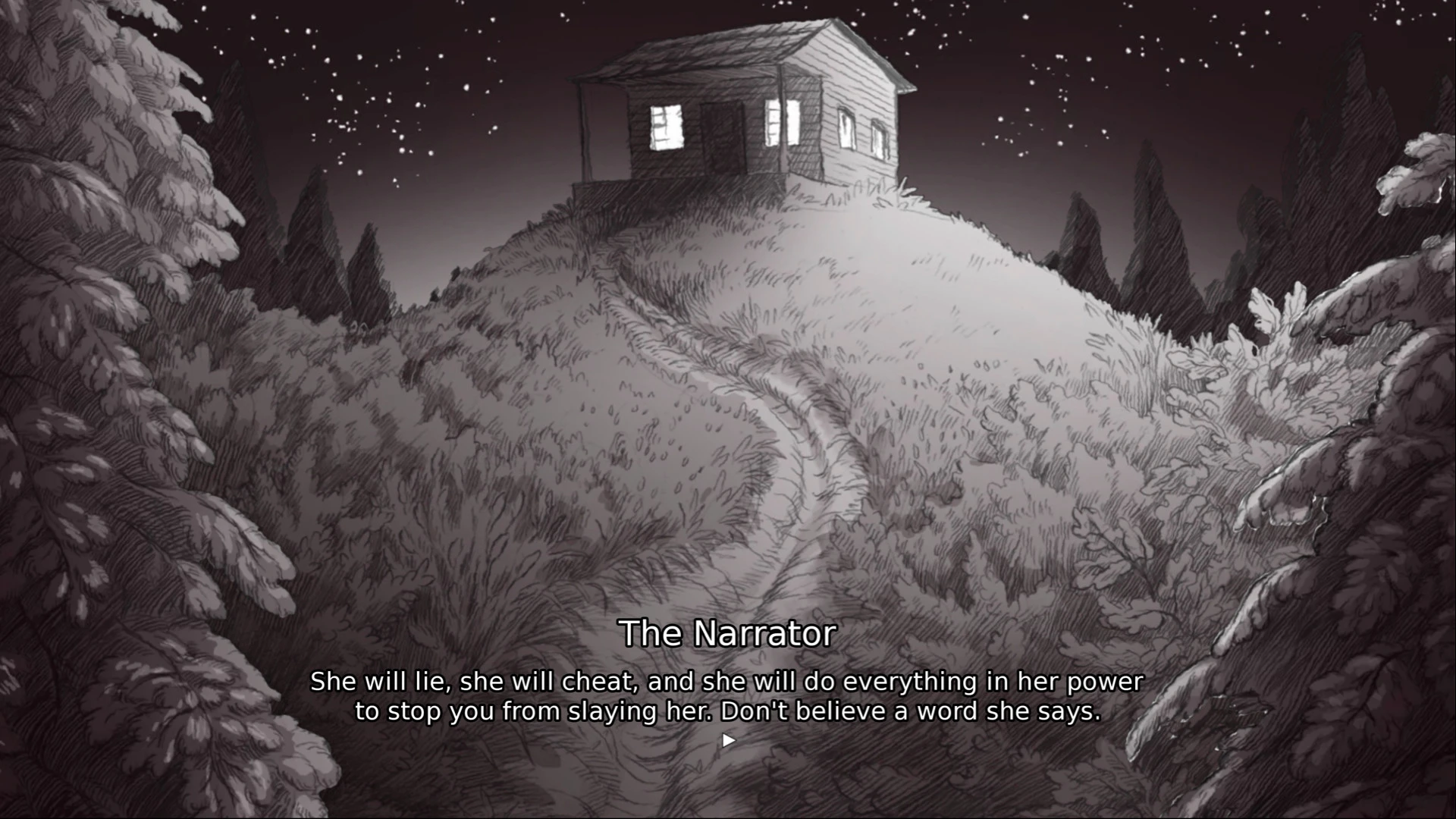
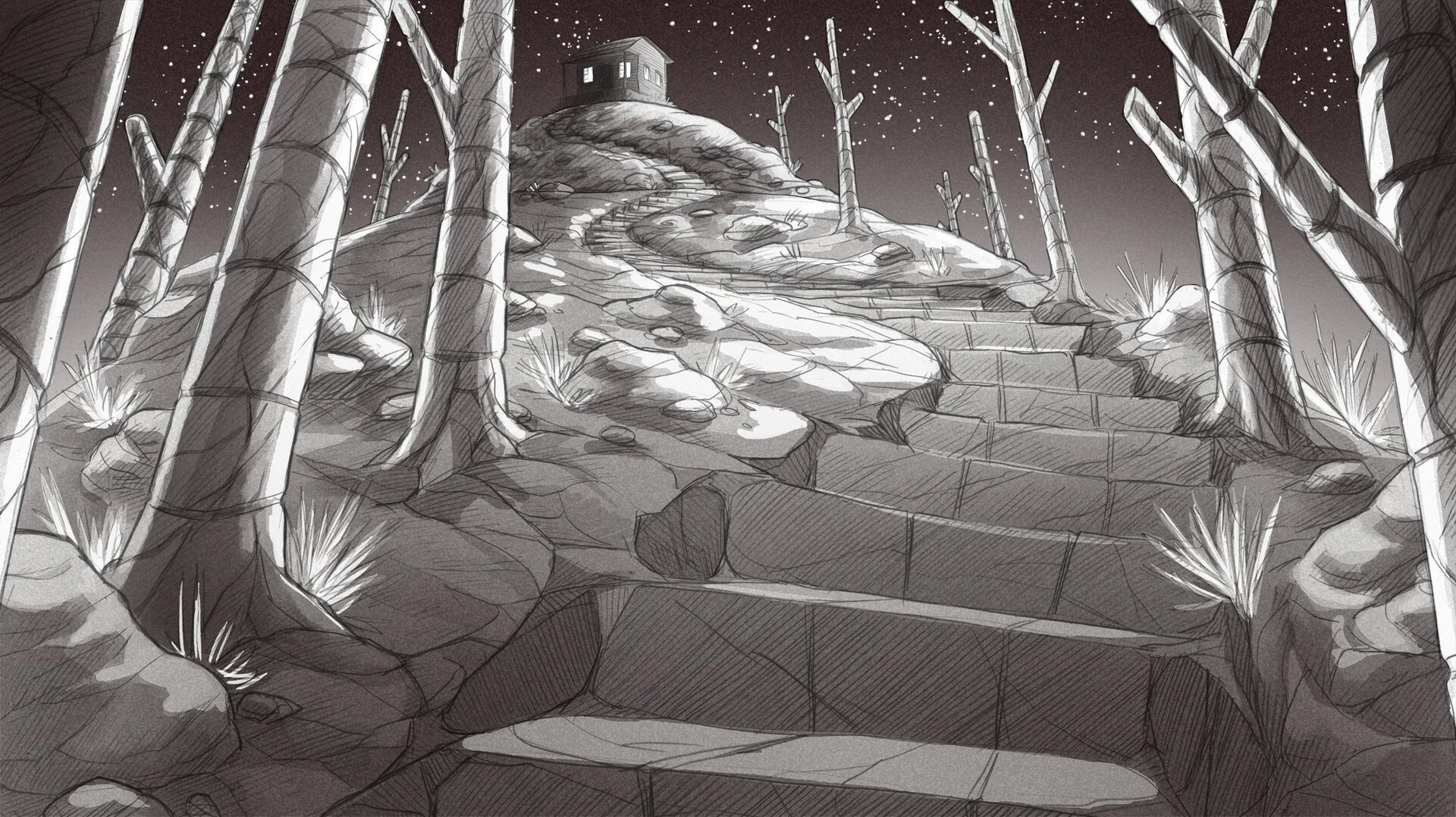
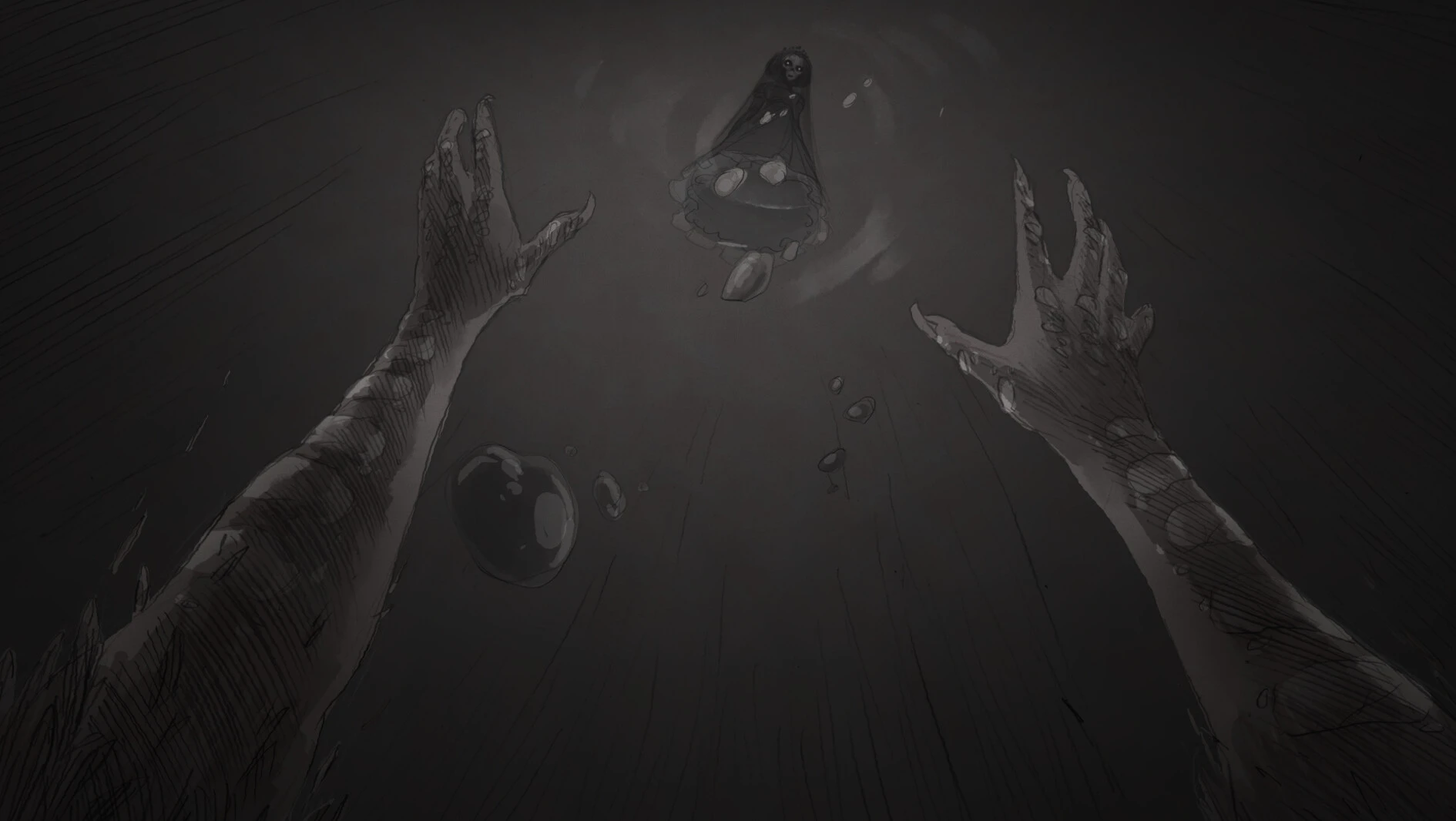
Slay the Princess – The Pristine Cut is one of the most unique horror games released in recent years. Developed by Black Tabby Games, this expanded edition takes the original cult classic and transforms it into a deeper, darker, and more emotional experience. Combining psychological horror, a branching narrative, and hand-drawn graphics, the game offers an unforgettable journey that constantly challenges the player's choices and morality.
Enhanced Content in The Pristine Cut
The Pristine Cut is more than just an update. It significantly expands the original game with new story routes, enhanced graphics, additional voice acting, and refined gameplay elements. Fans of the original release will discover new scenes and hidden secrets that make the experience feel completely fresh.
The game's hand-drawn art style deserves special mention. Each frame resembles a dark illustration from a fairy tale, perfectly complementing the eerie atmosphere. Combined with evocative music and exceptional voice acting, the game creates a deeply immersive horror experience.
The expanded edition also improves the pacing and narrative depth. The characters feel more complex, and the emotional impact of the story is further intensified. This makes The Pristine Cut an ideal entry point for new players, while also rewarding longtime fans.
Why do players love this game?
One of Slay the Princess – The Pristine Cut’s greatest strengths is its ability to surprise players. No matter how carefully you analyze your decisions, the game constantly shifts expectations. The narrative evolves in unexpected ways, creating a sense of mystery that keeps players hooked from beginning to end.
The script is intelligent and emotionally impactful. Instead of resorting to easy horror tropes, the game explores themes like fear, identity, control, and trust. This gives the experience a depth rarely found in many modern horror titles.
Another reason for the game’s popularity is its replayability. Because the story branches out in multiple directions, players can return several times and still discover entirely new content. Each playthrough feels different, encouraging exploration and experimentation.
Conclusion
Slay the Princess – The Pristine Cut stands out as a brilliant blend of horror, narrative, and emotional drama. Its haunting atmosphere, meaningful choices, and unforgettable characters make it one of the best indie horror games currently available.
- macOS Big Sur 11 and later. - Apple Silicon (M1-M5, M Pro/Max/Ultra) or Intel Core (64-bit) processors.- ±8GB combined memory/RAM.- ±13 GB of free disk space.
Run the downloaded image and drag the application to the Applications folder shortcut.
Once copying is complete, the application can be launched via Launchpad.
Frequently Asked Questions
Mount the image and run Open Gatekeeper friendly.
Press Enter to bypass Gatekeeper in the Terminal window.
Drag the application to the Applications folder.
The application is ready for use.
ATTENTION! SIP must be disabled. Learn more >
Restart your Mac and hold down Command + R to enter Recovery Mode.
Open Terminal from the Utilities menu.
Enter the command: csrutil disable
Restart your Mac.
This is a common Gatekeeper issue. Follow these steps:
1. Open Terminal
2. Enter: sudo xattr -rd com.apple.quarantine /Applications/AppName.app
3. Replace "AppName" with the actual application name
4. Press Enter and enter your password
Yes, all our downloads are thoroughly checked for viruses and malware.
We use multiple antivirus engines to scan every file.
Our team tests each application before publishing.
We never bundle adware or unwanted software.
Yes, we regularly update our applications to the latest versions.
You can check our website for updates or subscribe to our newsletter.
We strive to provide the most recent versions within 24-48 hours of release.
If a download link is not working, please:
1. Try a different browser
2. Clear your browser cache and cookies
3. Try the alternative download links provided
4. Contact our support team if the issue persists