


Slay the Spire
Download Slay the Spire
Mount the downloaded image and drag the game to the Applications folder.
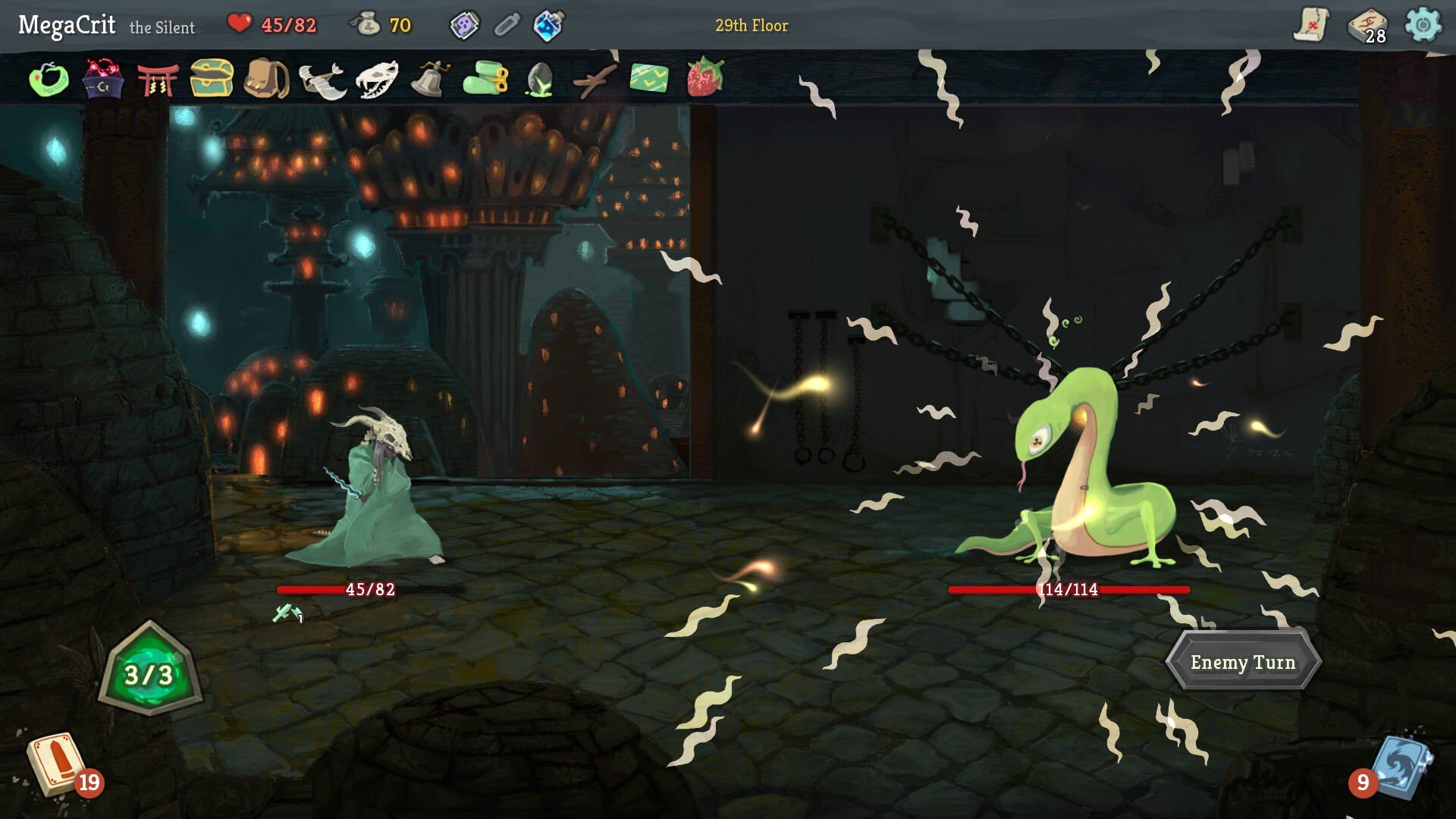
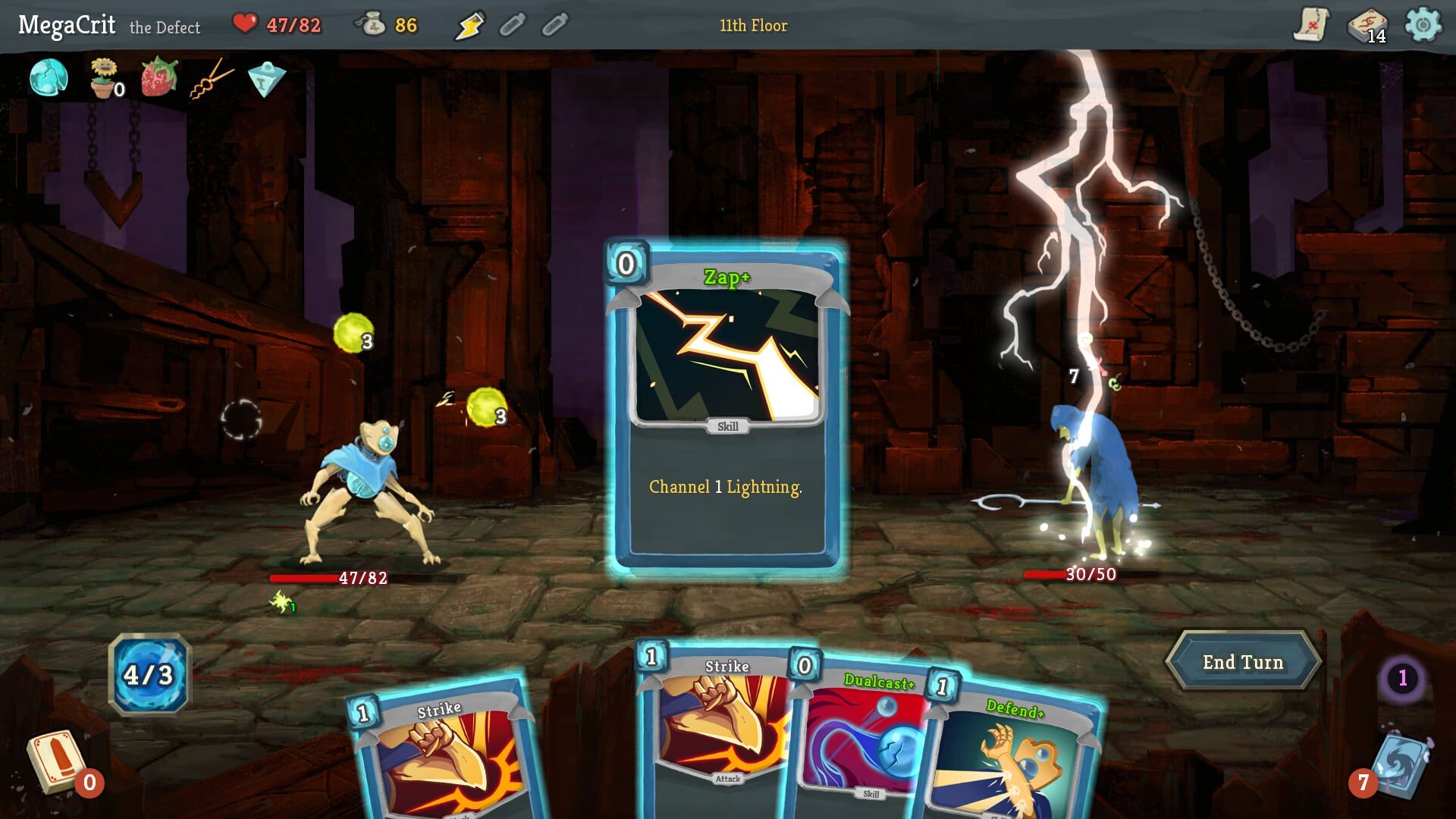
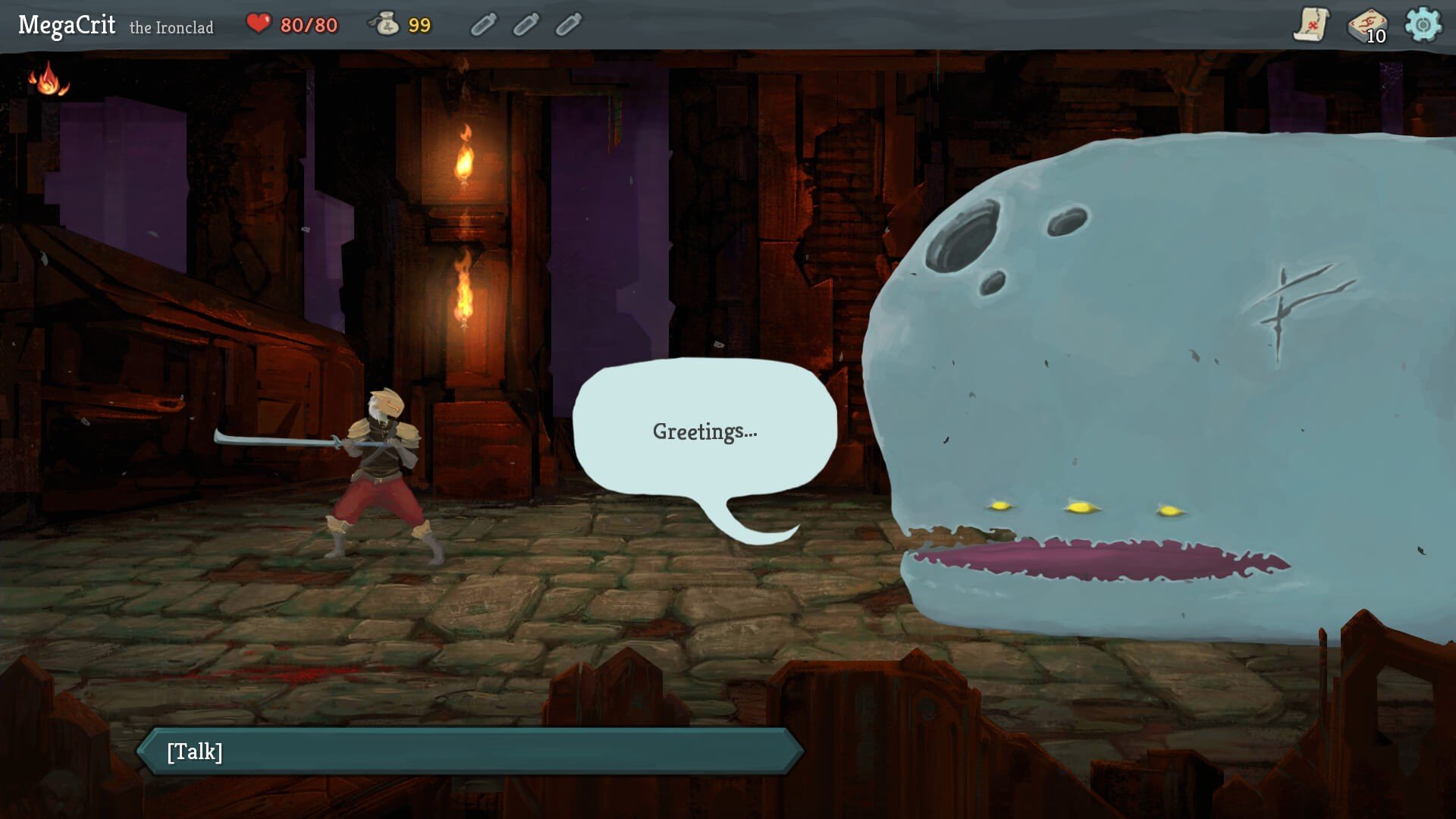
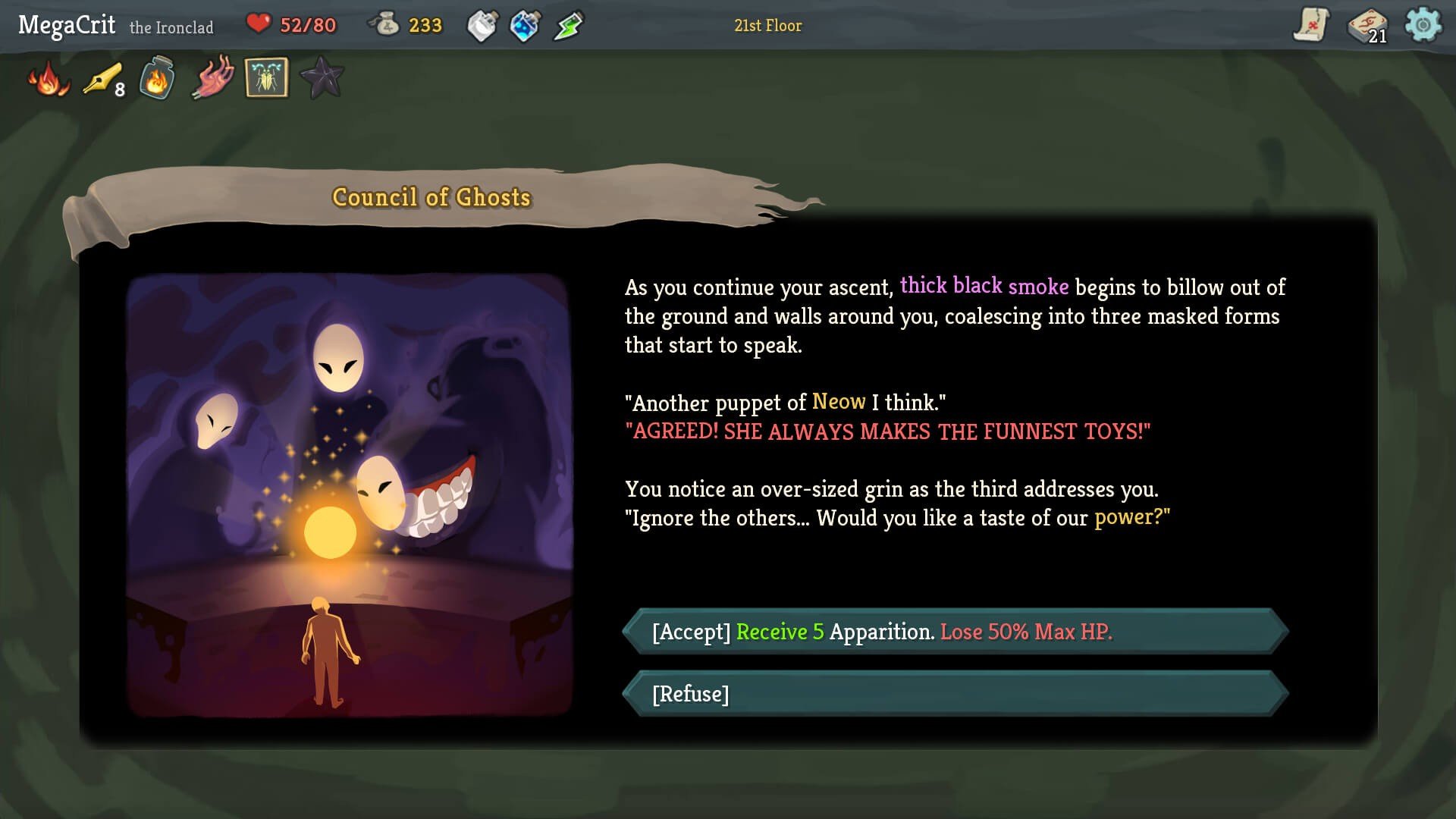
Slay the Spire, developed by MegaCrit, is a game that has captivated players since its release in 2019. At its core, it combines the thrill of roguelike progression with the strategic depth of a deck-building card game, creating a gaming experience that is both challenging and endlessly replayable. Unlike traditional card games, where victories often hinge on luck or a single powerful card, Slay the Spire rewards planning, adaptability, and careful decision-making.
The premise is simple yet compelling: players select one of several characters, each with a unique starting deck and abilities, and attempt to climb a procedurally generated spire. Each floor of the spire presents new encounters, ranging from hostile enemies and elite bosses to random events that can drastically alter the course of a run. This procedural design ensures that no two playthroughs are ever the same, keeping players on their toes and constantly thinking ahead.
Deck-building is at the heart of the game’s strategy. Players begin with a basic set of cards but must expand their deck by carefully choosing from new cards offered after battles or through events. The challenge lies in creating synergy between cards, managing limited energy per turn, and anticipating enemy behavior. A well-constructed deck can turn a seemingly impossible encounter into a triumph, while poor decisions can quickly lead to defeat. This dynamic creates a constant tension that makes the game both addictive and intellectually satisfying.
Beyond the mechanics, Slay the Spire shines in its balance and polish. Each character feels distinct, with playstyles ranging from aggressive attack-focused decks to defensive or resource-managing approaches. The enemies, too, are designed to test different strategies, forcing players to adapt constantly. The game’s progression system, which unlocks new cards, relics, and even additional characters, adds a sense of growth and reward that keeps players coming back.
A significant part of the game’s appeal is its accessibility. The visual style is simple but effective, ensuring that players can focus on strategy rather than being distracted by overly complex graphics. The interface is intuitive, making it easy for newcomers to understand, while the depth of strategy keeps veteran players engaged. Moreover, the game encourages experimentation, allowing players to try unconventional strategies that may not work initially but can lead to satisfying breakthroughs when executed correctly.
Slay the Spire has left a lasting impact on the indie gaming scene. It has inspired a wave of deck-building roguelikes, proving that innovative mechanics paired with thoughtful design can captivate audiences without relying on massive budgets or flashy visuals. More than just a card game, it’s a lesson in strategic thinking, risk management, and creativity, wrapped in an addictive, endlessly replayable package.
In conclusion, Slay the Spire is a masterclass in game design. Its blend of strategy, randomness, and progression creates a deeply satisfying experience for both casual players and hardcore strategists. Climbing the spire is not just about defeating enemies; it’s about making choices, adapting to challenges, and building a deck that truly reflects your approach to the game. For anyone interested in strategy games or deck-building adventures, Slay the Spire is a must-play.
OS: OSX 10.14+Processor: 2.0 GhzRAM: 2 GBVideo card: 1Gb Video Memory, capable of OpenGL 3.0+ support (2.1 with ARB extensions acceptable)Disk space: 1 GB
Mount the downloaded image and drag the game to the Applications folder.
Frequently Asked Questions
Mount the image and run Open Gatekeeper friendly.
Press Enter to bypass Gatekeeper in the Terminal window.
Drag the application to the Applications folder.
The application is ready for use.
ATTENTION! SIP must be disabled. Learn more >
Restart your Mac and hold down Command + R to enter Recovery Mode.
Open Terminal from the Utilities menu.
Enter the command: csrutil disable
Restart your Mac.
This is a common Gatekeeper issue. Follow these steps:
1. Open Terminal
2. Enter: sudo xattr -rd com.apple.quarantine /Applications/AppName.app
3. Replace "AppName" with the actual application name
4. Press Enter and enter your password
Yes, all our downloads are thoroughly checked for viruses and malware.
We use multiple antivirus engines to scan every file.
Our team tests each application before publishing.
We never bundle adware or unwanted software.
Yes, we regularly update our applications to the latest versions.
You can check our website for updates or subscribe to our newsletter.
We strive to provide the most recent versions within 24-48 hours of release.
If a download link is not working, please:
1. Try a different browser
2. Clear your browser cache and cookies
3. Try the alternative download links provided
4. Contact our support team if the issue persists