Kind Words (lo fi chill beats to write to)

Published:
137 MB4 downloads

Kind Words (lo fi chill beats to write to) is a quietly powerful experience that stands apart from traditional video games. Created by Popcannibal, it is less about winning or progression and more about empathy, reflection, and emotional honesty. In a digital world often defined by competition and noise, Kind Words offers something rare: a calm, anonymous space where people can share their worries and support one another through simple, heartfelt messages.

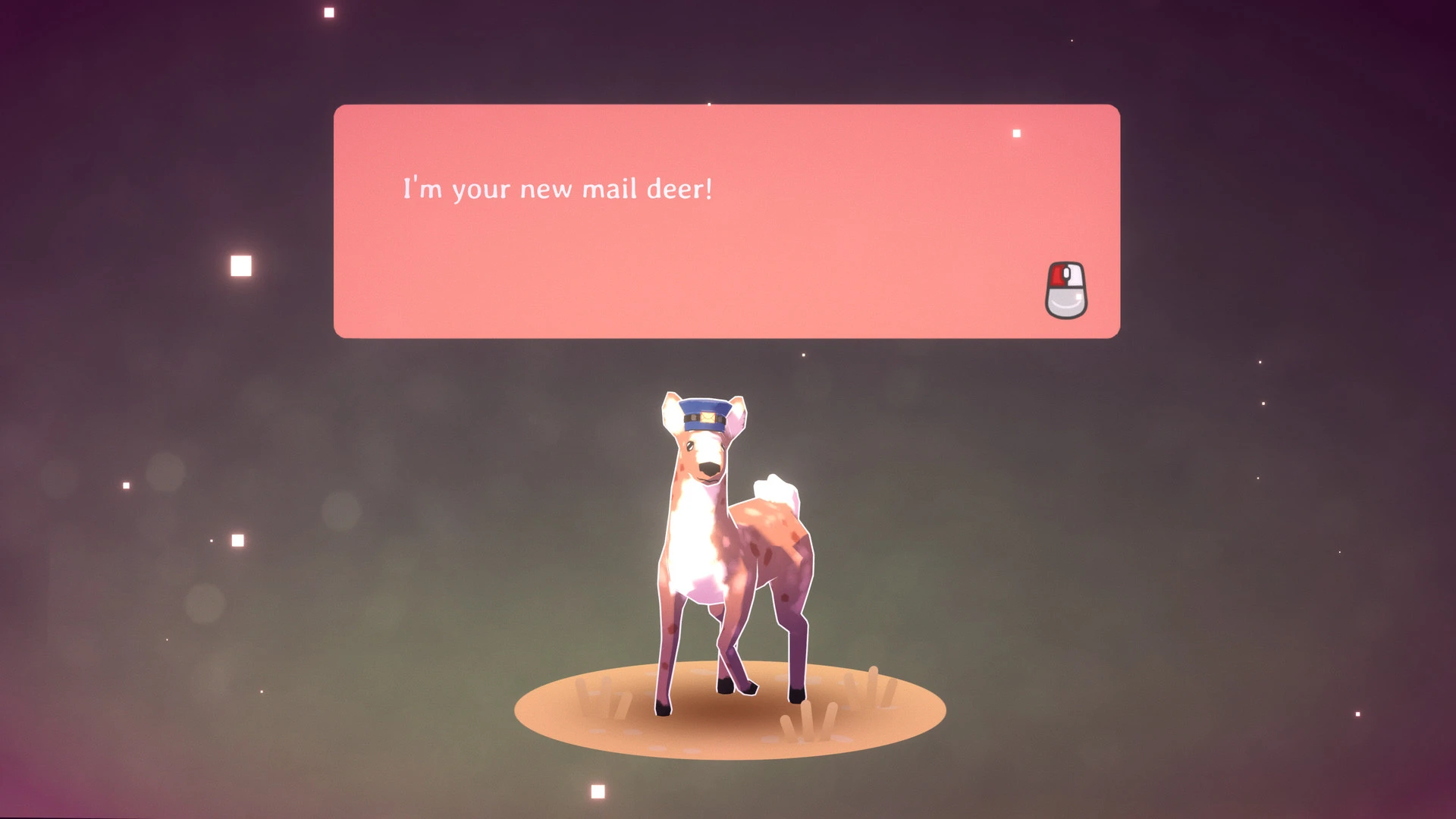
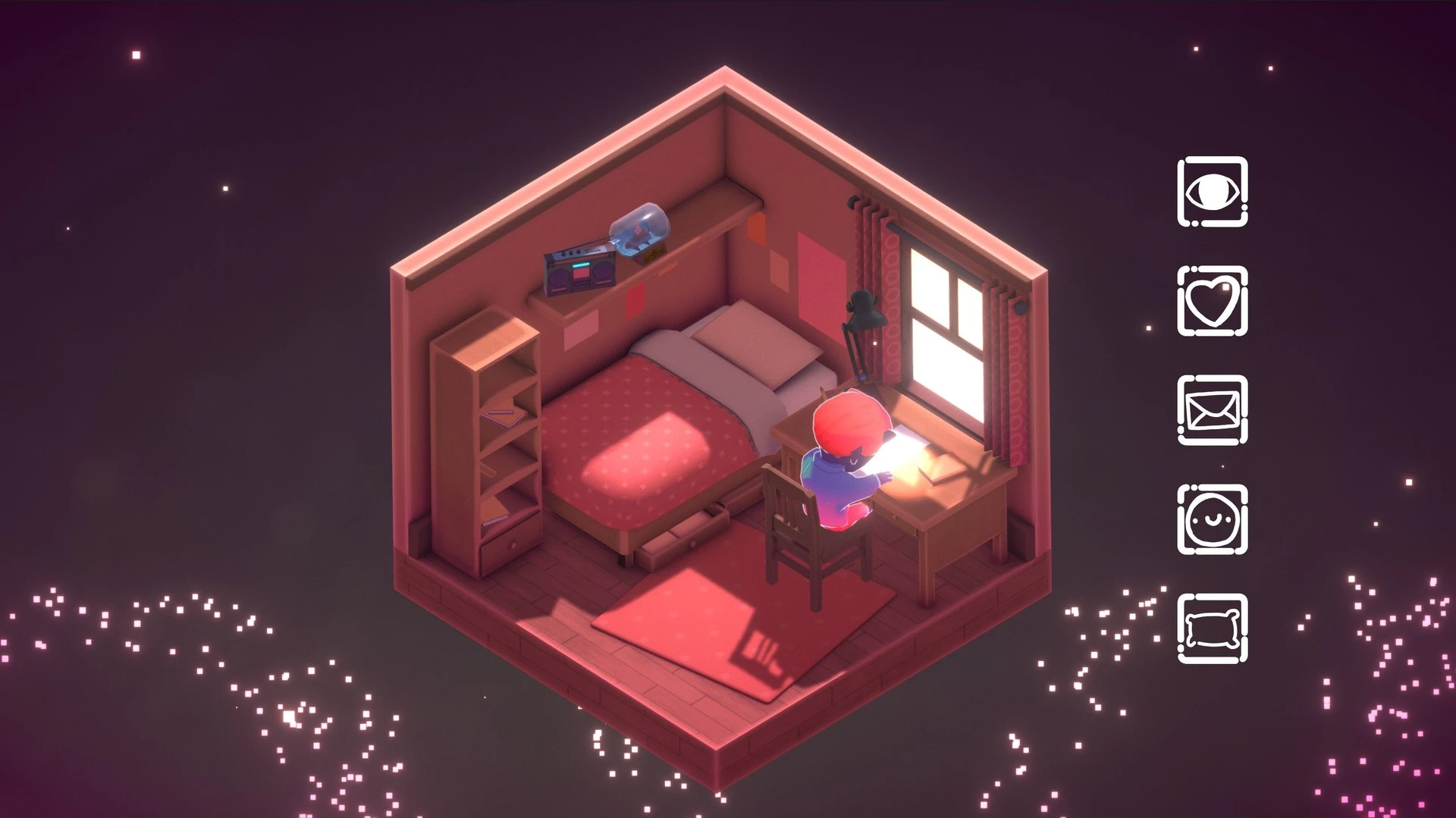
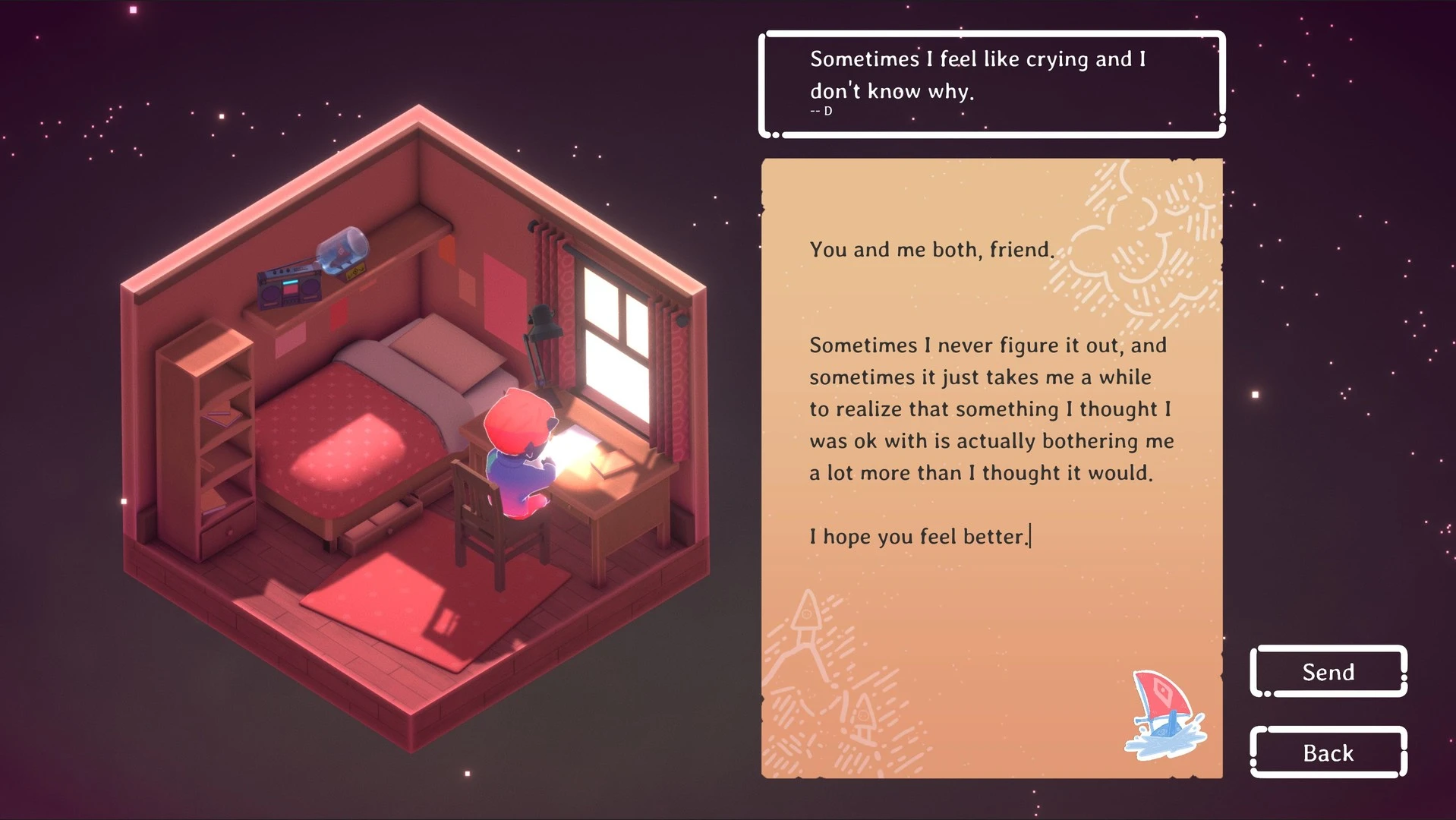
The premise of the game is refreshingly minimal. Players sit in a cozy virtual bedroom while soft lo-fi music plays in the background. From here, they can write letters about their concerns—stress, loneliness, self-doubt, or everyday struggles—and send them out into the world. In return, players receive messages from others who have taken the time to respond with encouragement, understanding, or thoughtful advice. There are no usernames, profiles, or scores, allowing interactions to remain focused purely on the words being exchanged.

What makes Kind Words especially impactful is its emphasis on sincerity. Without the pressure of public visibility or social judgment, players often express themselves more openly than they would on traditional social platforms. The anonymity creates a sense of safety, encouraging vulnerability and honesty. Reading messages from strangers who genuinely care can be unexpectedly moving, reminding players that empathy exists even in unseen places.

The gameplay mechanics are simple, but they are carefully designed to foster kindness. Players are gently guided to offer supportive responses rather than criticism or solutions that feel dismissive. This encourages active listening and emotional awareness, transforming the act of writing into a mindful exercise. Over time, responding to others becomes just as meaningful as receiving replies, creating a quiet cycle of shared compassion.

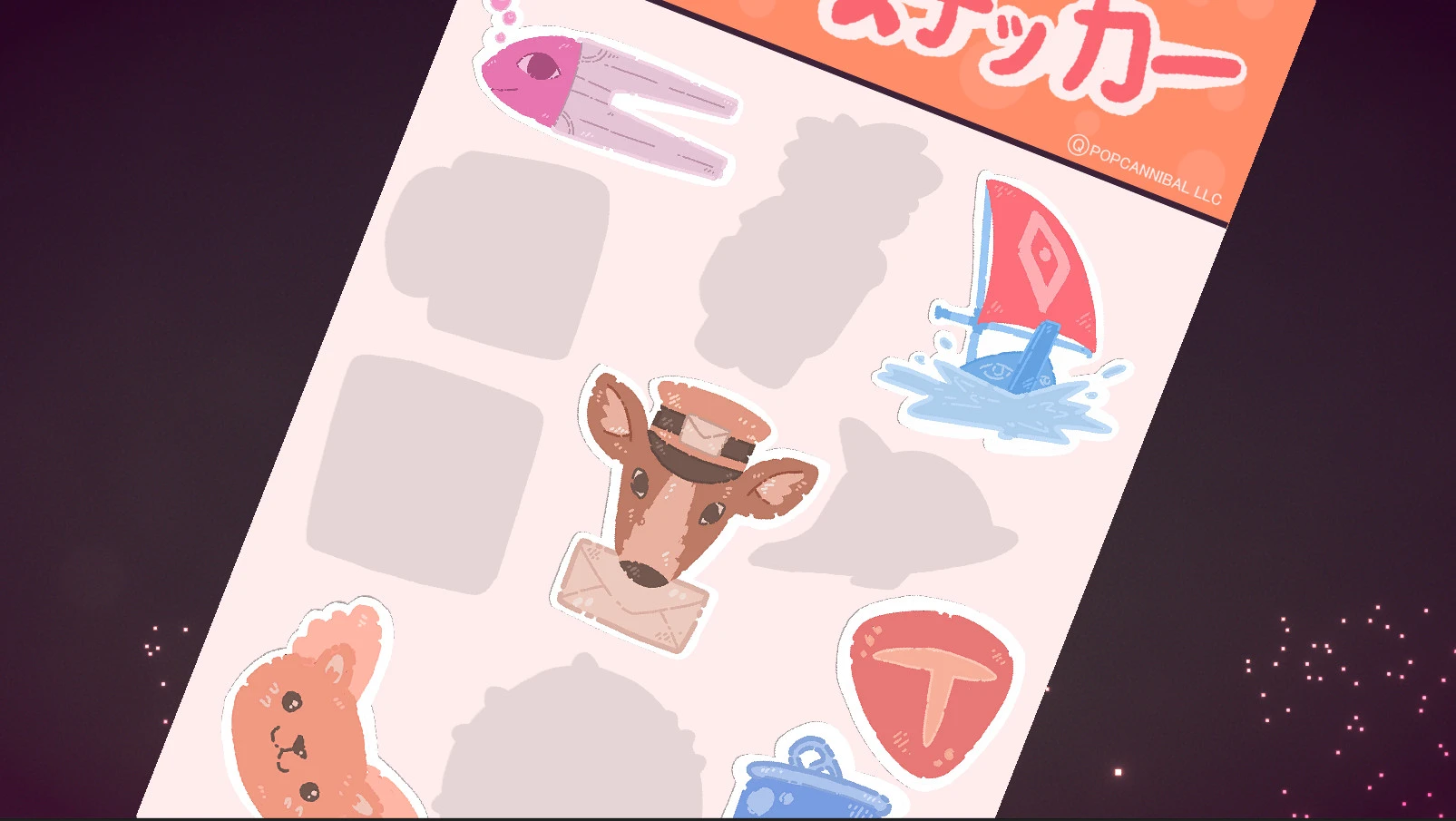
The game’s presentation reinforces its soothing tone. The lo-fi soundtrack provides a steady, calming rhythm that makes it easy to relax and focus. Visuals are warm and minimal, featuring soft colors, handwritten letters, and small decorative items that personalize the virtual room. Players can unlock stickers and customize their space, adding a light creative element without distracting from the emotional core of the experience.

Kind Words does not attempt to replace therapy or offer professional advice, and it never claims to solve deep personal problems. Instead, it acknowledges the value of small gestures. A few kind sentences, written with care, can make someone feel seen and understood, even if only for a moment. This modest goal is what gives the game its quiet strength.

In conclusion, Kind Words (lo fi chill beats to write to) is a gentle reminder of the power of empathy in a disconnected world. By creating a space where people can share feelings without fear and offer support without expectation, it transforms simple writing into an act of kindness. For those seeking comfort, calm, or a reminder that they are not alone, Kind Words provides an experience that is deeply human, soothing, and quietly meaningful.

OS: High Sierra 10.13+
Processor: SSE2 instruction set support
RAM: 4 GB RAM
Disk space: 300 MB

Run the downloaded image and drag the application to the Applications folder shortcut.
Once the copy is complete, you can launch the application from Launchpad.
Frequently Asked Questions

Mount the image and run Open Gatekeeper friendly.

Press Enter to bypass Gatekeeper in the Terminal window.

Drag the application to the Applications folder.

The application is ready for use.

ATTENTION! SIP must be disabled. Learn more >

Restart your Mac and hold down Command + R to enter Recovery Mode.

Open Terminal from the Utilities menu.

Enter the command: csrutil disable

Restart your Mac.

This is a common Gatekeeper issue. Follow these steps:

1. Open Terminal

2. Enter: sudo xattr -rd com.apple.quarantine /Applications/AppName.app

3. Replace "AppName" with the actual application name

4. Press Enter and enter your password

Yes, all our downloads are thoroughly checked for viruses and malware.

We use multiple antivirus engines to scan every file.

Our team tests each application before publishing.

We never bundle adware or unwanted software.

Yes, we regularly update our applications to the latest versions.

You can check our website for updates or subscribe to our newsletter.

We strive to provide the most recent versions within 24-48 hours of release.

If a download link is not working, please:

1. Try a different browser

2. Clear your browser cache and cookies

3. Try the alternative download links provided

4. Contact our support team if the issue persists