


Sons of the Forest
Download Sons of the Forest
Run the downloaded image and drag the application to the Applications folder shortcut.
Once copying is complete, the application can be launched via Launchpad.
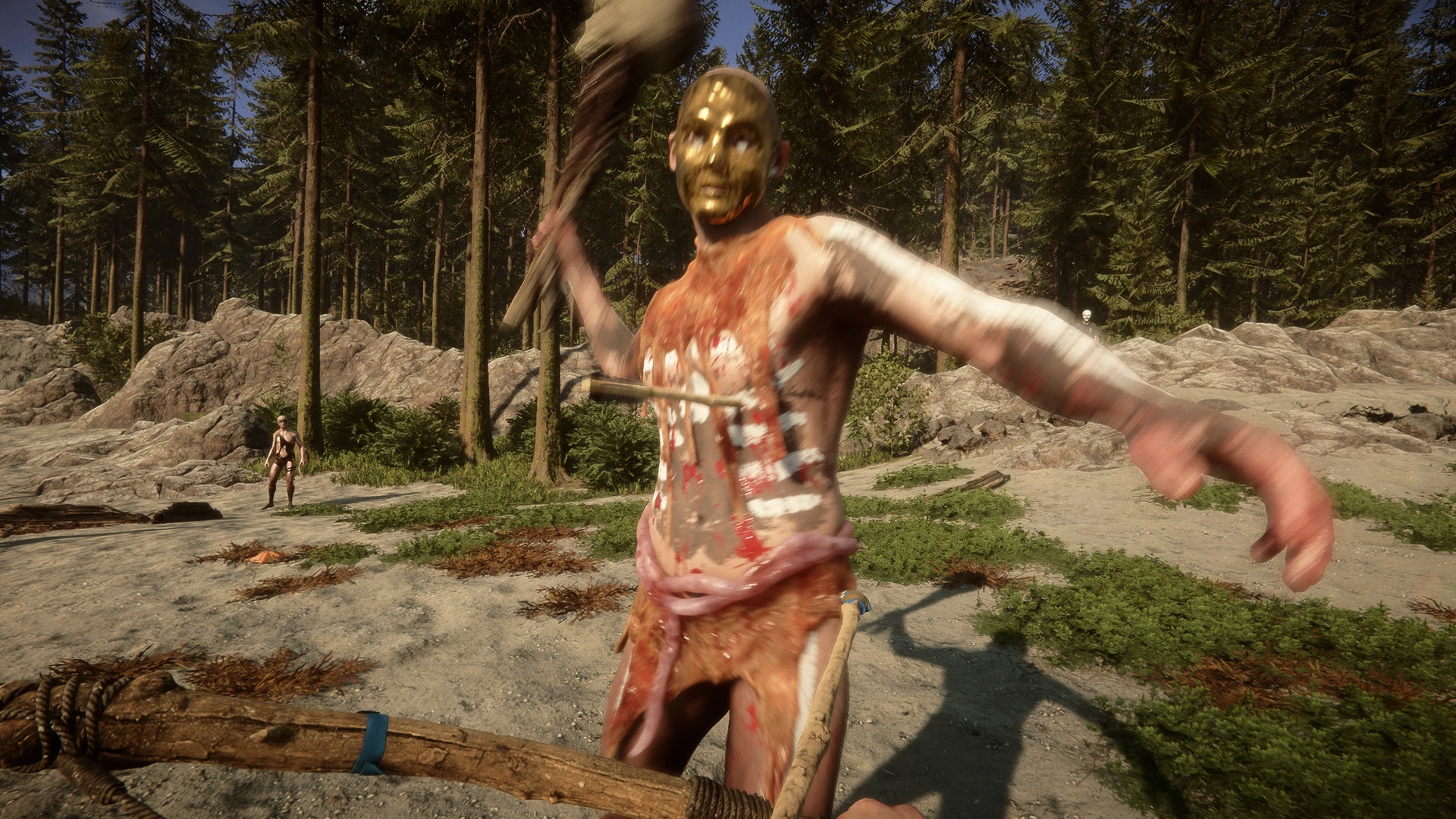

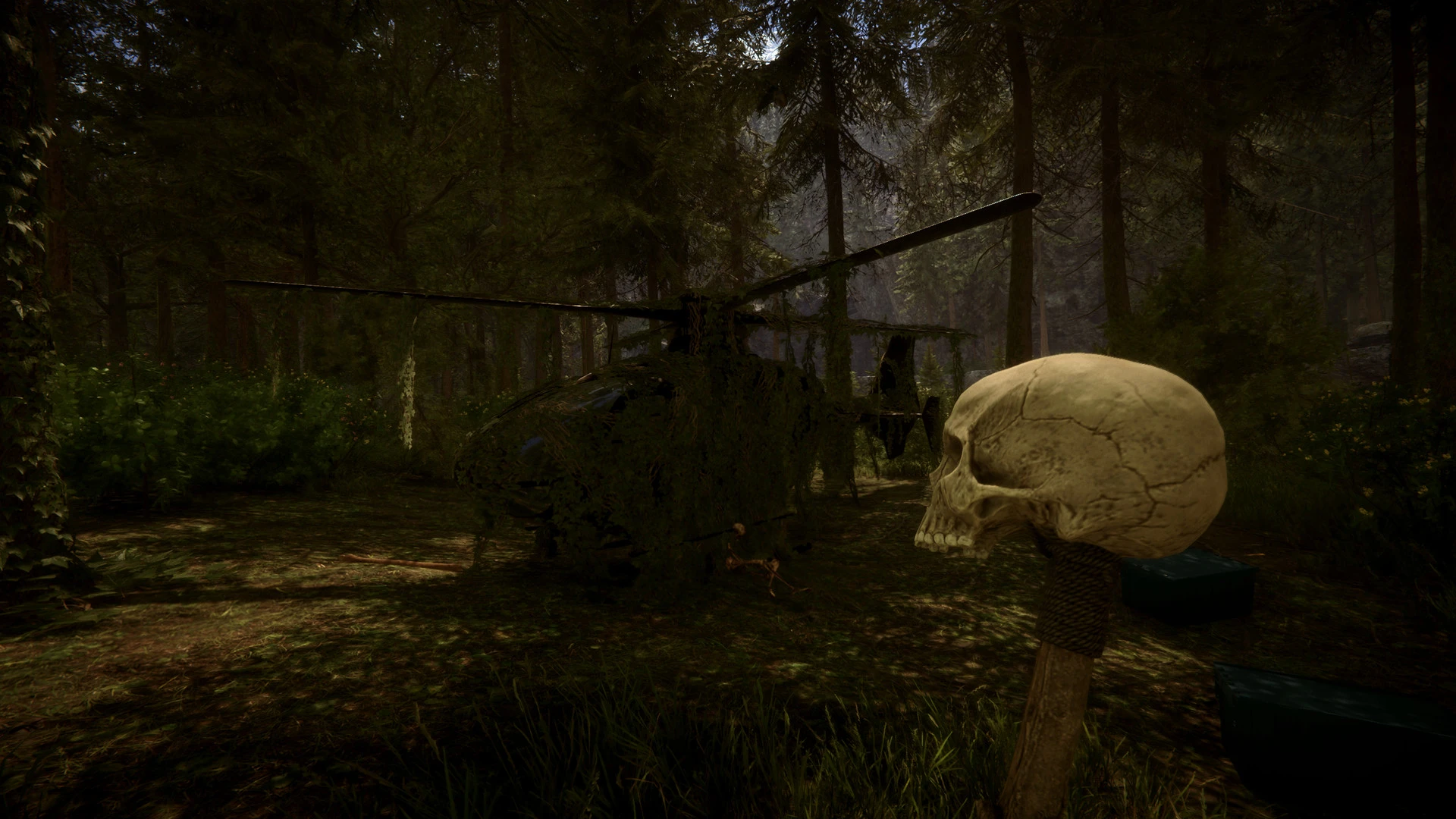

In the realm of survival horror games, Sons of the Forest emerges as a chilling, immersive experience that pushes the boundaries of tension and exploration. As the sequel to the acclaimed The Forest, this title expands on its predecessor’s strengths while introducing new gameplay mechanics, terrifying creatures, and a story that keeps players on edge from start to finish.
Set in a remote and mysterious forest, the game places players in the shoes of a survivor stranded in an environment teeming with danger. Unlike conventional survival games, Sons of the Forest combines survival mechanics with psychological horror, creating an atmosphere that feels both oppressive and unpredictable. From dense woodland areas to abandoned structures, every location is meticulously designed to foster a sense of isolation and dread. The attention to environmental detail enhances immersion, making the forest itself feel like a living, breathing entity that players must respect and navigate carefully.
Survival is at the heart of the gameplay. Players must manage resources such as food, water, and shelter while crafting weapons, tools, and defensive structures to protect themselves from hostile forces. Unlike simpler survival games, Sons of the Forest introduces dynamic threats, including intelligent enemies that react to player strategies. This unpredictability keeps players constantly alert, as no encounter is ever truly safe. Additionally, day-night cycles and weather conditions influence both survival tactics and enemy behavior, adding depth and realism to the experience.
The game also emphasizes exploration and discovery. Hidden throughout the forest are secrets, clues, and remnants of past events that piece together a larger narrative. Players are encouraged to investigate their surroundings carefully, as every detail could reveal valuable resources or provide insight into the forest’s dark mysteries. This integration of environmental storytelling ensures that the world feels alive and worth exploring.
Combat in Sons of the Forest is tense and strategic. Players can use an array of weapons, from improvised melee tools to firearms, but ammunition and supplies are limited, forcing thoughtful decision-making. Stealth plays a critical role, as avoiding detection often proves more effective than direct confrontation. The game’s AI ensures that enemies are relentless and adaptive, requiring players to remain vigilant and resourceful at all times.
Beyond gameplay mechanics, Sons of the Forest excels in creating psychological tension. The combination of eerie sound design, unsettling visuals, and the unknown lurking behind every tree or shadow contributes to a constant sense of dread. Players are not only battling the forest’s creatures but also confronting the fear of the unknown, making every moment suspenseful and engaging.
In conclusion, Sons of the Forest is a masterful blend of survival mechanics, horror elements, and immersive storytelling. Its dynamic environments, intelligent enemies, and focus on player choice create an experience that is as challenging as it is captivating. For fans of survival horror seeking an adventure that tests both strategy and nerves, Sons of the Forest delivers a gripping journey into the heart of darkness.
▎Apple Silicon (ARM)- macOS Tahoe 26.1-26.2 and later. - Apple Silicon (M1 Pro and higher).- ±16 GB of shared memory.- ±18 GB free space.▎Dualshock/Dualsense gamepad support available
Run the downloaded image and drag the application to the Applications folder shortcut.
Once copying is complete, the application can be launched via Launchpad.
Frequently Asked Questions
Mount the image and run Open Gatekeeper friendly.
Press Enter to bypass Gatekeeper in the Terminal window.
Drag the application to the Applications folder.
The application is ready for use.
ATTENTION! SIP must be disabled. Learn more >
Restart your Mac and hold down Command + R to enter Recovery Mode.
Open Terminal from the Utilities menu.
Enter the command: csrutil disable
Restart your Mac.
This is a common Gatekeeper issue. Follow these steps:
1. Open Terminal
2. Enter: sudo xattr -rd com.apple.quarantine /Applications/AppName.app
3. Replace "AppName" with the actual application name
4. Press Enter and enter your password
Yes, all our downloads are thoroughly checked for viruses and malware.
We use multiple antivirus engines to scan every file.
Our team tests each application before publishing.
We never bundle adware or unwanted software.
Yes, we regularly update our applications to the latest versions.
You can check our website for updates or subscribe to our newsletter.
We strive to provide the most recent versions within 24-48 hours of release.
If a download link is not working, please:
1. Try a different browser
2. Clear your browser cache and cookies
3. Try the alternative download links provided
4. Contact our support team if the issue persists