


Space Pirates and Zombies 2
Download Space Pirates and Zombies 2
Run the downloaded image and follow the standard installation procedure.
The installation is completed by choosing a location to place the game.
It is recommended to specify the Applications folder.
Previous Versions
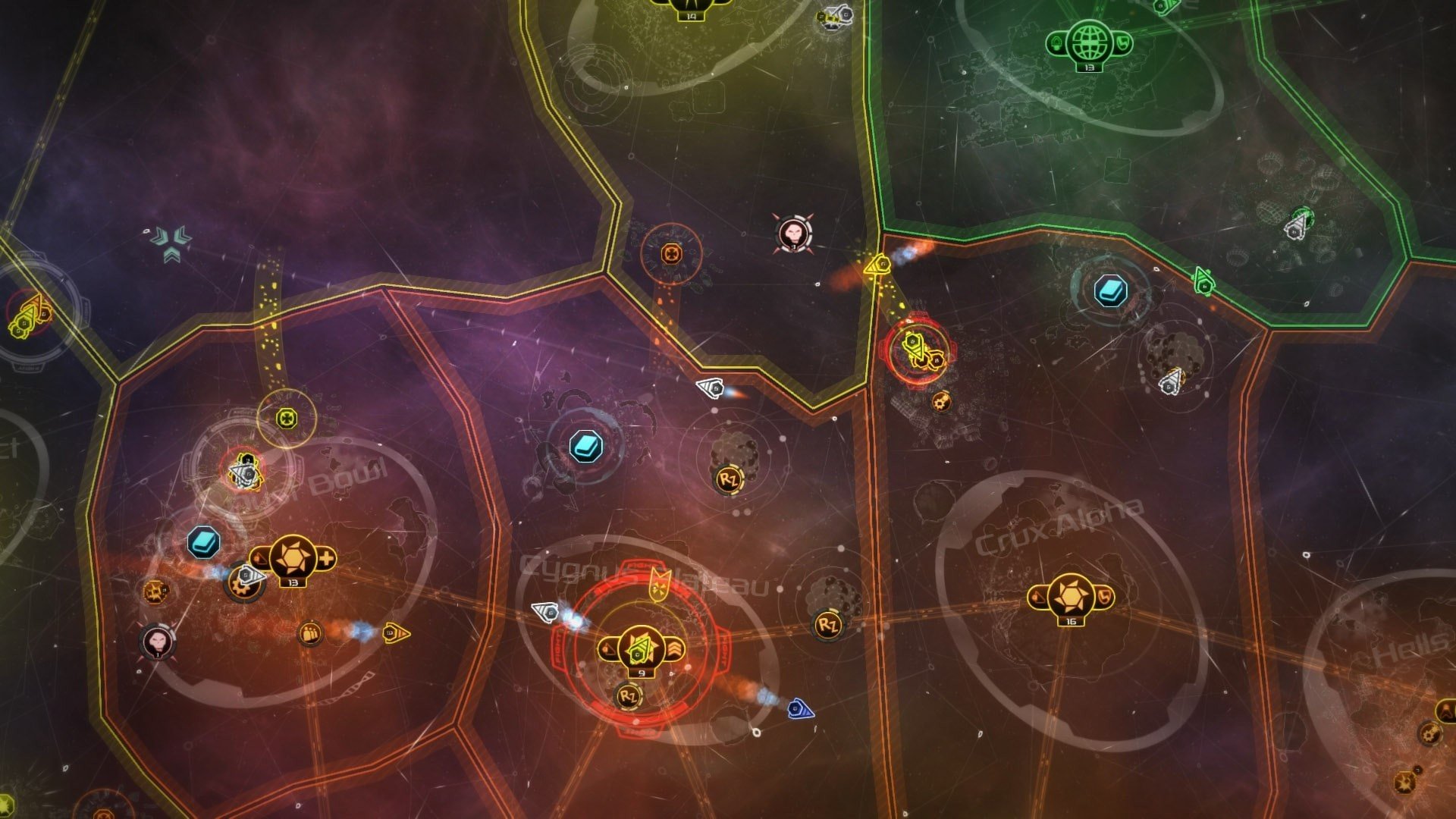
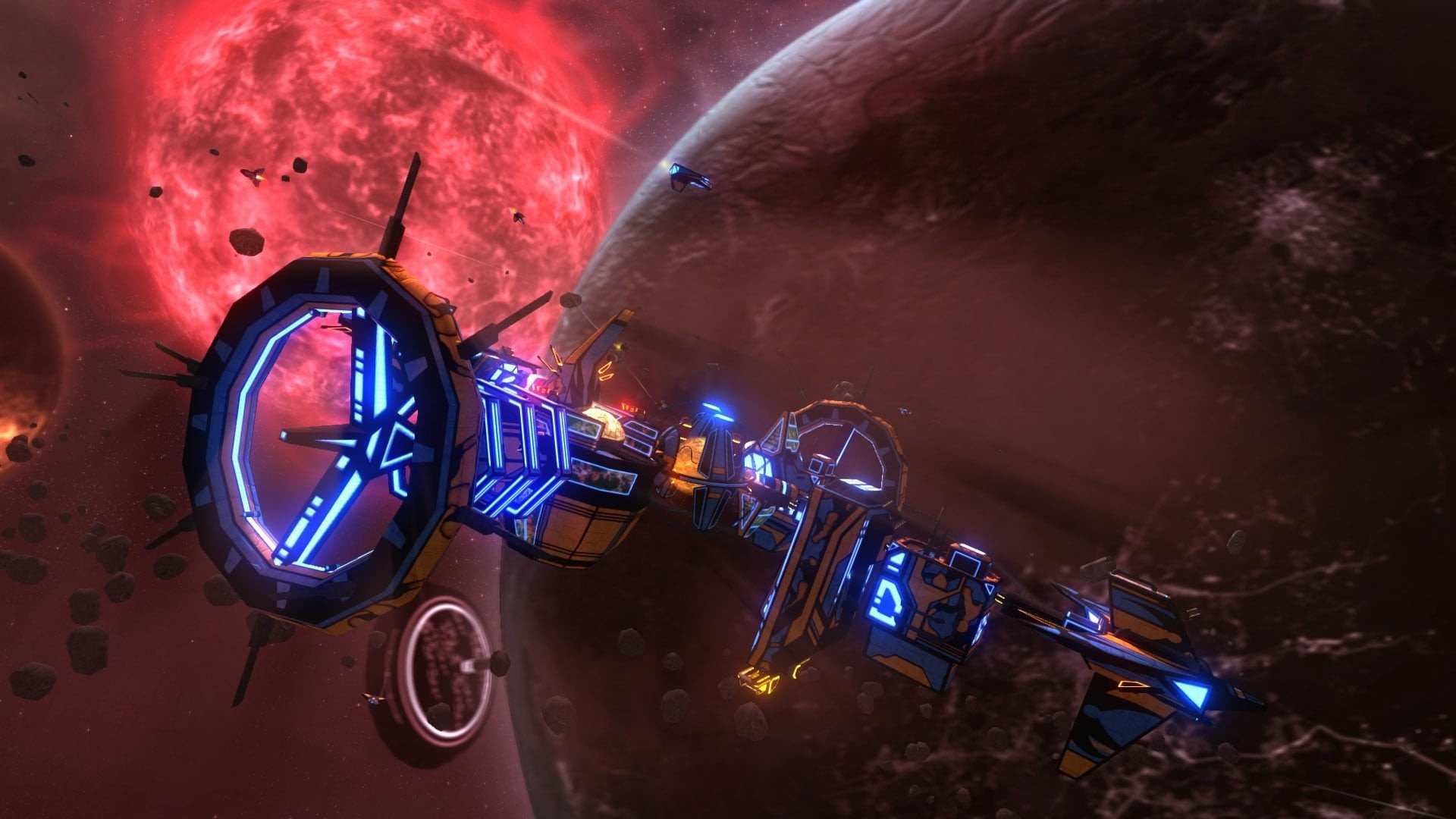
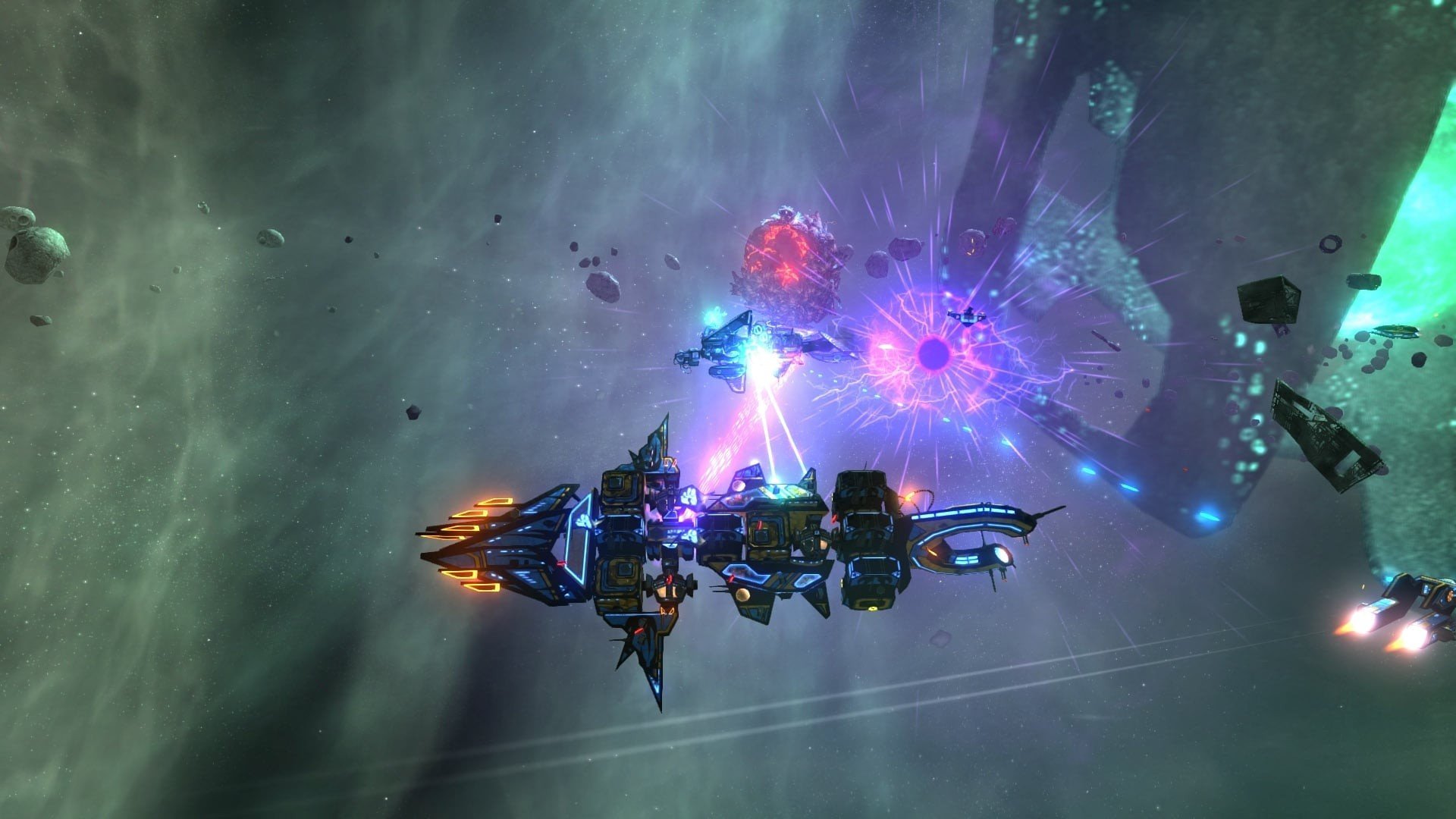
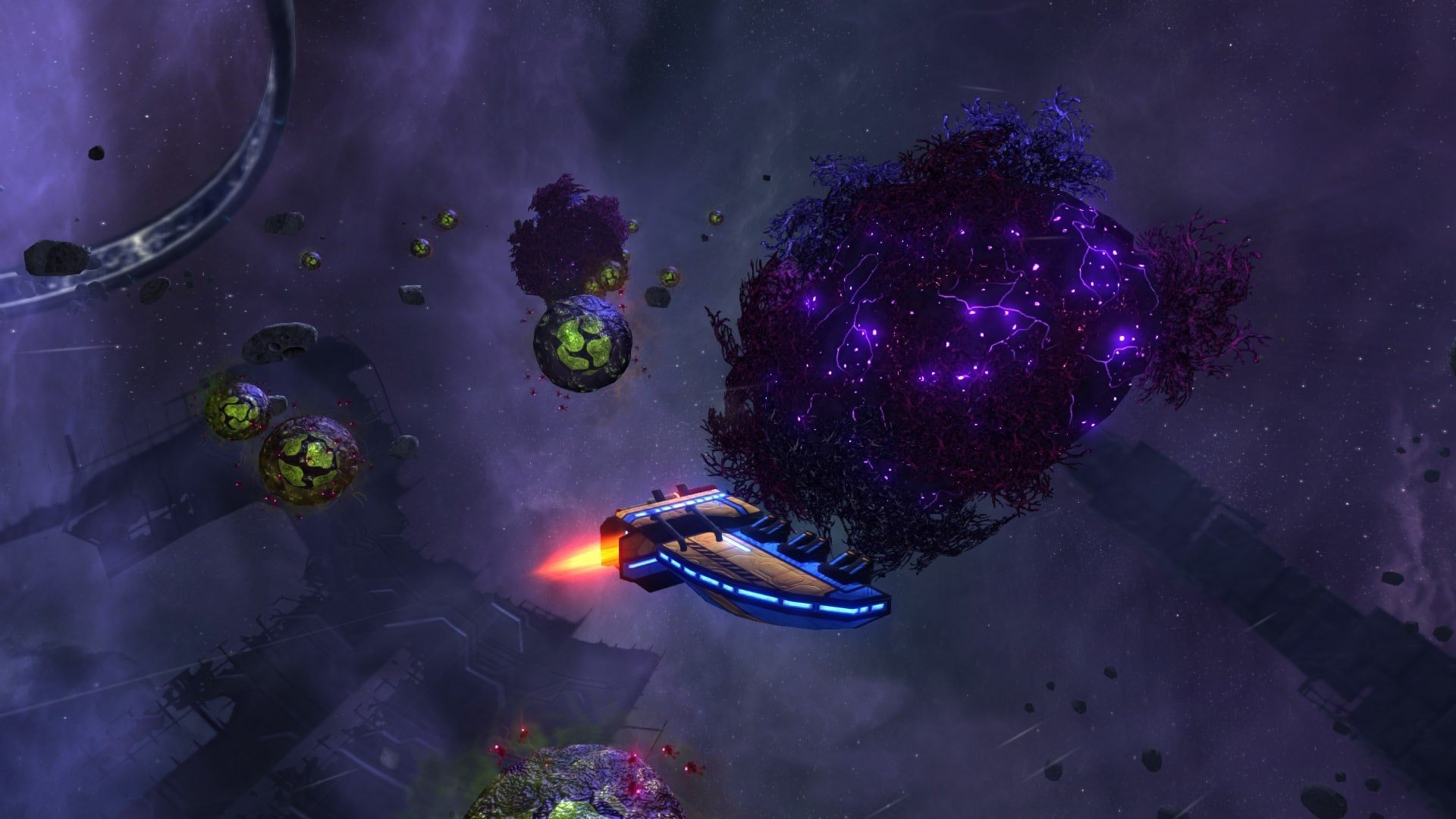
In the vast cosmos of video games, Space Pirates and Zombies 2 (often abbreviated as SPAZ 2) stands out as a rich and unpredictable blend of exploration, strategy, and action. Developed and published by the indie studio MinMax Games Ltd., this title offers players more than just traditional space combat; it presents a living, evolving universe where survival is never guaranteed and every decision matters.
At its core, Space Pirates and Zombies 2 drops players into a post‑apocalyptic galaxy. Although the immediate zombie threat has been quelled, civilization has collapsed, leaving behind a fractured stellar frontier where fuel is scarce and humanity clings to survival. In this unforgiving environment, hundreds of autonomous fleets roam the stars, each commanded by captains who possess the same abilities as the player. These captains aren’t just background characters; they think, act, and shape the galactic landscape independently.
What makes this game particularly compelling is its dynamic faction system. As resources grow limited, alliances form, and rivalries flare. Some captains band together for mutual protection while others become ruthless bandits, preying on anything that crosses their path. The galaxy doesn’t revolve around the player — instead, it reacts and evolves, offering a different experience with each playthrough.
Combat in Space Pirates and Zombies 2 is both tactical and visceral. Instead of simply blasting enemies into oblivion, players can salvage damaged parts from defeated ships and attach them to their own vessel using a tractor beam. This modular system means that no two ships ever feel the same. Whether you want to build a nimble interceptor or a lumbering dreadnought bristling with weapons, the choice is yours — but every design comes with trade‑offs in speed, power, and maneuverability.
Adding depth to combat is the game’s physics‑based environment, where every part of a ship can take damage, break off, or even be thrown during battle. This unpredictable element forces players to adapt on the fly, adjusting tactics as explosions reshape the battlefield. Strategic ship building isn’t just about aesthetic choices; it directly influences how your craft performs under fire.
Beyond combat and construction, the game lets players carve out their own destiny. You can cultivate relationships with other factions, establish territories, and even form your own faction from scratch. The persistent galaxy means that your influence — or infamy — will have lasting consequences long after you log off.
Another notable feature is the game’s sandbox flexibility. Players can customize nearly every aspect of their experience, from the size of the galaxy to the behavior of opposing fleets. Some versions even support virtual reality, offering an immersive way to engage with this sprawling universe.
In a genre crowded with space shooters and strategy titles, Space Pirates and Zombies 2 distinguishes itself by blending depth with creativity. Its unpredictable galaxy, modular ship building, and emergent storytelling create a world that feels alive — and unforgiving. For gamers who crave exploration, challenge, and the freedom to define their path among the stars, this title offers a unique journey worth embarking on.
OS: Mac OS X 10.8.5+RAM: 8 GB Disk space: 4 GB
Run the downloaded image and follow the standard installation procedure.
The installation is completed by choosing a location to place the game.
It is recommended to specify the Applications folder.
Frequently Asked Questions
Mount the image and run Open Gatekeeper friendly.
Press Enter to bypass Gatekeeper in the Terminal window.
Drag the application to the Applications folder.
The application is ready for use.
ATTENTION! SIP must be disabled. Learn more >
Restart your Mac and hold down Command + R to enter Recovery Mode.
Open Terminal from the Utilities menu.
Enter the command: csrutil disable
Restart your Mac.
This is a common Gatekeeper issue. Follow these steps:
1. Open Terminal
2. Enter: sudo xattr -rd com.apple.quarantine /Applications/AppName.app
3. Replace "AppName" with the actual application name
4. Press Enter and enter your password
Yes, all our downloads are thoroughly checked for viruses and malware.
We use multiple antivirus engines to scan every file.
Our team tests each application before publishing.
We never bundle adware or unwanted software.
Yes, we regularly update our applications to the latest versions.
You can check our website for updates or subscribe to our newsletter.
We strive to provide the most recent versions within 24-48 hours of release.
If a download link is not working, please:
1. Try a different browser
2. Clear your browser cache and cookies
3. Try the alternative download links provided
4. Contact our support team if the issue persists