Spidersaurs

Published:
1.08 GB9 downloads

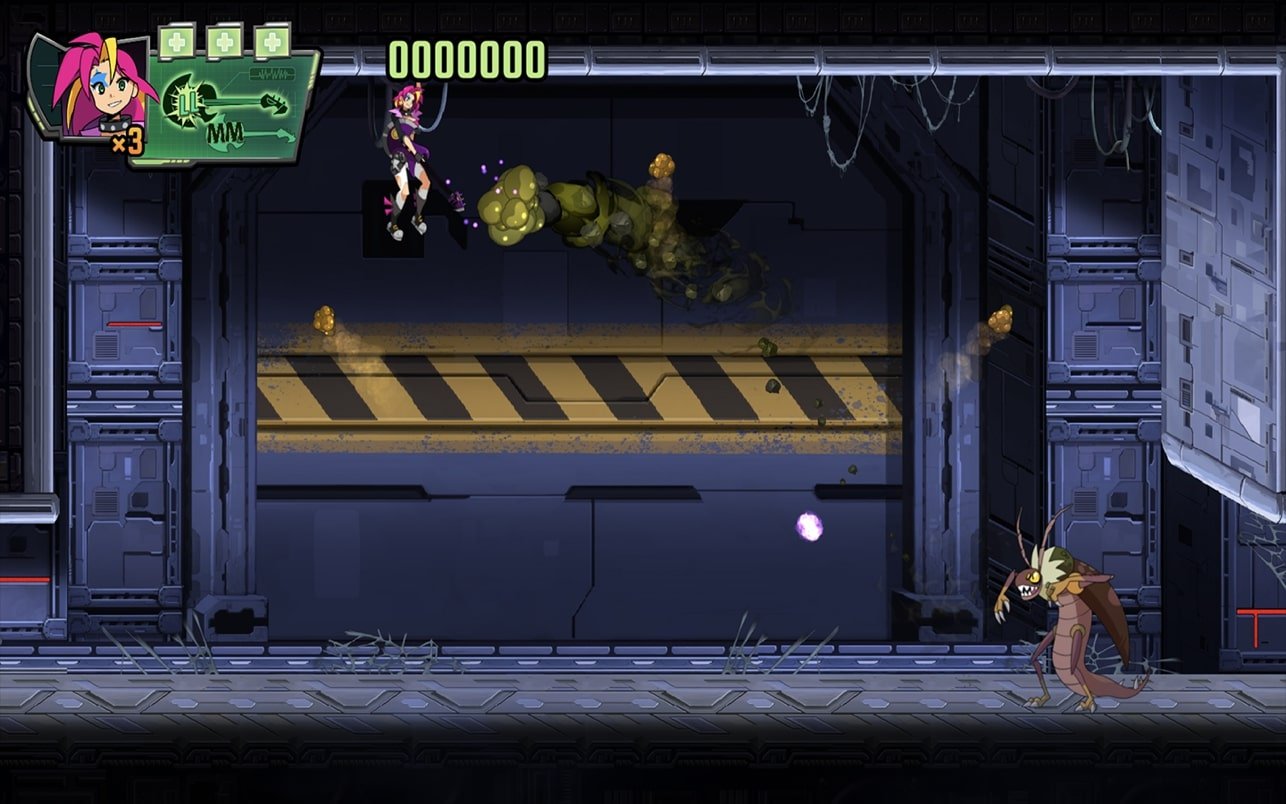
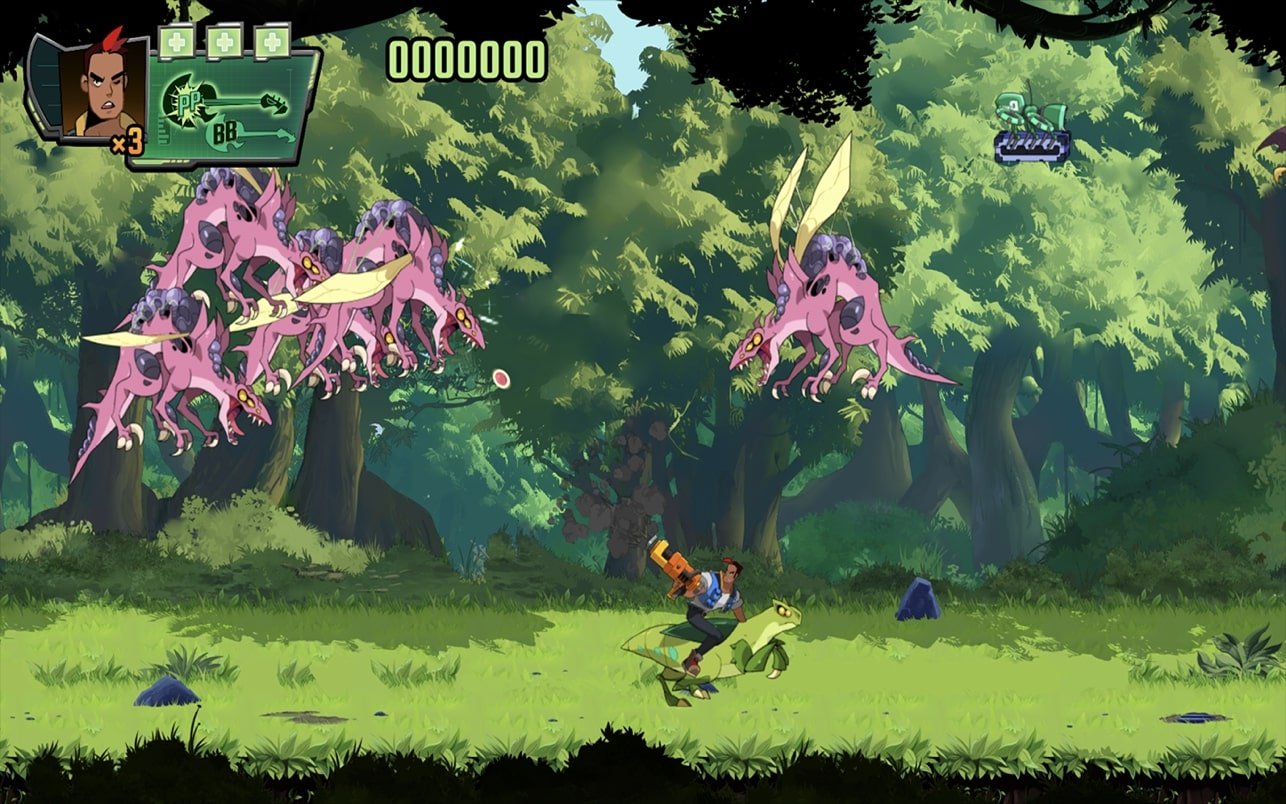
Spidersaurs is a fast-paced, side-scrolling action game that proudly embraces the spirit of classic arcade shooters. Developed by WayForward, the game delivers a wild blend of science fiction, mutant monsters, and explosive combat. With its bold visuals and relentless energy, Spidersaurs feels like a love letter to old-school run-and-gun games, while still offering enough modern polish to keep the experience engaging and accessible.

The premise is delightfully outrageous. In a near-future setting, genetically engineered creatures known as Spidersaurs—half spider, half dinosaur—are created to solve global food shortages. Predictably, things go horribly wrong. The creatures escape containment, spreading chaos and destruction. Players step into the roles of elite operatives tasked with stopping the outbreak before humanity is overwhelmed. This over-the-top storyline sets the tone for a game that never takes itself too seriously and fully embraces its absurd charm.

Gameplay in Spidersaurs focuses on constant movement, quick reflexes, and raw firepower. Players battle through hordes of enemies across multiple levels filled with hazards, traps, and massive boss fights. Each playable character brings a unique combat style, encouraging experimentation and replayability. Weapons evolve as players progress, transforming basic attacks into devastating tools capable of clearing entire screens. This progression keeps the action feeling fresh while rewarding skillful play.

The level design is straightforward but effective. Stages are packed with enemies that demand attention from every direction, forcing players to stay alert and mobile. While the challenge can be intense, the game balances difficulty with responsive controls and generous checkpoints. This ensures that failure feels like part of the learning process rather than a punishment, maintaining a steady rhythm of action and improvement.

Visually, Spidersaurs stands out with its vibrant, cartoon-inspired art style. Enemy designs are exaggerated and grotesque in a playful way, turning mutated creatures into memorable opponents. Explosions, laser blasts, and animated effects fill the screen, creating a sense of constant motion and excitement. The art direction perfectly matches the game’s energetic tone, making every encounter feel larger than life.

Sound design further enhances the experience. The soundtrack is packed with driving, energetic tracks that push players forward during intense battles. Sound effects are punchy and satisfying, giving every shot and explosion a sense of impact. Together, the audio and visuals create a cohesive atmosphere that keeps adrenaline levels high from start to finish.

What makes Spidersaurs especially appealing is its commitment to fun above all else. It doesn’t overcomplicate its mechanics or slow down the action with unnecessary systems. Instead, it focuses on delivering a pure, high-energy experience that rewards quick thinking and sharp reflexes. Cooperative play adds another layer of enjoyment, allowing players to team up and tackle the chaos together.

In the end, Spidersaurs is a celebration of arcade-style action, blending outrageous creativity with polished gameplay. It captures the thrill of classic shooters while injecting enough personality to stand on its own. For players who crave nonstop action, bold visuals, and unapologetic fun, Spidersaurs offers a wild ride filled with mutation, mayhem, and nonstop excitement.

System: Mac OS 10.15.0+

Run the downloaded image and drag the game to the Applications folder shortcut.
Once the copying is complete, the game can be launched via Launchpad.

Frequently Asked Questions

Mount the image and run Open Gatekeeper friendly.

Press Enter to bypass Gatekeeper in the Terminal window.

Drag the application to the Applications folder.

The application is ready for use.

ATTENTION! SIP must be disabled. Learn more >

Restart your Mac and hold down Command + R to enter Recovery Mode.

Open Terminal from the Utilities menu.

Enter the command: csrutil disable

Restart your Mac.

This is a common Gatekeeper issue. Follow these steps:

1. Open Terminal

2. Enter: sudo xattr -rd com.apple.quarantine /Applications/AppName.app

3. Replace "AppName" with the actual application name

4. Press Enter and enter your password

Yes, all our downloads are thoroughly checked for viruses and malware.

We use multiple antivirus engines to scan every file.

Our team tests each application before publishing.

We never bundle adware or unwanted software.

Yes, we regularly update our applications to the latest versions.

You can check our website for updates or subscribe to our newsletter.

We strive to provide the most recent versions within 24-48 hours of release.

If a download link is not working, please:

1. Try a different browser

2. Clear your browser cache and cookies

3. Try the alternative download links provided

4. Contact our support team if the issue persists