


Squiggle Drop
Download Squiggle Drop
Run the downloaded image and drag the application to the Applications folder shortcut.
Once the copy is complete, you can launch the application from Launchpad.
Previous Versions
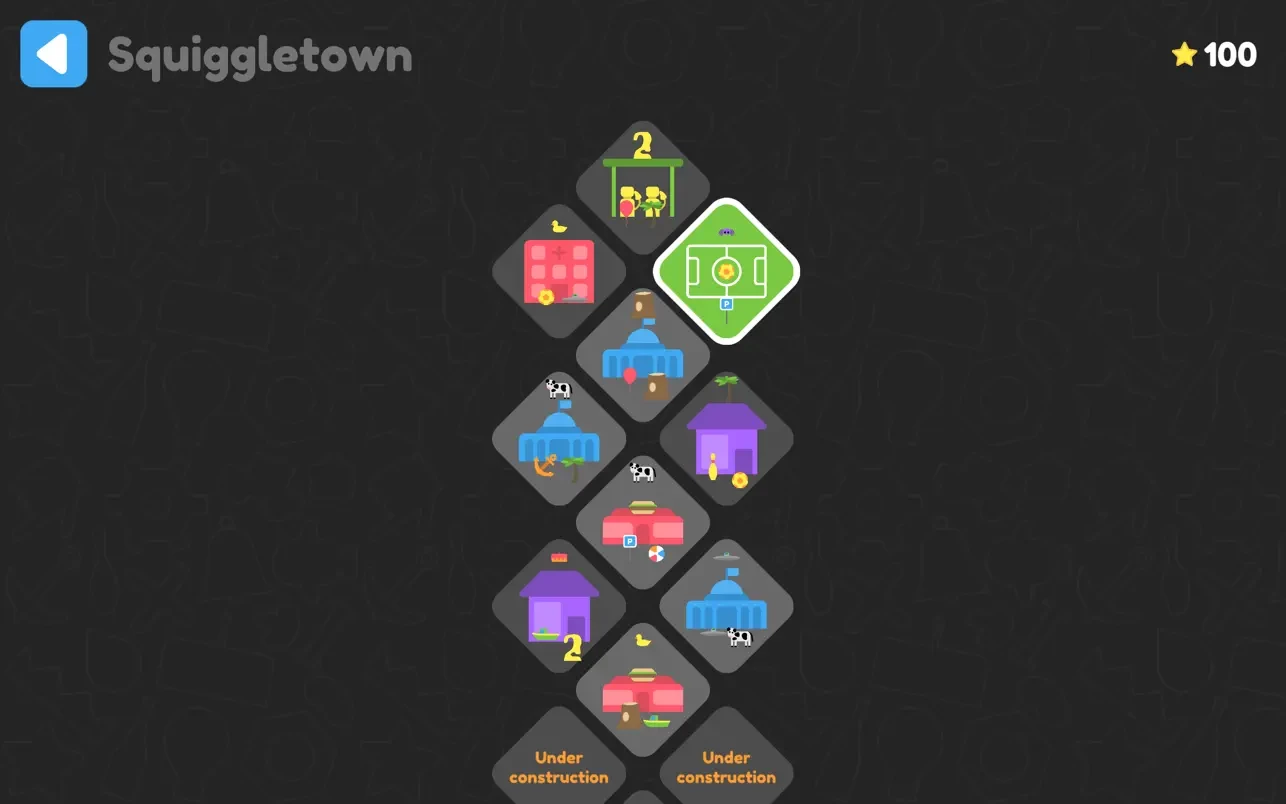
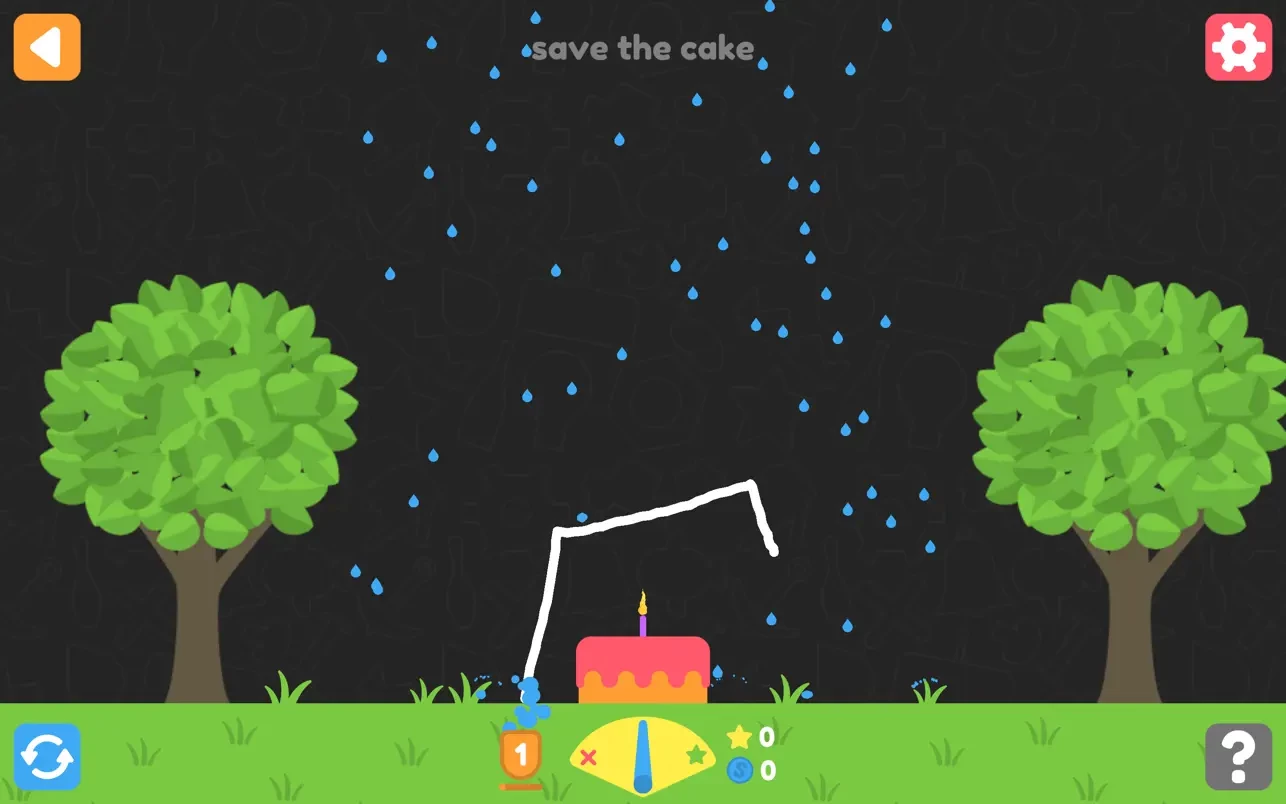
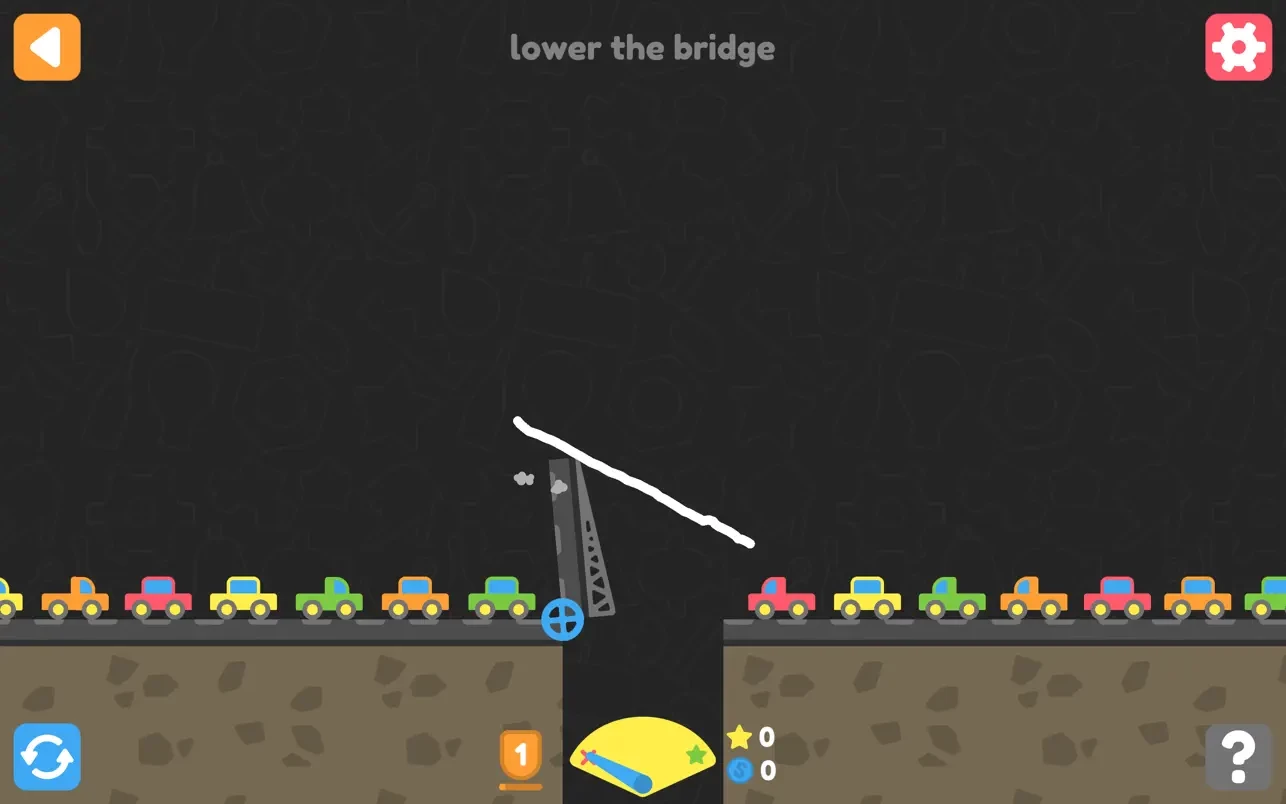
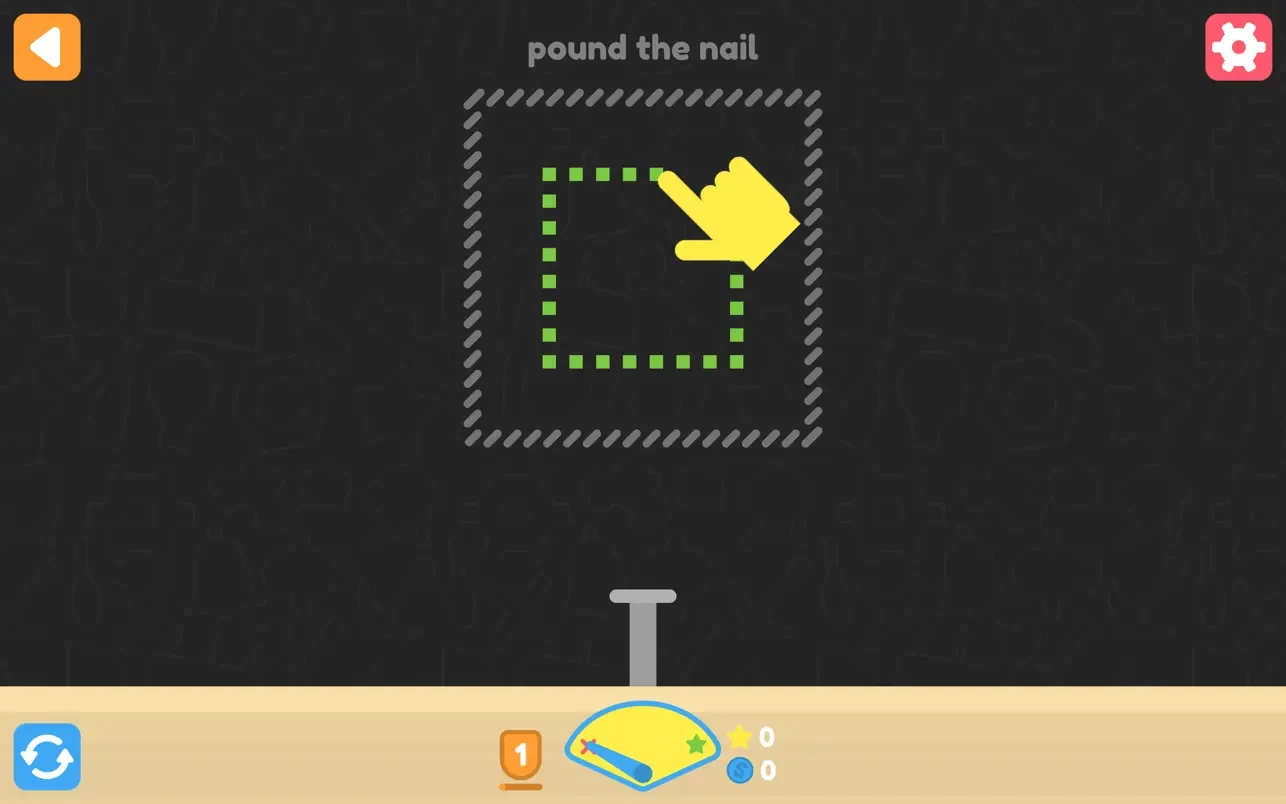
In the ever-evolving landscape of puzzle games, Squiggle Drop has emerged as a standout title, offering players a refreshing blend of strategy, precision, and creativity. Unlike conventional puzzle games that rely on static grids or predictable mechanics, Squiggle Drop introduces a dynamic, fluid gameplay system that keeps players engaged and constantly thinking ahead.
At its core, Squiggle Drop challenges players to navigate a series of squiggly paths, dropping objects from the top of the screen and guiding them toward specific targets. What makes this deceptively simple concept fascinating is the intricate physics engine underlying the game. Each object reacts realistically to gravity, momentum, and collisions, meaning that players must consider not only the immediate path of a drop but also how it interacts with obstacles and moving platforms along the way. This adds a layer of depth and strategy rarely seen in similar casual games.
One of the most compelling aspects of Squiggle Drop is its intuitive controls. Designed to appeal to both casual players and puzzle enthusiasts, the game allows for precise swipes and taps that manipulate the trajectory of objects. This tactile engagement makes the experience feel more like a hands-on experiment than a conventional puzzle challenge. Players often find themselves experimenting with different drop points, angles, and timings, which encourages creative problem-solving and adds replay value.
Visually, Squiggle Drop strikes a balance between simplicity and charm. The minimalist design keeps the focus on gameplay while vibrant colors and smooth animations create an appealing, almost hypnotic atmosphere. Each level introduces new visual elements and obstacles, ensuring that the environment remains fresh and engaging. From shifting platforms to bouncing barriers, the variety in level design keeps players on their toes and prevents the game from feeling repetitive.
The progression system in Squiggle Drop is equally noteworthy. Players unlock increasingly complex levels that gradually introduce new mechanics, such as movable platforms, timed obstacles, and interactive elements that respond to the player’s actions. This gradual increase in difficulty is carefully calibrated, ensuring that players are consistently challenged without feeling overwhelmed. The game also incorporates optional achievements and hidden collectibles, adding another layer of motivation for completionists.
Beyond gameplay mechanics, Squiggle Drop shines in its ability to foster a sense of satisfaction and accomplishment. Successfully navigating a difficult level or discovering a clever solution produces a tangible feeling of reward, making the game both addictive and gratifying. It’s this combination of skill, creativity, and mental engagement that elevates Squiggle Drop from a simple casual game to a memorable puzzle experience.
In conclusion, Squiggle Drop is a testament to the enduring appeal of innovative puzzle design. Its fluid mechanics, engaging visuals, and thoughtful progression system make it a must-play for anyone seeking a game that challenges the mind while providing endless entertainment. By merging creativity, strategy, and intuitive controls, Squiggle Drop has secured its place as a unique and captivating entry in the world of puzzle gaming.
Requires macOS 10.15.0 or later.
Run the downloaded image and drag the application to the Applications folder shortcut.
Once the copy is complete, you can launch the application from Launchpad.
Frequently Asked Questions
Mount the image and run Open Gatekeeper friendly.
Press Enter to bypass Gatekeeper in the Terminal window.
Drag the application to the Applications folder.
The application is ready for use.
ATTENTION! SIP must be disabled. Learn more >
Restart your Mac and hold down Command + R to enter Recovery Mode.
Open Terminal from the Utilities menu.
Enter the command: csrutil disable
Restart your Mac.
This is a common Gatekeeper issue. Follow these steps:
1. Open Terminal
2. Enter: sudo xattr -rd com.apple.quarantine /Applications/AppName.app
3. Replace "AppName" with the actual application name
4. Press Enter and enter your password
Yes, all our downloads are thoroughly checked for viruses and malware.
We use multiple antivirus engines to scan every file.
Our team tests each application before publishing.
We never bundle adware or unwanted software.
Yes, we regularly update our applications to the latest versions.
You can check our website for updates or subscribe to our newsletter.
We strive to provide the most recent versions within 24-48 hours of release.
If a download link is not working, please:
1. Try a different browser
2. Clear your browser cache and cookies
3. Try the alternative download links provided
4. Contact our support team if the issue persists