


Stardeus
Download Stardeus
Run the downloaded image and drag the application to the Applications folder shortcut.
Once copying is complete, the application can be launched via Launchpad.
Previous Versions
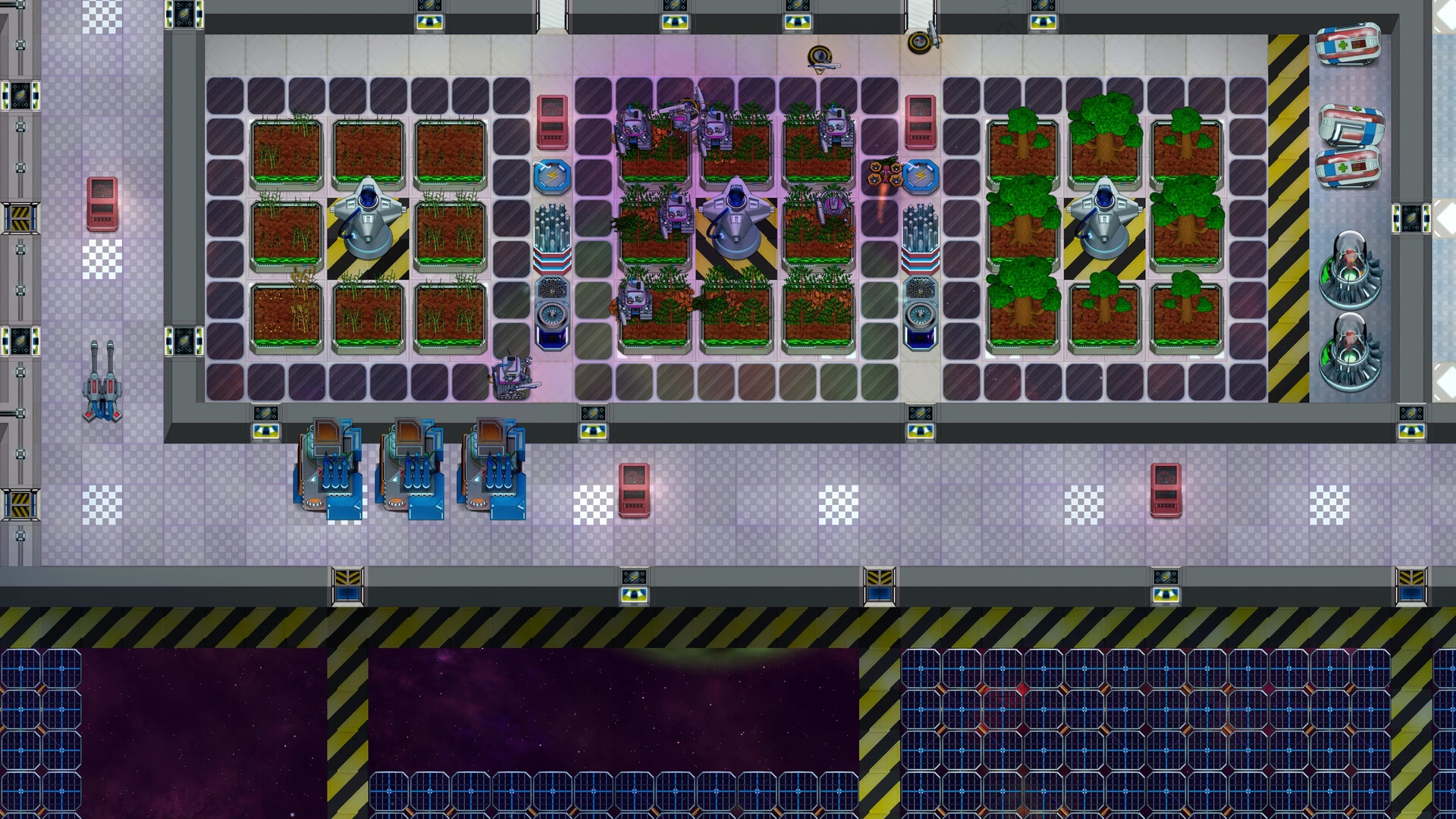
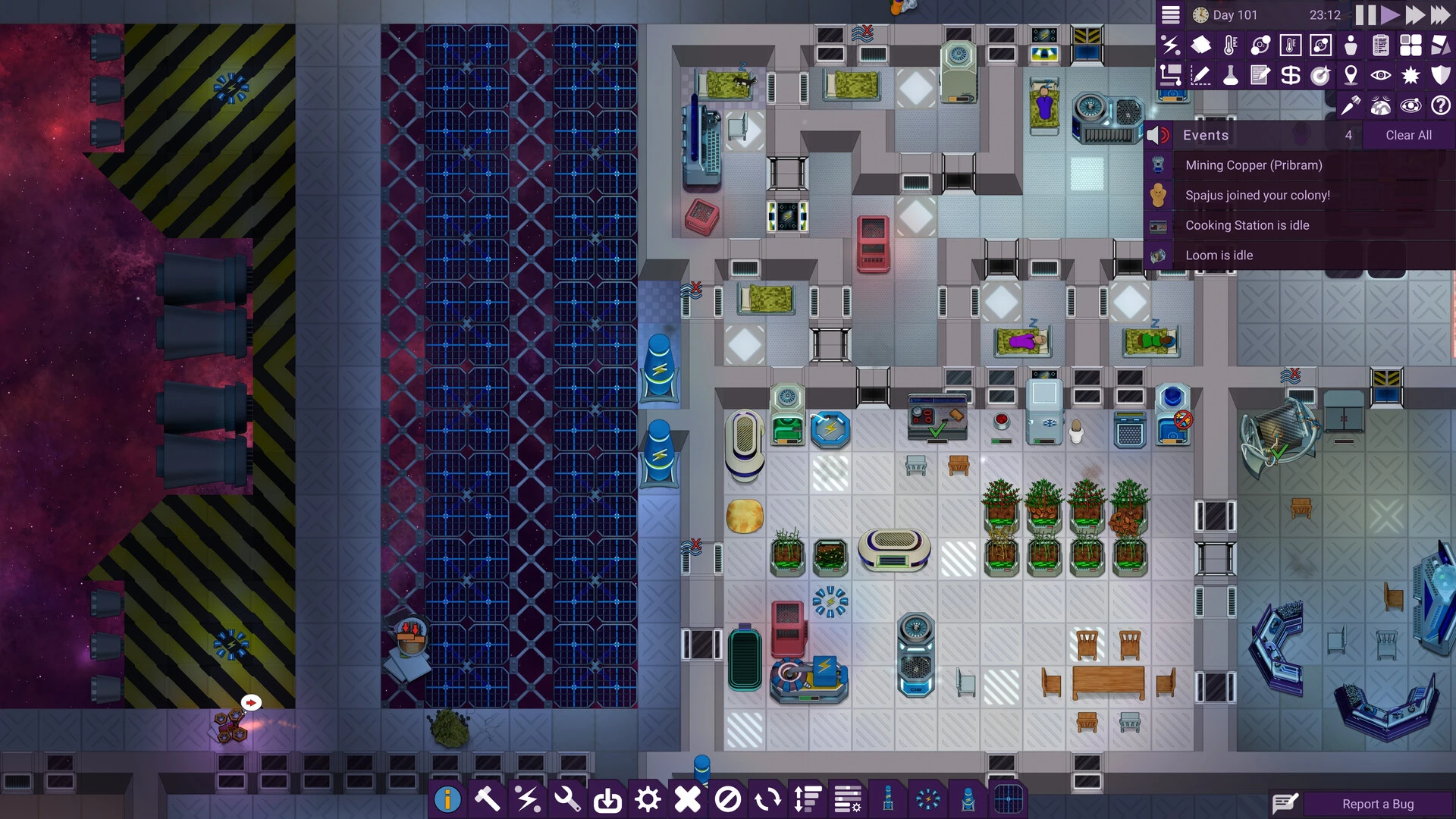
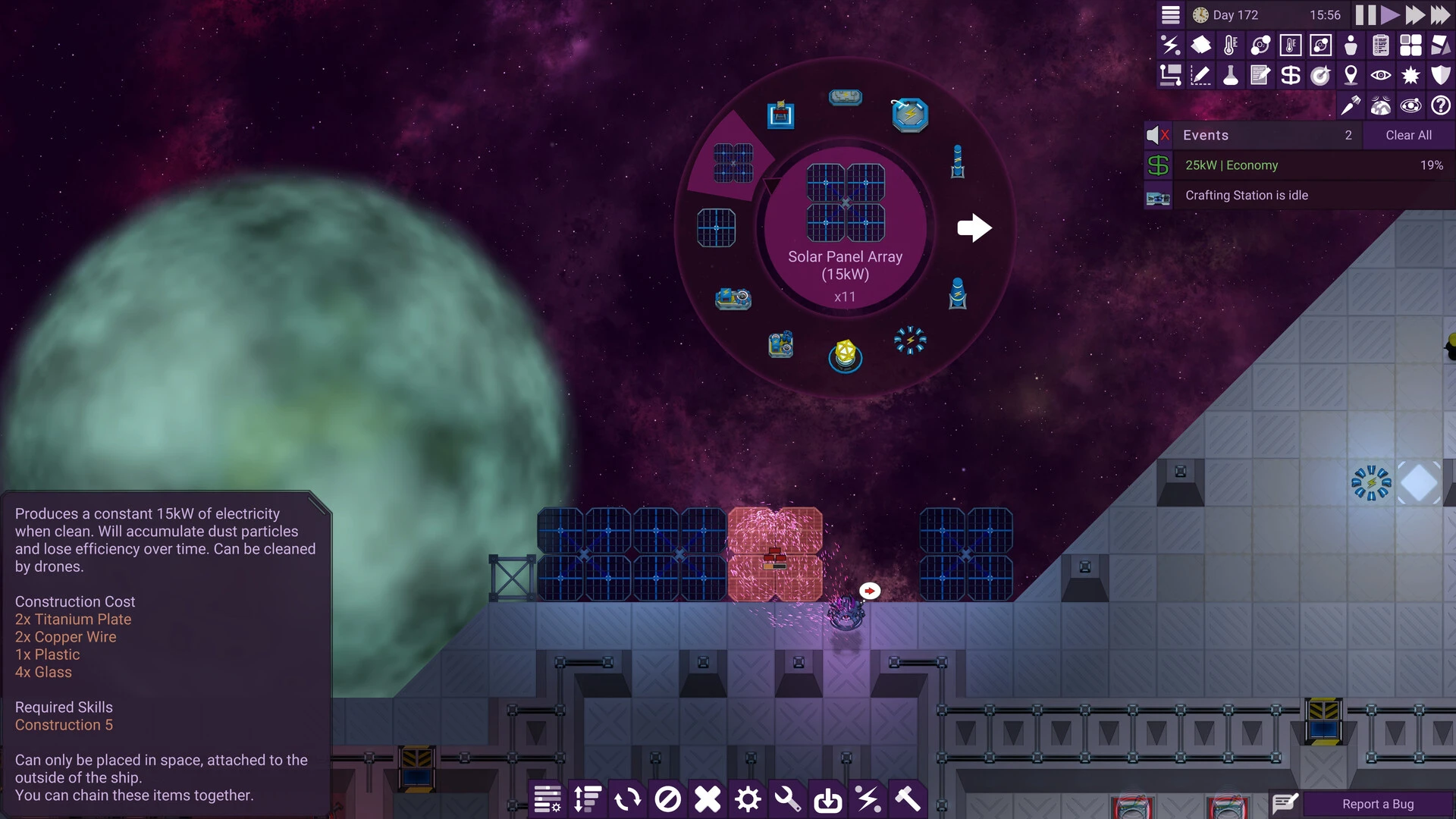
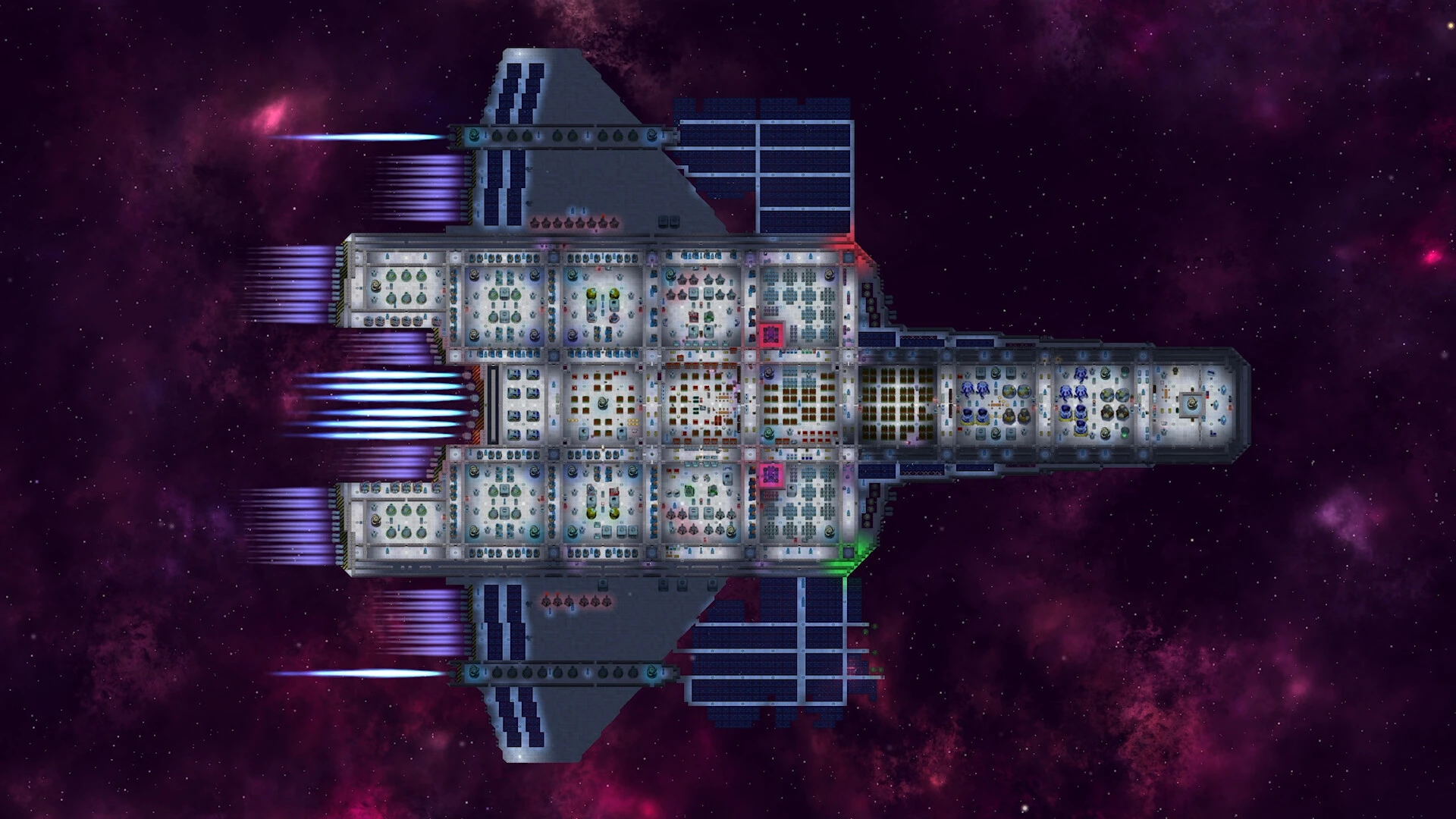
Stardeus is a story of survival set far from familiar ground, where the silence of space replaces the comfort of Earth. It presents a future in which humanity’s greatest challenge is not conquering the universe, but enduring within it. At its core, Stardeus explores how intelligence, planning, and adaptability become essential tools when life depends on fragile systems drifting through the void.
The narrative unfolds aboard a damaged spacecraft, where survival is a constant balancing act. Resources are limited, systems are unreliable, and every decision carries weight. Unlike traditional space adventures filled with fast-paced action, Stardeus takes a thoughtful approach. It focuses on long-term strategy, careful management, and the slow rebuilding of something once lost. This creates a sense of realism that makes the experience deeply immersive.
One of the defining elements of Stardeus is its emphasis on responsibility. The crew, often vulnerable and dependent, relies on careful oversight to stay alive. Protecting them is not just a task, but a moral obligation. Every choice affects morale, health, and the future of the ship itself. This constant pressure encourages reflection on leadership and the cost of survival.
Stardeus also stands out through its quiet storytelling. Instead of dramatic speeches or loud conflicts, it uses environment and consequence to tell its story. Flickering lights, malfunctioning systems, and damaged hulls speak volumes about the fragile nature of life in space. These details create emotional depth, reminding us that even advanced technology can fail when pushed too far.
Exploration plays an important role as well. As the ship drifts through unknown regions, new opportunities and dangers emerge. Each encounter forces adaptation, whether it involves harvesting scarce materials or responding to unexpected threats. The unknown is not portrayed as purely hostile, but as unpredictable, offering both hope and risk in equal measure.
At a deeper level, Stardeus raises questions about humanity’s future. It challenges the idea that progress is always forward-moving and clean. Instead, it suggests that survival may require rebuilding from disaster, learning from failure, and redefining success. The struggle to maintain life aboard the ship becomes a reflection of human resilience and determination.
What truly defines Stardeus is its atmosphere. There is a sense of isolation that never fully fades, balanced by moments of accomplishment and renewal. Each repaired system and stabilized crew member represents a small victory against overwhelming odds. These moments create a powerful contrast between vulnerability and strength.
In the end, Stardeus is not just about living in space. It is about preserving purpose when comfort is gone and certainty no longer exists. Through patience, strategy, and compassion, it shows that survival is not merely about staying alive, but about building something meaningful, even among the stars.
OS: macOS 10.13+Processor: x64 architecture with SSE2RAM: 4 GBVideo card: Metal capable Intel and AMD GPUs with Compute Shader supportDisk space: 1 GB
Run the downloaded image and drag the application to the Applications folder shortcut.
Once copying is complete, the application can be launched via Launchpad.
Frequently Asked Questions
Mount the image and run Open Gatekeeper friendly.
Press Enter to bypass Gatekeeper in the Terminal window.
Drag the application to the Applications folder.
The application is ready for use.
ATTENTION! SIP must be disabled. Learn more >
Restart your Mac and hold down Command + R to enter Recovery Mode.
Open Terminal from the Utilities menu.
Enter the command: csrutil disable
Restart your Mac.
This is a common Gatekeeper issue. Follow these steps:
1. Open Terminal
2. Enter: sudo xattr -rd com.apple.quarantine /Applications/AppName.app
3. Replace "AppName" with the actual application name
4. Press Enter and enter your password
Yes, all our downloads are thoroughly checked for viruses and malware.
We use multiple antivirus engines to scan every file.
Our team tests each application before publishing.
We never bundle adware or unwanted software.
Yes, we regularly update our applications to the latest versions.
You can check our website for updates or subscribe to our newsletter.
We strive to provide the most recent versions within 24-48 hours of release.
If a download link is not working, please:
1. Try a different browser
2. Clear your browser cache and cookies
3. Try the alternative download links provided
4. Contact our support team if the issue persists