


Stellaris: Galaxy Edition
Download Stellaris: Galaxy Edition
Mount the downloaded image and follow the standard installation procedure.
The installation is completed by choosing a location to place the game.
It is recommended to specify the Applications folder.
Previous Versions

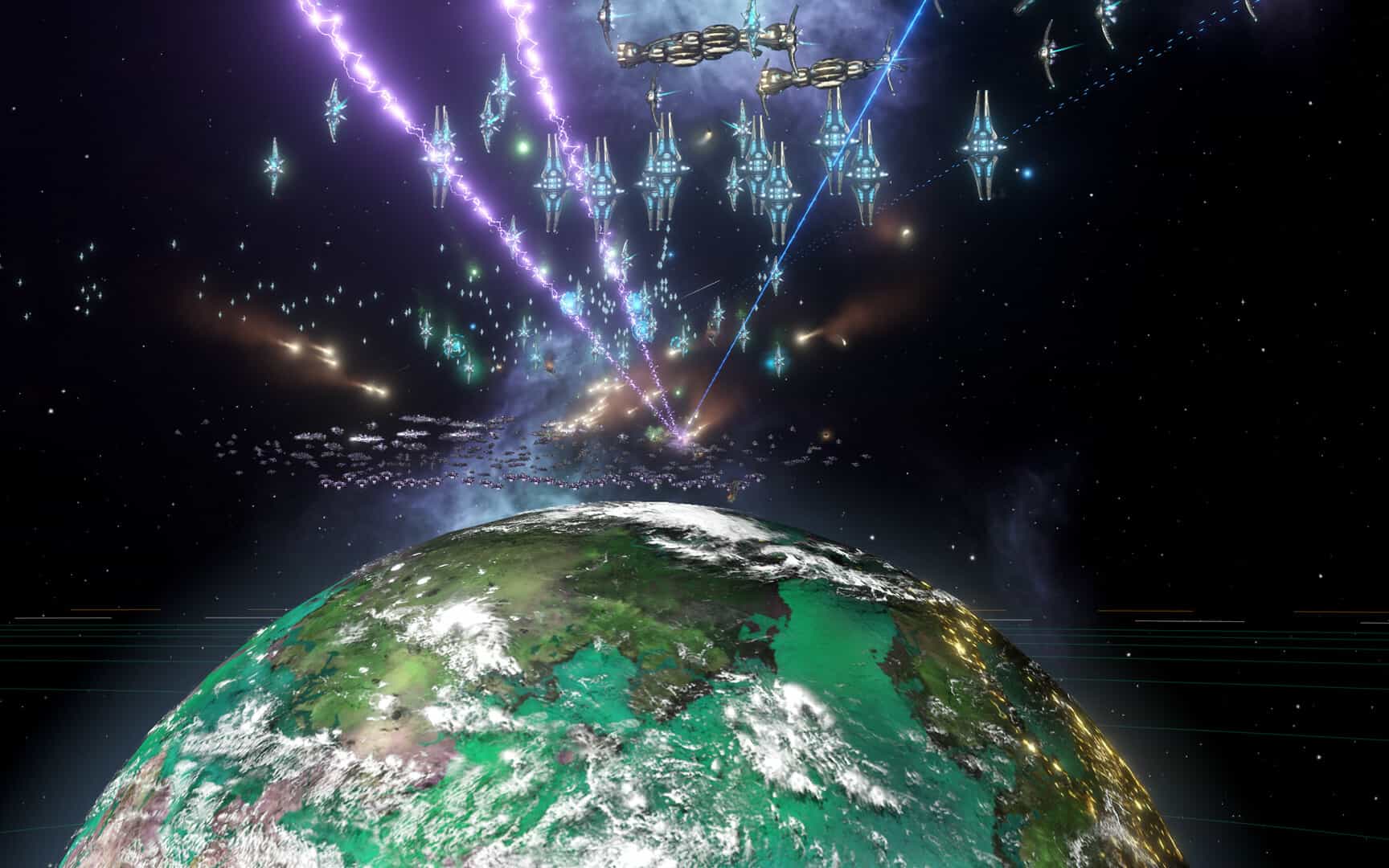

Strategy games have always appealed to players who enjoy building empires, managing resources, and making long-term decisions. Among the best space strategy titles available today is Stellaris: Galaxy Edition, an enhanced version of the acclaimed science fiction grand strategy game developed by Paradox Development Studio. Combining complex gameplay mechanics, galactic exploration, diplomacy, and large-scale empire management, this edition offers a complete experience for fans of science fiction and strategy games.
Originally released in 2016, Stellaris quickly became one of the most respected grand strategy games for PC. The base game allows players to build a civilization, explore uncharted star systems, interact with alien species, and shape the future of an entire galaxy. Steam categorizes it as a grand strategy title that includes exploration, diplomacy, warfare, and procedurally generated galaxies.
Explore a Living Galaxy
One of Stellaris's greatest strengths is its dynamic universe. Each new campaign generates a unique galaxy filled with unexplored planets, ancient civilizations, mysterious anomalies, and powerful alien empires.
No two playthroughs are the same. Players must send out science vessels to discover new worlds, collect valuable resources, and unlock hidden technologies that can change the fate of their civilization.
This procedural design gives the game virtually unlimited replayability.
Build Your Own Civilization
In Stellaris, players have complete freedom to design their species, government, ethics, and political structure. Whether you want to create peaceful explorers, advanced scientists, aggressive conquerors, or machine-based civilizations, the game offers incredible customization.
Steam highlights species customization, diplomacy systems, and player-driven empire development as key features of the game.
Every decision influences how other civilizations react, making diplomacy and strategic planning essential.
Epic Warfare and Diplomacy
Beyond exploration, Stellaris offers complex political and military systems. Alliances can be formed, betrayals can occur, and galactic wars can shift the balance of power.
Players can design fleets, research advanced technologies, and command powerful starships in large-scale space conflicts.
At the same time, diplomacy allows for peaceful expansion through negotiations, trade agreements, and political influence.
Why do players love Galaxy Edition?
The gaming community continues to appreciate Stellaris for its depth, replayability, and long-term content support. Many players consider the Galaxy Edition an excellent choice for collectors who enjoy the game's music, story, and art. On community forums, it's often described as ideal for hardcore Paradox fans looking for additional content to expand the game's universe.
Conclusion
Stellaris: Galaxy Edition offers one of the most immersive strategy experiences in the current gaming landscape. With unlimited exploration, powerful diplomacy systems, empire customization, and exclusive collector's edition content, it remains an excellent choice for those who dream of building their own galactic civilization. For fans of strategy and science fiction, this edition offers an unforgettable journey among the stars.
OS: 10.11 (El Capitan)Processor: Intel® iCore™ i5-4570SRAM: 8 GBVideo card: Nvidia® GeForce™ GT 750M or equivalent AMD® card with 1GB VramNetwork: Broadband Internet connectionDisk space: 10 GB
Mount the downloaded image and follow the standard installation procedure.
The installation is completed by choosing a location to place the game.
It is recommended to specify the Applications folder.
Frequently Asked Questions
Mount the image and run Open Gatekeeper friendly.
Press Enter to bypass Gatekeeper in the Terminal window.
Drag the application to the Applications folder.
The application is ready for use.
ATTENTION! SIP must be disabled. Learn more >
Restart your Mac and hold down Command + R to enter Recovery Mode.
Open Terminal from the Utilities menu.
Enter the command: csrutil disable
Restart your Mac.
This is a common Gatekeeper issue. Follow these steps:
1. Open Terminal
2. Enter: sudo xattr -rd com.apple.quarantine /Applications/AppName.app
3. Replace "AppName" with the actual application name
4. Press Enter and enter your password
Yes, all our downloads are thoroughly checked for viruses and malware.
We use multiple antivirus engines to scan every file.
Our team tests each application before publishing.
We never bundle adware or unwanted software.
Yes, we regularly update our applications to the latest versions.
You can check our website for updates or subscribe to our newsletter.
We strive to provide the most recent versions within 24-48 hours of release.
If a download link is not working, please:
1. Try a different browser
2. Clear your browser cache and cookies
3. Try the alternative download links provided
4. Contact our support team if the issue persists