


Stronghold Crusader HD
Download Stronghold Crusader HD
Run the downloaded image and drag the application to the Applications folder shortcut.
Once copying is complete, the application can be launched via Launchpad.
Previous Versions
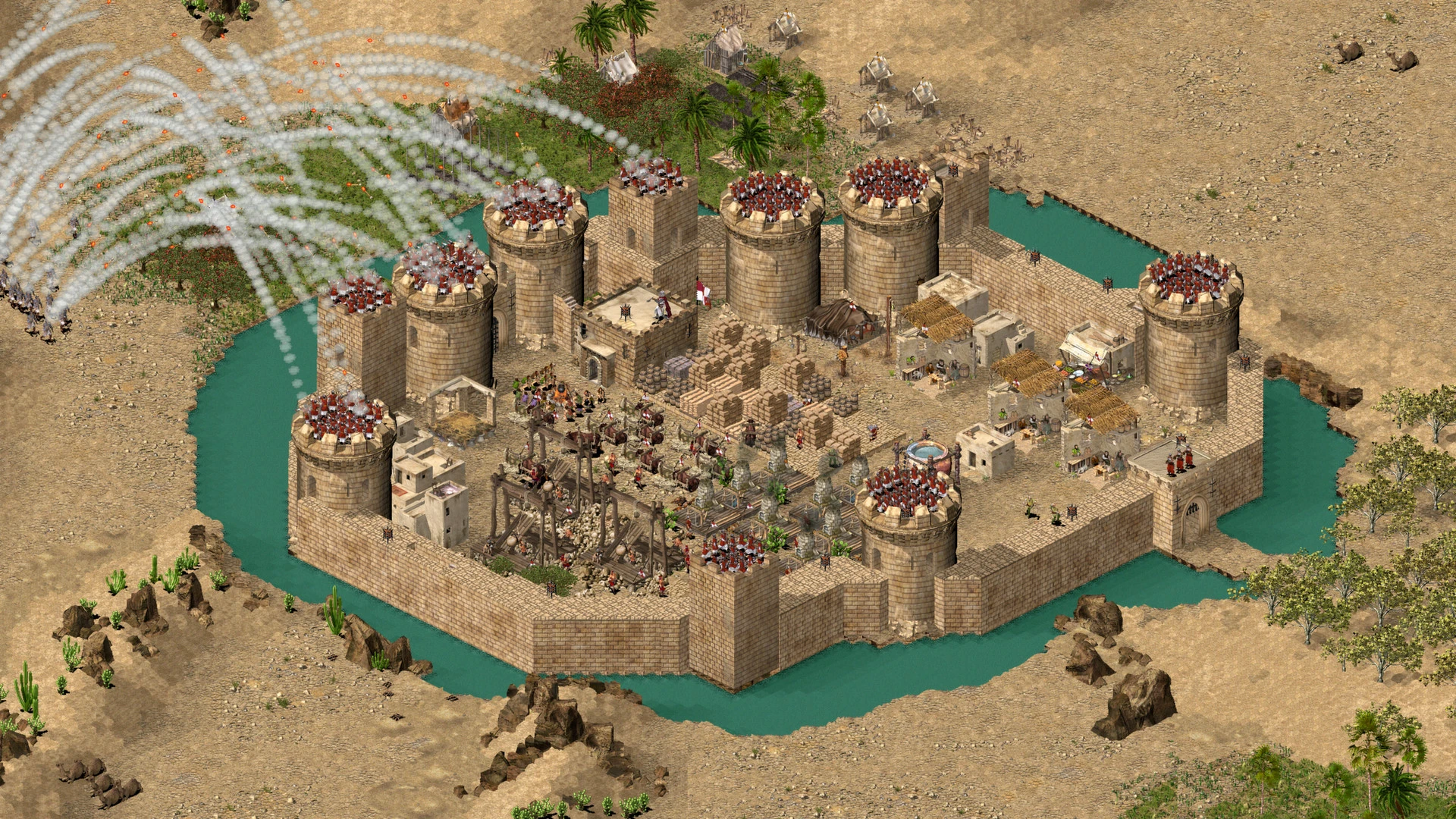
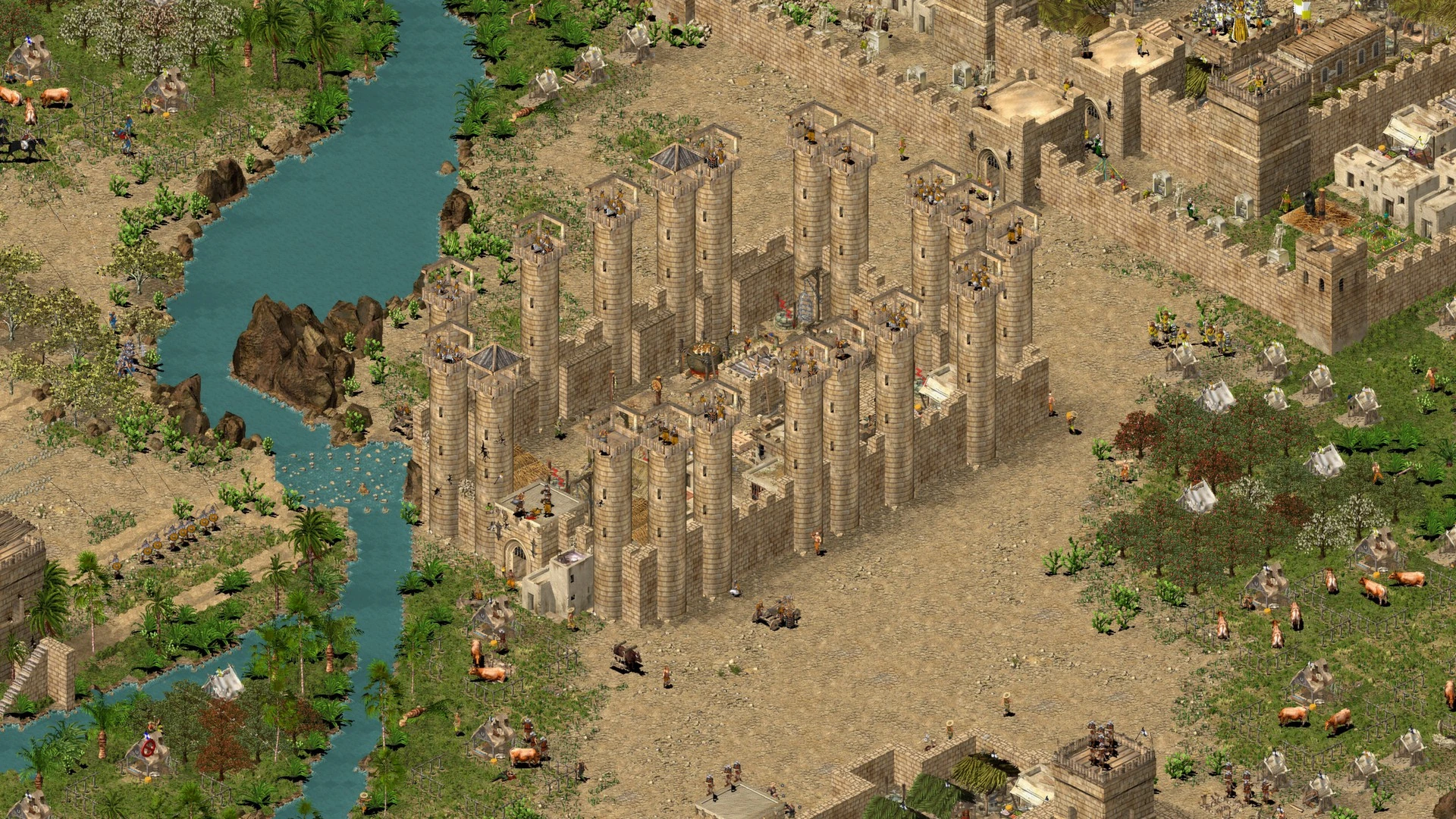
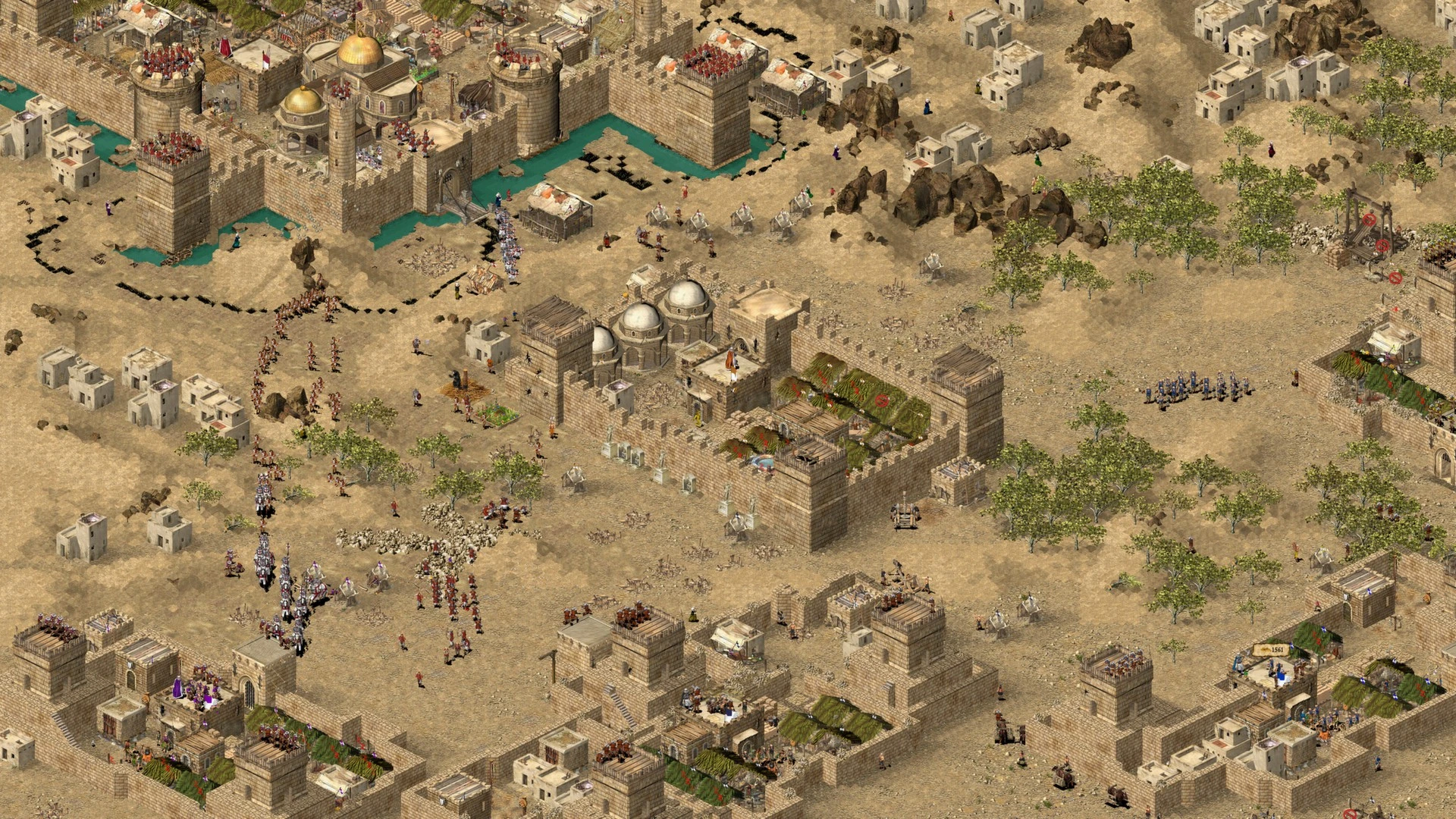
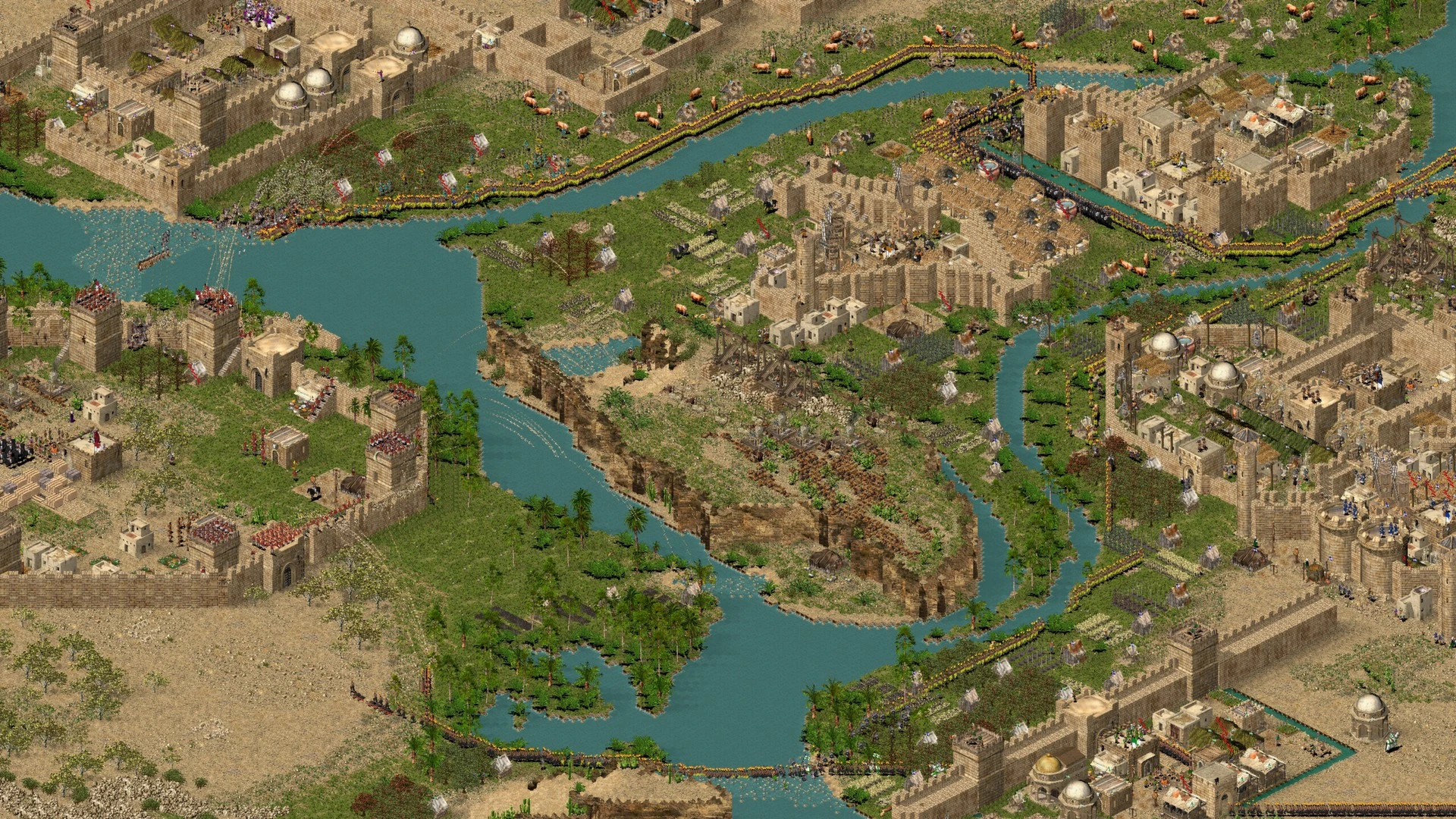
Stronghold Crusader HD stands as a remarkable example of how classic strategy games can remain relevant long after their original release. Set against the harsh and unforgiving backdrop of the medieval Middle East, the game combines real-time strategy, castle construction, and economic management into a single, deeply engaging experience. Even years later, it continues to attract players who value thoughtful planning over fast-paced spectacle.
At its core, Stronghold Crusader HD is about balance. Players must manage food production, population happiness, resource gathering, and military strength at the same time. Ignoring any one of these elements can quickly lead to failure. A powerful army is useless without food to sustain it, just as a prosperous economy cannot survive without proper defenses. This interconnected system forces players to think like true rulers rather than simple commanders.
One of the most defining features of the game is its castle-building system. Unlike many strategy titles that offer pre-built structures, Stronghold Crusader HD allows complete freedom in fortress design. Players can create towering walls, narrow kill zones, and carefully placed defensive towers to withstand relentless enemy attacks. Every design choice matters, and poorly planned castles often become death traps for their own defenders. This creative control adds a layer of personalization rarely seen in modern strategy games.
Combat in Stronghold Crusader HD is both challenging and rewarding. Battles are not won by numbers alone but by positioning, timing, and terrain awareness. Archers stationed on high ground gain a clear advantage, while poorly protected troops can be wiped out quickly. Enemy lords each have distinct personalities and tactics, making every encounter feel different. Some rely on overwhelming force, while others prefer harassment and economic pressure, forcing players to adapt constantly.
The game’s desert setting plays a crucial role in shaping gameplay. Limited fertile land and scarce resources create constant tension, especially during longer missions. Managing water, food, and stone becomes a strategic challenge in itself. This environment emphasizes survival as much as conquest, reminding players that ruling is just as difficult as fighting.
What truly gives Stronghold Crusader HD its lasting appeal is its replayability. The skirmish mode, featuring a wide variety of AI opponents, offers endless strategic combinations. Each match unfolds differently depending on map layout, enemy behavior, and player decisions. Even small changes in strategy can lead to entirely new outcomes, encouraging experimentation and long-term engagement.
Visually, the HD upgrade enhances the original charm without losing its identity. Sharper graphics and smoother performance make the game more accessible to modern audiences while preserving its classic feel. The familiar soundtrack and sound effects further strengthen its nostalgic atmosphere.
In conclusion, Stronghold Crusader HD is more than just a remastered classic—it is a testament to thoughtful game design. Its emphasis on strategy, patience, and adaptability continues to resonate with players who appreciate depth over simplicity. For those seeking a challenging and rewarding strategy experience, this game remains a fortress worth defending.
▎Apple Silicon (ARM)- macOS Sonoma and later. - Apple Silicon (M1-M4, M Pro, Max, Ultra).- 8 GB of shared memory.- ±3 GB free space.
Run the downloaded image and drag the application to the Applications folder shortcut.
Once copying is complete, the application can be launched via Launchpad.
Frequently Asked Questions
Mount the image and run Open Gatekeeper friendly.
Press Enter to bypass Gatekeeper in the Terminal window.
Drag the application to the Applications folder.
The application is ready for use.
ATTENTION! SIP must be disabled. Learn more >
Restart your Mac and hold down Command + R to enter Recovery Mode.
Open Terminal from the Utilities menu.
Enter the command: csrutil disable
Restart your Mac.
This is a common Gatekeeper issue. Follow these steps:
1. Open Terminal
2. Enter: sudo xattr -rd com.apple.quarantine /Applications/AppName.app
3. Replace "AppName" with the actual application name
4. Press Enter and enter your password
Yes, all our downloads are thoroughly checked for viruses and malware.
We use multiple antivirus engines to scan every file.
Our team tests each application before publishing.
We never bundle adware or unwanted software.
Yes, we regularly update our applications to the latest versions.
You can check our website for updates or subscribe to our newsletter.
We strive to provide the most recent versions within 24-48 hours of release.
If a download link is not working, please:
1. Try a different browser
2. Clear your browser cache and cookies
3. Try the alternative download links provided
4. Contact our support team if the issue persists