


Styx: Master of Shadows
Download Styx: Master of Shadows
Run the downloaded image and drag the application to the Applications folder shortcut.
Once copying is complete, the application can be launched via Launchpad.
Previous Versions
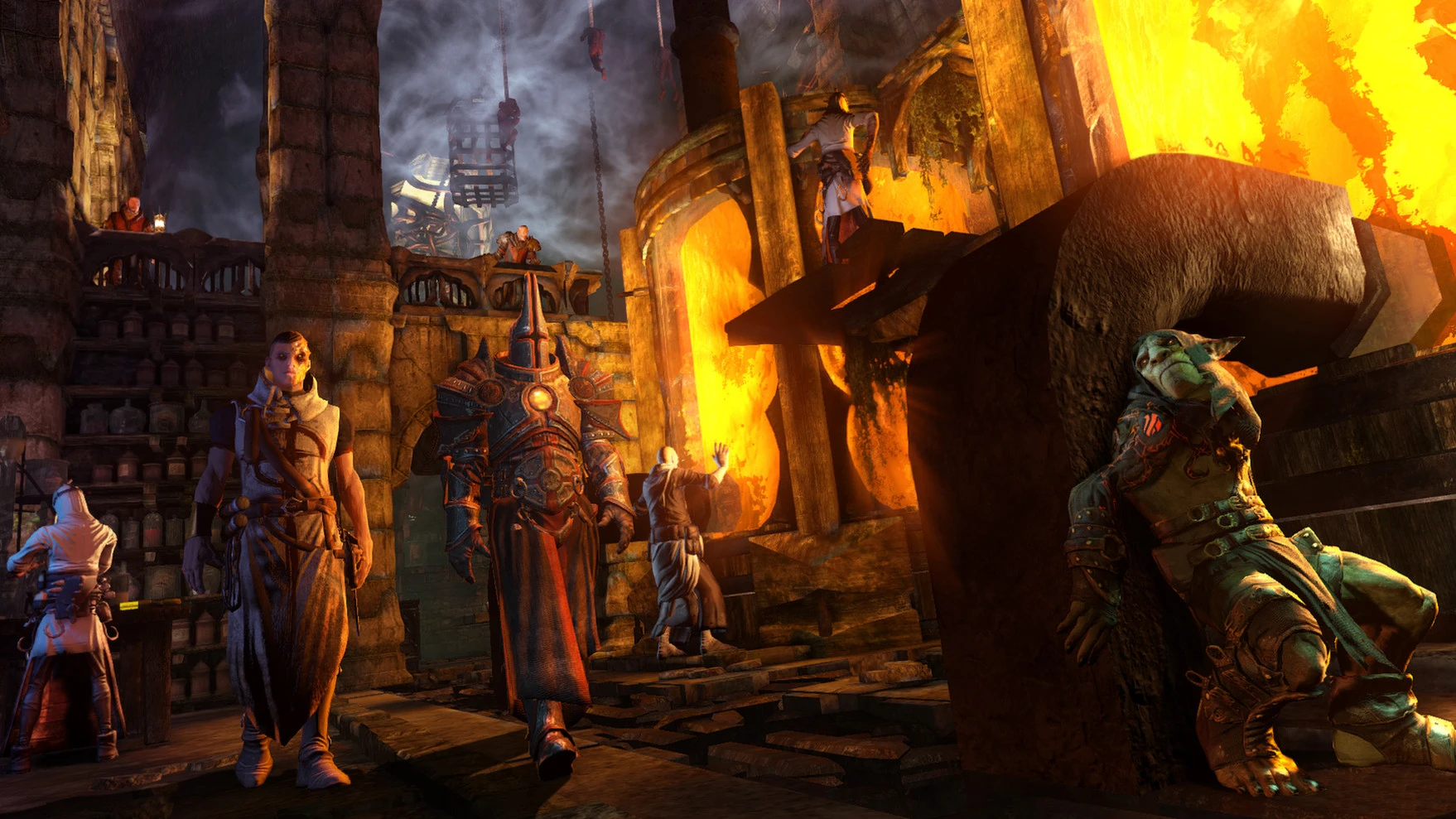
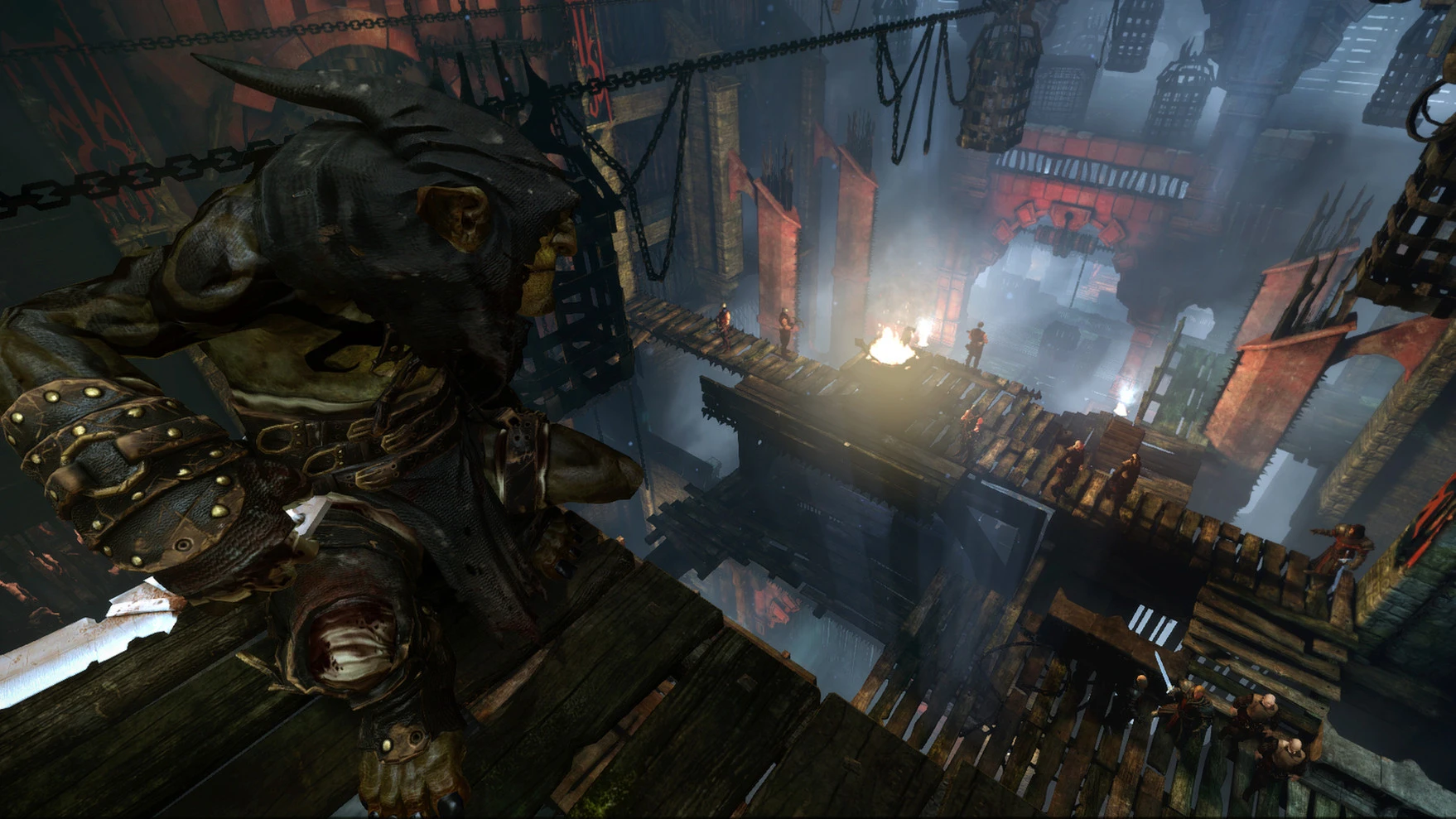
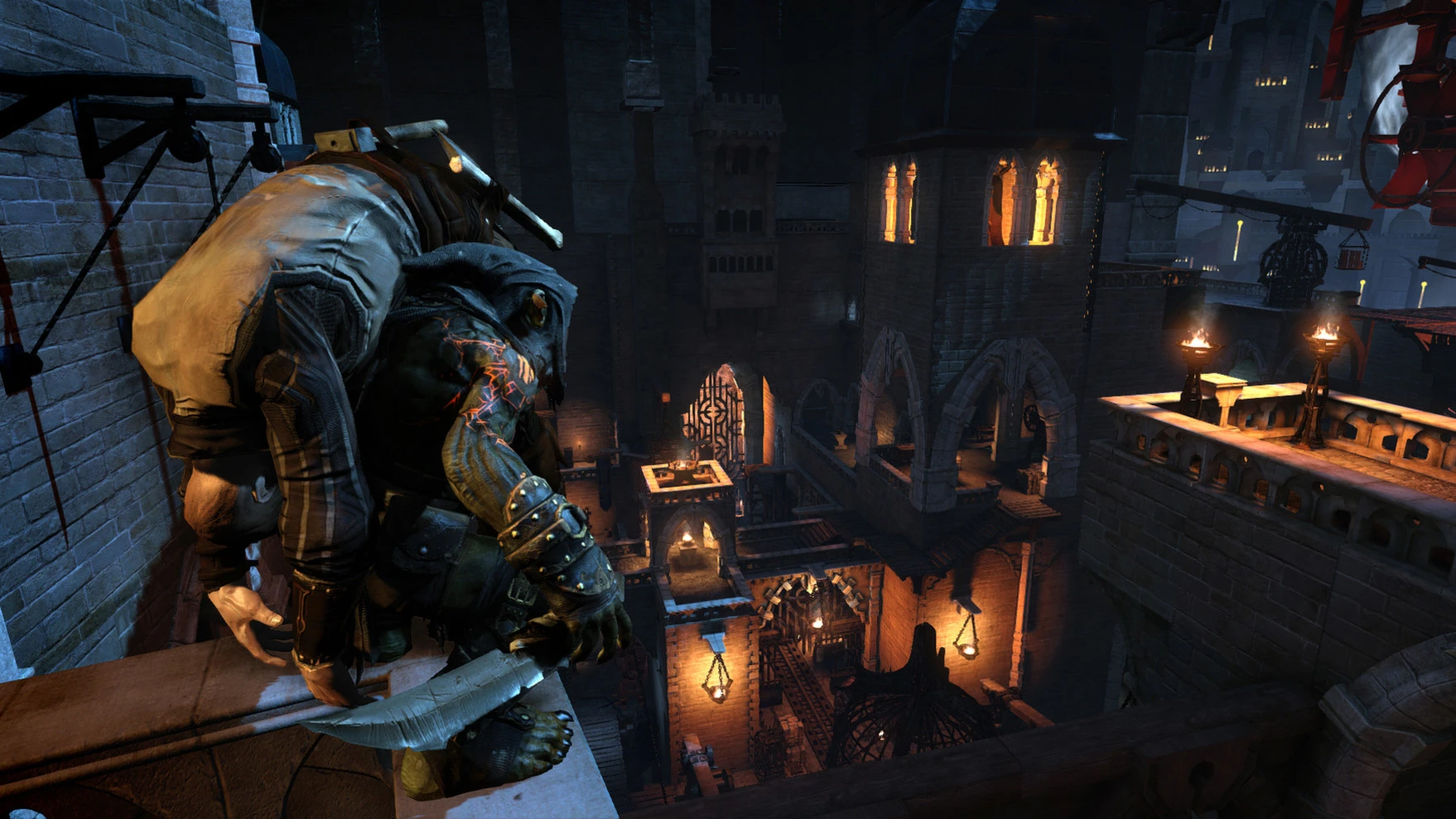

Stealth games have always held a special place in the video game industry, offering players the thrill of moving unseen, carefully planning each action, and outmaneuvering enemies through strategy rather than brute force. Among the most prominent titles in this genre is Styx: Master of Shadows, a dark fantasy adventure that offers a unique blend of stealth mechanics, RPG progression, and an immersive narrative.
Developed by Cyanide Studio, Styx: Master of Shadows was released in 2014 and quickly captured the attention of stealth game enthusiasts. Players control Styx, a cunning goblin assassin over two centuries old, driven by mystery, greed, and the search for his true origins. The game was officially released for PC and later expanded to consoles, building a loyal fanbase over time.
A Unique Dark Fantasy Setting
What sets Styx: Master of Shadows apart is its rich, dark fantasy world. The story unfolds in the imposing Tower of Akenash, a vertical fortress teeming with guards, secret passages, magic, and deadly traps. Deep within the tower lies the source of Amber, a magical substance linked to Styx's mysterious past.
This setting creates an atmosphere thick with tension, curiosity, and danger. Each area is designed with multiple paths, encouraging players to explore and approach objectives in different ways. The official developer describes it as a stealth game with RPG elements set in a dark fantasy universe.
Stealth at its Finest
Unlike action-focused adventure games, Styx: Master of Shadows rewards patience, planning, and intelligence. Direct combat is dangerous, forcing players to rely on stealth, observation of their surroundings, and creative tactics.
Players can hide in the shadows, scale structures, distract enemies, and eliminate targets undetected. This makes every mission tense and rewarding.
The game focuses on vertical exploration, allowing players to move across rooftops, beams, secret tunnels, and hidden ledges to avoid detection.
Powerful Abilities and Skill Progression
As players progress, Styx unlocks powerful abilities connected to Amber's magic. One of the most popular abilities is creating clones, which can be used to distract enemies, activate mechanisms, or create tactical advantages.
Other abilities include invisibility, enhanced vision, and stealth upgrades that optimize infiltration strategies.
The game features multiple skill trees, giving players the freedom to develop their own playstyle. Steam lists six unique skill trees and multiple upgrade paths for stealth-focused progression.
Strong Community Recognition
Over the years, Styx: Master of Shadows has earned a solid reputation among stealth fans. In community discussions, it's often compared to classic titles in the genre and praised for its faithfulness to pure stealth mechanics. Some players on Reddit have even described it as one of the closest modern experiences to classic stealth games.
Visual Style and Atmosphere
The game's environments are beautifully designed with gothic architecture, magical lighting, and immersive sound design. Combined with Styx's sarcastic personality and the game's mysterious story, the world feels both dangerous and immersive.
Conclusion
Styx: Master of Shadows is a must-play title for fans of stealth, dark fantasy, and tactical adventure. With its deep level design, strategic gameplay, and memorable protagonist, it remains one of today's most underrated stealth games. For players who enjoy planning every move and mastering the shadows, this game offers an unforgettable experience.
▎Apple Silicon (ARM)- macOS Tahoe 26.4.1 and later. - Apple Silicon processors (M1-M5, M Pro/Max/Ultra).- ±16 GB of shared memory.- ±9 GB of free disk space.▎There is support for the Dualsense gamepad
Run the downloaded image and drag the application to the Applications folder shortcut.
Once copying is complete, the application can be launched via Launchpad.
Frequently Asked Questions
Mount the image and run Open Gatekeeper friendly.
Press Enter to bypass Gatekeeper in the Terminal window.
Drag the application to the Applications folder.
The application is ready for use.
ATTENTION! SIP must be disabled. Learn more >
Restart your Mac and hold down Command + R to enter Recovery Mode.
Open Terminal from the Utilities menu.
Enter the command: csrutil disable
Restart your Mac.
This is a common Gatekeeper issue. Follow these steps:
1. Open Terminal
2. Enter: sudo xattr -rd com.apple.quarantine /Applications/AppName.app
3. Replace "AppName" with the actual application name
4. Press Enter and enter your password
Yes, all our downloads are thoroughly checked for viruses and malware.
We use multiple antivirus engines to scan every file.
Our team tests each application before publishing.
We never bundle adware or unwanted software.
Yes, we regularly update our applications to the latest versions.
You can check our website for updates or subscribe to our newsletter.
We strive to provide the most recent versions within 24-48 hours of release.
If a download link is not working, please:
1. Try a different browser
2. Clear your browser cache and cookies
3. Try the alternative download links provided
4. Contact our support team if the issue persists