


Sunless Sea
Download Sunless Sea
Run the downloaded image and follow the standard installation procedure.
The installation is completed by choosing a location to place the game.
It is recommended to specify the Applications folder.
Previous Versions
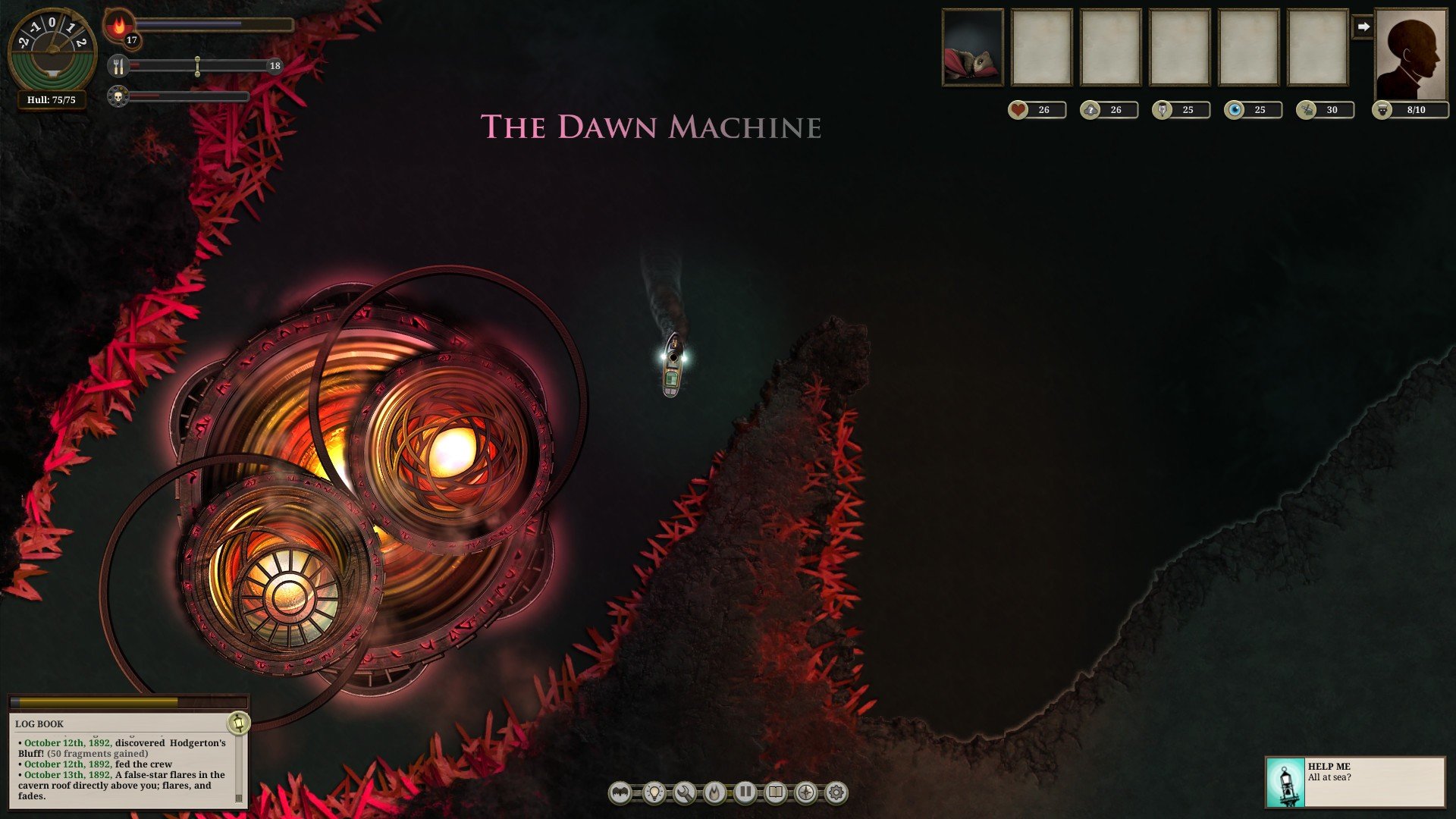
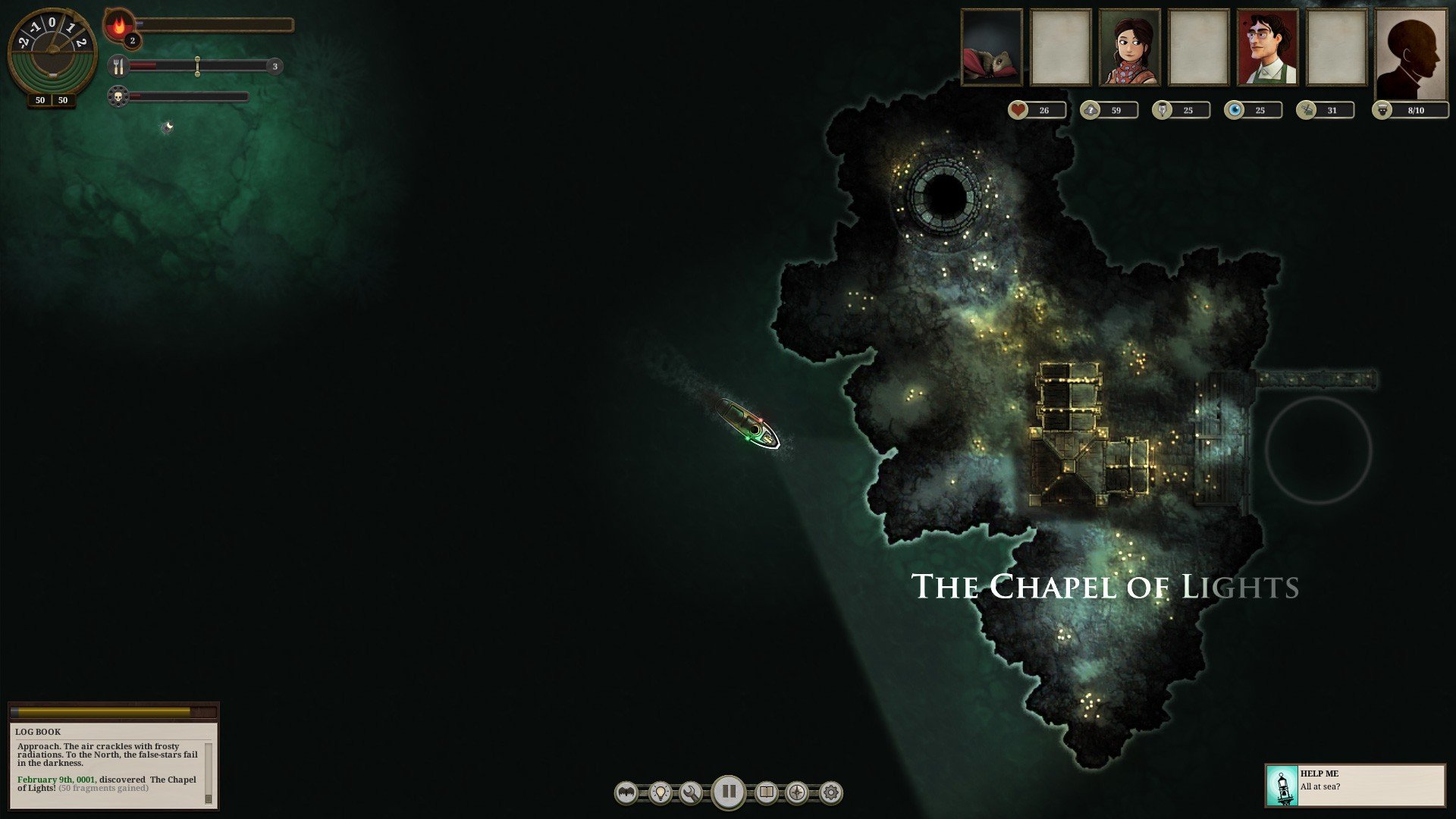
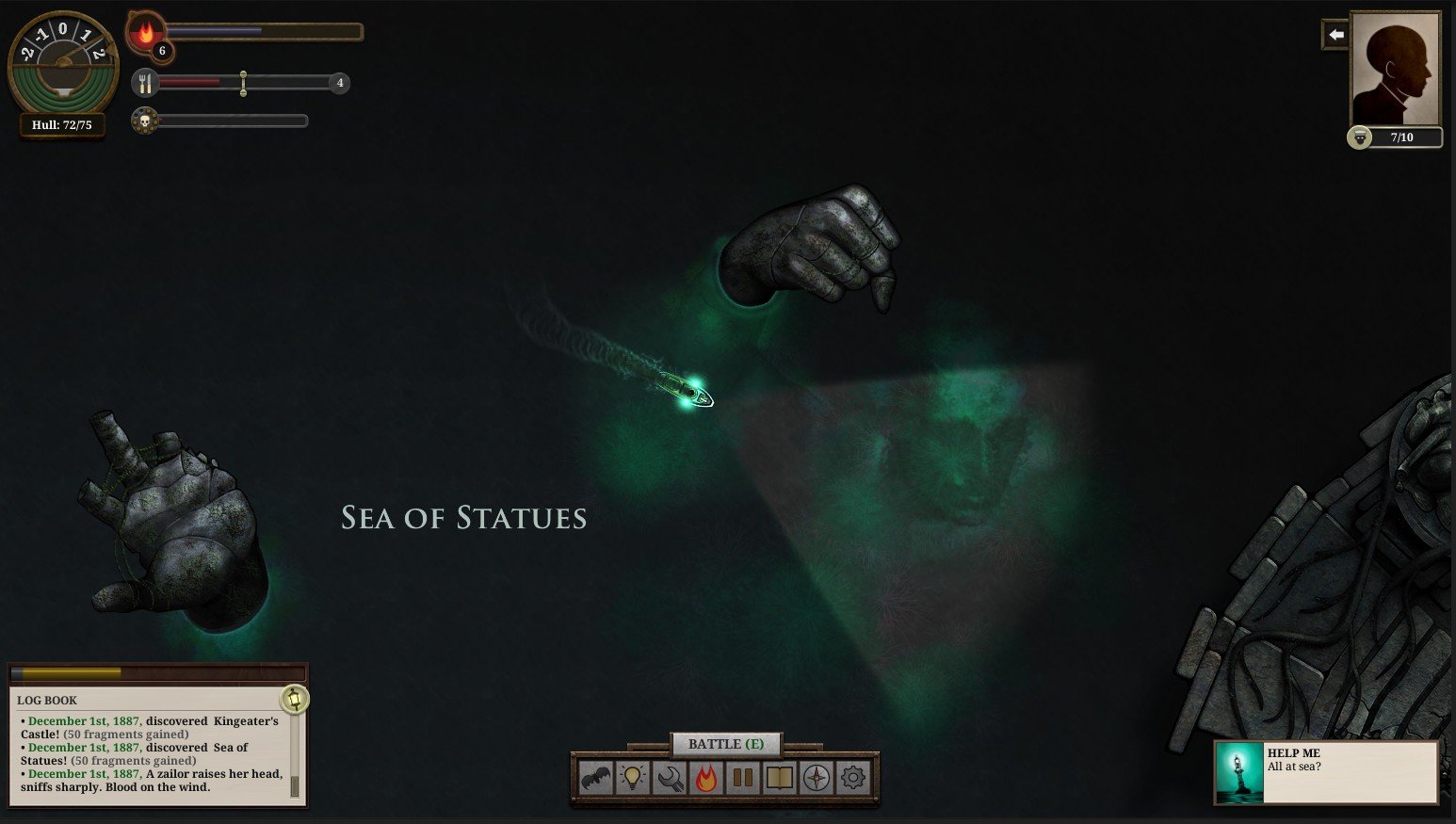
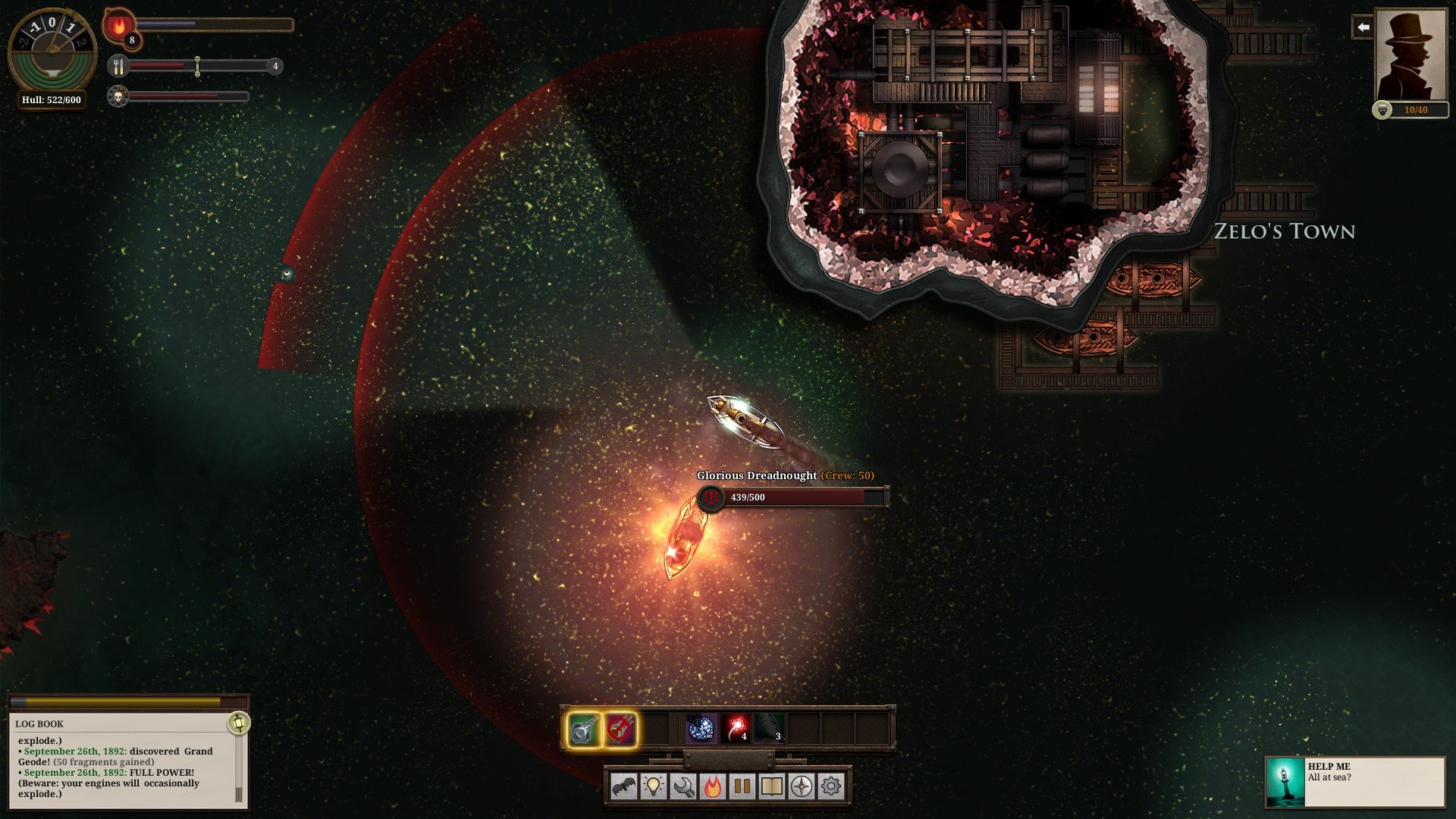
Sunless Sea is a hauntingly atmospheric exploration game that blends survival mechanics with rich, literary storytelling. Developed by Failbetter Games, it places players in command of a steam-powered ship navigating the vast, shadow-filled Unterzee. Rather than focusing on fast action, Sunless Sea thrives on tension, curiosity, and the slow unraveling of strange and unsettling tales hidden beneath the waves.
The game begins with the player assuming the role of a captain tasked with exploring a mysterious underground ocean. Darkness dominates this world, both visually and thematically. Each voyage feels uncertain, as supplies are limited and dangers are unpredictable. Fuel and food must be carefully managed, forcing players to plan routes thoughtfully and weigh the risks of exploration against the safety of returning to port. This constant balance between curiosity and survival gives Sunless Sea its distinctive sense of dread.
What truly sets Sunless Sea apart is its storytelling. The game is deeply text-driven, offering richly written descriptions, encounters, and choices that shape each journey. Ports scattered across the sea are home to strange societies, forgotten gods, and unsettling characters, each with their own histories and motives. Players are rarely told what is right or wrong; instead, they must live with the consequences of their decisions, whether those choices lead to fortune, madness, or death. Every captain’s story feels personal, shaped by moments of triumph and loss.
Exploration is both rewarding and dangerous. The sea is procedurally arranged, meaning each new game rearranges the map, keeping discovery fresh and uncertain. Hidden islands, mysterious ruins, and unexpected encounters encourage players to venture into the unknown. However, darkness itself is an enemy. Sailing without light increases terror among the crew, and if fear grows too strong, mutiny or despair may follow. This mechanic reinforces the game’s central theme: knowledge often comes at a cost.
Visually, Sunless Sea uses a subdued color palette and minimalist art style that enhances its oppressive mood. The dim glow of lanterns cutting through black waters creates a powerful sense of isolation. Sound design plays an equally important role, with ambient noises and a brooding soundtrack heightening tension during long voyages. Together, these elements create an experience that feels quiet yet constantly threatening.
Progression in Sunless Sea is deliberately slow and unforgiving. Death is inevitable, but it is not the end. Players can pass on certain traits, knowledge, or items to a new captain, turning failure into a form of storytelling continuity. This legacy system encourages experimentation and acceptance of loss, reinforcing the idea that the sea remembers every journey, even if the captain does not survive it.
In conclusion, Sunless Sea is a deeply immersive experience that rewards patience, imagination, and a love for dark storytelling. Its blend of survival mechanics, exploration, and rich narrative creates a world that feels alive with mystery and danger. For players drawn to atmospheric games that prioritize story and mood over speed and spectacle, Sunless Sea offers an unforgettable voyage into the unknown, where every decision echoes across the dark waters.
System: Mac OS 10.6 or laterProcessor: 2 GHz or betterMemory: 1 GB RAMGraphics: 1280x768 minimum resolution, DirectX 9.0c compatible graphics cardStorage: 700 MB
Run the downloaded image and follow the standard installation procedure.
The installation is completed by choosing a location to place the game.
It is recommended to specify the Applications folder.
Frequently Asked Questions
Mount the image and run Open Gatekeeper friendly.
Press Enter to bypass Gatekeeper in the Terminal window.
Drag the application to the Applications folder.
The application is ready for use.
ATTENTION! SIP must be disabled. Learn more >
Restart your Mac and hold down Command + R to enter Recovery Mode.
Open Terminal from the Utilities menu.
Enter the command: csrutil disable
Restart your Mac.
This is a common Gatekeeper issue. Follow these steps:
1. Open Terminal
2. Enter: sudo xattr -rd com.apple.quarantine /Applications/AppName.app
3. Replace "AppName" with the actual application name
4. Press Enter and enter your password
Yes, all our downloads are thoroughly checked for viruses and malware.
We use multiple antivirus engines to scan every file.
Our team tests each application before publishing.
We never bundle adware or unwanted software.
Yes, we regularly update our applications to the latest versions.
You can check our website for updates or subscribe to our newsletter.
We strive to provide the most recent versions within 24-48 hours of release.
If a download link is not working, please:
1. Try a different browser
2. Clear your browser cache and cookies
3. Try the alternative download links provided
4. Contact our support team if the issue persists