


The Battle of Polytopia
Download The Battle of Polytopia
Run the downloaded image and drag the game to the Applications folder shortcut.
Once the copying is complete, the game can be launched via Launchpad.
Previous Versions
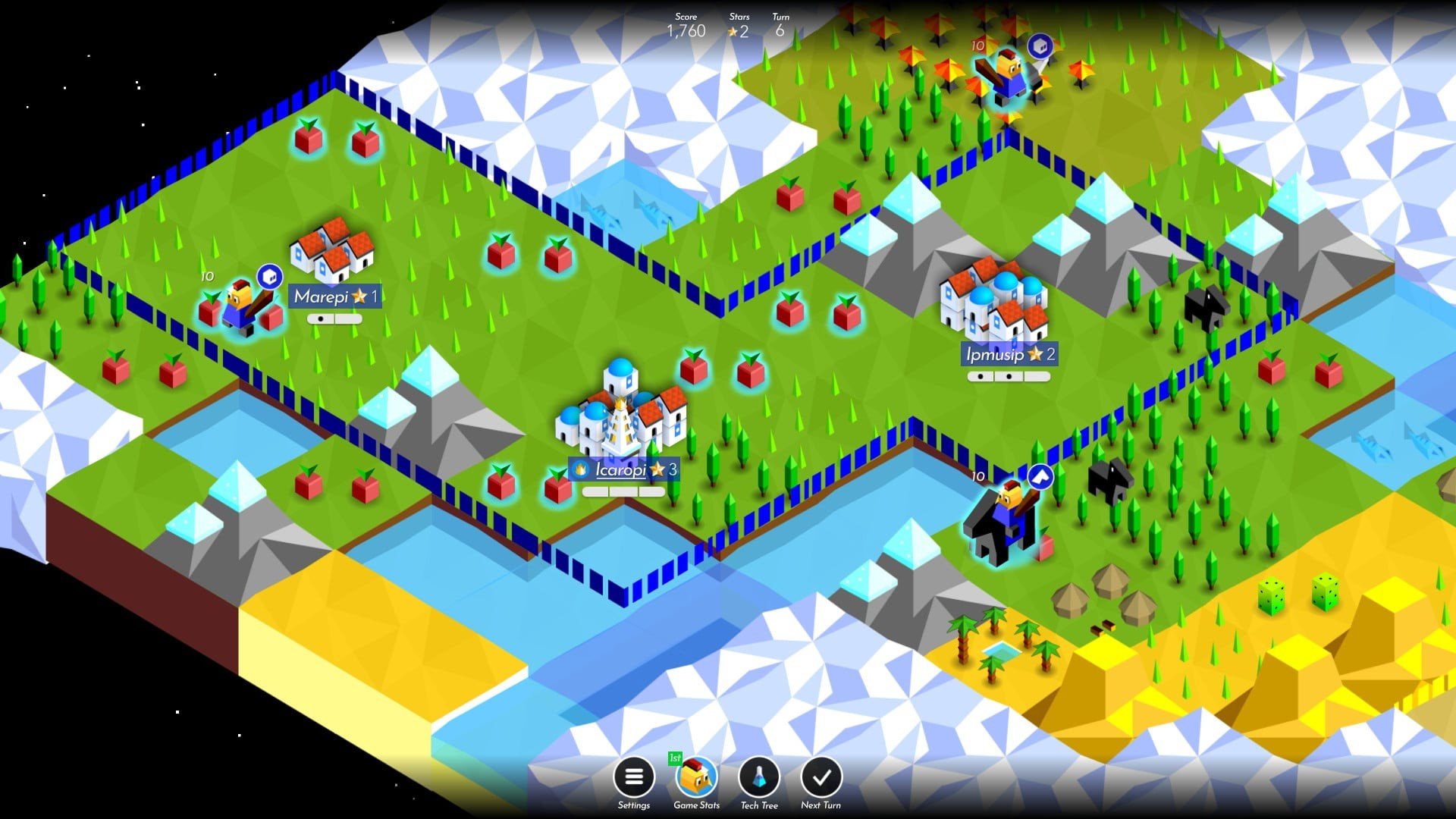
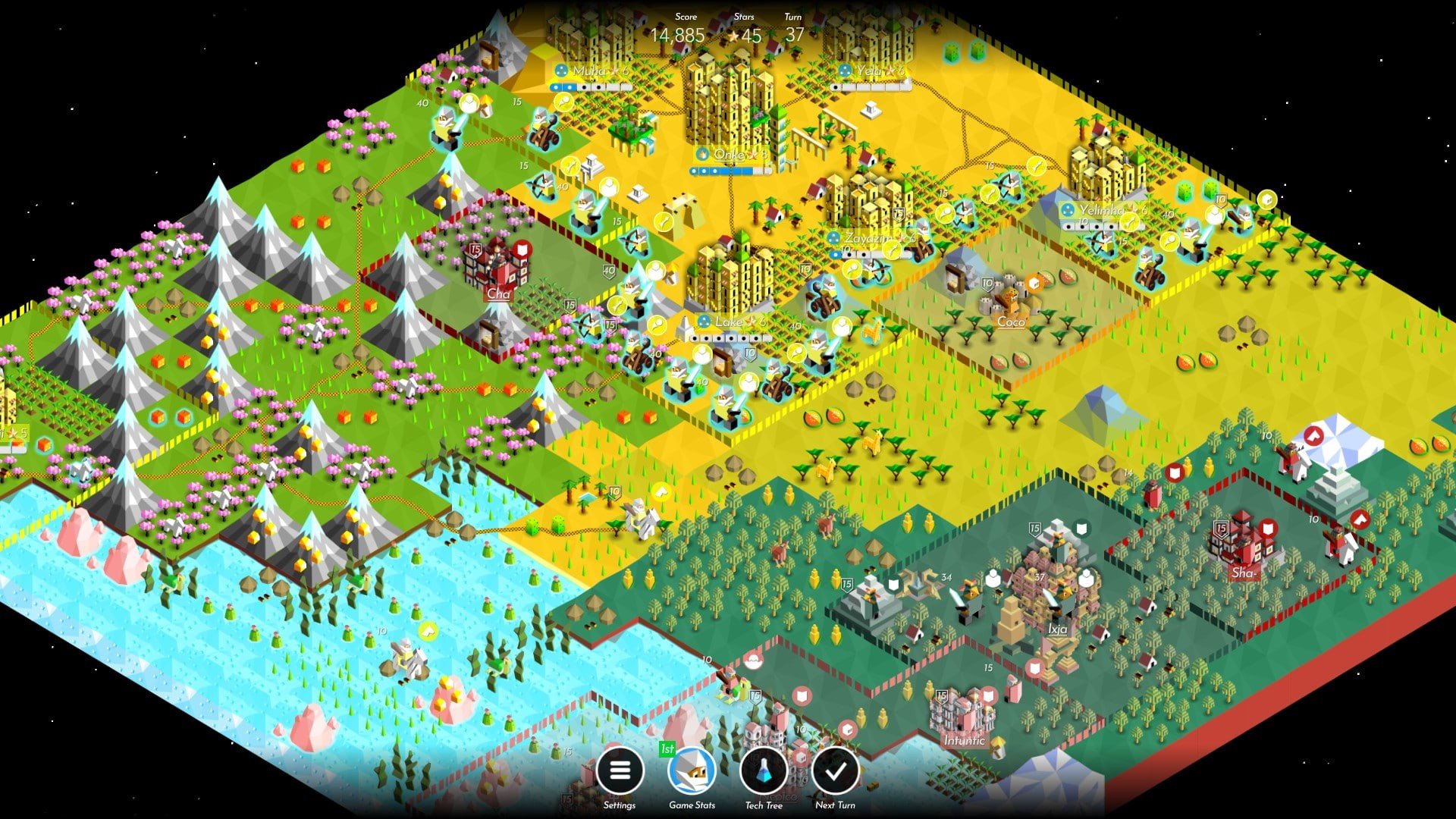
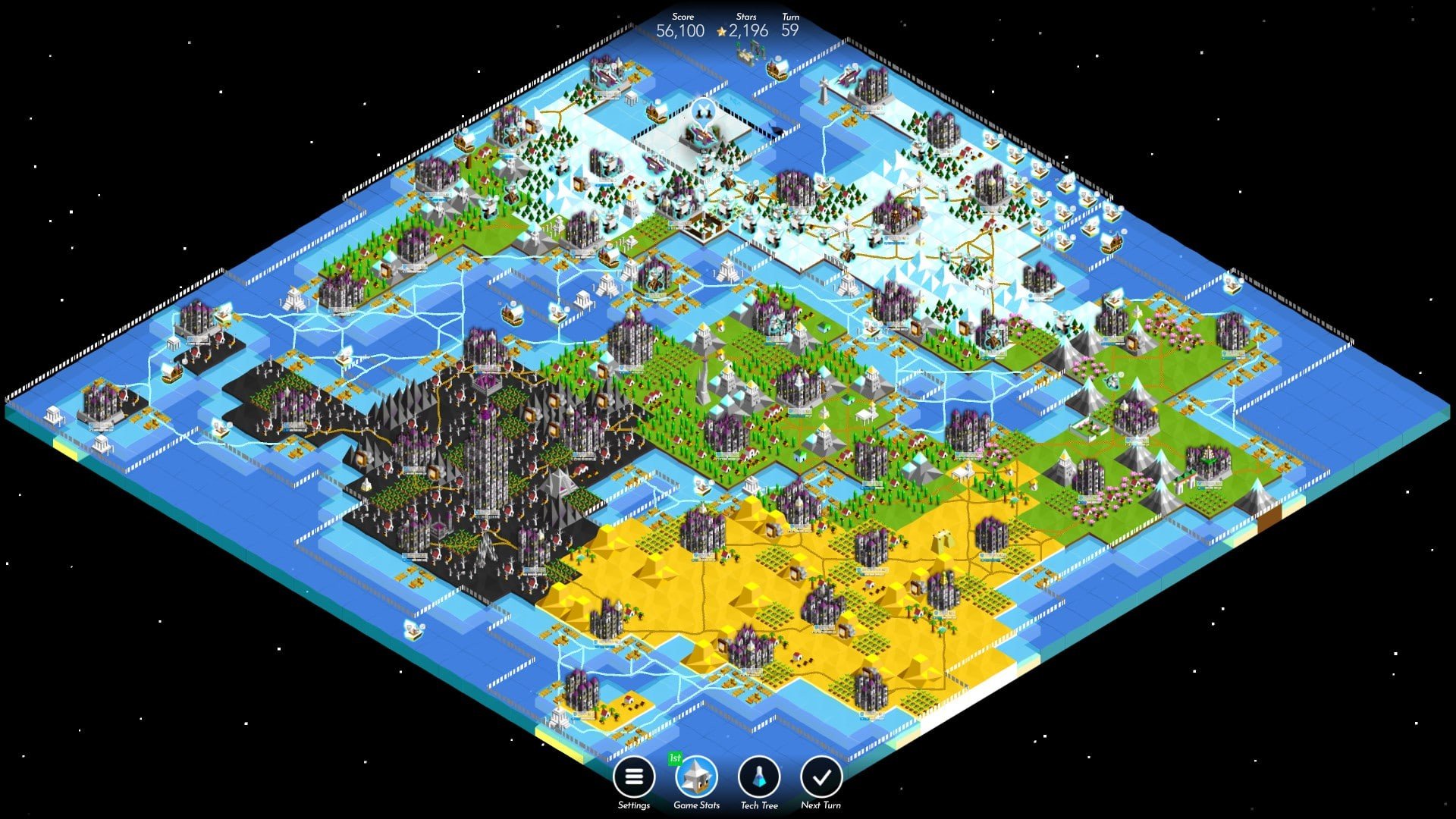
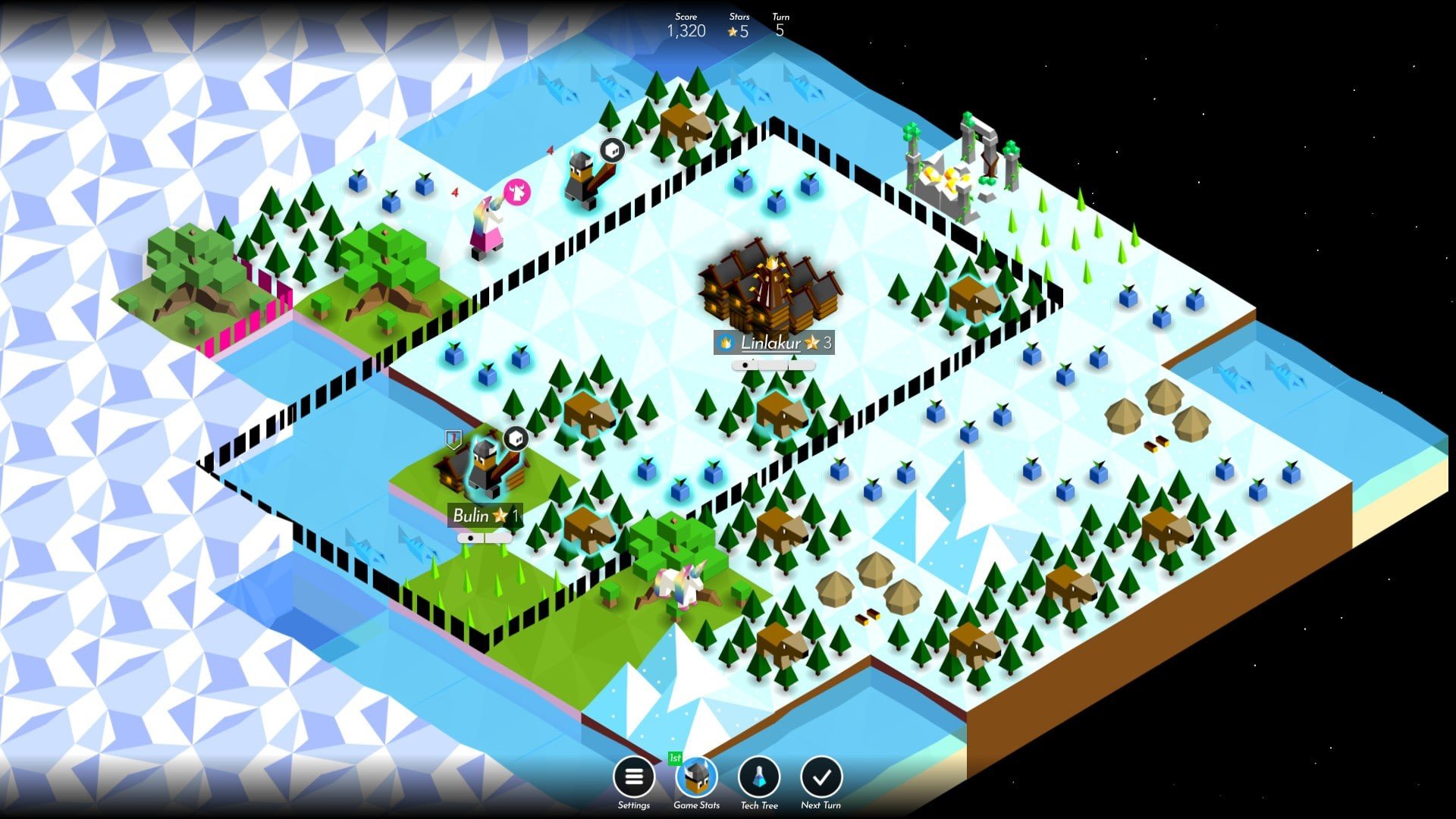
The Battle of Polytopia is a turn-based strategy game that proves depth does not require complexity. With its minimalist design and accessible mechanics, the game invites players of all skill levels into a world where thoughtful planning and smart decisions determine success. Behind its simple appearance lies a carefully balanced system that rewards foresight, adaptability, and patience.
The game is set on a procedurally generated square map, where players lead a tribe with unique traits and technologies. Each match begins with limited information, encouraging exploration and calculated risk-taking. The fog of war plays an important role, as uncovering new territory can reveal valuable resources or unexpected threats. This sense of discovery keeps every game feeling fresh and unpredictable.
One of the defining strengths of The Battle of Polytopia is its streamlined turn structure. Players earn stars each turn, which act as the primary currency for expanding cities, training units, or unlocking new technologies. Because resources are limited, every choice carries weight. Investing in military power too early may leave cities underdeveloped, while focusing only on growth can invite invasion. The balance between expansion and defense creates constant strategic tension.
Each tribe in the game offers a distinct starting advantage, subtly shaping playstyle without overwhelming new players. Some tribes encourage early exploration, while others benefit from stronger economies or unique units. These differences promote experimentation and replayability, as players learn how to adapt their strategies to each tribe’s strengths and weaknesses. Despite these variations, the game remains fair and competitive, relying more on decision-making than on inherent advantages.
Combat in Polytopia is straightforward but meaningful. Units have clear roles, and positioning often matters more than sheer numbers. Terrain, city placement, and unit health all influence outcomes, encouraging players to think several turns ahead. The absence of complex combat systems keeps the focus on strategy rather than mechanics, making victories feel earned through planning rather than chance.
The visual style of The Battle of Polytopia is another key element of its appeal. The clean, colorful design makes information easy to read while giving each tribe a distinct identity. Animations are subtle yet satisfying, reinforcing actions without slowing down gameplay. The soundtrack and sound effects are calm and unobtrusive, supporting the game’s thoughtful pace.
Multiplayer adds a new dimension to the experience. Facing human opponents introduces unpredictability and creative strategies that challenge even experienced players. Whether playing casually or competitively, multiplayer matches highlight the game’s balanced design and strategic depth. The option for asynchronous play also makes it easy to enjoy matches without long time commitments.
In conclusion, The Battle of Polytopia stands as an example of how simplicity can coexist with deep strategy. By focusing on clear rules, meaningful choices, and elegant design, the game delivers an engaging experience that remains enjoyable over countless sessions. It is a strategy game that respects the player’s time while continually rewarding careful thought and creativity.
System: Mac OS 10.6+Processor: Dual Core 2.0 GhzMemory: 1 GB RAMGraphics: Intel Iris Pro 650 or betterStorage: 180 MB
Run the downloaded image and drag the game to the Applications folder shortcut.
Once the copying is complete, the game can be launched via Launchpad.
Frequently Asked Questions
Mount the image and run Open Gatekeeper friendly.
Press Enter to bypass Gatekeeper in the Terminal window.
Drag the application to the Applications folder.
The application is ready for use.
ATTENTION! SIP must be disabled. Learn more >
Restart your Mac and hold down Command + R to enter Recovery Mode.
Open Terminal from the Utilities menu.
Enter the command: csrutil disable
Restart your Mac.
This is a common Gatekeeper issue. Follow these steps:
1. Open Terminal
2. Enter: sudo xattr -rd com.apple.quarantine /Applications/AppName.app
3. Replace "AppName" with the actual application name
4. Press Enter and enter your password
Yes, all our downloads are thoroughly checked for viruses and malware.
We use multiple antivirus engines to scan every file.
Our team tests each application before publishing.
We never bundle adware or unwanted software.
Yes, we regularly update our applications to the latest versions.
You can check our website for updates or subscribe to our newsletter.
We strive to provide the most recent versions within 24-48 hours of release.
If a download link is not working, please:
1. Try a different browser
2. Clear your browser cache and cookies
3. Try the alternative download links provided
4. Contact our support team if the issue persists