


The Church in the Darkness
Download The Church in the Darkness
Mount the downloaded image and follow the standard installation procedure.
The installation is completed by choosing a location to place the game.
It is recommended to specify the Applications folder.
Previous Versions
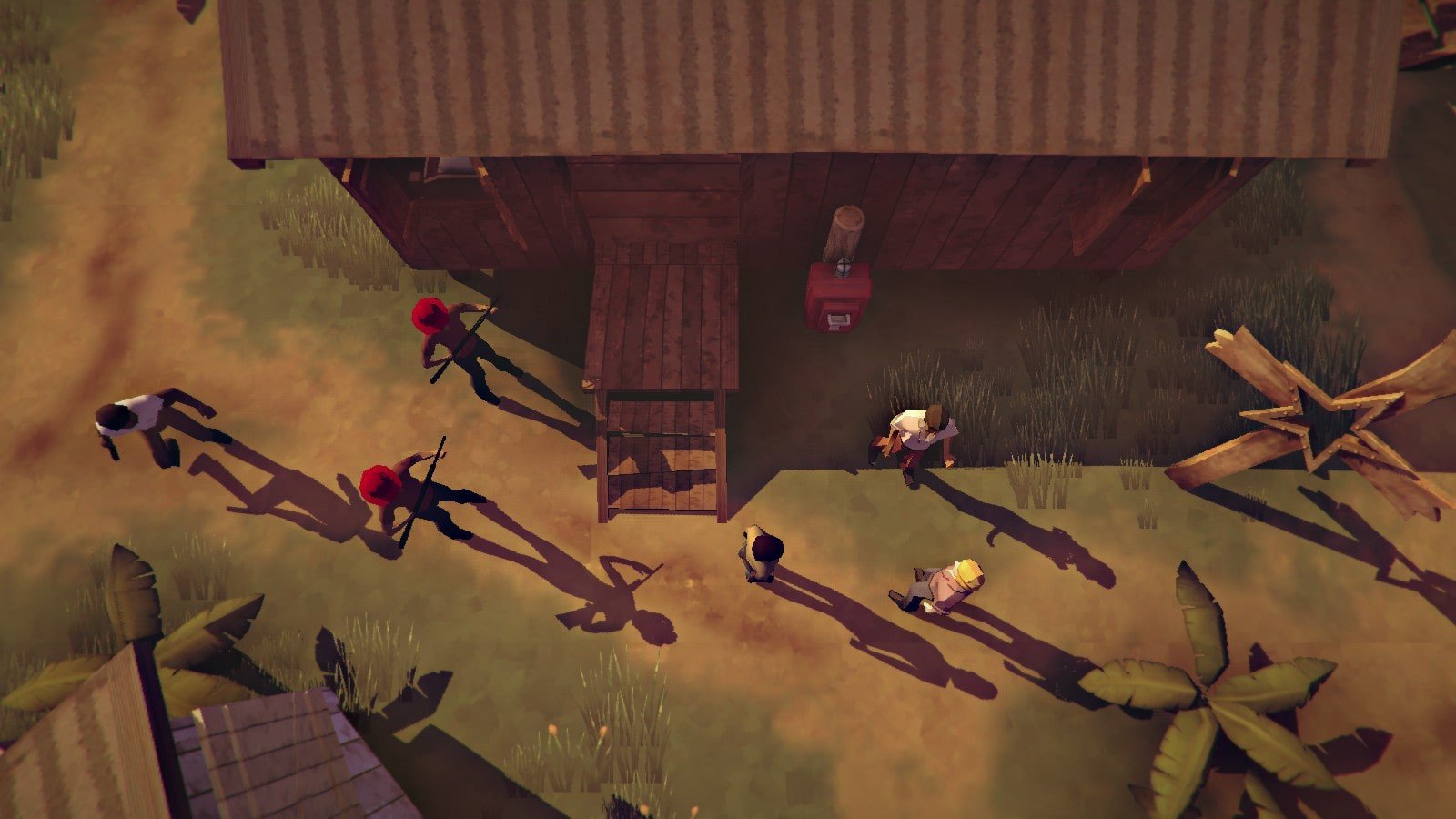
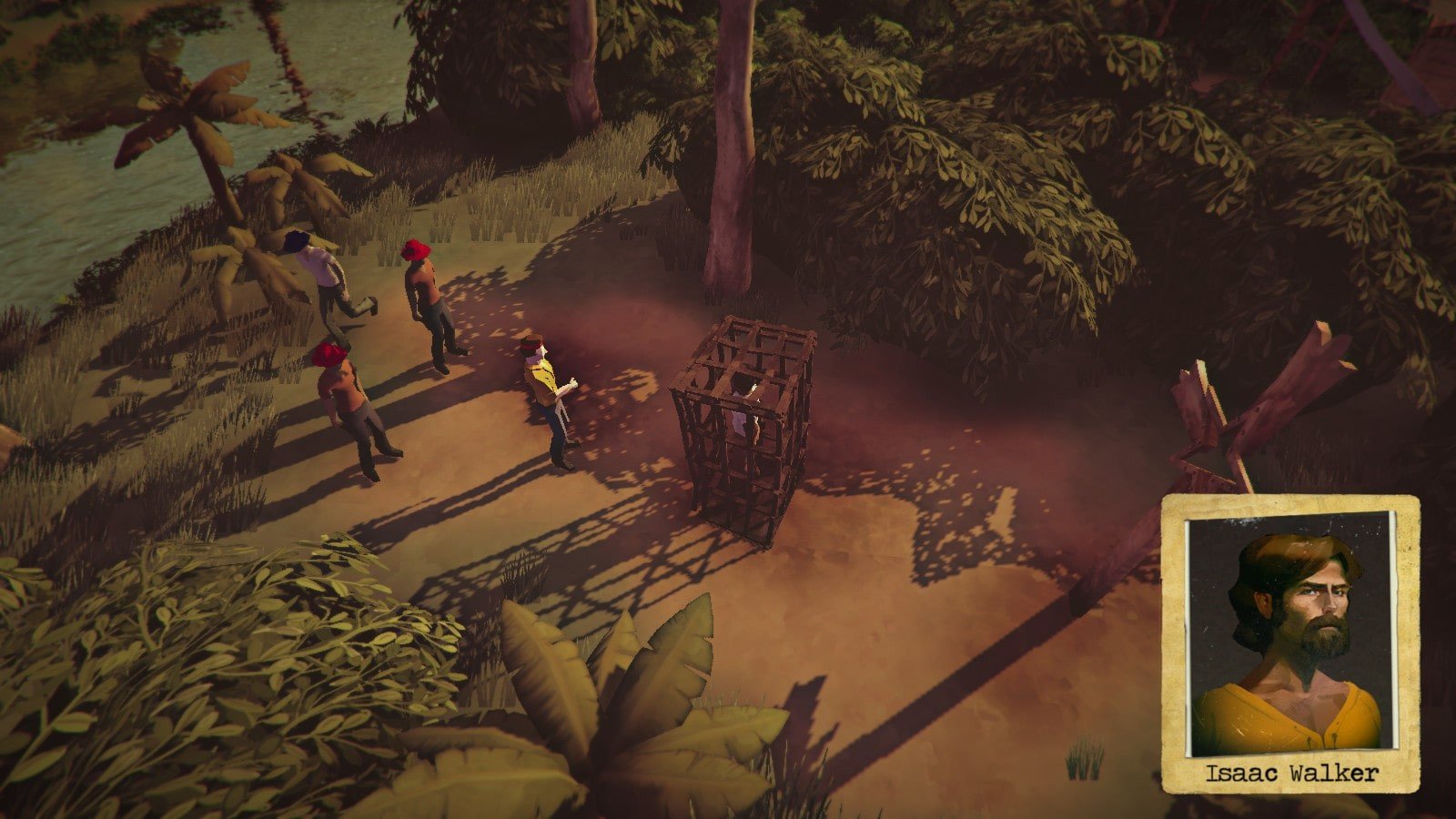
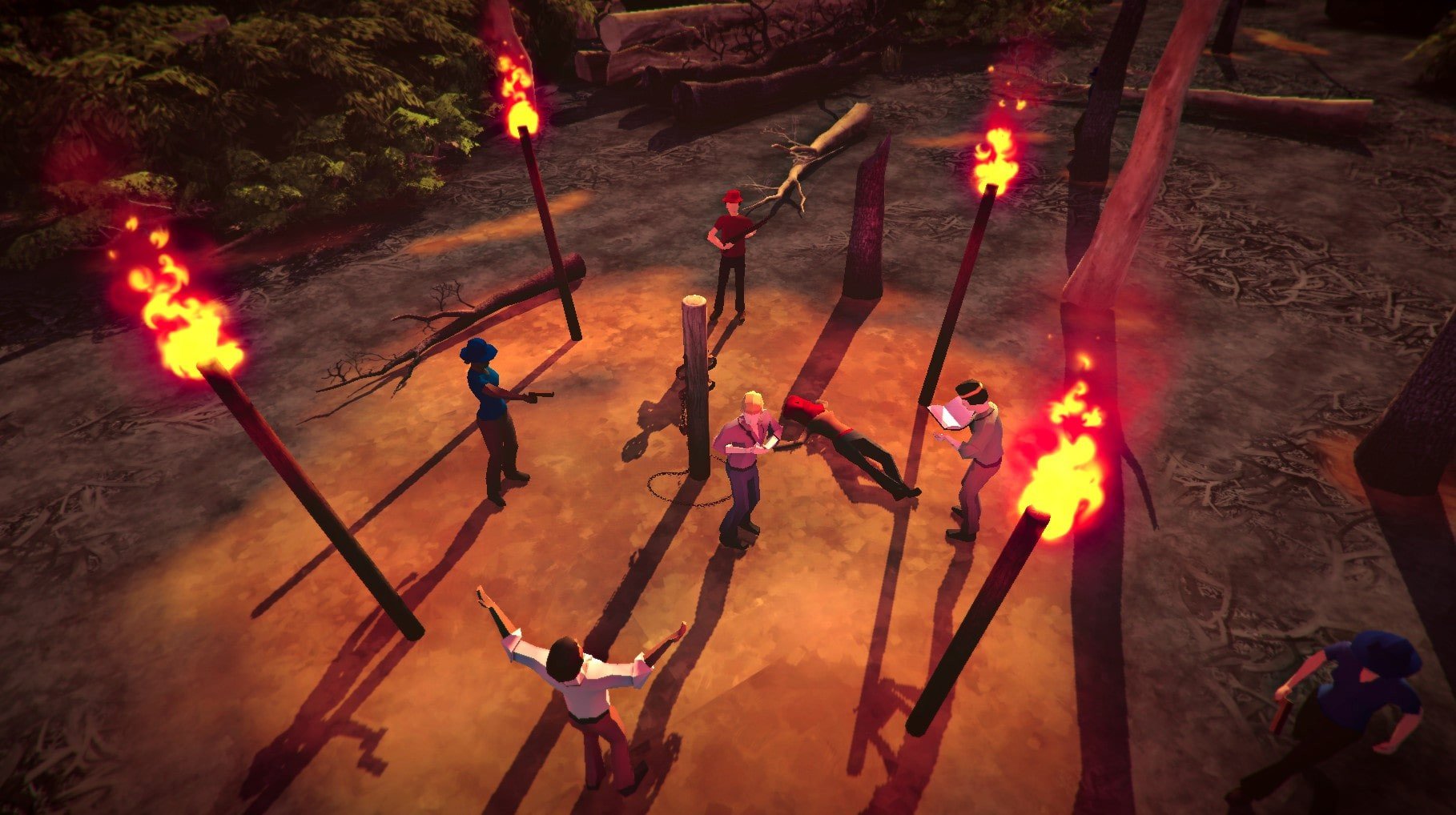
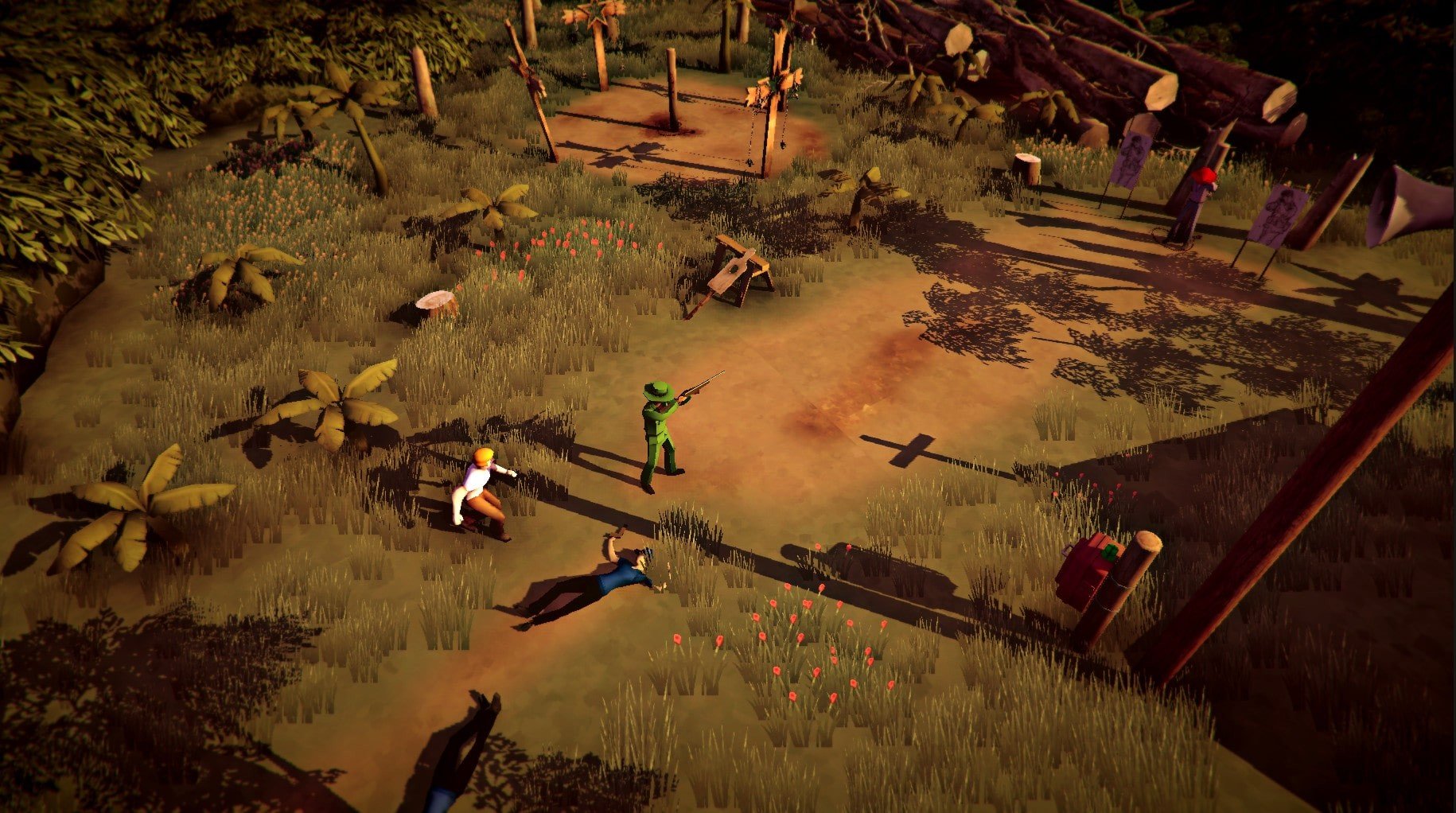
The Church in the Darkness, developed by Paranoid Productions, is a narrative-driven action-adventure game that plunges players into a world of cults, deception, and moral ambiguity. Set in the 1970s, the game presents a gripping exploration of power, trust, and manipulation, all within the isolated and mysterious confines of a South American cult compound. Its compelling story and dynamic gameplay mechanics make it a standout title for players seeking suspenseful, choice-driven experiences.
The premise of the game centers around the character Vic, a former law enforcement officer sent undercover to investigate “Freedom Town,” a settlement founded by the charismatic and enigmatic preacher, Reverend Isaacs. Freedom Town is portrayed as a utopian community on the surface, but as Vic delves deeper, it becomes clear that the residents live under intense psychological and social control. The game’s narrative strength lies in its ability to present the cult not as a one-dimensional villain, but as a complex society with convincing ideology, routines, and charismatic leadership.
One of the defining features of The Church in the Darkness is its dynamic storytelling. Unlike linear narratives, the game employs a procedural system where the beliefs, behaviors, and loyalties of the cult members change with each playthrough. This ensures that no two experiences are exactly alike. Players must carefully observe the inhabitants, gather intelligence, and decide how to act, weighing moral and practical consequences. The outcome of the game depends on these choices, ranging from subtle manipulation to full-blown confrontations.
The gameplay blends stealth, strategy, and exploration. Players navigate the compound while avoiding detection, gathering information, and deciding which actions to take to influence or undermine the cult. Combat exists but is less emphasized than observation and decision-making, reinforcing the tension and realism of infiltrating such a psychologically complex environment. Every choice carries weight, and the uncertainty of who can be trusted creates a constant sense of suspense and urgency.
Visually, the game combines a stylized aesthetic with realistic details to evoke the 1970s era and the eerie atmosphere of an isolated commune. The landscapes of Freedom Town, with its jungle surroundings and ritualistic spaces, are both beautiful and unsettling, enhancing the narrative’s tension. Complementing the visuals is a carefully crafted audio design. Ambient sounds, cult chants, and period-specific music contribute to the immersive experience, making players feel the underlying unease of the settlement.
Ultimately, The Church in the Darkness is more than just a stealth-adventure game. It is a thought-provoking exploration of human behavior, manipulation, and the power of ideology. Its emphasis on choice, procedural storytelling, and moral complexity creates an experience that is both unpredictable and deeply engaging. For players who enjoy games that challenge their perception and reward careful thought, this title offers a compelling journey into darkness and the human psyche.
System: OS X 10.11+Processor: 1 GHzMemory: 2 GB RAMDisk space: 500 MB available space
Mount the downloaded image and follow the standard installation procedure.
The installation is completed by choosing a location to place the game.
It is recommended to specify the Applications folder.
Frequently Asked Questions
Mount the image and run Open Gatekeeper friendly.
Press Enter to bypass Gatekeeper in the Terminal window.
Drag the application to the Applications folder.
The application is ready for use.
ATTENTION! SIP must be disabled. Learn more >
Restart your Mac and hold down Command + R to enter Recovery Mode.
Open Terminal from the Utilities menu.
Enter the command: csrutil disable
Restart your Mac.
This is a common Gatekeeper issue. Follow these steps:
1. Open Terminal
2. Enter: sudo xattr -rd com.apple.quarantine /Applications/AppName.app
3. Replace "AppName" with the actual application name
4. Press Enter and enter your password
Yes, all our downloads are thoroughly checked for viruses and malware.
We use multiple antivirus engines to scan every file.
Our team tests each application before publishing.
We never bundle adware or unwanted software.
Yes, we regularly update our applications to the latest versions.
You can check our website for updates or subscribe to our newsletter.
We strive to provide the most recent versions within 24-48 hours of release.
If a download link is not working, please:
1. Try a different browser
2. Clear your browser cache and cookies
3. Try the alternative download links provided
4. Contact our support team if the issue persists