


The House of Da Vinci 2
Download The House of Da Vinci 2
Run the downloaded image and follow the standard installation procedure.
The installation is completed by choosing a location to place the game.
It is recommended to specify the Applications folder.
Previous Versions
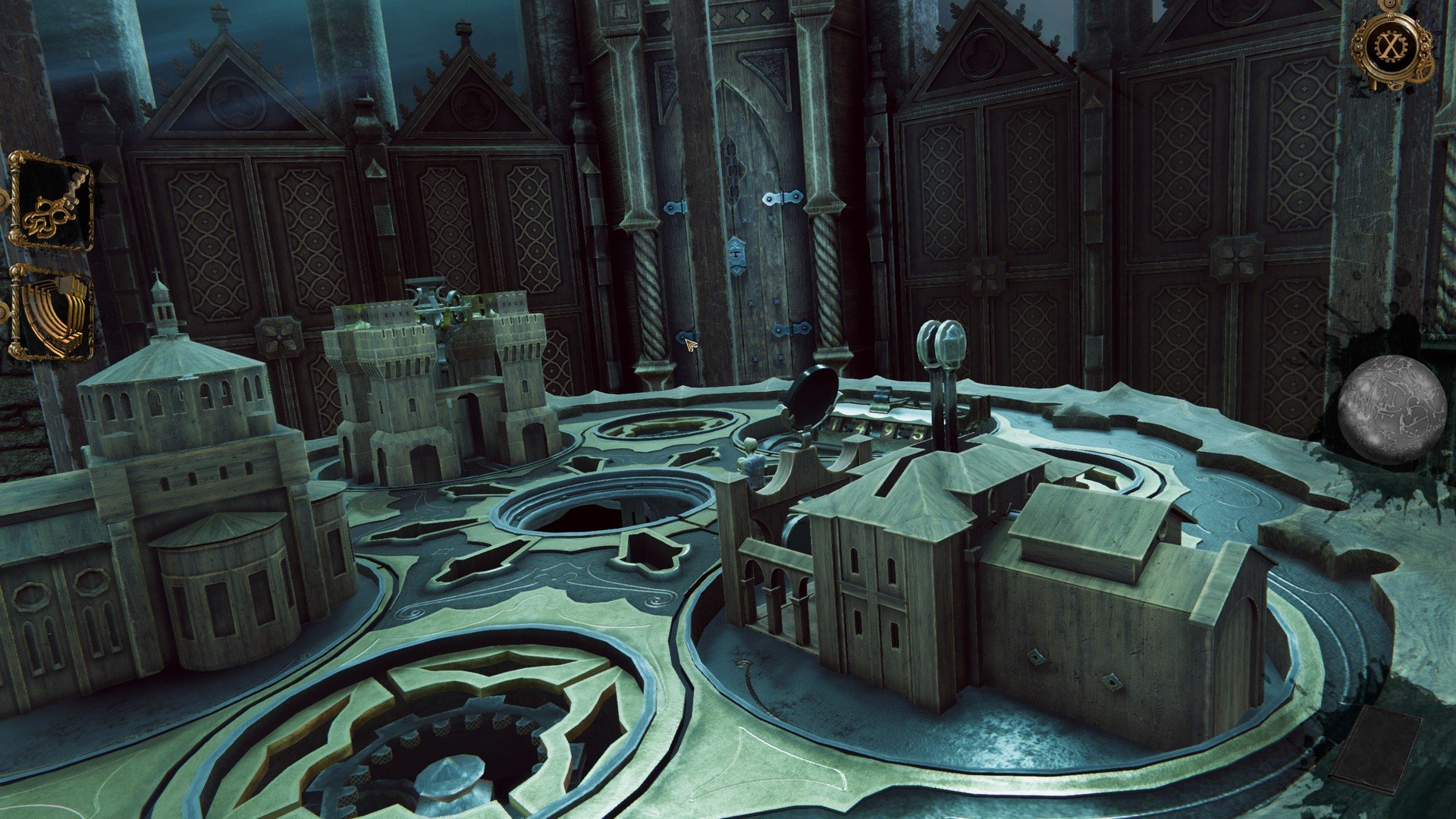
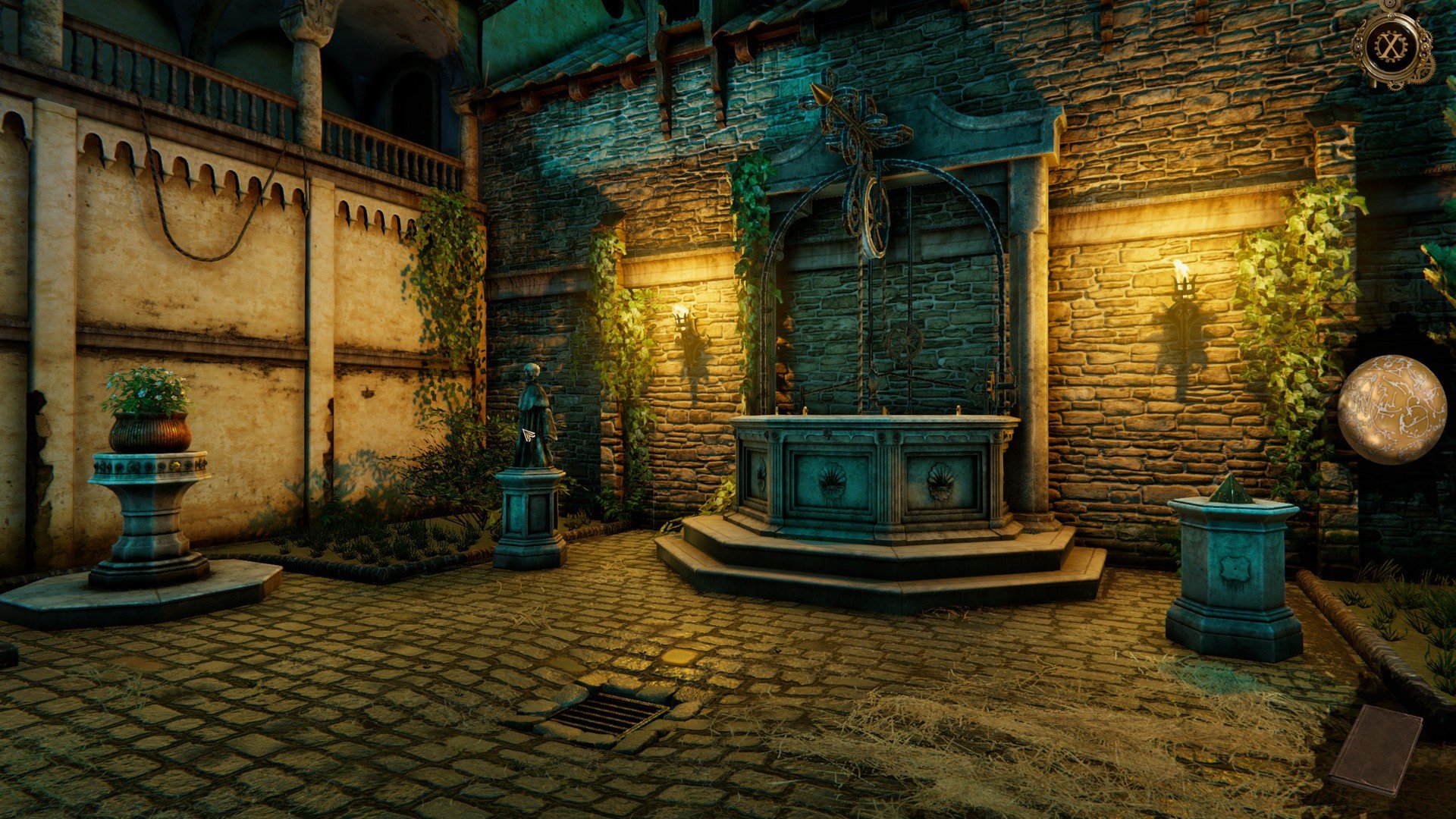
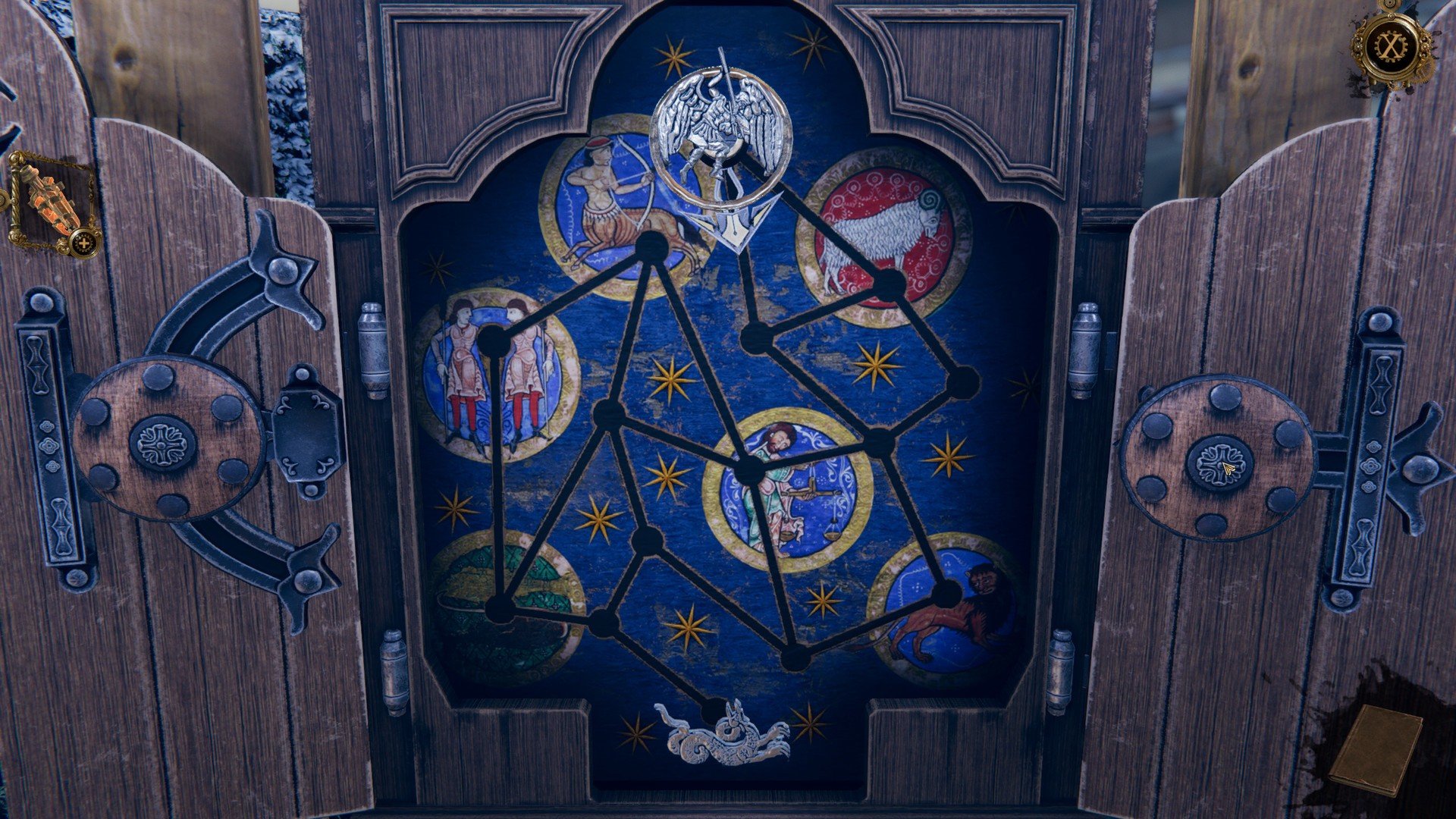
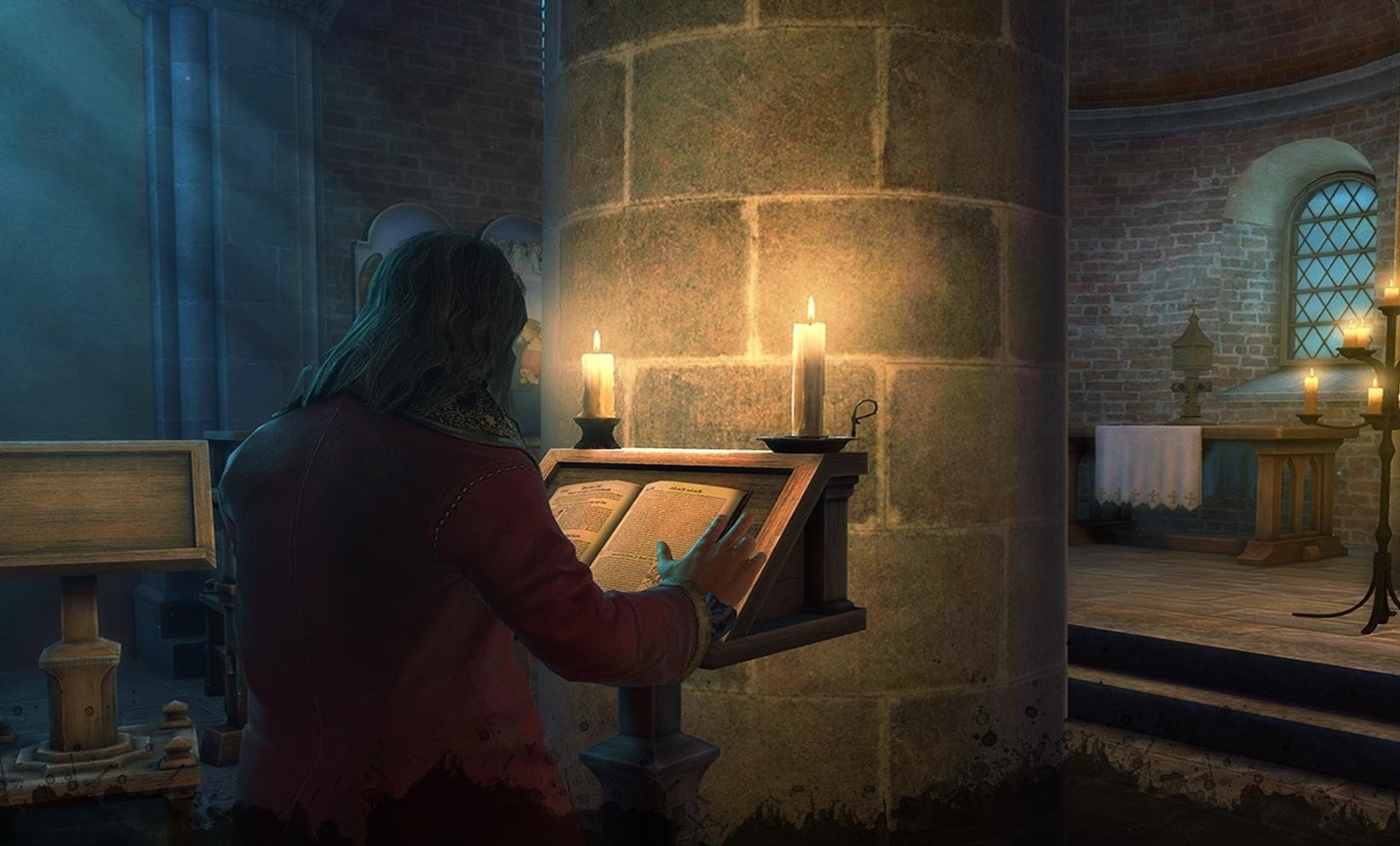
The House of Da Vinci 2 is an exquisite sequel that takes the essence of the original game and elevates it to new heights. Developed by Blue Brain Games, this point-and-click puzzle adventure immerses players in a world of intricate mechanisms, hidden secrets, and the genius mind of Leonardo da Vinci. With stunning graphics, challenging puzzles, and a compelling narrative, it has quickly become a favorite among fans of cerebral adventure games.
The game places players in the role of an apprentice of Leonardo da Vinci, tasked with solving a series of increasingly complex puzzles while uncovering a dark conspiracy. The story continues from the first installment, weaving together historical references, mysterious artifacts, and thrilling moments of discovery. What sets this sequel apart is its deeper narrative focus, providing more context and intrigue surrounding the enigmatic inventor and his inventions. The plot is engaging, encouraging players to piece together clues, examine documents, and explore every corner of beautifully designed environments.
Visuals in The House of Da Vinci 2 are a remarkable blend of realism and artistry. Every room, corridor, and workshop is meticulously crafted, reflecting the Renaissance aesthetic while maintaining clarity for puzzle-solving. The attention to detail is astonishing: gears, levers, and hidden compartments are rendered with such precision that it feels as though players are interacting with real mechanical devices. The atmospheric lighting and careful shading add depth to the experience, enhancing the sense of exploration and discovery.
The puzzles are the core strength of the game. They range from mechanical contraptions to optical illusions and logic-based challenges. Each puzzle is integrated naturally into the environment, requiring observation, experimentation, and critical thinking. Unlike many games where puzzles feel isolated from the story, here they advance both plot and character development. The game gradually increases difficulty, ensuring that players are consistently challenged without feeling frustrated. The tactile interaction, especially on touch devices, adds a satisfying hands-on quality to solving each mystery.
Character development and storytelling are also notable improvements in the sequel. While the original game introduced the world and mechanics, The House of Da Vinci 2 delves deeper into the apprentice’s relationship with Leonardo and other key figures. The narrative is enriched with letters, secret notes, and journal entries, all contributing to a layered story that rewards curiosity and attention to detail. This depth makes exploration feel purposeful, as players uncover not just mechanical secrets but personal and historical mysteries as well.
The game’s pacing is well-calibrated, balancing quiet moments of observation with intense sequences of discovery. Players are encouraged to explore freely, but the story subtly guides them toward key revelations, keeping engagement high throughout the experience. The combination of intellectual challenge, aesthetic beauty, and compelling storytelling makes The House of Da Vinci 2 more than just a puzzle game—it is an immersive adventure into the mind of one of history’s greatest inventors.
In conclusion, The House of Da Vinci 2 is a triumph of design, narrative, and ingenuity. It successfully builds on its predecessor, offering players a deeply satisfying blend of mystery, mechanical puzzles, and historical intrigue. For anyone who enjoys thought-provoking games that reward curiosity and persistence, this sequel is a masterpiece that should not be missed.
System: macOS SierraProcessor: 2.0 GHz Dual Core ProcessorMemory: 2 GBGraphics: Video card with 512 MBStorage: 7 GB
Run the downloaded image and follow the standard installation procedure.
The installation is completed by choosing a location to place the game.
It is recommended to specify the Applications folder.
Frequently Asked Questions
Mount the image and run Open Gatekeeper friendly.
Press Enter to bypass Gatekeeper in the Terminal window.
Drag the application to the Applications folder.
The application is ready for use.
ATTENTION! SIP must be disabled. Learn more >
Restart your Mac and hold down Command + R to enter Recovery Mode.
Open Terminal from the Utilities menu.
Enter the command: csrutil disable
Restart your Mac.
This is a common Gatekeeper issue. Follow these steps:
1. Open Terminal
2. Enter: sudo xattr -rd com.apple.quarantine /Applications/AppName.app
3. Replace "AppName" with the actual application name
4. Press Enter and enter your password
Yes, all our downloads are thoroughly checked for viruses and malware.
We use multiple antivirus engines to scan every file.
Our team tests each application before publishing.
We never bundle adware or unwanted software.
Yes, we regularly update our applications to the latest versions.
You can check our website for updates or subscribe to our newsletter.
We strive to provide the most recent versions within 24-48 hours of release.
If a download link is not working, please:
1. Try a different browser
2. Clear your browser cache and cookies
3. Try the alternative download links provided
4. Contact our support team if the issue persists