


The Pedestrian
Download The Pedestrian
Run the downloaded package and follow the standard installation procedure.
The installation is completed by choosing a location to place the game.
It is recommended to specify the Applications folder.
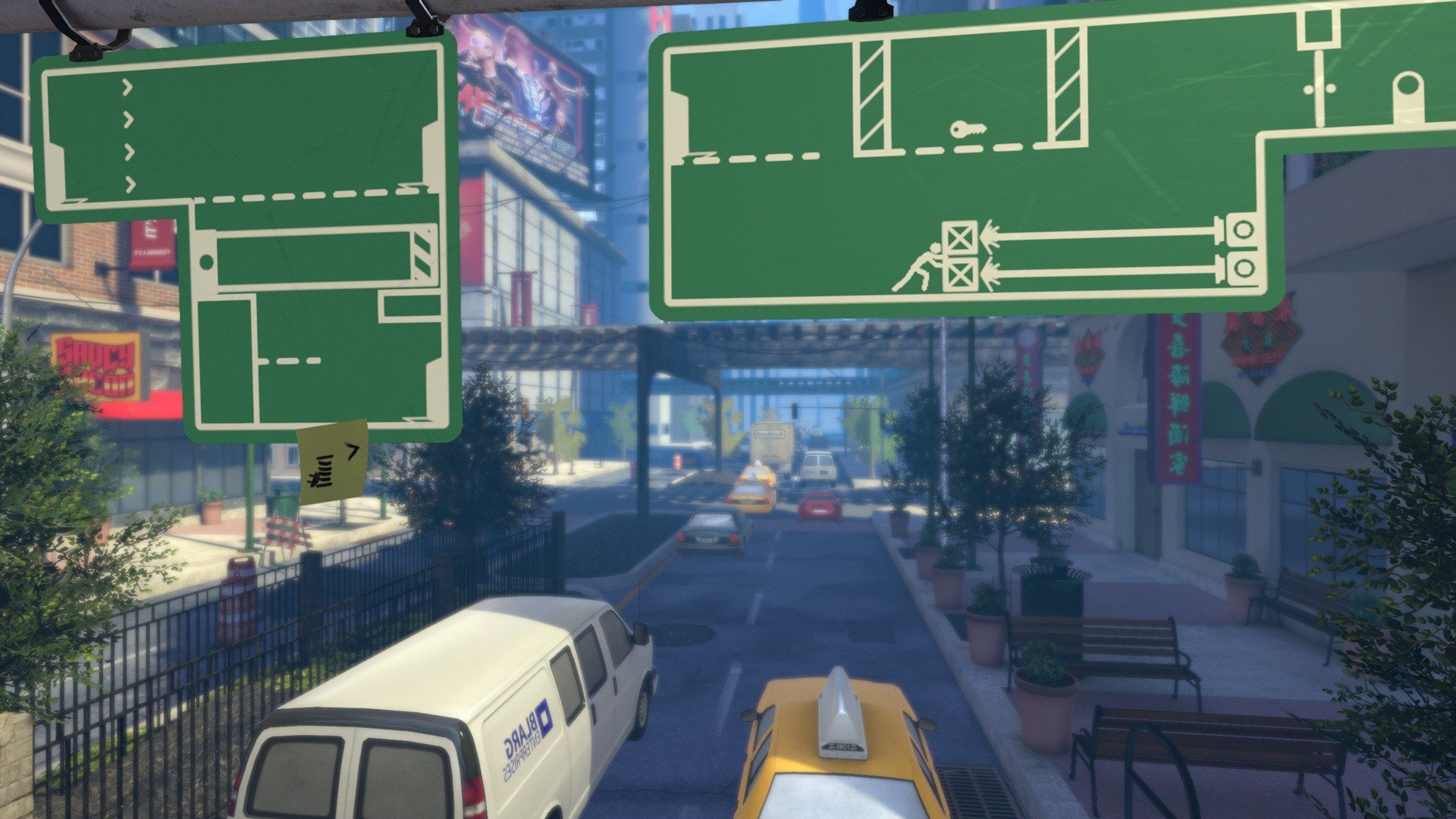
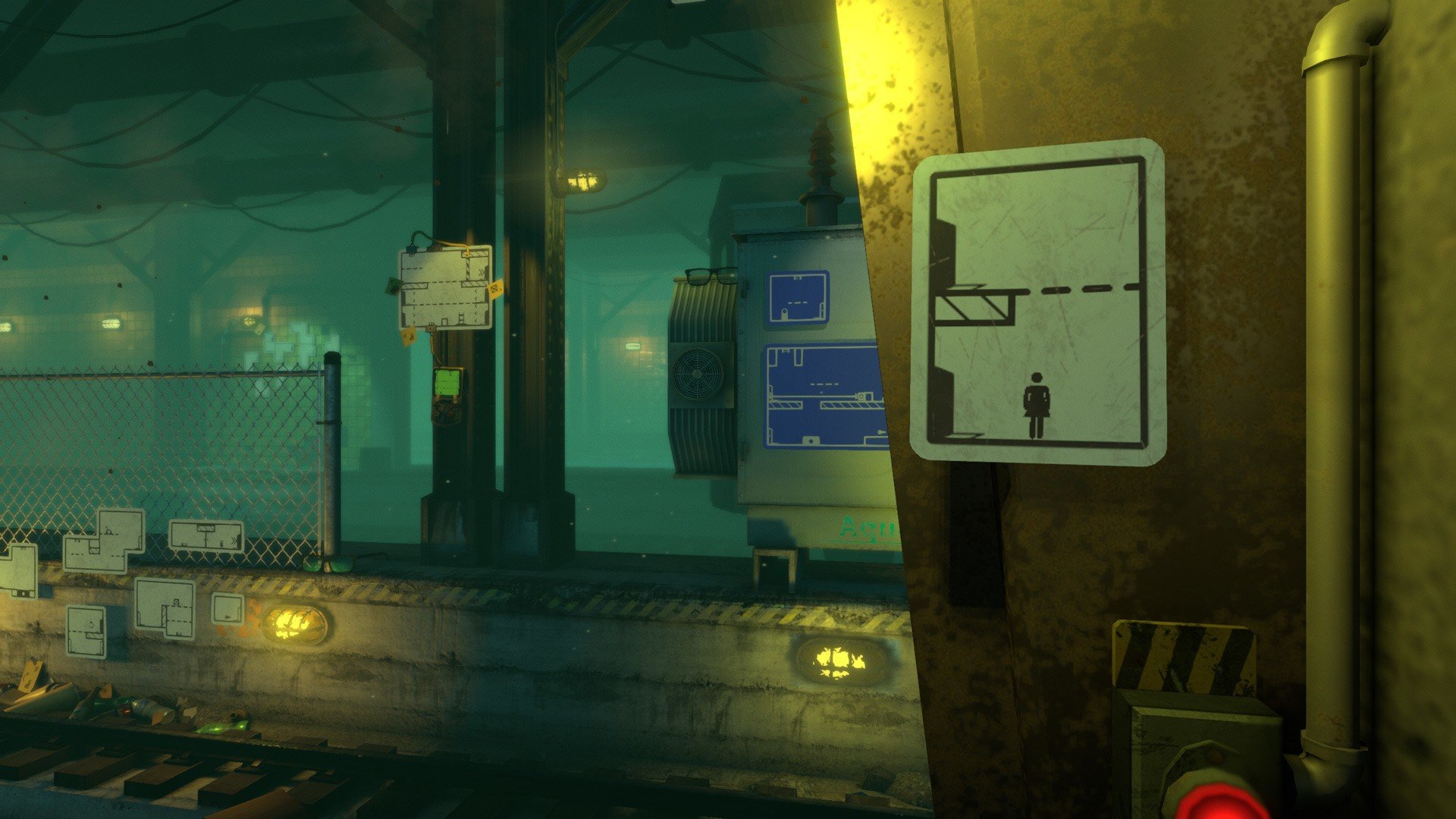
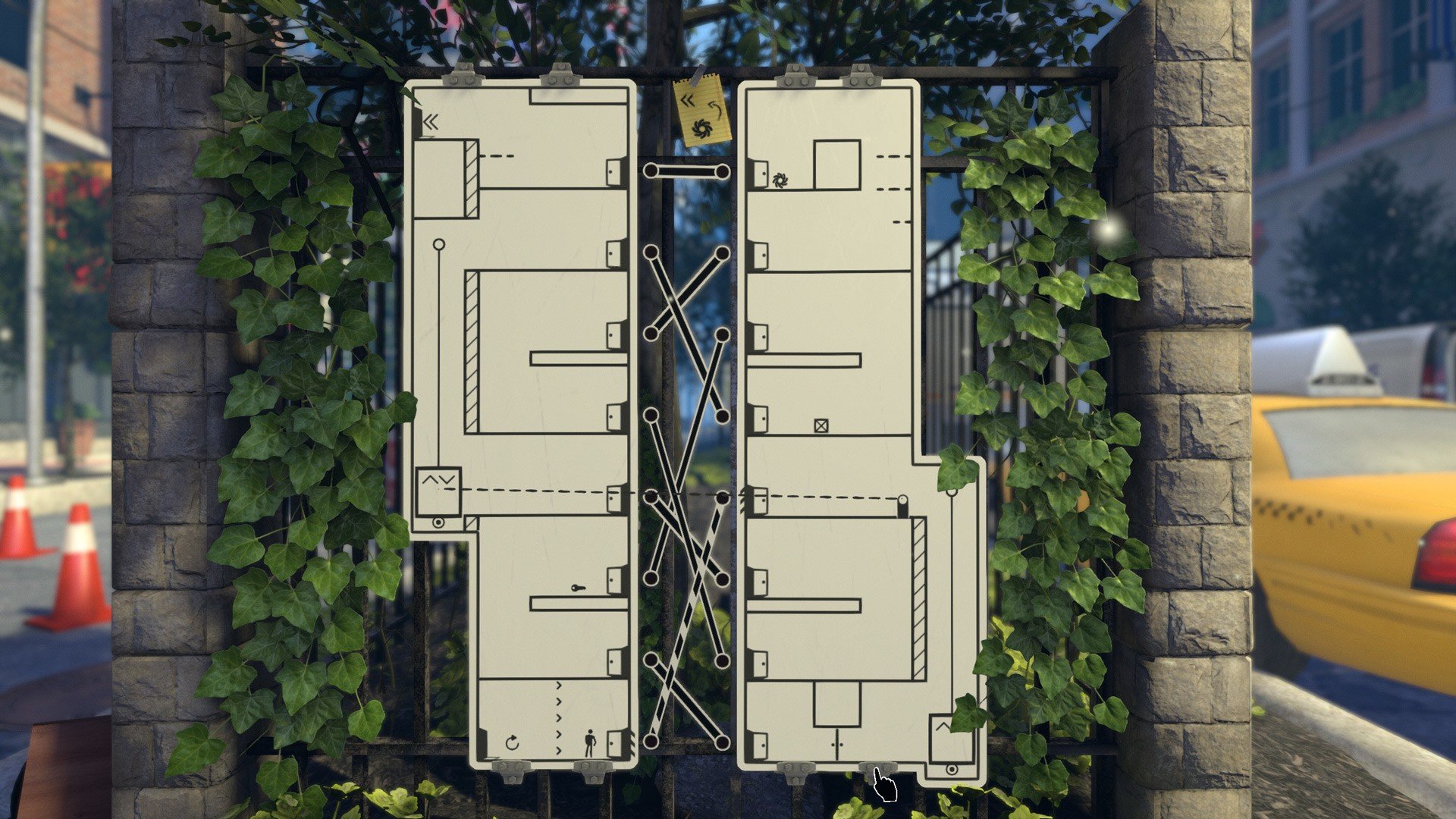
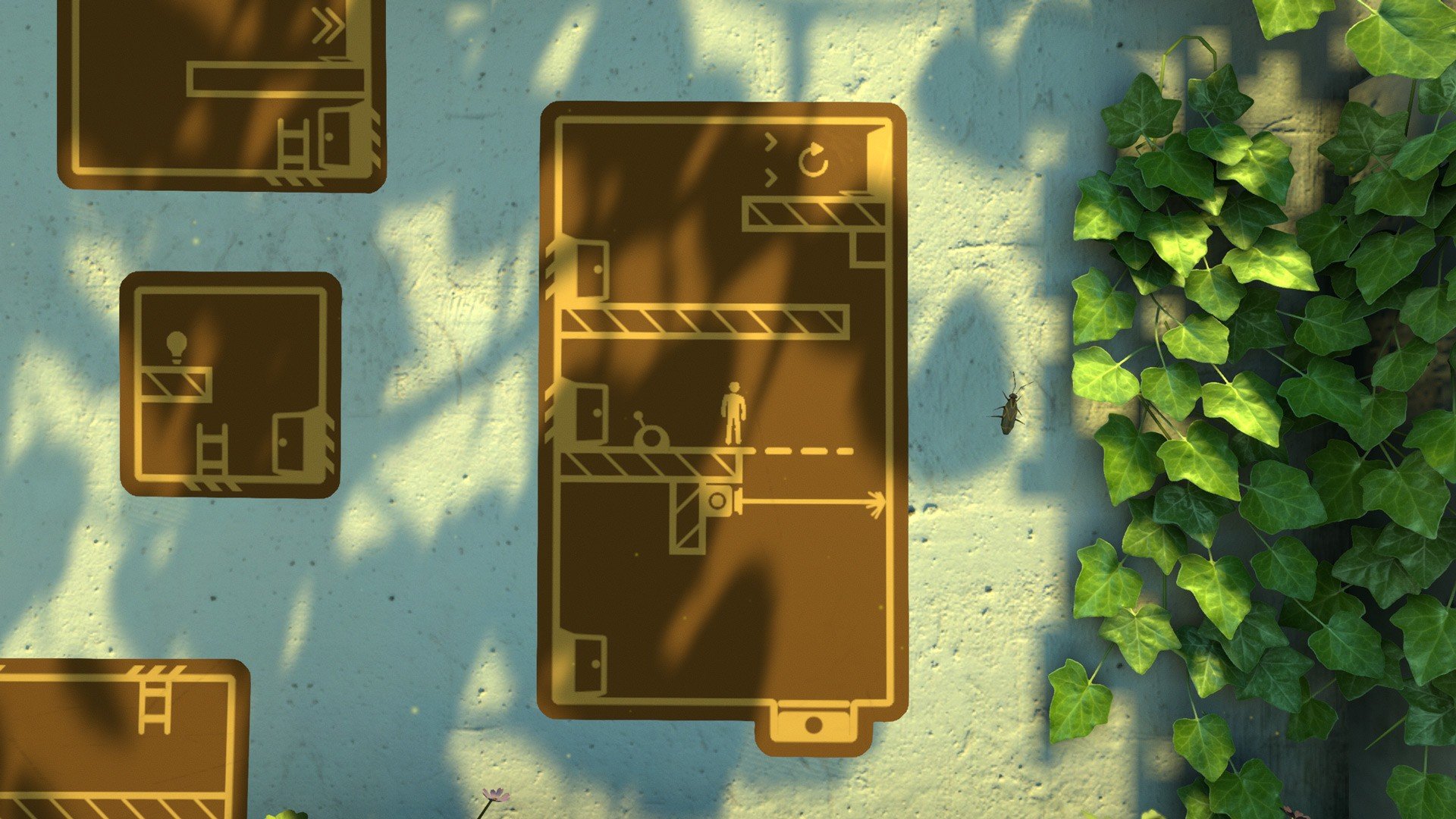
In the crowded world of puzzle platformers, The Pedestrian stands out as a refreshingly innovative and visually distinct game. Developed by Skookum Arts, this title combines physics-based puzzles with clever environmental design, offering players a unique challenge that goes beyond traditional platforming mechanics. Its distinctive concept, intuitive gameplay, and satisfying problem-solving make it a memorable experience for puzzle enthusiasts and casual gamers alike.
At the heart of The Pedestrian is a deceptively simple premise: players control a small stick figure who navigates the world by moving between and interacting with elements of public signage. Street signs, advertisements, and informational panels are not merely decorative—they form the structure of the game’s levels. The challenge lies in connecting these signs, moving the character seamlessly from one panel to another, and solving puzzles that require both creativity and logic.
The game’s core gameplay mechanic is both straightforward and innovative. Players must manipulate signs, rotate panels, and create paths that allow the character to progress. Puzzles increase in complexity as the game advances, introducing new elements such as switches, obstacles, and interactive objects. Each level encourages experimentation, rewarding careful observation, planning, and trial-and-error approaches. This design fosters a sense of accomplishment as players successfully navigate increasingly intricate environments.
One of the most appealing aspects of The Pedestrian is its visual style. The game employs clean, minimalistic graphics that emphasize clarity and functionality while maintaining aesthetic appeal. Street signs are rendered in a crisp, readable style, and the game world’s muted color palette ensures that puzzles remain easy to follow. Despite its simplicity, the environment feels lively and engaging, transforming mundane urban signage into a compelling playground for the mind.
In addition to its clever mechanics, The Pedestrian excels in level design. Each stage introduces new challenges without overwhelming the player, balancing difficulty progression with intuitive learning. The levels often require lateral thinking, asking players to consider how separate elements interact in creative ways. This thoughtful design keeps gameplay engaging and encourages players to approach problems from multiple perspectives.
The game also benefits from polished controls and smooth physics, making movement and interaction precise and responsive. The small but crucial details, such as how the character moves between panels or responds to environmental elements, enhance the sense of control and immersion. Players feel rewarded for careful planning and precise execution, which adds a satisfying layer of depth to the experience.
In conclusion, The Pedestrian is a standout puzzle platformer that combines innovation, clever design, and aesthetic simplicity. Its inventive use of public signage as a navigable world, coupled with challenging puzzles and intuitive mechanics, creates a game that is both mentally stimulating and enjoyable. For players who appreciate smart, engaging, and uniquely designed puzzle experiences, The Pedestrian offers a journey that is as rewarding as it is entertaining, turning everyday objects into an extraordinary playground for the imagination.
OS: OS X 10.9Processor: Intel i3RAM: 4 GBVideo card: Radeon Pro 555Disk space: 4 GB
Run the downloaded package and follow the standard installation procedure.
The installation is completed by choosing a location to place the game.
It is recommended to specify the Applications folder.
Frequently Asked Questions
Mount the image and run Open Gatekeeper friendly.
Press Enter to bypass Gatekeeper in the Terminal window.
Drag the application to the Applications folder.
The application is ready for use.
ATTENTION! SIP must be disabled. Learn more >
Restart your Mac and hold down Command + R to enter Recovery Mode.
Open Terminal from the Utilities menu.
Enter the command: csrutil disable
Restart your Mac.
This is a common Gatekeeper issue. Follow these steps:
1. Open Terminal
2. Enter: sudo xattr -rd com.apple.quarantine /Applications/AppName.app
3. Replace "AppName" with the actual application name
4. Press Enter and enter your password
Yes, all our downloads are thoroughly checked for viruses and malware.
We use multiple antivirus engines to scan every file.
Our team tests each application before publishing.
We never bundle adware or unwanted software.
Yes, we regularly update our applications to the latest versions.
You can check our website for updates or subscribe to our newsletter.
We strive to provide the most recent versions within 24-48 hours of release.
If a download link is not working, please:
1. Try a different browser
2. Clear your browser cache and cookies
3. Try the alternative download links provided
4. Contact our support team if the issue persists